Best Apps for ADHD College Students in 2026: 9 Apps Compared
Find the best apps for ADHD college students in 2026, with planners, focus timers, and task tools that help with deadlines, routines, and study sessions.
- Editor's choice
 Todoist
Fast task capture
Starts atFreeVisit todoist.comFull review - Great alternative
 Notion
Notes, tasks, and study hub
Starts atFreeVisit notion.soFull review - Also consider
 Forest
Staying off the phone
Starts atSee websiteVisit forestapp.ccFull review
TL;DR:
- Todoist is the best starting task app for most students, because capture is fast and the free tier is usable.
- Tiimo and Structured help with time blindness by showing the day as a visual timeline instead of a list.
- Goblin Tools is the best free fix for task paralysis, since it breaks a vague assignment into small steps.
- Forest, Habitica, and Focusmate add motivation in different ways, through focus rewards, game rewards, and live body doubling.
- No app treats ADHD, so use these tools as support beside campus services, treatment, and study help when you need them.
Quick comparison
| Tool | Best for | Starts at | Free plan? | |
|---|---|---|---|---|
| Todoist | Fast task capture | Free | Yes | Visit |
| Notion | Notes, tasks, and study hub | Free | Yes | Visit |
| Forest | Staying off the phone | See website | No | Visit |
 Tiimo | Visual daily planning | $12 per month | Yes | Visit |
 Structured | Timeline day planning | $29.99 per year | Yes | Visit |
 Goblin Tools | Breaking tasks into steps | Free | Yes | Visit |
 Habitica | Gamified habits and tasks | Free | Yes | Visit |
 Focusmate | Body doubling sessions | $12 per month | Yes | Visit |
 Routinery | Repeatable daily routines | $5 per month | Yes | Visit |
The best apps for ADHD college students
College with ADHD often breaks down in the same places: remembering deadlines, starting a large assignment, feeling how long a task will take, and staying focused once you sit down. We compared official feature pages, app store listings, and public reviews to find apps that help with each of those problems, not just generic planners.
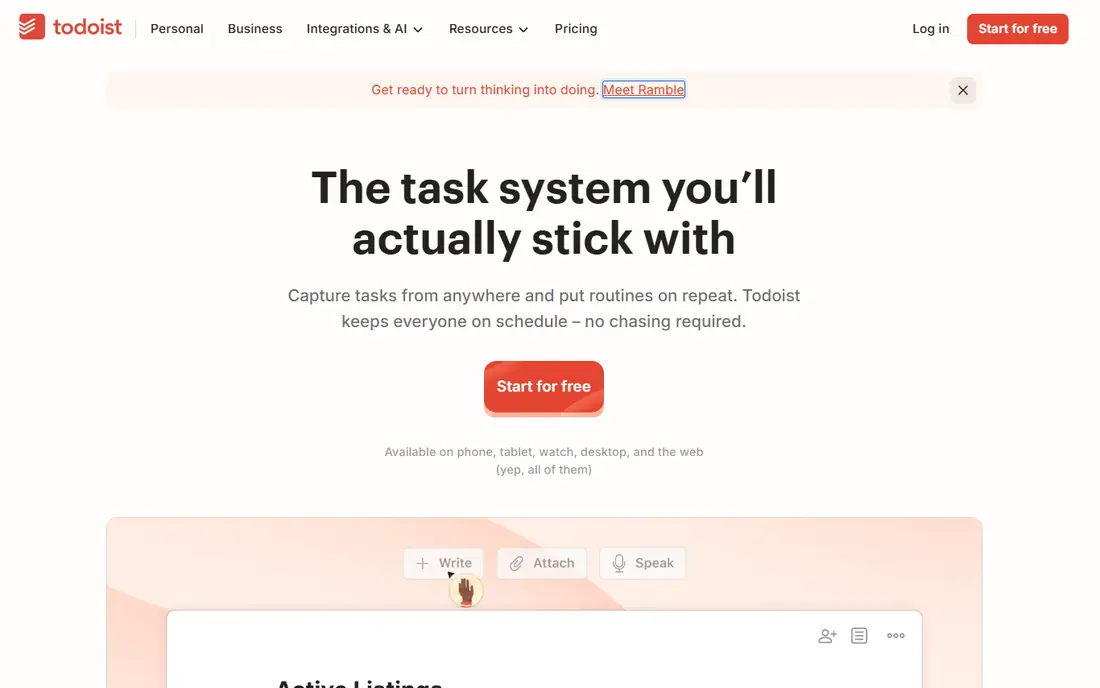
Todoist is the app we would hand to most college students first. You can type "essay draft every Tuesday at 4pm" and it turns that into a dated, recurring task without a form to fill in. That speed matters, because a task that takes a minute to record is a task you will actually record. Priorities, labels, and sections let you sort by course, deadline, or energy level.
The free Beginner plan covers five personal projects, which suits a single semester if you group courses carefully. Pro costs $5 per month on annual billing and adds custom reminders, filters, and unlimited activity history. Todoist does not include a focus timer or a visual timeline, so students who need those features should pair it with Forest, Tiimo, or Structured.
- Natural language task entry
- Recurring tasks and priorities
- Syncs across phone and computer
- Free plan caps projects
- Reminders and filters need Pro
- No built in focus timer
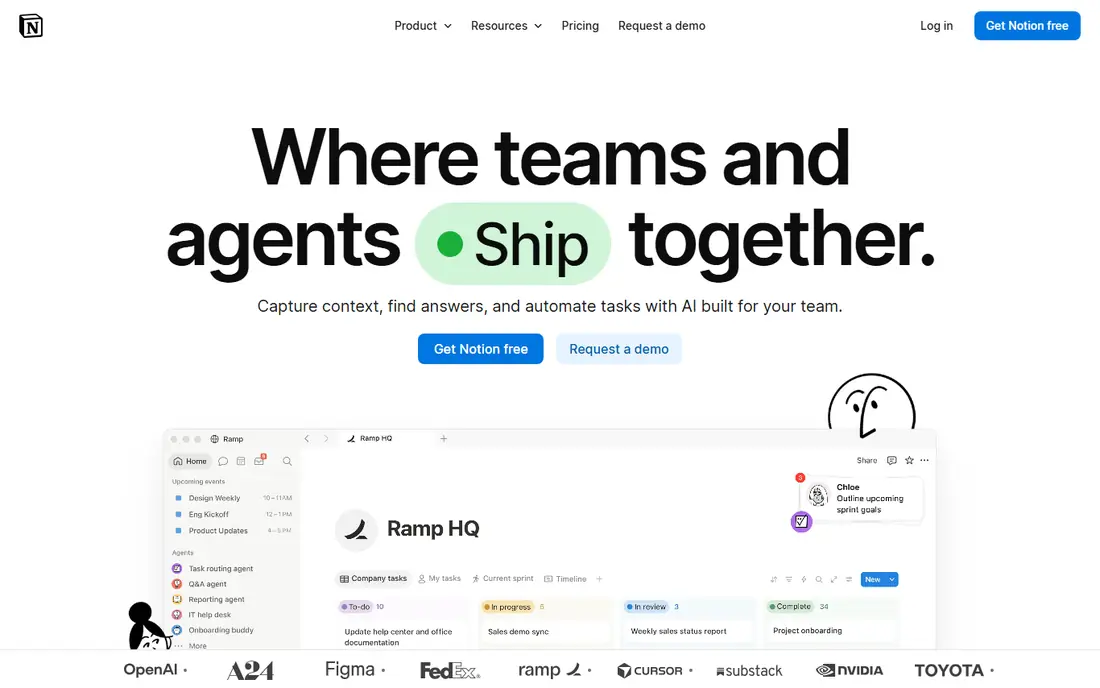
Notion works best for students who want one hub for notes, readings, deadlines, and revision plans. You can build a course page with lecture notes, assignment trackers, and a revision database, then switch between table, calendar, and board views. Templates for student planners cut setup time, though building a clean system still takes an afternoon.
The free plan is generous for solo use, with unlimited pages, while Plus costs $10 per month on annual billing. The drawback is friction. Quick capture on a phone is slower than in Todoist, and a sprawling workspace can become another thing to organise instead of a tool that helps. Use Notion for study material and long term planning, and keep daily tasks in a simpler app if capture speed matters more.
- Notes, tasks, and databases in one place
- Templates for courses and revision
- Free plan for solo use
- Setup takes time
- Mobile capture is slower than Todoist
- Large workspaces can feel heavy
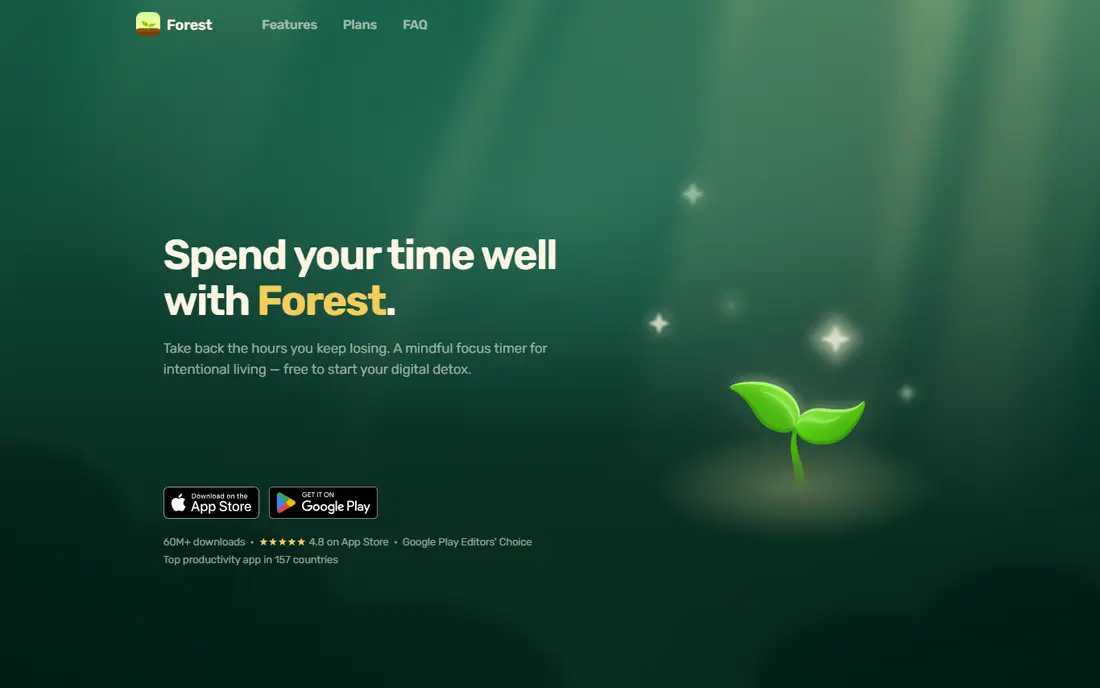
Forest turns focus into something you can see. You plant a virtual tree, set a timer, and the tree grows while you stay off your phone. Leave the app early and the tree withers, which is a small but clear consequence. That visual stake helps students who know what to do but keep picking up the phone during study blocks.
You can plant with friends, which adds gentle accountability without a live video call. Forest does not plan your day or break down assignments, so it works best beside a task app. Check the current store price before you buy, since it varies by platform. For students whose main problem is phone distraction, Forest is a simple, low friction fix.
- Simple focus timer with a visual reward
- Phone stays planted while a tree grows
- Friends can plant together
- Paid app with no free tier in most stores
- Timer alone does not plan tasks
- Rewards lose novelty over time
Tiimo is built for time blindness, the feeling that time slips past without a shape. Instead of a plain list, it shows the day as a colour coded timeline, with tasks, breaks, and routines laid out in order. A focus timer can start on its own when a scheduled task begins, which removes one more decision at the moment you need to start.
The free tier covers a basic planner with limited AI chats and one profile, while Pro costs $12 per month or $54 per year and adds web access, profile sharing, and fuller features. Tiimo also supports accessibility features such as VoiceOver and larger text, which matters for a planner meant to support varied needs. Calendar sync is not perfect for every workflow, so test it with your campus calendar before you rely on it.
- Colour coded visual timeline
- Focus timer starts with scheduled tasks
- Widgets and Apple Watch support
- Monthly price is high
- Web access needs Pro
- Calendar sync can frustrate some users
Structured gives you a timeline for today, with tasks and events in order, so the next step is always obvious. You can add subtasks, set a Pomodoro timer on Apple devices, and use widgets to see the day without opening the app. For students who stare at a long list and cannot pick a starting point, that order is the point.
The free tier covers the timeline planner, inbox, sync, subtasks, and widgets, while Pro costs $29.99 per year or $99.99 for lifetime access, with monthly prices varying by store. On a day when everything slips, a rigid timeline can feel punishing, so treat it as a guide you can reshuffle, not a contract. Structured is best for daily planning, not for tracking a semester long project.
- Clear visual timeline for the whole day
- Subtasks and Pomodoro timer
- Syncs across Apple and Android devices
- Paid features vary by platform
- Timeline can feel rigid on bad days
- Less suited to long term project tracking
Goblin Tools is the most useful free tool in this list for task paralysis. Type in a vague task such as "write research paper" and Magic ToDo breaks it into smaller steps you can actually start. You can adjust how detailed the breakdown is, then work through steps one at a time with its task mode. That first step is often the hardest part, and Goblin Tools removes the guesswork.
The website is free with no ads or paywalls, while the mobile app costs a small one time fee, $1.99 on iOS and $0.99 on Android in recent listings. Goblin Tools is not a planner, calendar, or reminder system, so pair it with Todoist or Structured for deadlines. For the specific problem of not knowing where to start, it is hard to beat.
- Magic ToDo breaks vague tasks into steps
- Free on the web with no ads
- Simple, low distraction design
- No full planner or calendar
- Mobile app costs a small one time fee
- Step lists still need your follow through
Habitica turns tasks into a role playing game. You create an avatar, add habits, daily routines, and to dos, and checking them off earns gold, experience, and gear. Dailies handle repeating routines such as morning prep or revision, while habits track actions you want to do more or less often. That reward loop helps students who respond to visible progress and streaks.
The core features are free, with premium subscriptions from $4.99 per month adding extra perks. The game layer can also become a distraction if you spend more time on gear than on work, and party quests work best with friends who also use the app. For students who find plain lists dull and need a reason to return each day, Habitica adds motivation without a high price.
- Habits, dailies, and to dos in one game
- Rewards and streaks for consistency
- Free core features
- Game systems can distract
- Premium adds cosmetic and convenience items
- Party features need friends to shine
Focusmate pairs you with another person for a live work session. You book a 25, 50, or 75 minute slot, state your goal on camera at the start, work quietly together, and report back at the end. That structure, known as body doubling, helps many students with ADHD start and stay on task, because someone else is present even though you work on different things.
The free plan includes three sessions per week, while unlimited sessions cost $12 per month, or $8 per month on annual billing. You need a webcam and a space where you can talk briefly at the start and end, which does not suit every dorm or library. For students who start best when someone else is working beside them, Focusmate is the most direct version of that support online.
- Live body doubling with a real person
- Sessions book in advance
- Free sessions each week
- Needs a webcam and a quiet space
- Scheduling around classes takes planning
- Paid plan needed for unlimited sessions
Routinery is built for routines that need to run the same way each day. You build a routine such as morning prep, library study block, or bedtime wind down, and each step runs on its own timer while a voice reads it aloud and calls out the next step. That guidance helps students who lose track in the middle of a multi step routine.
The free tier covers two routines with ads, while Premium costs $5 per month or $36 per year. There is no web version, so Routinery lives on your phone. It is less useful for one off assignments, which belong in a task app, but for a routine you repeat daily, the timed prompts remove decision fatigue and keep you moving from step to step.
- Timed routine steps with voice prompts
- Helps morning and study routines stick
- Simple routine builder
- Free plan covers only two routines
- No web version
- Less useful for one off assignments
How we picked these
We started with the problems college students with ADHD report most often, then matched each app to one problem rather than listing generic planners. We checked official feature pages, pricing pages, and app store listings, and read public reviews for recurring issues such as sync problems, price changes, and free tier limits. We did not claim hands on testing.
We also favoured apps with a usable free tier or a low entry price, since student budgets are tight. Where an app is a support tool rather than treatment, we say so plainly. These apps can hold a list, show time, or add accountability, but they do not replace an evaluation, medication, therapy, or campus disability services.
How to build a simple ADHD study system
Pick one app for each job, and no more. Use Todoist or Notion for capture and deadlines, Tiimo or Structured for the daily timeline, and Goblin Tools when a task feels too big to start. Add Forest or Focusmate only if focus or starting is your main blocker, not because the app looks fun. A system with three tools you open daily beats a system with eight tools you abandon in week two.
Make the system visible. Put tomorrow timeline on a widget, set one reminder for the first task of the day, and keep a single inbox for new tasks so nothing hides in five apps. Review the system once a week for ten minutes: move missed tasks, break down the next large assignment in Goblin Tools, and book Focusmate sessions for the hardest study blocks. Small, repeated setup beats a perfect setup you never revisit.
Also use campus support. Many colleges offer academic coaching, extended time, note taking help, and counselling through disability services, and those services work alongside apps rather than instead of them. If focus, sleep, mood, or organisation problems persist, talk to a clinician or campus health service. An app can support a plan, but it cannot diagnose or treat ADHD.
FAQ
What are the best ADHD productivity apps for college students?
Todoist for tasks, Tiimo or Structured for visual planning, and Goblin Tools for breaking down assignments cover the core needs for most students. Forest helps with phone distraction, while Focusmate helps with starting through body doubling. Pick the app that matches your biggest blocker first, then add one more only if you need it.
What are the best ADHD organisation apps for students on a budget?
Goblin Tools is free on the web, Todoist and Notion have usable free tiers, and Habitica covers habits and tasks for free. Routinery and Structured also offer free tiers with limits. Start with free plans, and pay only for the feature you use every week, such as reminders, timelines, or unlimited sessions.
Can apps help with ADHD task paralysis?
Yes, in a limited way. Goblin Tools breaks a vague task into small steps, Focusmate adds a live partner for the first step, and a visual timeline in Tiimo or Structured shows what comes next. Those tools lower the barrier to starting, but they do not remove the task itself. If paralysis is frequent or severe, campus coaching or clinical support can help alongside the app.
Is there a good free app for ADHD college students?
Goblin Tools is the strongest fully free option on the web, and Todoist, Notion, Habitica, and Focusmate all offer free tiers. Forest is a paid app in most stores, so check the current store price before you buy. A free tier is often enough for one semester, as long as you test project caps and routine limits first.
Should college students with ADHD use Notion or Todoist?
Use Todoist if fast capture and daily tasks matter most, since natural language entry and reminders are quicker. Use Notion if you want notes, readings, and assignment trackers in one study hub. Many students use both: Todoist for daily tasks, and Notion for course material and revision plans.
Do ADHD apps replace treatment or campus support?
No. Apps provide external structure, reminders, and accountability, but they do not treat ADHD. If you have a diagnosis or suspect ADHD, use campus disability services, academic coaching, and clinical care where available. Apps work best as part of a wider support plan, not as a substitute for it.