5 Best Study Tools for College for 2026, Vetted and Compared
Comparing the best study tools for college? 5 contenders, each with entry cost, free tier and best-fit buyer. Verdicts stay brief and factual. Pick by budget.
- Editor's choice
 Zotero
Collecting and citing research
Starts atSee websiteVisit zotero.orgFull review - Great alternative
 Mendeley
Reference management for research
Starts at$26 a monthVisit mendeley.comFull review - Also consider
 Grammarly
Writing and editing assistance
Starts at$12 USDVisit grammarly.comFull review
Direct answer
Our first pick is Zotero, best for collecting and citing research. Listed starting prices: Mendeley from $26 a month, Grammarly from $12 USD and Notion from $10 per member per month. Mendeley fits reference management for research; Grammarly fits writing and editing assistance. Prices, free plans and limits for all 5 tools follow.
TL;DR:
- Zotero takes the first slot, best suited to collecting and citing research.
- Before buying Zotero, weigh this: focused only on research workflow.
- Notion suits all-in-one study workspace.
- Only 4 of the 5 tools have a free plan (Mendeley, Grammarly, Evernote, Notion), so check the caps.
- Notion has the lowest monthly starting price in this list: $10 per member per month.
Last checked November 2026. Prices and plan details were read from the vendors' own pages in November 2026; vendors change plans often, so confirm the current price on the vendor site before you buy.
Quick comparison
| Tool | Best for | Starts at | Free plan? | |
|---|---|---|---|---|
| Zotero | Collecting and citing research | See website | Not stated | Visit |
| Mendeley | Reference management for research | $26 a month | Yes | Visit |
| Grammarly | Writing and editing assistance | $12 USD | Yes | Visit |
 Evernote | Capturing ideas and to-do lists | See website | Yes | Visit |
 Notion | All-in-one study workspace | $10 per member per month | Yes | Visit |
Study Tools for College profiles
LinkVetted compared 5 tools for study tools for college. The goal is a practical shortlist: published prices, free plan facts, best-fit use cases and honest limits for every entry.
Where Zotero fits: collecting and citing research. Students in courses with few readings may not need a full reference manager.
By keeping references in one library, it cuts the manual work of building bibliographies and tracking sources. Zotero shows no starting price here, so confirm the cost on the vendor site. Free plan details: Not stated.
Downsides: Not a general note taking app.
- Share research libraries
- Create citations
- Focused only on research workflow
Mendeley works best for reference management for research. Mendeley is centred on references instead of general note taking or writing help, so it fits best alongside other study tools.
From a buyer's view, students moving into advanced coursework frequently encounter it as part of the research process. Mendeley is a reference management tool widely used in academic settings to organize sources and support citation workflows. Entry price for Mendeley: $26 per month. A free plan is available with Mendeley.
Watch-outs: Narrower than all-in-one study apps.
- Supports citation workflows
- Handy for paper-heavy courses
- Ramp-up time for new users
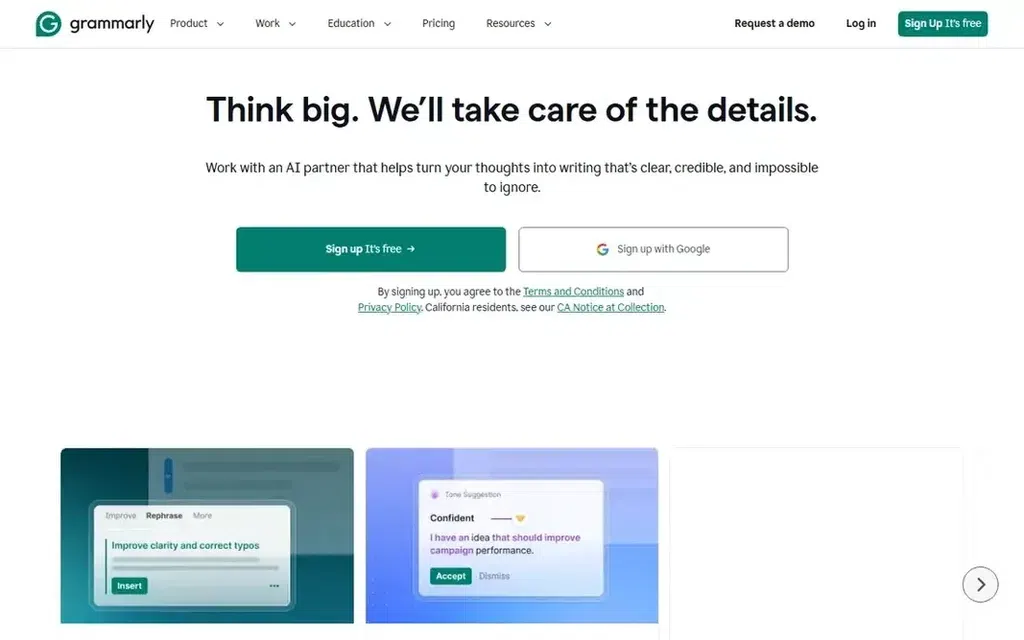
Grammarly targets writing and editing assistance. Grammarly supplies AI writing assistance that works in plenty of apps and websites, helping with grammar, clarity and text generation. Beyond that, since it operates across the places you already write, it suits into existing habits without requiring a new editor.
As for the details, Grammarly is a writing aid, not a citation manager or note system, so it complements instead of replaces research and organization tools. It also cannot guarantee a perfect paper, and students should review suggestions for meaning and academic voice. Grammarly cost at the entry level: $12 USD. Grammarly includes a free tier.
Drawbacks to consider: Not a note taking or research manager.
- Works across apps and websites
- Personalized AI writing guidance
- Suggestions still need your judgment
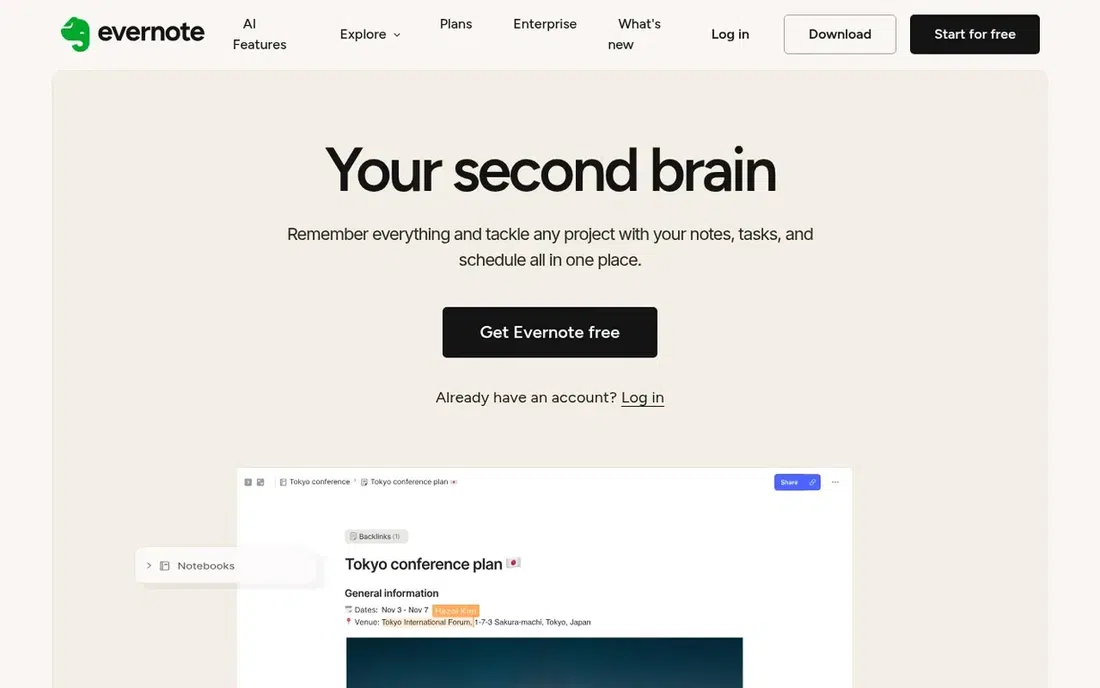
Evernote is built with capturing ideas and to-do lists in mind. Evernote is a note taking app built to capture and prioritize ideas, projects and to-do lists so nothing falls through the cracks. Some students may find it supplies more structure than they need for fast notes.
In practice, the emphasis on capture and organization helps when information arrives from numerous directions. Consider it when organizing ideas and tasks matters more than academic referencing. Evernote does not show a starting price in this comparison, so check the vendor site for current pricing. Evernote includes a free tier.
Honest limits: Less concentrated on academic citation.
- Keeps notes in one place
- Capture and prioritize ideas
- May feel heavy for straightforward notes
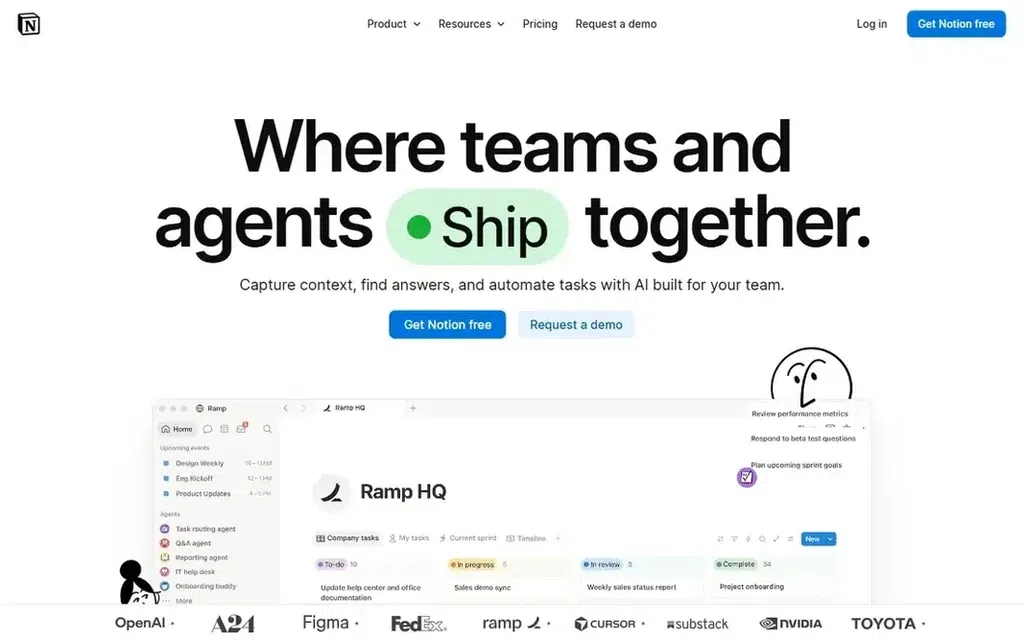
Pick Notion if this describes you: all-in-one study workspace. Notion is an AI workspace for building custom agents, searching across apps and automating busywork. Pick Notion when you want to customize and link plenty of parts of your study workflow.
Highlights: tasks and databases.
The main drawbacks: Needs setup for best results.
For college, it can hold class notes, assignment trackers and reading lists in one place. On top of that, students who only need straightforward note capture may find lighter tools quicker to start. Notion cost at the entry level: $10 per member per month. Notion offers a free plan.
- Custom agents and automation
- Merges notes
- Can feel complicated at first
How these tools were picked
LinkVetted looked at what each vendor publishes: pricing, plan limits, feature coverage for study tools for college and stated drawbacks. No hands-on testing is claimed. Plan names, prices and limits change often. Treat the figures here as a starting point and verify them with the vendor. The sequence is a judgement call: typical use case first, then pricing transparency, then free access. Use the profiles to check fit.
Things to verify first
- Confirm the entry price on the vendor page. For Zotero and Evernote that means a quote rather than a fixed price.
- Look at free plan limits closely: Mendeley, Grammarly, Evernote and Notion have one, and the caps decide whether it is usable for real work.
- Before choosing Zotero, weigh its main limit: focused only on research workflow.
- Look at which plan of Notion unlocks the features you need; entry tiers are often cut down.
- Ask Mendeley how an export works before you move any records in; an easy exit lowers the risk.
FAQ
Do I need both a note taking app and a citation manager?
Note taking apps like OneNote or Evernote capture lectures and ideas, whereas Zotero or Mendeley organize sources and citations. Using both keeps research and class notes separate but connected.
How are the tools for study tools for college ordered?
Zotero sits first and Notion last because the order follows typical fit for study tools for college, then price clarity and free access. It is a judgement call, so read each profile for fit and limits.
What is the cheapest option for study tools for college in this list?
On published monthly entry prices, Notion is the lowest here at $10 per member per month. Entry price is only part of the cost, because seats, add-ons and billing terms can change the total. Prices, free plan details and limits for all 5 tools in this study tools for College roundup sit on the individual cards above.
Which options for study tools for college have a free plan?
Mendeley, Grammarly, Evernote and Notion offer a free plan in this list. Free plans usually cap users, projects or features, so check the limits on the vendor page.
Is Zotero the right pick for everyone comparing study tools for college?
No single tool suits every team. Zotero comes first because it fits collecting and citing research, while Mendeley suits reference management for research and Grammarly suits writing and editing assistance. Match the tool to your own size, budget and workflow before deciding.
Sources
- https://www.zotero.org
- https://www.mendeley.com
- https://www.grammarly.com
- https://evernote.com
- https://www.notion.so