5 Best Software for School Auction Events for 2026, Vetted and Compared
5 best software for school Auction events, compared on pricing, free plans and best-fit use. We note where every tool falls short. Updated November 2026.
- Editor's choiceAuctria
Auction-centered event logistics and management
Starts at$375 a yearVisit auctria.comFull review - Great alternativeHandbid
Mobile bidding, ticketing, and check-in
Starts atSee websiteVisit handbid.comFull review - Also considerOneCause
Events, auctions, and online fundraising campaigns
Starts at$200Visit onecause.comFull review
Direct answer
Auctria comes first here, mainly for Auction-centered event logistics and management. Listed starting prices: Auctria from $375 a year, OneCause from $200 and Givebutter from $29 a month. Handbid fits mobile bidding, ticketing, and check-in; OneCause fits events, auctions, and online fundraising campaigns. The full list of 5 tools follows, with prices and free plan facts.
TL;DR:
- Auctria takes the first slot, best suited to Auction-centered event logistics and management.
- One limit worth knowing about OneCause: wide feature set may be more than small teams need.
- For the cheapest start, look at Givebutter: $29 per month.
- Only 3 of the 5 tools have a free plan (Auctria, Givebutter, GiveSmart), so check the caps.
- GiveSmart fits simplified fundraising and donor management.
Last checked November 2026. Prices and plan details were read from the vendors' own pages in November 2026; vendors change plans often, so confirm the current price on the vendor site before you buy.
Quick comparison
| Tool | Best for | Starts at | Free plan? | |
|---|---|---|---|---|
| Auctria | Auction-centered event logistics and management | $375 a year | Yes | Visit |
| Handbid | Mobile bidding, ticketing, and check-in | See website | Not stated | Visit |
| OneCause | Events, auctions, and online fundraising campaigns | $200 | Not stated | Visit |
 Givebutter | All-in-one school fundraising and donor management | $29 a month | Yes | Visit |
| GiveSmart | Simplified fundraising and donor management | $0 to get started | Yes | Visit |
The best software for school Auction events
LinkVetted compared 5 software for school Auction events. The goal is a practical shortlist: published prices, free plan facts, best-fit use cases and honest limits for every entry.
Auctria
Best for: Auction-centered event logistics and management
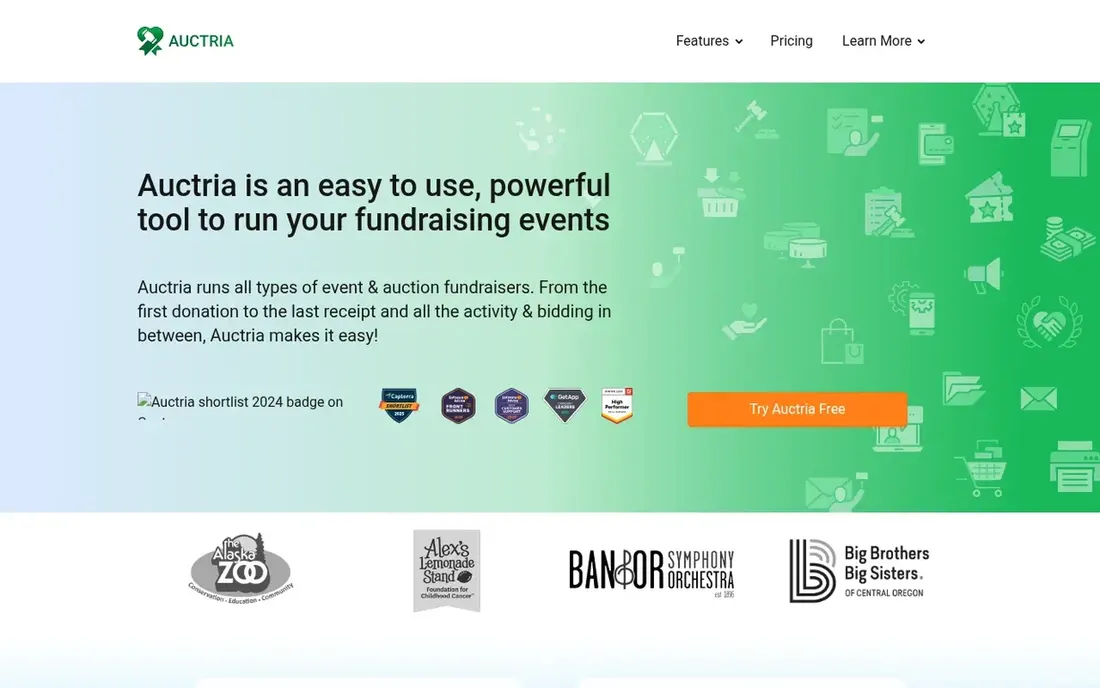
Auctria is built with Auction-centered event logistics and management in mind. Auctria describes itself as an easy-to-use web-based system for running a smooth fundraising event, with auctions at the center of its purpose.
Where it is weaker: Less emphasis on general donor management.
It fits volunteers and staff who prefer a tool built around event execution instead of a sprawling nonprofit suite. What you pay to start with Auctria: $375 per year. Auctria offers a free plan.
- Suited to event-centered workflows
- Web-based system for fundraising events
- Narrower scope than full nonprofit suites
Handbid
Best for: Mobile bidding, ticketing, and check-in

Handbid makes the most sense for mobile bidding, ticketing, and check-in. Handbid powers mobile bidding, ticketing, check-in, and payments for nonprofits, schools, and enterprise auctions, based on its homepage.
Trade-offs to know: Hybrid events need planning across channels.
It supports in-room, online, or hybrid formats, which suits schools that want guests bidding from phones during an in-person event or joining remotely. This comparison lists no price for Handbid; ask the vendor. On free options: Not stated.
- Powers mobile bidding and payments
- Supports in-room, online
- Auction and event focus instead of full donor suite
OneCause
Best for: Events, auctions, and online fundraising campaigns
Choose OneCause for events, auctions, and online fundraising campaigns. OneCause supplies fundraising options that help nonprofits raise more, with software for events, auctions, online fundraising, Text2Give, and peer-to-peer campaigns.
Honest limits: Wide feature set may be more than small teams need.
Also, schools wanting a straightforward, auction-only tool may prefer a narrower product. For school auction events, that range lets a parent organization run the auction alongside text giving and peer-to-peer efforts in one ecosystem. Entry price for OneCause: $200. Free plan details: Not stated.
- Spans online fundraising and Text2Give
- Also supports peer-to-peer campaigns
- Auction specifics should be confirmed
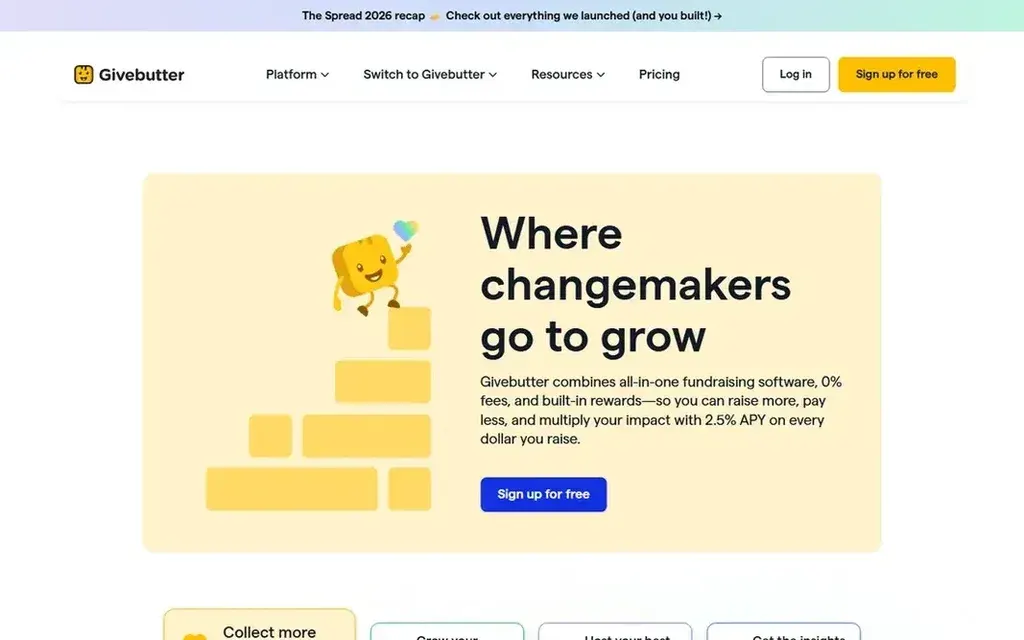
Givebutter works best for all-in-one school fundraising and donor management. For school auction events, that breadth can help a parent organization run ticket sales, donations, and donor follow-up from a shared system instead of stitching separate tools together.
If bidding, check-in, and item management are the core of your event, compare dedicated auction systems before deciding. Givebutter starts at: $29 per month. Givebutter has a free plan.
Points against: Auction-specific features may be less deep.
- Single system for several campaign types
- Donor management
- May need setup time for school teams
GiveSmart
Best for: Simplified fundraising and donor management
GiveSmart serves simplified fundraising and donor management. Since GiveSmart is positioned around all-in-one fundraising, confirm that its auction and bidding features match your event format before committing.
Downsides: All-in-one scope may need training.
Also, a dedicated auction product may be a better fit if item management and bidding are the only priorities. As for the details, for school auctions, it can serve as a central hub for the event and the donor relationships that continue afterward. What you pay to start with GiveSmart: $0 to get started. GiveSmart has a free plan.
- Geared toward simplifying fundraising
- Contains donor management
- Auction-specific depth should be checked
How the list was put together
What to confirm before you sign up
- Ask Handbid for a written quote, since no starting price is shown.
- Look at free plan limits closely: Auctria, Givebutter and GiveSmart have one, and the caps decide whether it is usable for real work.
- Read the limits listed for Auctria first: narrower scope than full nonprofit suites.
- See whether OneCause offers onboarding or training, and whether it is included in the price.
- Pick one real project and run it in Handbid first; a small pilot shows fit faster than a checklist.
FAQ
Can I try these tools before paying?
Often, yes. Auctria, Givebutter and GiveSmart have a free plan. Use your own data and a real task during the test, and check what the free tier or trial limits before you rely on it.
Is Auctria the right pick for everyone comparing software for school Auction events?
No single tool suits every team. Auctria comes first because it fits Auction-centered event logistics and management, while Handbid suits mobile bidding, ticketing, and check-in and OneCause suits events, auctions, and online fundraising campaigns. Match the tool to your own size, budget and workflow before deciding.
Which options for software for school Auction events have a free plan?
On this list, Auctria, Givebutter and GiveSmart include a free plan. Caps on seats, usage or features are common, so test the free plan against your real workload.
What is the cheapest option for software for school Auction events in this list?
On published monthly entry prices, Givebutter is the lowest here at $29 per month. Entry price is only part of the cost, because seats, add-ons and billing terms can change the total. For the full picture, the cards above cover all 5 entries of this software for school Auction events list, including price, free plan and limits.
How should a school committee evaluate auction software before buying?
Map your event flow from ticket sales through bidding, payment, and follow-up, then check each system against it. Ask vendors about setup time, volunteer usability, and support, and confirm current details on their sites.
Sources
- https://www.auctria.com
- https://www.handbid.com
- https://www.onecause.com
- https://givebutter.com
- https://www.givesmart.com