5 Best Subscription Software for Education for 2026, Vetted and Compared
Best subscription software for education: 5 tools compared on price, free plans and fit. Caveats come with every verdict. Last reviewed November 2026.
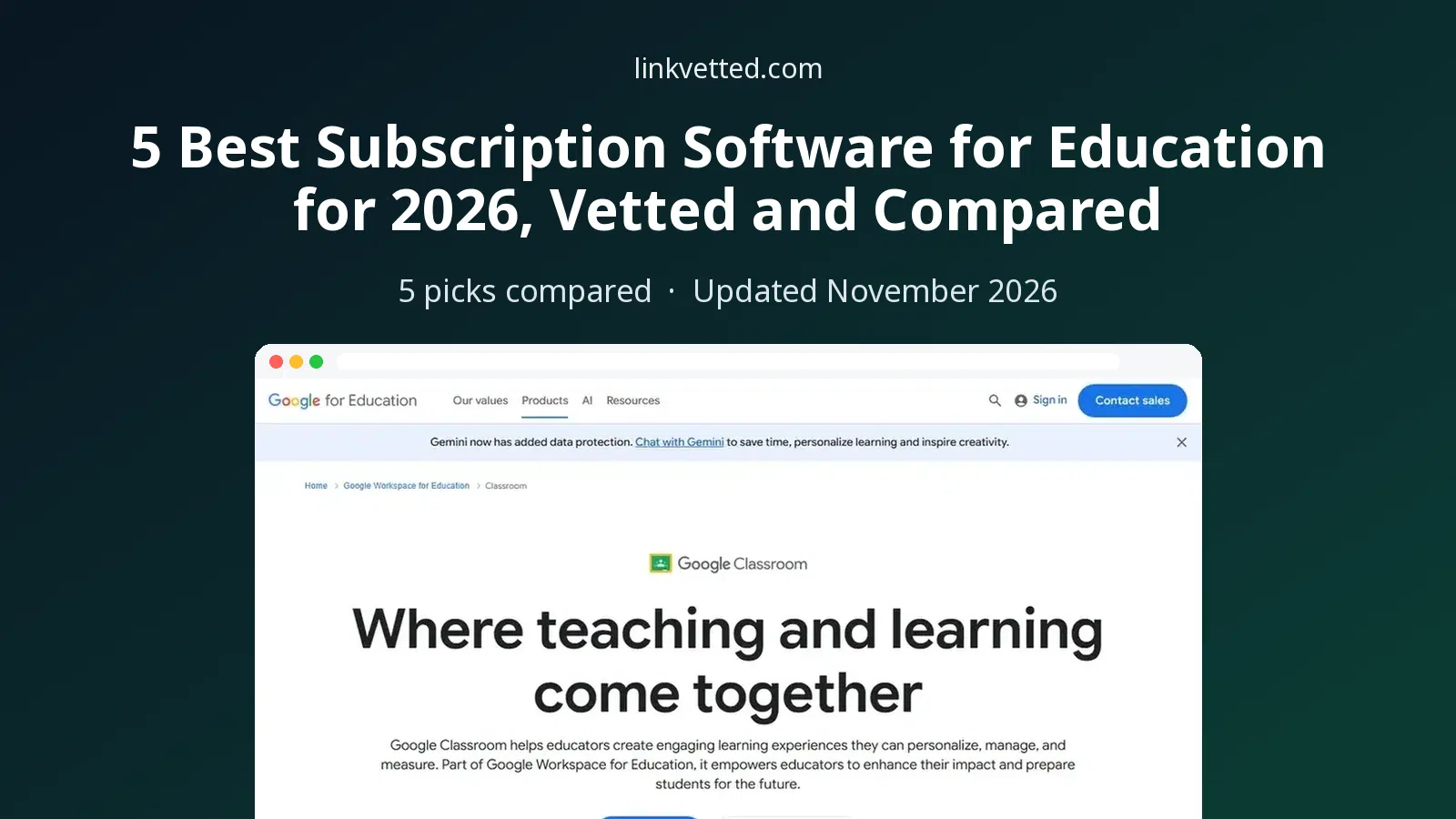
- Editor's choice
 Google Classroom
Schools already using Google tools
Starts atPricing on requestVisit classroom.google.comFull review - Great alternative
 Microsoft Teams for Education
Schools needing communication and video together
Starts atPricing on requestVisit microsoft.comFull review - Also consider
 Kaltura
Video-centric teaching and media management
Starts atPricing on requestVisit corp.kaltura.comFull review
Direct answer
If you need schools already using Google tools, Google Classroom is the first tool to look at here. Microsoft Teams for Education is the stronger choice for schools needing communication and video together, while Kaltura suits video-centric teaching and media management. All 5 tools are compared below on fit, free plan and limits. None of these vendors publish plan prices, so pricing is on request for every option.
TL;DR:
- Number one here is Google Classroom, a fit for schools already using Google tools.
- Google Classroom, Canvas LMS and the 3 others all sell by quote; expect sales conversations before you see a price.
- One limit worth knowing about Google Classroom: best value inside Google ecosystem.
- Google Classroom, Canvas LMS and the 3 others all need a premium plan or a trial, since no free plan is listed.
Last checked November 2026. Pricing on request: vendors did not publish plan prices when this guide was last checked (November 2026), so ask each vendor for a written quote.
Quick comparison
| Tool | Best for | Starts at | Free plan? | |
|---|---|---|---|---|
| Google Classroom | Schools already using Google tools | Pricing on request | Not stated | Visit |
| Microsoft Teams for Education | Schools needing communication and video together | Pricing on request | Not stated | Visit |
| Kaltura | Video-centric teaching and media management | Pricing on request | Free trial | Visit |
 Moodle | Organizations wanting deep customization | Pricing on request | Not stated | Visit |
 Canvas LMS | Institutions wanting an approachable core LMS | Pricing on request | Not stated | Visit |
Subscription Software for Education compared in detail
Choosing subscription software for education usually comes down to price, fit and limits. This LinkVetted guide sets 5 tools side by side on those three points, with the facts kept short and checkable.
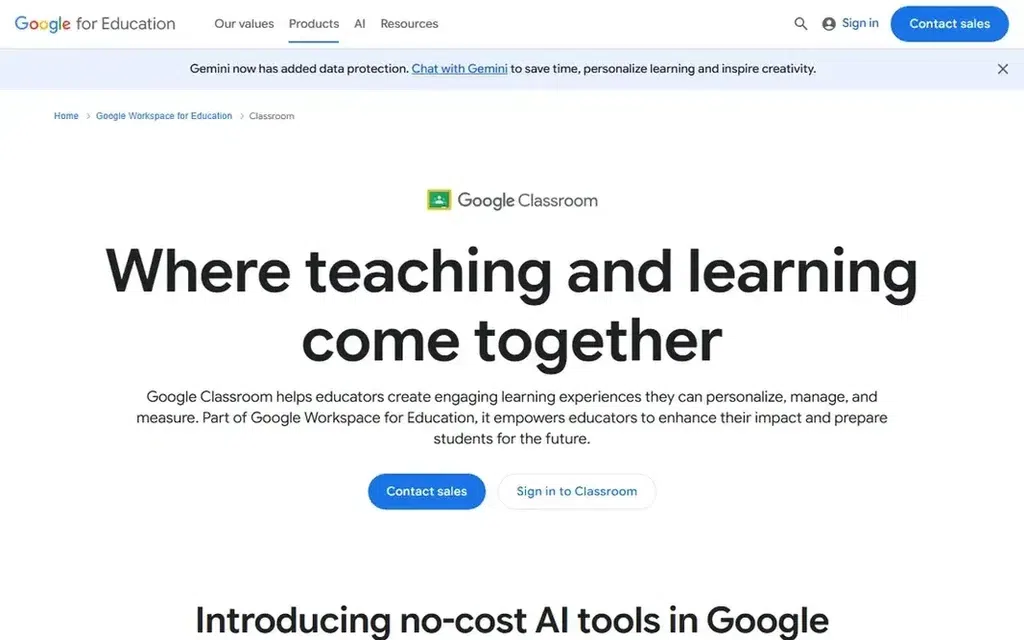
Google Classroom is aimed squarely at schools already using Google tools. Classroom is a management hub instead of a complete institutional LMS, so advanced reporting and complicated course structures may call for something else.
Points against: Best value inside Google ecosystem.
From a buyer's view, Google Classroom is described as a central hub of tools and resources built to help educators run classrooms and enrich learning experiences. Google Classroom does not show a starting price in this comparison, so check the vendor site for current pricing. Free options: Not stated.
- Familiar to Google Workspace users
- Straightforward classroom management
- Lighter than full LMS systems
Microsoft Teams for Education
Best for: Schools needing communication and video together
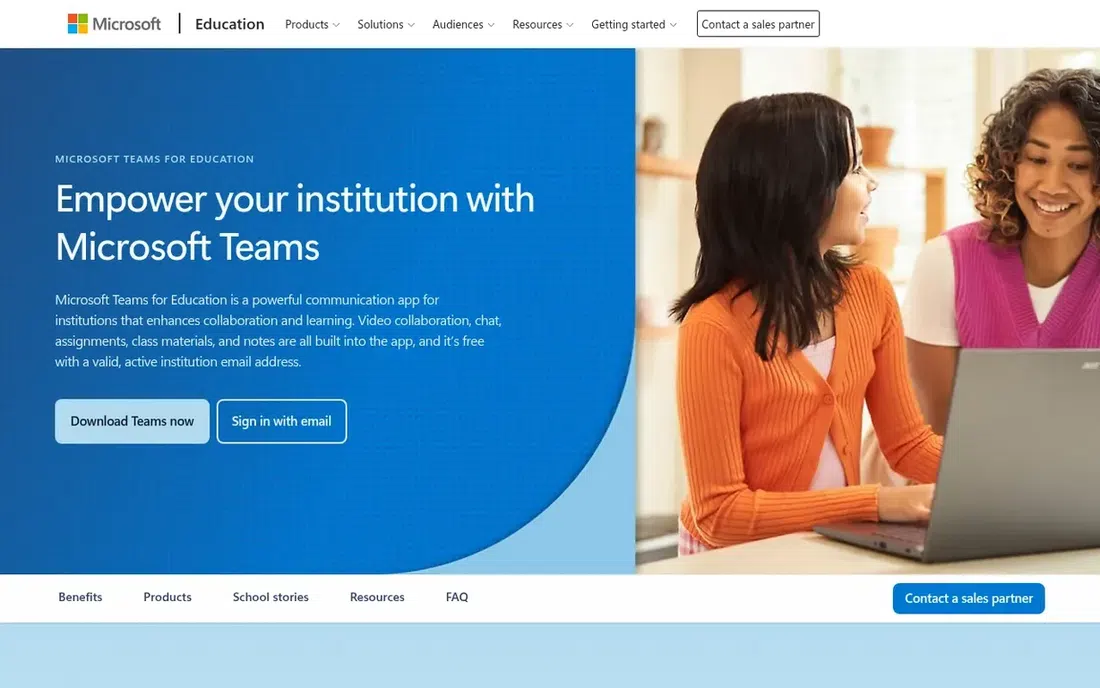
For schools needing communication and video together, Microsoft Teams for Education is a natural candidate. Institutions seeking a dedicated LMS may pair it with a separate platform.
Downsides: Feature depth can overwhelm new users.
Pick Teams when communication and live class support are the central need. Microsoft Teams for Education is positioned as a video conferencing and communication app for schools that supports both in-person and remote students. Microsoft Teams for Education does not show a starting price in this comparison, so check the vendor site for current pricing. Free access: Not stated. Where Microsoft Teams for Education stands out: Merges chat.
- Meetings and class work
- Supports in-person and remote students
- Most handy within Microsoft ecosystem
Where Kaltura fits: video-centric teaching and media management. Kaltura is widely known as a video platform used by educational institutions to host, handle and share media for teaching and communication. Pick Kaltura when media is central to your teaching model and you want a specialist video layer beside your main product.
Watch-outs: Narrower than a full LMS.
Kaltura is not a course management system, so institutions still need a LMS for assignments, grading and class organization. Integration and rollout need planning with IT teams. More specifically, instead of replacing a LMS, it usually works alongside one to manage recorded lectures, student video projects and media libraries. Kaltura shows no starting price here, so confirm the cost on the vendor site. As for free access: Free trial.
- Focus on video for learning
- Complements LMS products
- Needs integration planning
Moodle is a good fit for organizations wanting deep customization. Its appeal is adaptability: institutions can shape the system around their own processes instead of adapting to a fixed design.
Where it is weaker: Less refined from day one.
That adaptability includes administration effort, and the default experience is less refined than hosted commercial products. Choose Moodle when customization and control outweigh convenience, and consider a managed hosting route if internal capacity is restricted. Check the vendor site for Moodle pricing; none is listed in this comparison. Free options: Not stated.
- Used across education and public sector
- Highly configurable learning ecosystem
- Needs technical administration
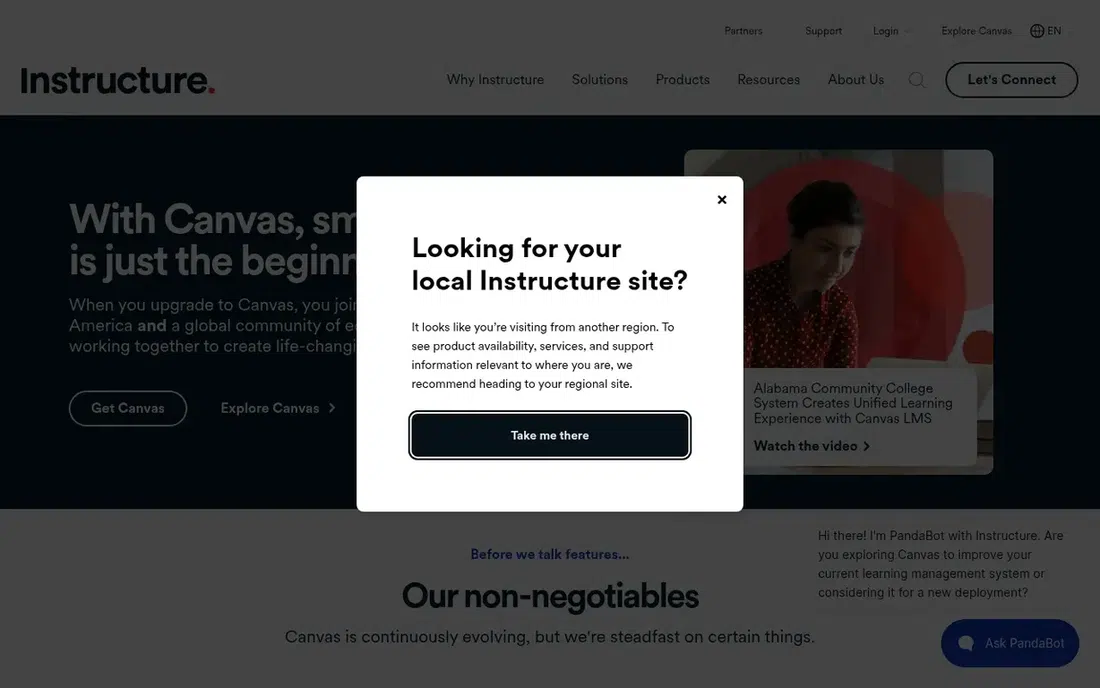
In short, Canvas LMS is for institutions wanting an approachable core LMS. Institutions with very specific customization demands at times prefer open-source choices.
It centers on core course delivery, so instructors get a familiar structure for organizing materials, activities and communication with students. Canvas LMS shows no starting price here, so confirm the cost on the vendor site. On free options: Not stated.
Downsides: Full setup needs planning.
- Wide LMS feature coverage
- Fits plenty of institution types
- Advanced needs may need extras
What went into this list
Pricing pages, product documentation and feature lists were the main sources, and every entry carries at least one honest drawback. Treat prices as a snapshot: vendors change plans often, so check the vendor site for the figure that applies today. Tools are placed by general fit for subscription software for education, with price clarity and free access as tie-breakers. A different team can reasonably rank them differently.
Things to verify first
- Request quotes from Google Classroom, Canvas LMS and the others; the list shows no fixed prices.
- Use real work to test the free trial from Kaltura, rather than a demo project.
- Before choosing Google Classroom, weigh its main limit: best value inside Google ecosystem.
- Confirm minimum seats and billing terms with Google Classroom before you commit to an annual plan.
- Let daily users try Kaltura on real work; their feedback beats any feature checklist.
FAQ
Is Google Classroom the right pick for everyone comparing subscription software for education?
No single tool suits every team. Google Classroom comes first because it fits schools already using Google tools, while Microsoft Teams for Education suits schools needing communication and video together and Kaltura suits video-centric teaching and media management. Match the tool to your own size, budget and workflow before deciding.
Can I try these tools before paying?
Often, yes. Kaltura offers a free trial. Use your own data and a real task during the test, and check what the free tier or trial limits before you rely on it.
Is Moodle harder to run than commercial platforms?
Moodle is noted for customization, which normally means more administration work than hosted commercial choices. If convenience matters most, a hosted product like Canvas may be a better fit.
Does any tool for subscription software for education here have a free plan?
A permanent free plan is not offered by Google Classroom, Canvas LMS or the other tools here. Kaltura offer a trial. Plan a short evaluation period instead.
Do these tools publish their prices?
No. None of the tools, from Google Classroom to Canvas LMS, shows a fixed starting price here, so budget time for quotes.
Do I need a LMS if I already use Google Classroom or Teams?
Bigger institutions frequently still choose a dedicated LMS for example Canvas or Brightspace for deeper course structure, analytics and administration. Decide based on how complicated your reporting and course delivery needs are.
Sources
- https://classroom.google.com
- https://www.microsoft.com/en-us/education/products/teams
- https://corp.kaltura.com
- https://moodle.com
- https://www.instructure.com/canvas