5 Incident Management Software for Remote Teams Worth Shortlisting in 2026
5 best incident management software for remote teams, with entry costs, free tiers and the buyer each one serves. With pricing notes and limits. Details below.
- Editor's choiceOpsgenie
Atlassian ecosystem integration
Starts atSee websiteVisit atlassian.comFull review - Great alternative
 Incident.io
AI-native reliability and response
Starts at$15 per user a monthVisit incident.ioFull review - Also consider
 FireHydrant
All-in-one alerting and on-call
Starts at$25 per responder per monthVisit firehydrant.comFull review
Direct answer
Our first pick is Opsgenie, best for Atlassian ecosystem integration. Listed starting prices: Incident.io from $15 per user a month, FireHydrant from $25 per responder per month and PagerDuty from $21 per user per month. Alternatives: Incident.io for AI-native reliability and response, and FireHydrant for all-in-one alerting and on-call. Prices, free plans and limits for all 5 tools follow.
TL;DR:
- Top of the list is Opsgenie, which targets Atlassian ecosystem integration.
- Incident.io is the lowest-priced starter here at $15 per user per month.
- Before buying Opsgenie, weigh this: future development centred on Jira Service Management.
- Incident.io, PagerDuty: these are the 2 tools out of 5 that offer a free plan.
- Rootly suits AI-native incident management.
Last checked November 2026. Prices and plan details were read from the vendors' own pages in November 2026; vendors change plans often, so confirm the current price on the vendor site before you buy.
Quick comparison
| Tool | Best for | Starts at | Free plan? | |
|---|---|---|---|---|
| Opsgenie | Atlassian ecosystem integration | See website | Not stated | Visit |
| Incident.io | AI-native reliability and response | $15 per user a month | Yes | Visit |
| FireHydrant | All-in-one alerting and on-call | $25 per responder per month | Free trial | Visit |
 PagerDuty | AI-first operations and automation | $21 per user per month | Yes | Visit |
 Rootly | AI-native incident management | $20 per user a month | Not stated | Visit |
Incident Management Software for Remote Teams compared in detail
If you are comparing incident management software for remote teams, this page covers 5 tools in one place: what each is best for, what it costs to start, whether it has a free plan, and the main limit to know about.
Opsgenie
Best for: Atlassian ecosystem integration
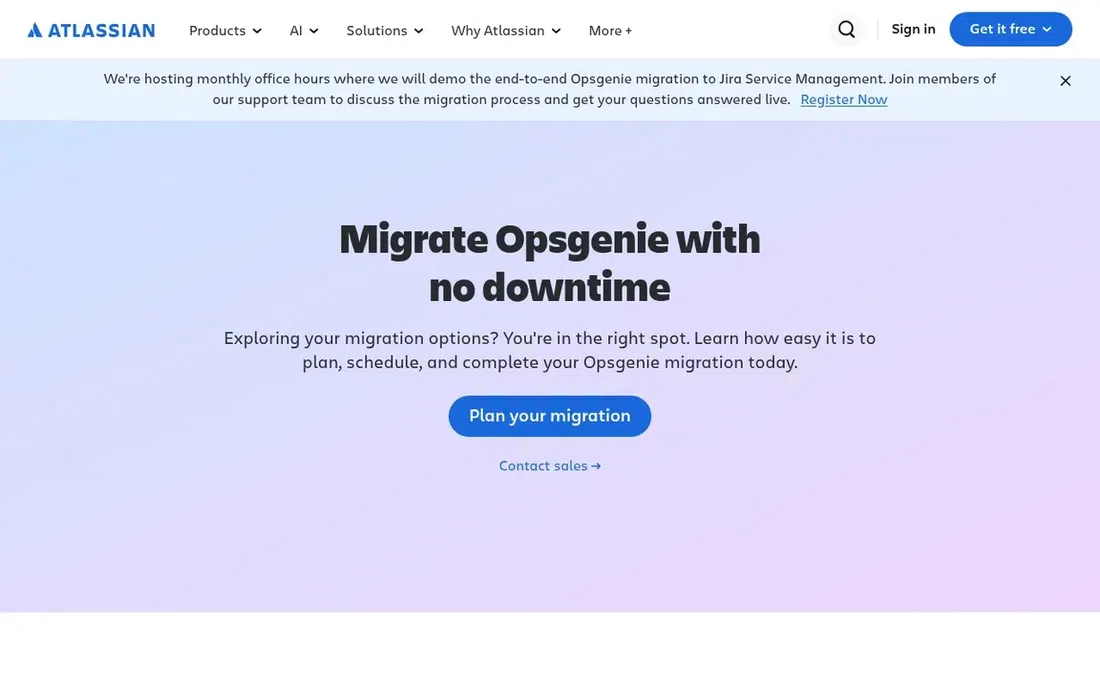
For Atlassian ecosystem integration, Opsgenie is a natural candidate. Opsgenie is an incident management tool from Atlassian that helps teams plan, schedule, and complete migrations to Jira Service Management with no downtime.
Where it falls short: Future development concentrated on Jira Service Management.
Remote teams can use Opsgenie for alerting and on-call management. This comparison lists no price for Opsgenie; ask the vendor. Free options: Not stated.
- Steady alerting and on-call
- Migration support to Jira Service Management
- May lack some advanced AI features

For AI-native reliability and response, Incident.io is a natural candidate. It helps teams resolve issues quicker by bringing together essential incident management features in one place.
The main drawbacks: Newer to the market than some competitors.
Choose Incident.io if you want a modern, AI-native incident management option. On cost, Incident.io starts like this: $15 per user per month. Incident.io offers a free plan.
- Status pages included
- Agentic root cause analysis
- May be less suited for non-engineering teams
In short, FireHydrant is for all-in-one alerting and on-call. FireHydrant is an all-in-one incident management software for modern teams, offering smart alerting, on-call scheduling, AI-powered workflows, and post-incident retros. It helps teams plan, respond, and resolve incidents quicker.
Remote teams can use FireHydrant to simplify their incident response process with integrated alerting and on-call management. For everyday use, FireHydrant is a solid fit for teams looking for a full incident management tool with capable alerting features. More specifically, if you need a more light option, consider other choices. For everyday use, setting up workflows may take some effort, and the cost might be prohibitive for smaller teams. FireHydrant pricing: $25 per responder per month. On free options: Free trial.
Where FireHydrant stands out: Post-incident retros. Downsides: May need time to configure workflows.
- Smart alerting and on-call scheduling
- AI-powered workflows
- Pricing could be high for small teams
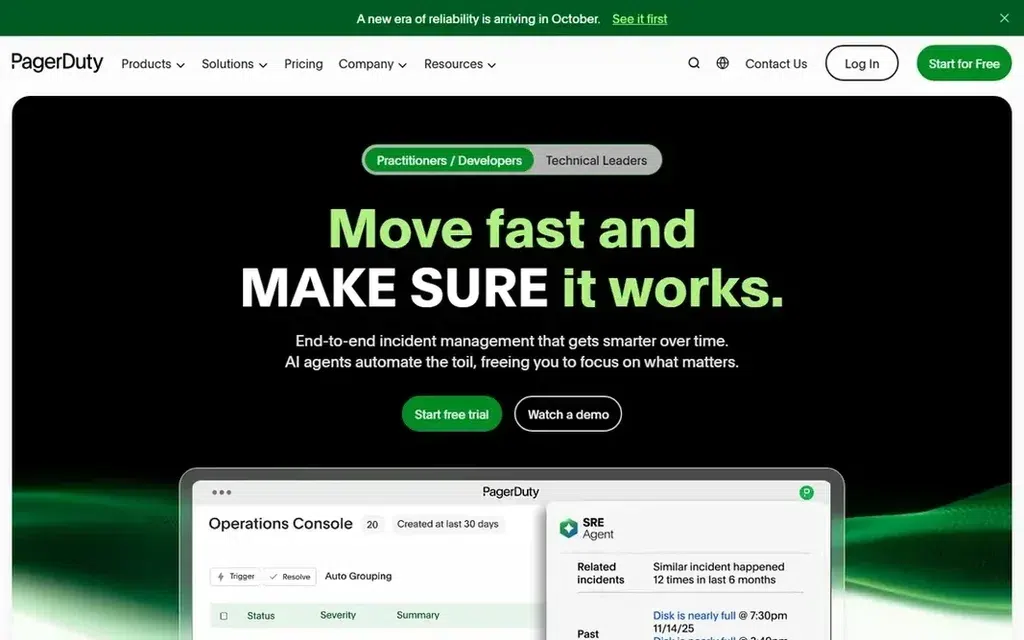
Where PagerDuty fits: AI-first operations and automation. If you need a more straightforward or more economical option, consider other choices like Incident.io or Rootly. Beyond that, PagerDuty is an AI-first operations product that helps teams automate, resolve, and prevent critical issues from detection to resolution.
It is made for organizations that require to run incidents at scale and want to use AI to cut manual effort. Its pricing might be high for teams with limited budgets. The starting price for PagerDuty: $21 per user per month. You can start on PagerDuty without paying.
The main drawbacks: May be expensive for small teams.
- Wide integration ecosystem
- Automation from detection to resolution
- Can be complicated to configure
Think of Rootly for AI-native incident management. Rootly is an AI-native incident management product made for fast-moving engineering teams to detect, run, resolve, and learn from incidents quicker. It uses AI to automate incident response processes and boost team efficiency.
Rootly is tailored for engineering teams and may not handle broader IT service management needs. Consider Rootly if you prioritize AI-native incident management for engineering. Rootly cost at the entry level: $20 per user per month. Free access: Not stated.
Honest limits: May lack advanced ITSM features.
- All-in-one product
- AI-driven incident detection and resolution
- Newer to the market
How we compared the tools
Selection started from tools commonly considered for incident management software for remote teams, then narrowed to 5 that have clear pricing information or a clear quote process. Figures are shown as the vendors publish them. Billing terms, seat minimums and add-ons can change the real cost. Order on the page follows fit for the typical buyer first, then price transparency and free access. Your own requirements should decide the final pick.
What to check before you buy
- Get a written quote from Opsgenie; the list shows no starting price for them.
- Look at free plan limits closely: Incident.io and PagerDuty have one, and the caps decide whether it is usable for real work.
- Take the trial from FireHydrant and push a live task through it before you pay.
- Read the limits listed for Opsgenie first: future development centred on Jira Service Management.
- Map your must-have features to a specific FireHydrant plan before you compare prices.
- Involve the people who will use Rootly daily; a short pilot beats a long feature checklist.
FAQ
What is the cheapest option for incident management software for remote teams in this list?
On published monthly entry prices, Incident.io is the lowest here at $15 per user per month. Entry price is only part of the cost, because seats, add-ons and billing terms can change the total. For the full picture, the cards above cover all 5 entries of this incident management software for remote teams list, including price, free plan and limits.
How are the tools for incident management software for remote teams ordered?
Opsgenie sits first and Rootly last because the order follows typical fit for incident management software for remote teams, then price clarity and free access. It is a judgement call, so read each profile for fit and limits.
Can I try these tools before paying?
Often, yes. Incident.io and PagerDuty have a free plan and FireHydrant offers a free trial. Use your own data and a real task during the test, and check what the free tier or trial limits before you rely on it.
Can Opsgenie be used as a standalone incident management tool?
Yes, Opsgenie can be used as a standalone tool, but Atlassian is encouraging migration to Jira Service Management. Teams already using Atlassian products may find Opsgenie a natural fit, but those seeking advanced AI features might consider other choices.
Is Opsgenie the right pick for everyone comparing incident management software for remote teams?
No single tool suits every team. Opsgenie comes first because it fits Atlassian ecosystem integration, while Incident.io suits AI-native reliability and response and FireHydrant suits all-in-one alerting and on-call. Match the tool to your own size, budget and workflow before deciding.
What features should remote teams look for in incident management software?
Remote teams should prioritize features like on-call scheduling, alerting, and smooth integration with communication tools like Slack and Microsoft Teams. Automation and AI-driven incident response can also help cut manual effort across distributed teams.
Sources
- https://www.atlassian.com/software/opsgenie
- https://incident.io
- https://firehydrant.com
- https://www.pagerduty.com
- https://rootly.com
Related guides
- Best Incident Management Platforms for SRE Teams in 2026: 8 Tools Compared
- Best Cloud Incident Response Services in 2026: 8 Services Compared
- 5 Best 3D Modeling Software for Remote Teams for 2026, Vetted and Compared
- Best Augmented Reality SDK Software for Remote Teams in 2026: Prices, Free Plans and 5 Picks