The 5 Best Incident Management Tools for On-Call Engineers in 2026, Ranked
5 best incident management tools for On-Call engineers, with entry costs, free tiers and the buyer each one serves. Real limits included. Plain facts.
- Editor's choice
 xMatters
Automatic workflows across DevOps and SRE
Starts at$15 per user per monthVisit xmatters.comFull review - Great alternative
 FireHydrant
All-in-one alerting, on-call and retros
Starts at$25 per responder a monthVisit firehydrant.comFull review - Also consider
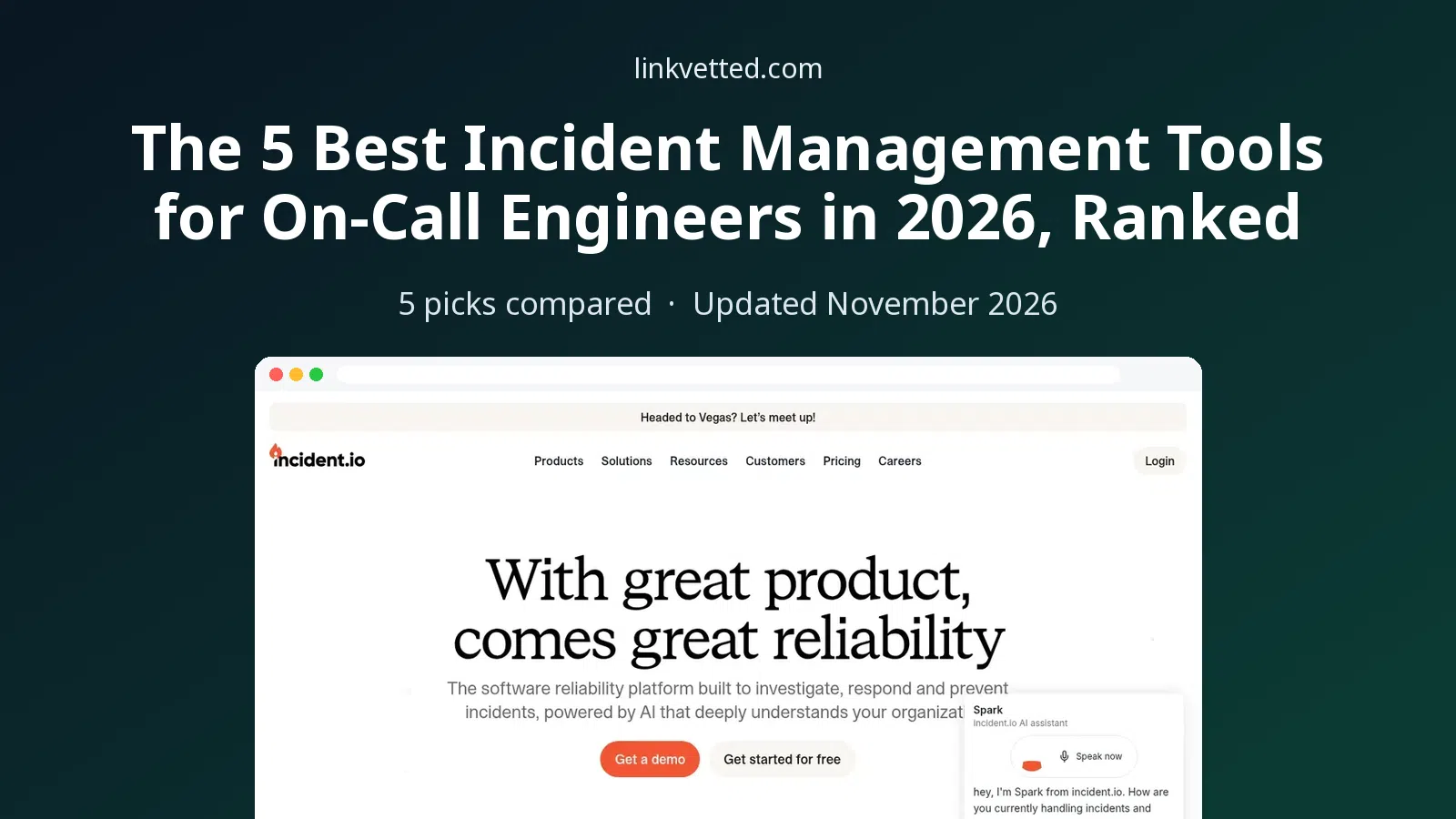
 Incident.io
AI-assisted reliability and status pages
Starts at$15 per user a monthVisit incident.ioFull review
Direct answer
This list puts xMatters first for automated workflows across DevOps and SRE. Listed starting prices: xMatters from $15 per user per month, FireHydrant from $25 per responder a month and Incident.io from $15 per user a month. Alternatives: FireHydrant for all-in-one alerting, on-call and retros, and Incident.io for AI-assisted reliability and status pages. All 5 tools are compared below on price, free plan and limits.
TL;DR:
- This list starts with xMatters, which is built for automatic workflows across DevOps and SRE.
- For end-to-end incident operations and automation, PagerDuty is worth a look.
- Check the limits for xMatters before you commit: positioning leans toward workflow tooling.
- A free plan is available from 3 of the 5 tools: xMatters, Incident.io, PagerDuty.
Last checked November 2026. Prices and plan details were read from the vendors' own pages in November 2026; vendors change plans often, so confirm the current price on the vendor site before you buy.
Quick comparison
| Tool | Best for | Starts at | Free plan? | |
|---|---|---|---|---|
| xMatters | Automatic workflows across DevOps and SRE | $15 per user per month | Yes | Visit |
| FireHydrant | All-in-one alerting, on-call and retros | $25 per responder a month | Free trial | Visit |
| Incident.io | AI-assisted reliability and status pages | $15 per user a month | Yes | Visit |
| Opsgenie | Teams standardized on Atlassian tooling | See website | Not stated | Visit |
 PagerDuty | End-to-end incident operations and automation | $21 per user per month | Yes | Visit |
Every option for incident management tools for On-Call engineers explained
If you are comparing incident management tools for On-Call engineers, this page covers 5 tools in one place: what each is best for, what it costs to start, whether it has a free plan, and the main limit to know about.
xMatters targets automatic workflows across DevOps and SRE. Choose xMatters when automatic, cross-team workflows around incidents matter as much as alerting itself.
Where xMatters stands out: Workflow automation focus.
Also, teams wanting tight incident retrospectives may pair it with another tool. The starting price for xMatters: $15 per user per month. A free plan is available with xMatters.
Where it falls short: Less centered on pure on-call scheduling.
- Supports availability goals
- SRE and Ops
- Positioning leans toward workflow tooling
FireHydrant makes the most sense for all-in-one alerting, on-call and retros. FireHydrant markets itself as all-in-one incident management software with smart alerting, on-call scheduling, AI-powered workflows and post-incident retros.
Drawbacks to consider: Wide scope needs configuration.
Since it spans alerting through retros, expect setup work to align workflows and data. Beyond that, built-in retrospectives appeal to organizations concentrated on improving after each incident. FireHydrant starts at: $25 per responder per month. Free plan details: Free trial.
- AI-powered workflows
- Post-incident retrospectives built in
- Overlaps with separate paging tools

Incident.io was built for AI-assisted reliability and status pages. Also, if your priority is pure paging with minimal change, a focused alerting tool can be enough.
The main drawbacks: May duplicate existing alerting tools.
For everyday use, teams with deeply entrenched alerting stacks may have to consolidate before the full value presents. On cost, Incident.io starts like this: $15 per user per month. Incident.io offers a free plan.
- Brings together on-call and incident response
- Agentic root cause analysis
- Newer category positioning
Opsgenie
Best for: Teams standardized on Atlassian tooling
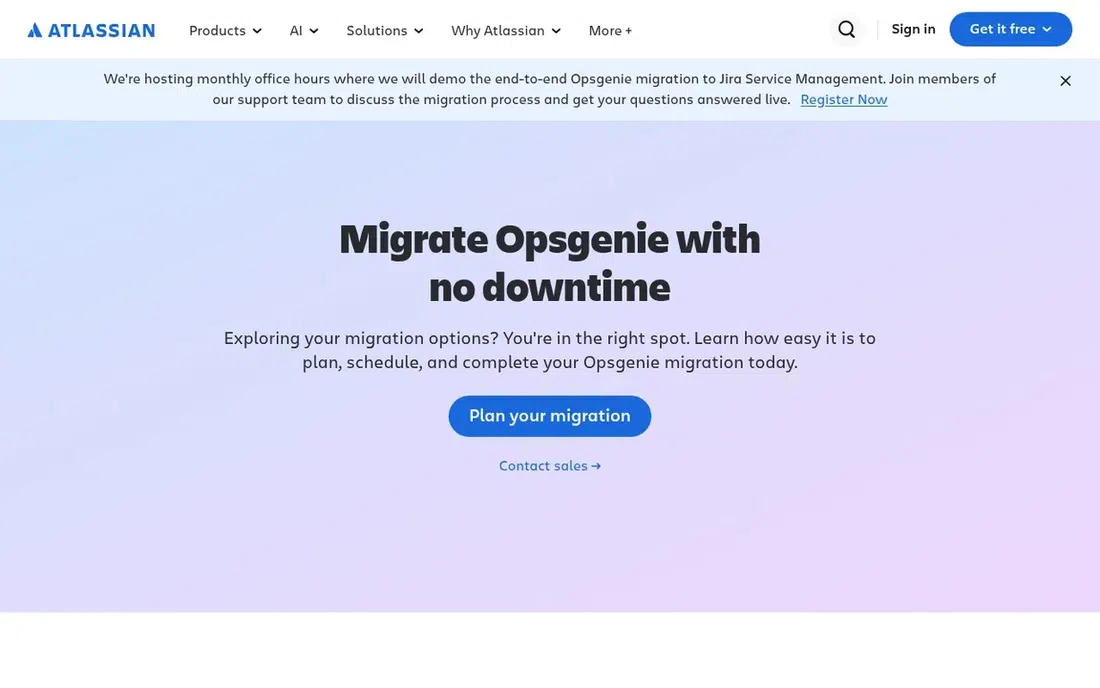
Opsgenie is aimed squarely at teams standardized on Atlassian tooling. Opsgenie is Atlassian's alerting and on-call product, and its site now centers on migrating to Jira Service Management with no downtime. In daily use, pick Opsgenie when your incident and service workflows already live in Atlassian products and you want them to stay together.
Honest limits: Direction points toward Jira Service Management.
Worth adding: groups outside the Atlassian ecosystem may find integration less natural. As for the details, since the messaging concentrates on migration, teams starting fresh may prefer a system with a broader standalone roadmap. Worth adding: planning, scheduling and completing a migration are covered with automatic tooling. Check the vendor site for Opsgenie pricing; none is listed in this comparison. On free options: Not stated.
- Aligns with Jira Service Management
- Alerting and on-call scheduling
- Less appealing outside the Atlassian ecosystem
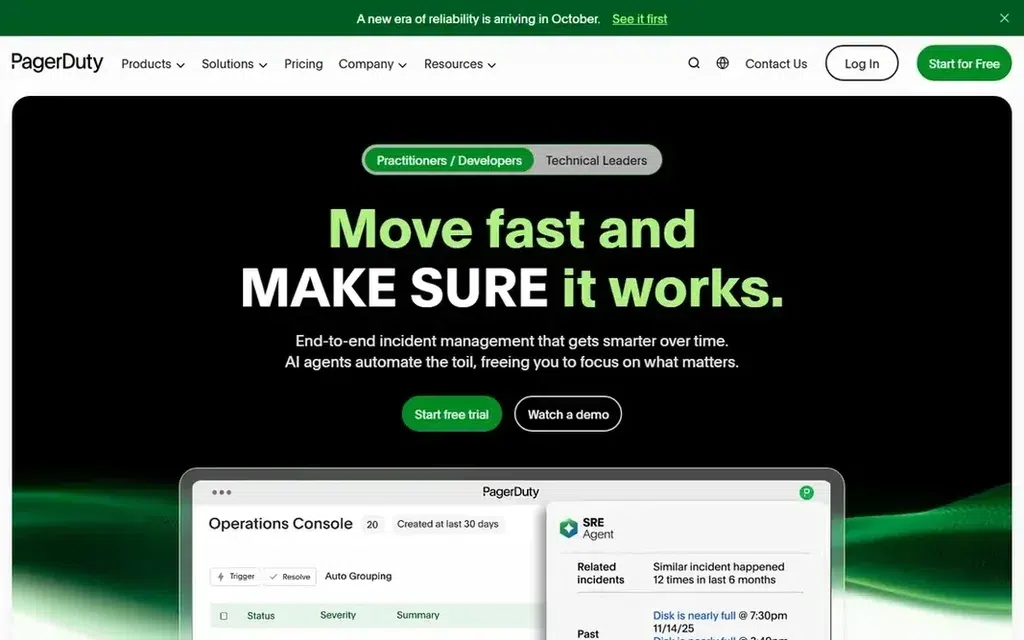
PagerDuty makes the most sense for end-to-end incident operations and automation. Choose PagerDuty when incident operations are central to how you work.
On top of that, PagerDuty presents itself as an AI-first operations product that helps teams automate, resolve and prevent critical issues from detection through resolution. PagerDuty pricing: $21 per user per month. PagerDuty offers a free plan.
Limits to weigh: May overlap with tools you already run.
- Broad detection to resolution coverage
- Capable fit for dedicated on-call rotations
- Feature depth can take time to configure
Selection criteria
LinkVetted looked at what each vendor publishes: pricing, plan limits, feature coverage for incident management tools for On-Call engineers and stated drawbacks. No hands-on testing is claimed. Where a vendor does not publish a price, the entry says quote. Where a price depends on seats or billing term, the entry says so. The ranking is editorial: typical fit first, then clear pricing, then free access. If your needs are unusual, read the profiles rather than relying on position.
Pre-purchase checklist
- Ask Opsgenie for a written quote, since no starting price is shown.
- Look at free plan limits closely: xMatters, Incident.io and PagerDuty have one, and the caps decide whether it is usable for real work.
- Use real work to test the free trial from FireHydrant, rather than a demo project.
- Read the limits listed for xMatters first: positioning leans toward workflow tooling.
- Price xMatters for your actual team size; headline prices rarely include add-ons or overage.
- Find out what support PagerDuty includes on your plan, and whether onboarding help costs extra.
FAQ
What should on-call engineers look for in an incident management tool?
Prioritize dependable alerting, clear escalation paths and on-call scheduling that matches your rotations. More specifically, response workflows, status communication and post-incident learning are worth checking next, since they shape how quickly incidents close.
How are the tools for incident management tools for On-Call engineers ordered?
xMatters sits first and PagerDuty last because the order follows typical fit for incident management tools for On-Call engineers, then price clarity and free access. It is a judgement call, so read each profile for fit and limits.
Is xMatters the right pick for everyone comparing incident management tools for On-Call engineers?
No single tool suits every team. xMatters comes first because it fits automated workflows across DevOps and SRE, while FireHydrant suits all-in-one alerting, on-call and retros and Incident.io suits AI-assisted reliability and status pages. Match the tool to your own size, budget and workflow before deciding.
Do these tools publish their prices?
Not all of them. Opsgenie publishes no starting price, so expect a quote request for it. The rest, xMatters included, show a starting price, though seats and billing terms still change the final cost.
Is a dedicated on-call tool better than a full ITSM suite?
Dedicated tools tend to fit engineering teams that want quick paging and light process. A full ITSM suite like ServiceNow fits organizations that require incident handling inside a formal, ITIL-aligned service management practice.
Which options for incident management tools for On-Call engineers have a free plan?
On this list, xMatters, Incident.io and PagerDuty include a free plan. Caps on seats, usage or features are common, so test the free plan against your real workload. One other tool offers a trial instead.
Sources
- https://www.xmatters.com
- https://firehydrant.com
- https://incident.io
- https://www.atlassian.com/software/opsgenie
- https://www.pagerduty.com