Top 5 Graphic Design Software for Nonprofits for 2026 (Prices and Free Plans)
5 best graphic design software for nonprofits, with entry costs, free tiers and the buyer each one serves. With pricing notes and limits. Reviewed this month.
- Editor's choice
 Sketch
Mac-based interface and product design
Starts at$12 per editor a monthVisit sketch.comFull review - Great alternative
 Figma
Collaborative digital design and prototyping
Starts at$3 per monthVisit figma.comFull review - Also consider
 Affinity Designer
Precise vector art and print graphics
Starts atSee websiteVisit affinity.serif.comFull review
Direct answer
Sketch leads the list, best for Mac-based interface and product design. Listed starting prices: Sketch from $12 per editor a month and Figma from $3 per month. Figma is better for collaborative digital design and prototyping, and Affinity Designer is better for precise vector art and print graphics. Details, prices and limits for the rest of the 5 tools are below.
TL;DR:
- This list starts with Sketch, which is built for Mac-based interface and product design.
- Figma has the lowest monthly starting price in this list: $3 per month.
- None of the 5 tools, from Sketch to Canva, has a free plan, so budget for a subscription or use a trial.
- For everyday nonprofit marketing visuals, Canva is worth a look.
Last checked November 2026. Prices and plan details were read from the vendors' own pages in November 2026; vendors change plans often, so confirm the current price on the vendor site before you buy.
Quick comparison
| Tool | Best for | Starts at | Free plan? | |
|---|---|---|---|---|
| Sketch | Mac-based interface and product design | $12 per editor a month | Free trial | Visit |
| Figma | Collaborative digital design and prototyping | $3 per month | Not stated | Visit |
| Affinity Designer | Precise vector art and print graphics | See website | Not stated | Visit |
 CorelDRAW | Vector, illustration and technical design work | See website | Not stated | Visit |
 Canva | Everyday nonprofit marketing visuals | See website | Not stated | Visit |
The full graphic design software for nonprofits list
LinkVetted put together this guide to graphic design software for nonprofits for readers who want a clear shortlist without reading every vendor page. It compares 5 tools on starting price, free plans, who each one suits and where each one falls short.
For Mac-based interface and product design, Sketch is a natural candidate. Pick it when digital product design is the core need and your team standardizes on Apple hardware.
Sketch pricing: $12 per editor per month. On free options: Free trial.
Where Sketch stands out: Made by designers for designers. Downsides: Mac-only, limiting mixed-device teams.
- Design
- Clean workflow for digital product work
- Less suited to print collateral
Figma works best for collaborative digital design and prototyping. Figma relies on a stable internet connection and is oriented toward digital products instead of print collateral.
Trade-offs to know: Not centred on print production.
Where Figma stands out: A decent match for websites.
Worth adding: if your output is mainly posters and newsletters, a more straightforward design tool may be simpler for volunteers to adopt. Price to start with Figma: $3 per month. On free options: Not stated.
- Apps and shared libraries
- Browser-based collaboration across teams
- Needs steady internet access
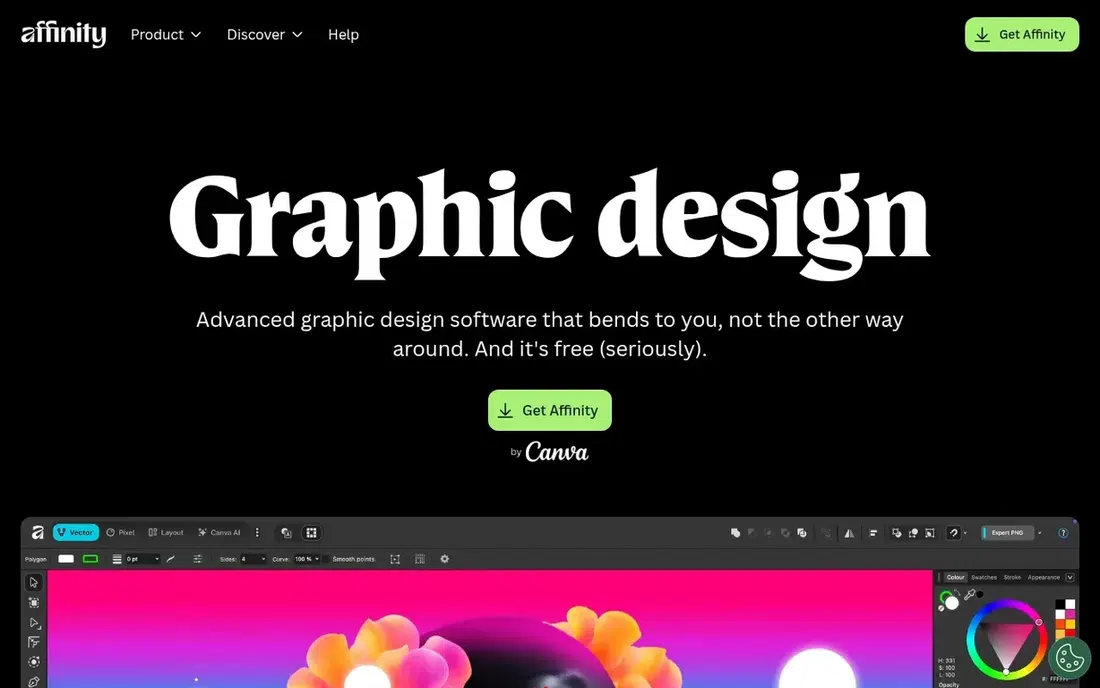
Affinity Designer is built with precise vector art and print graphics in mind. Affinity Designer is professional graphic and vector design software designed for precision, speed and freedom. It appeals to nonprofit designers producing logos, brand marks, infographics and print materials who want precise vector control without a sprawling suite.
It performs well as a focused illustration and layout companion. Its ecosystem of templates and ready-made assets is smaller than template-first products, so beginners may need more time to get productive. Beyond that, pick Affinity Designer when vector quality and print readiness outweigh the convenience of drag-and-drop design. Check the vendor site for Affinity Designer pricing; none is listed in this comparison. Free options: Not stated.
Limits to weigh: Smaller template and asset ecosystem.
Where Affinity Designer stands out: speed and freedom.
- Made for crisp vector art and bold graphics
- Solid fit for logos and print-ready artwork
- Less familiar to casual volunteers
CorelDRAW makes the most sense for vector, illustration and technical design work. For routine social posts and flyers, CorelDRAW gives you more complexity than plenty of nonprofit teams need, and new users may find the interface less intuitive.
Upsides: Vector and technical illustration in one package.
Trade-offs to know: Overkill for straightforward social graphics. CorelDRAW shows no starting price here, so confirm the cost on the vendor site. On free options: Not stated.
- Suited to in-depth production artwork
- Choices for logos
- Interface can feel dated to new users
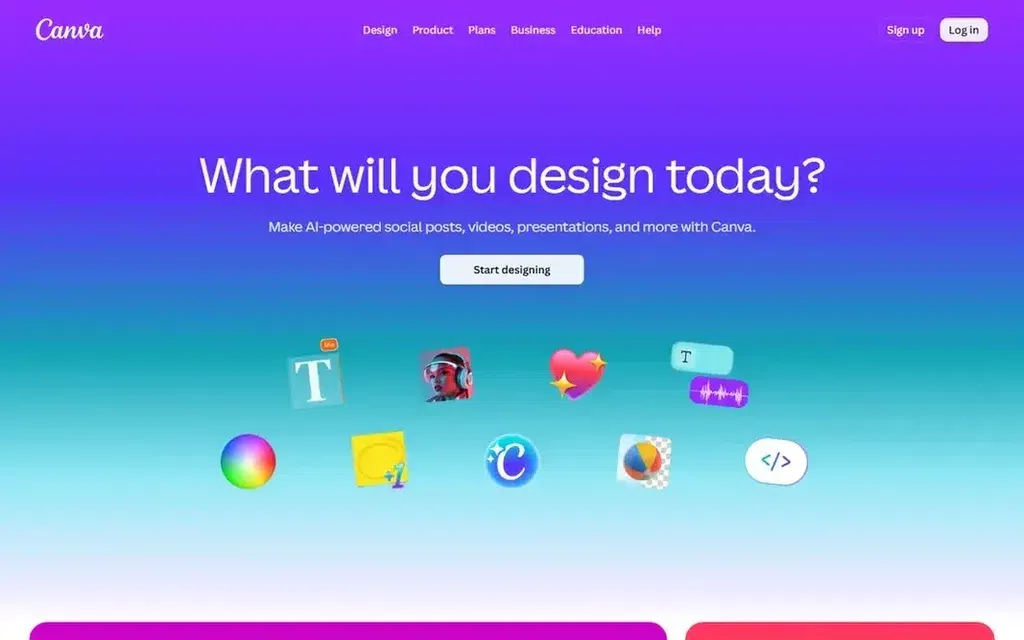
Choose Canva for everyday nonprofit marketing visuals. Canva is an online graphic design tool for creating social media posts, presentations, posters, videos, logos and more. Its visual suite is designed for people who require finished materials rapidly instead of deep manual control, which suits nonprofit volunteers and staff who rotate through communications tasks.
Where it falls short: Template-driven results can feel generic.
In daily use, since it runs in a browser, shared work stays accessible across devices and locations. Pick it when speed and accessibility matter most, and consider a professional vector or photo editor when precision becomes the priority. For everyday use, Canva's template-led approach can limit fine typographic and print control, so complicated brand systems or production-grade artwork may need a different tool. This comparison lists no price for Canva; ask the vendor. As for free access: Not stated.
Where Canva stands out: Browser-based and approachable for beginners.
- Templates for social posts
- Handles video and logo basics in one place
- Restricted precision for advanced print production
How we built this list
We compared the tools on published pricing, free plan or trial availability, feature coverage for graphic design software for nonprofits, and the limits each vendor documents. Figures are shown as the vendors publish them. Billing terms, seat minimums and add-ons can change the real cost. Order on the page follows fit for the typical buyer first, then price transparency and free access. Your own requirements should decide the final pick.
Pre-purchase checklist
- Confirm the entry price on the vendor page. For Affinity Designer, CorelDRAW and Canva that means a quote rather than a fixed price.
- Run a trial of Sketch with real work before paying for a year; your own workflow is the best test.
- Before choosing Sketch, weigh its main limit: Mac-only, limiting mixed-device teams.
- Pick one real project and run it in CorelDRAW first; a small pilot shows fit faster than a checklist.
- Ask whether Figma integrates with your current software, and whether that comes standard or as an add-on.
FAQ
Do these tools publish their prices?
Not all of them. Affinity Designer, CorelDRAW and Canva publish no starting price, so expect a quote request for those. The rest, Sketch included, show a starting price, though seats and billing terms still change the final cost.
How are the tools for graphic design software for nonprofits ordered?
Sketch sits first and Canva last because the order follows typical fit for graphic design software for nonprofits, then price clarity and free access. It is a judgement call, so read each profile for fit and limits.
Is a browser-based tool enough for nonprofit design work?
Browser-based tools for example Canva and Figma manage most everyday needs, including social graphics, presentations and website layouts. For everyday use, numerous teams combine both approaches.
Does any tool for graphic design software for nonprofits here have a free plan?
No tool in this list, Sketch and Canva included, has a permanent free plan. Sketch offer a trial. Trials and quotes are the usual route, so plan a short evaluation period.
Is Sketch the right pick for everyone comparing graphic design software for nonprofits?
No single tool suits every team. Sketch comes first because it fits Mac-based interface and product design, while Figma suits collaborative digital design and prototyping and Affinity Designer suits precise vector art and print graphics. Match the tool to your own size, budget and workflow before deciding.
Which graphic design tool is easiest for nonprofit volunteers?
Canva is usually the most approachable because it runs in a browser and supplies ready-made templates for typical nonprofit materials. Volunteers with little design background can produce social posts and posters rapidly.
Sources
- https://www.sketch.com
- https://www.figma.com
- https://affinity.serif.com/en-us/designer
- https://www.coreldraw.com
- https://www.canva.com