Top 5 File and Records Management Systems for 2026 (Prices and Free Plans)
Weighing the best file and records management systems? We lined up 5 products by cost, free access and fit. Every tool lists pros and cons. See which fits.
- Editor's choice
 OpenText Content Management
Enterprise-wide secure information management
Starts atSee websiteVisit opentext.comFull review - Great alternative
 Box
AI-powered content management and collaboration
Starts atSee websiteVisit box.comFull review - Also consider
 DocuWare
Document management and workflow automation
Starts atSee websiteVisit start.docuware.comFull review
Direct answer
Start with OpenText Content Management if you need enterprise-wide secure information management. Listed starting prices: M-Files from €65 per seat a month and Laserfiche from $42 per user per month. If your case is different, Box suits AI-powered content management and collaboration and DocuWare suits document management and workflow automation. The other 2 tools in the list cover narrower or pricier cases.
TL;DR:
- OpenText Content Management sits first on this list: enterprise-wide secure information management.
- None of the 5 tools, from OpenText Content Management to Laserfiche, has a free plan, so budget for a subscription or use a trial.
- A fair warning about DocuWare: may need configuration for complicated records schedules.
- Laserfiche suits document management with process automation.
- The cheapest monthly starting price in the list is $42 per user per month, offered by Laserfiche.
Last checked November 2026. Prices and plan details were read from the vendors' own pages in November 2026; vendors change plans often, so confirm the current price on the vendor site before you buy.
Quick comparison
| Tool | Best for | Starts at | Free plan? | |
|---|---|---|---|---|
| OpenText Content Management | Enterprise-wide secure information management | See website | Not stated | Visit |
| Box | AI-powered content management and collaboration | See website | Not stated | Visit |
| DocuWare | Document management and workflow automation | See website | Not stated | Visit |
 M-Files | AI-powered document management in context | €65 per seat a month | Not stated | Visit |
 Laserfiche | Document management with process automation | $42 per user per month | Not stated | Visit |
Tool-by-tool breakdown
Short on time? The summary and table above give the quick view of 5 file and records management systems, and the profiles that follow give the detail behind each entry.
OpenText Content Management
Best for: Enterprise-wide secure information management
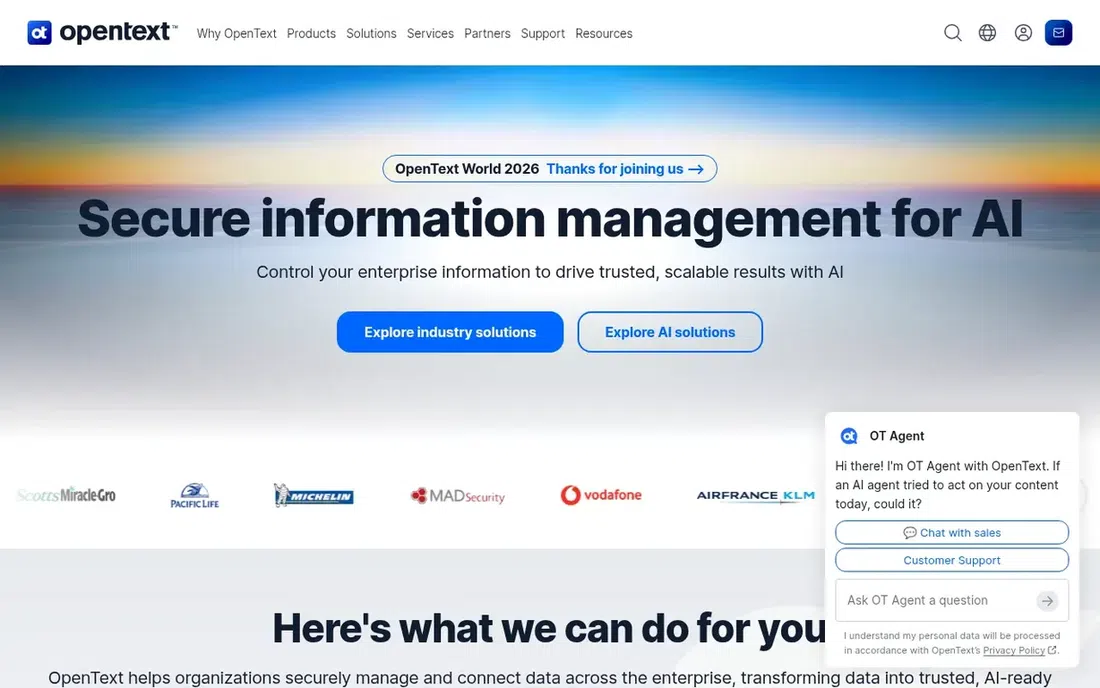
OpenText Content Management was built for enterprise-wide secure information management. It is built for large organizations with complicated governance and content sprawl challenges.
The enterprise focus can translate into longer deployment cycles and the need for specialized administration. On top of that, consider a more focused document management system if you do not need enterprise-wide information integration. This comparison lists no price for OpenText Content Management; ask the vendor. Free access: Not stated.
Drawbacks to consider: May require specialized staff to handle.
- Links data to make it trusted and AI-ready
- Supports large-scale information governance
- Enterprise scope can mean complicated deployment
In short, Box is for AI-powered content management and collaboration. If you need deep records management without additional setup, consider a specialized system.
From a buyer's view, organizations looking for intelligent content management in the cloud will find it relevant. As for the details, Whereas Box gives you solid collaboration, advanced records governance may need extra configuration or extras. No starting price is listed for Box here; confirm pricing on the vendor site. On free options: Not stated.
Honest limits: Advanced governance may need add-on configuration.
- Automates workflows for internal and external collaboration
- Intelligent content management features
- External collaboration settings need careful review
In short, DocuWare is for document management and workflow automation. DocuWare gives you document management software and workflow options.
Beyond that, integration with existing business systems should be checked against your environment. In practice, complicated records retention and compliance requirements may need extra configuration or verification. DocuWare does not show a starting price in this comparison, so check the vendor site for current pricing. Free options: Not stated.
What to check first: May need configuration for complicated records schedules.
- Concentrates on document management and workflow options
- Aims to boost document processing
- Integration choices should be verified for your stack
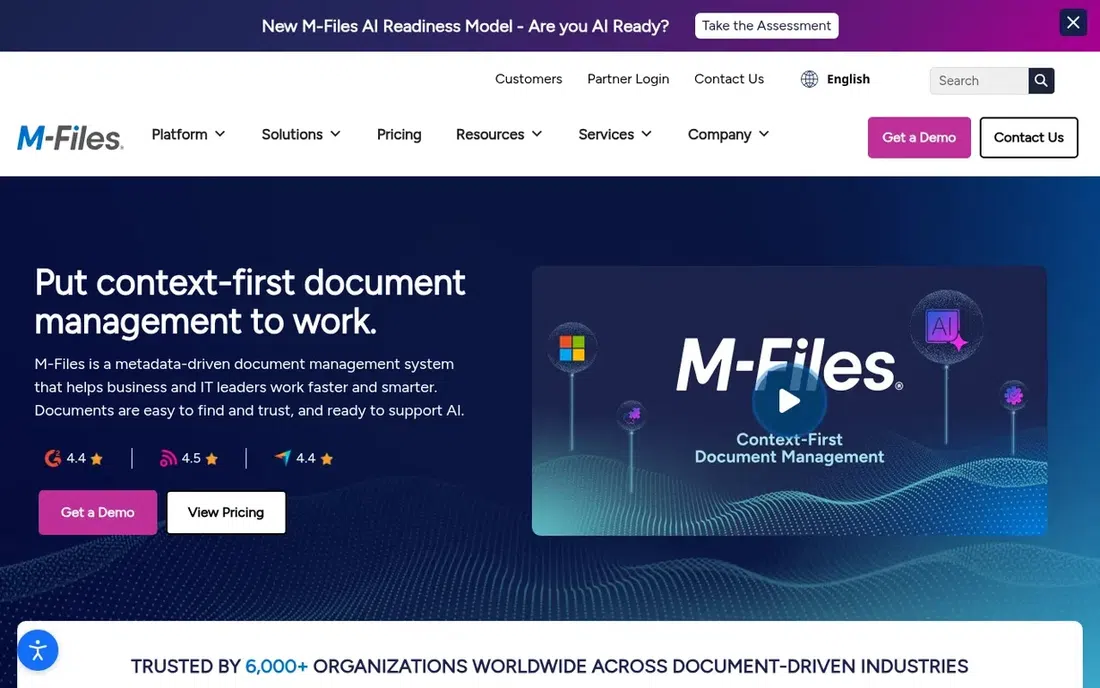
Pick M-Files if this describes you: AI-powered document management in context. Consider alternatives if you primarily need entry-level collaboration without workflow automation. Beyond that, organizations with very straightforward file-sharing needs might find it more than necessary.
As for the details, M-Files is an AI-powered document management system that organizes documents in context. So users see files related to a customer, project, or case instead of digging through folders. It automates workflows and aims to cut risk with secure content handling. Starting cost for M-Files: €65 per seat per month. Free access: Not stated.
Where it is weaker: May need configuration to match specific records policies.
- AI features help cut risk and boost compliance
- Automates workflows to cut manual effort
- Context-based approach can need user training

Laserfiche is designed for document management with process automation. Through workflows, electronic forms, document management, and analytics, it aims to accelerate work across departments.
The main drawbacks: May be complicated for small teams without dedicated admins.
Also, implementing workflows and forms can need planning and administrative effort. Laserfiche starts at: $42 per user per month. Free access: Not stated.
- Merges document management with workflow automation
- AI-powered features support quicker work
- Full automation setup can take time
Selection criteria
LinkVetted used vendor pricing pages and product documentation as the base, then compared plans, free access and documented limits for 5 tools. Where a vendor does not publish a price, the entry says quote. Where a price depends on seats or billing term, the entry says so. Tools are placed by general fit for file and records management systems, with price clarity and free access as tie-breakers. A different team can reasonably rank them differently.
What to check before you buy
- Ask OpenText Content Management, Box and DocuWare for a written quote, since no starting price is shown.
- Before choosing OpenText Content Management, weigh its main limit: enterprise scope can mean complicated deployment.
- Find out whether the entry plan of Laserfiche covers your must-haves or only a trimmed-down version.
- Involve the people who will use DocuWare daily; a short pilot beats a long feature checklist.
- Confirm you can export your data from Box, so leaving later does not mean losing records.
FAQ
What is the difference between document management and records management?
Document management concentrates on storing, organizing, and collaborating on files during active use. Some systems combine both, whereas others specialize in one area.
Do these tools publish their prices?
Not all of them. OpenText Content Management, Box and DocuWare publish no starting price, so expect a quote request for those. The rest, M-Files included, show a starting price, though seats and billing terms still change the final cost.
Can I try these options before paying?
Not by default. None of the tools, from OpenText Content Management to Laserfiche, lists a free plan or a free trial here, so ask each vendor for a demo before committing. For the full picture, the cards above cover all 5 entries of this file and records management systems list, including price, free plan and limits.
Can these systems deal with both files and formal records?
Some are more solid for collaborative file sharing, whereas others focus on compliance and retention. More specifically, confirm that the records features you need are available.
How are the tools for file and records management systems ordered?
OpenText Content Management sits first and Laserfiche last because the order follows typical fit for file and records management systems, then price clarity and free access. It is a judgement call, so read each profile for fit and limits.
What should I look for in a file and records management system?
Focus on how well the system organizes and governs documents, the strength of its workflow automation, and its records retention capabilities. Also consider integration with your existing tools and the level of administration required.
Sources
- https://www.opentext.com
- https://www.box.com
- https://start.docuware.com
- https://www.m-files.com
- https://www.laserfiche.com