Best ESN Software for Knowledge Sharing (2026): 5 Picks Checked on Vendor Pages
5 tools for the best ESN software for knowledge sharing, compared on pricing, free plans and best-fit use. Each entry gets a plain verdict. Updated for 2026.
- Editor's choice
 Guru
Governed knowledge for enterprise AI
Starts atSee websiteVisit getguru.comFull review - Great alternative
 Slack
Quick conversational knowledge exchange
Starts at$4.38 per user a monthVisit slack.comFull review - Also consider
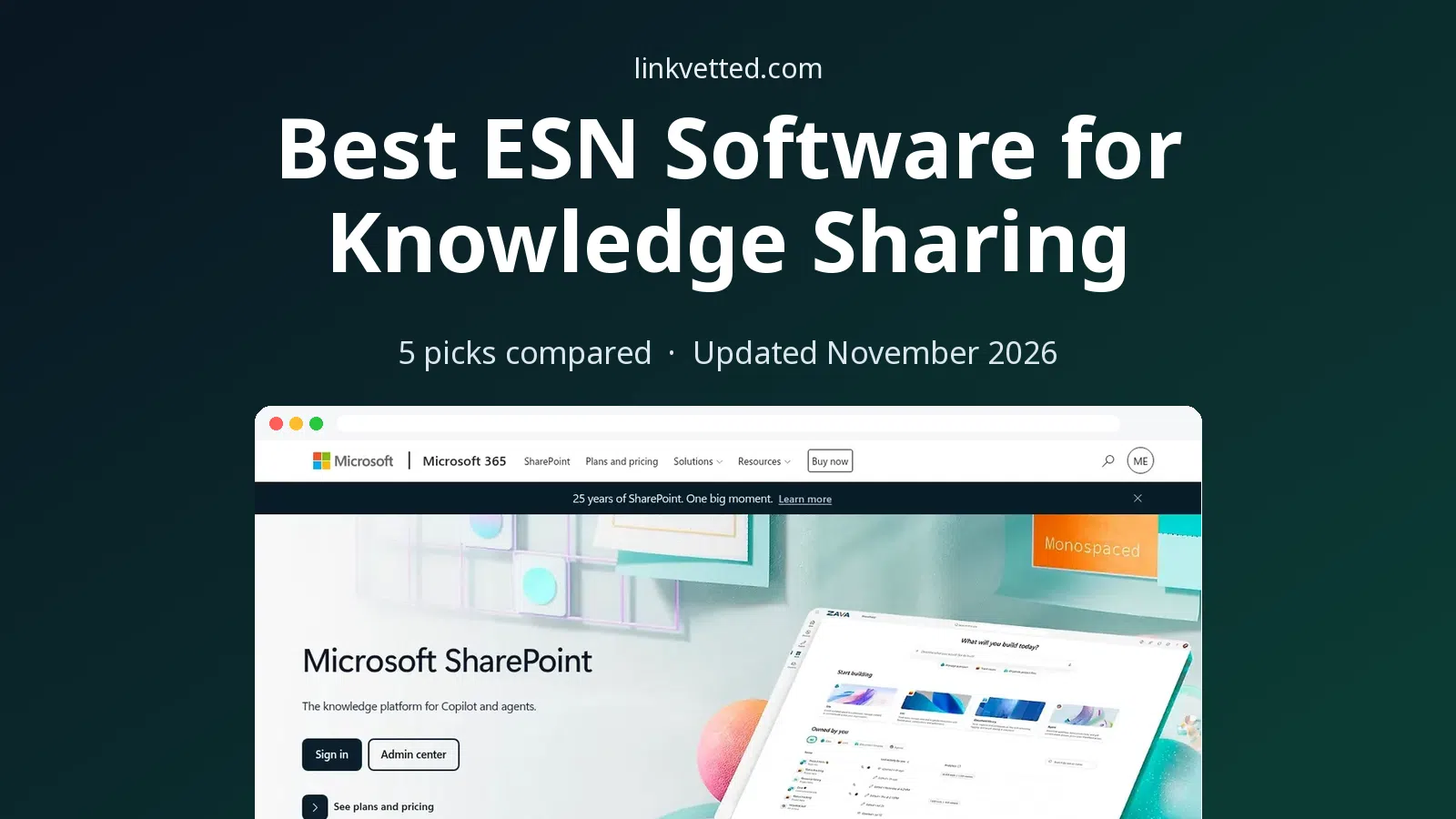
 Microsoft SharePoint
Governed enterprise content and files
Starts atSee websiteVisit microsoft.comFull review
Direct answer
Guru leads the list, best for governed knowledge for enterprise AI. Listed starting prices: Slack from $4.38 per user a month and Notion from $10 per member per month. Slack fits quick conversational knowledge exchange; Microsoft SharePoint fits governed enterprise content and files. All 5 tools are compared below on price, free plan and limits.
TL;DR:
- Guru sits first on this list: governed knowledge for enterprise AI.
- Notion is the one to check for adaptable all-in-one workspaces.
- 2 of 5 tools offer a free plan: Slack, Notion.
- Before buying Slack, weigh this: knowledge gets buried in message history.
Last checked November 2026. Prices and plan details were read from the vendors' own pages in November 2026; vendors change plans often, so confirm the current price on the vendor site before you buy.
Quick comparison
| Tool | Best for | Starts at | Free plan? | |
|---|---|---|---|---|
| Guru | Governed knowledge for enterprise AI | See website | Not stated | Visit |
| Slack | Quick conversational knowledge exchange | $4.38 per user a month | Yes | Visit |
| Microsoft SharePoint | Governed enterprise content and files | See website | Not stated | Visit |
 Confluence | Structured team knowledge bases | See website | Not stated | Visit |
 Notion | Adaptable all-in-one workspaces | $10 per member per month | Yes | Visit |
The best ESN software for knowledge sharing
If you are comparing ESN software for knowledge sharing, this page covers 5 tools in one place: what each is best for, what it costs to start, whether it has a free plan, and the main limit to know about.
Pick Guru if this describes you: governed knowledge for enterprise AI. It suits enterprises that treat knowledge accuracy as a priority and want a dedicated layer feeding trusted answers instead of a general collaboration suite.
For everyday use, choose a broader system if your primary need is general collaboration instead of governed answers. Pricing for Guru is not stated here, so ask the vendor for current figures. Free access: Not stated.
Drawbacks to consider: Focused scope compared with wide collaboration suites.
- Structures and governs knowledge
- Aims at trustworthy AI answers
- Value relies on continuing content upkeep
For quick conversational knowledge exchange, Slack is a natural candidate. Slack describes itself as an AI work system for managing projects, automating workflows and connecting teams securely.
Points against: Knowledge gets buried in message history.
Beyond that, choose a page-based or governed tool when you need durable, curated reference material. Starting cost for Slack: $4.38 per user per month. Free access exists with Slack.
- Channels keep discussion searchable
- Secure team connectivity
- Not made for long-form documentation

Choose Microsoft SharePoint for governed enterprise content and files. If you need a quick, low-configuration knowledge space, a lighter workspace tool may serve you better.
It powers collaboration, communication, automation and AI experiences throughout Microsoft 365. This comparison lists no price for Microsoft SharePoint; ask the vendor. As for free access: Not stated.
Downsides: Interface feels heavier for casual sharing.
- Secure file sharing and content management
- Links across Microsoft 365 experiences
- Setup and administration can be involved
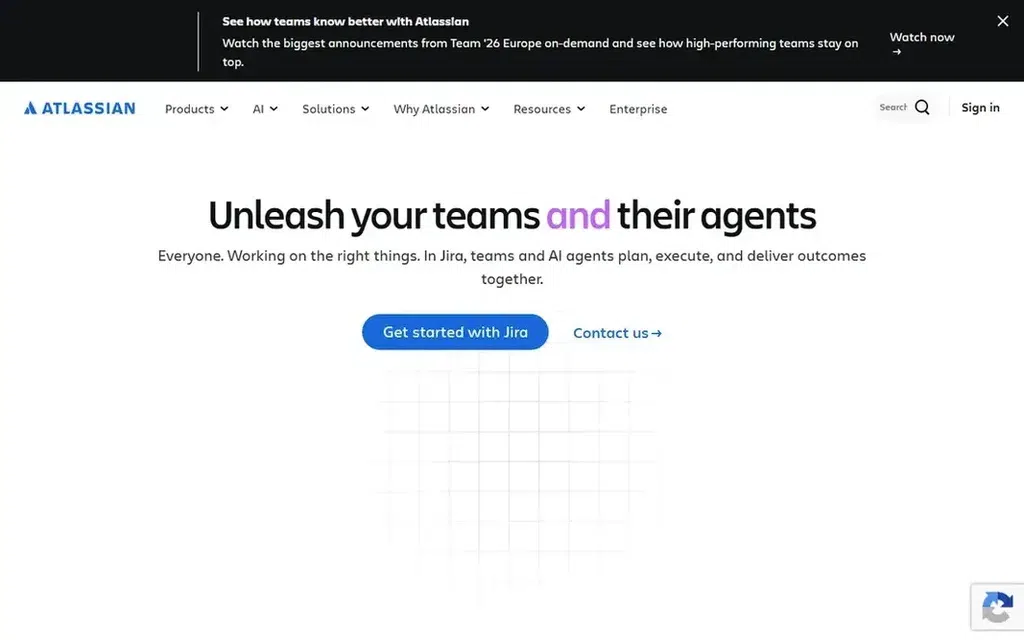
Confluence is built with structured team knowledge bases in mind. Confluence is a team workspace built around creating and sharing knowledge, with pages that collect project documentation, decisions and reference material in one place. Also, AI features help draft, summarize and find answers so teams spend less time searching.
The main drawbacks: Less suited to casual live chat.
On top of that, the page model rewards discipline: without clear ownership and structure, spaces can sprawl and duplicate. It is not a chat-first tool, so teams wanting fast informal conversation may pair it with a messaging system. Confluence does not show a starting price in this comparison, so check the vendor site for current pricing. Trial and free access: Not stated.
Highlights: Suits project and documentation workflows.
- Summarizing and answer finding
- Page-based workspace for shared knowledge
- Can grow cluttered without page governance
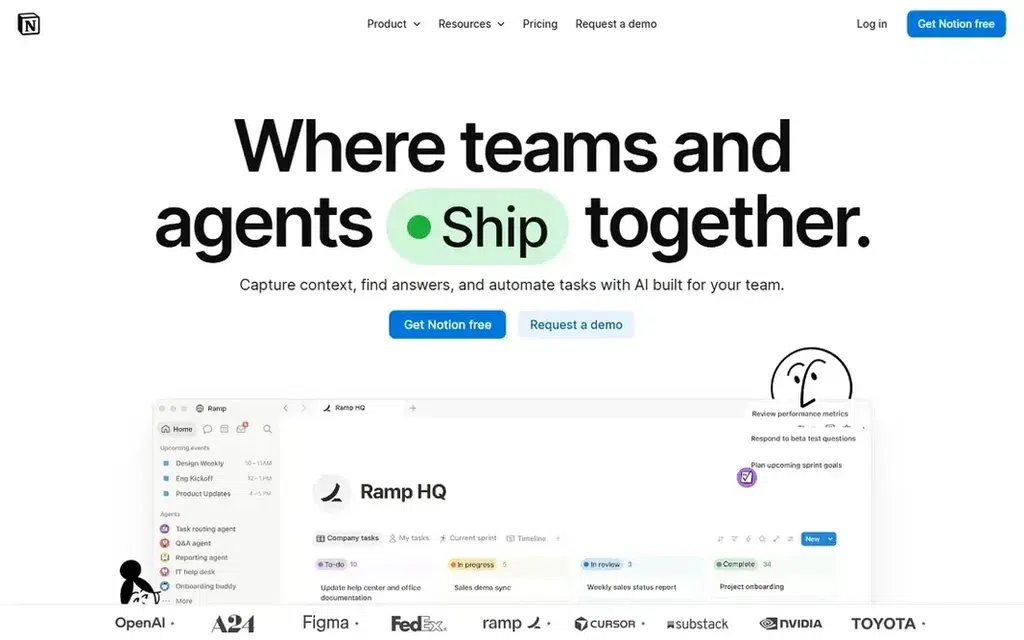
For flexible all-in-one workspaces, Notion is a natural candidate. Its appeal for knowledge sharing is adaptability: documents, databases and notes live in one environment that teams shape to their own process.
Limits to weigh: Adaptability can result in inconsistent structure.
From a buyer's view, pick a more governed choice when compliance and consistent taxonomy matter more than customization. What you pay to start with Notion: $10 per member per month. Notion has a free plan.
- Databases and notes
- Blend of docs
- Needs setup to scale cleanly
How we built this list
Before you commit
- Get a written quote from Guru, Microsoft SharePoint and Confluence; the list shows no starting price for them.
- Read the fine print on the free plans from Slack and Notion; seat, project and feature caps differ.
- Read the limits listed for Guru first: focused scope compared with wide collaboration suites.
- Ask Microsoft SharePoint how an export works before you move any records in; an easy exit lowers the risk.
- Add up seats, add-ons and usage charges for Guru before comparing it with cheaper entries.
FAQ
What should I check before committing to a knowledge sharing system?
Look at permissions and governance, integration with existing tools, how search works across content types. The continuing effort needed to keep knowledge organized. Also confirm security and data handling fit your requirements.
How are the tools for ESN software for knowledge sharing ordered?
The order follows typical fit for ESN software for knowledge sharing, with Guru first and Notion last, then price clarity and free access. It is editorial judgement, not a score, so another team could rank the tools differently.
What is ESN software and how does it support knowledge sharing?
Enterprise social networking software links employees through profiles, conversations, shared spaces and search. For knowledge sharing it lets questions and expertise circulate rapidly whereas keeping discussion findable.
Which options for ESN software for knowledge sharing have a free plan?
Slack and Notion offer a free plan in this list. Free plans usually cap users, projects or features, so check the limits on the vendor page.
Is Guru the right pick for everyone comparing ESN software for knowledge sharing?
No single tool suits every team. Guru comes first because it fits governed knowledge for enterprise AI, while Slack suits fast conversational knowledge exchange and Microsoft SharePoint suits governed enterprise content and files. Match the tool to your own size, budget and workflow before deciding.
Can I try these tools before paying?
Often, yes. Slack and Notion have a free plan. Use your own data and a real task during the test, and check what the free tier or trial limits before you rely on it. Prices, free plan details and limits for all 5 tools in this ESN software for knowledge sharing roundup sit on the individual cards above.
Sources
- https://www.getguru.com
- https://slack.com
- https://www.microsoft.com/en-us/microsoft-365/sharepoint/collaboration
- https://www.atlassian.com/software/confluence
- https://www.notion.so