Best Enterprise Monitoring Software for Remote Teams in 2026: Prices, Free Plans and 5 Picks
5 best enterprise monitoring software for remote teams, compared on pricing, free plans and best-fit use. Every entry states what it lacks. Costs up front.
- Editor's choice
 Dynatrace
Observability with AI and automation
Starts at$7 per host per monthVisit dynatrace.comFull review - Great alternative
 New Relic
AI-assisted root cause analysis
Starts at$10 per user a monthVisit newrelic.comFull review - Also consider
 Datadog
Unified cloud monitoring for distributed apps
Starts at$8 per committer a monthVisit datadoghq.comFull review
Direct answer
Dynatrace comes first here, mainly for observability with AI and automation. Listed starting prices: Dynatrace from $7 per host per month, New Relic from $10 per user a month and Datadog from $8 per committer a month. New Relic fits AI-assisted root cause analysis; Datadog fits unified cloud monitoring for distributed apps. The remaining 2 options are covered below with prices and limits.
TL;DR:
- Number one here is Dynatrace, a fit for observability with AI and automation.
- New Relic, Splunk Enterprise, AppDynamics: these are the 3 tools out of 5 that offer a free plan.
- AppDynamics fits application observability within Splunk.
- New Relic comes with a trade-off: full-stack correlation needs telemetry set up first.
Last checked November 2026. Prices and plan details were read from the vendors' own pages in November 2026; vendors change plans often, so confirm the current price on the vendor site before you buy.
Quick comparison
| Tool | Best for | Starts at | Free plan? | |
|---|---|---|---|---|
| Dynatrace | Observability with AI and automation | $7 per host per month | Free trial | Visit |
| New Relic | AI-assisted root cause analysis | $10 per user a month | Yes | Visit |
| Datadog | Unified cloud monitoring for distributed apps | $8 per committer a month | Free trial | Visit |
| Splunk Enterprise | Security and observability data at scale | $6 a month, per CPU core, billed yearly | Yes | Visit |
 AppDynamics | Application observability within Splunk | $6 a month, per CPU core, billed annually | Yes | Visit |
Every option for enterprise monitoring software for remote teams explained
LinkVetted put together this guide to enterprise monitoring software for remote teams for readers who want a clear shortlist without reading every vendor page. It compares 5 tools on starting price, free plans, who each one suits and where each one falls short.
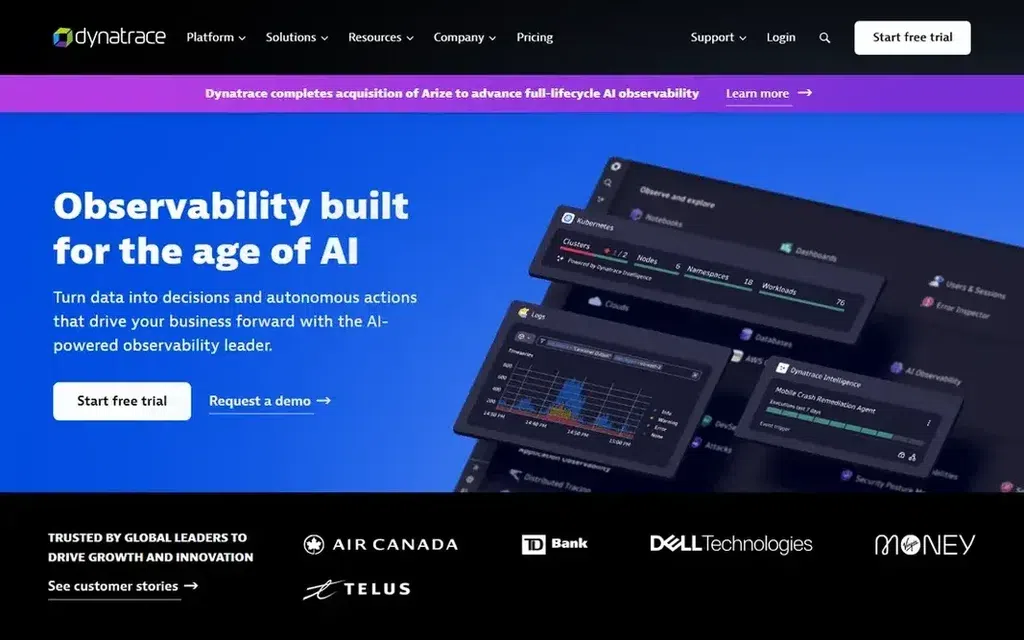
Dynatrace was built for observability with AI and automation. If you only need entry-level uptime or network checks, a lighter monitoring tool will be simpler to run.
Watch-outs: Needs deliberate rollout across teams.
In daily use, the combined product approach means more to learn and configure, which can slow smaller teams. The starting price for Dynatrace: $7 per host per month. Free access: Free trial.
- Comes with application security in one product
- Designed for operating efficiently at scale
- System breadth can feel heavy for small teams
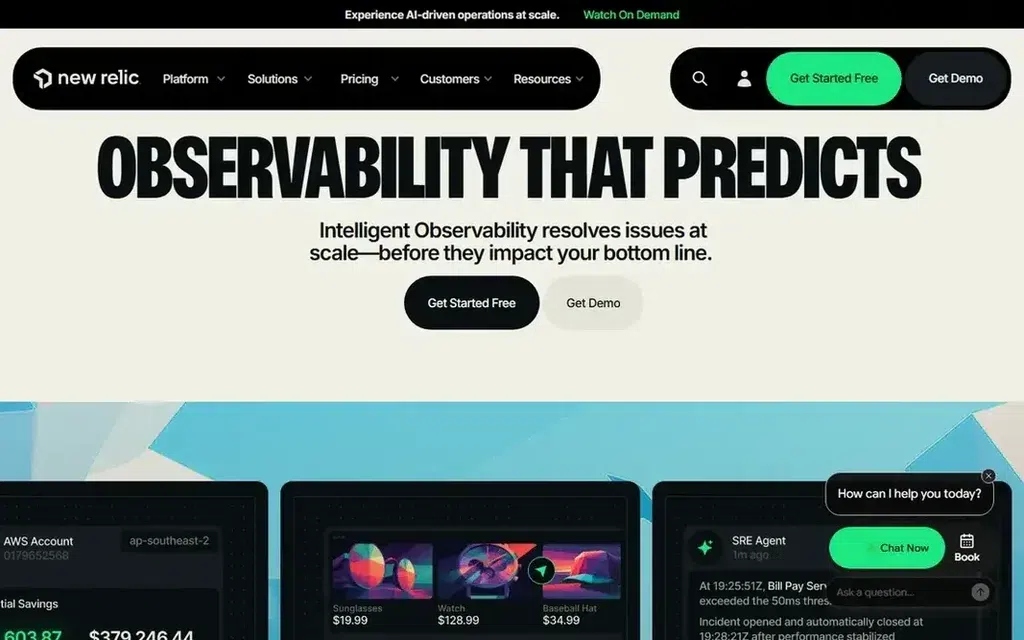
Choose New Relic for AI-assisted root cause analysis. New Relic presents itself as an AI-powered observability product that correlates telemetry across your whole stack so teams can isolate root causes and cut mean time to resolution.
It fits remote teams that want one observability view spanning applications and infrastructure, with AI assistance pointing toward likely causes. New Relic starts at: $10 per user per month. New Relic includes a free tier.
Trade-offs to know: May overlap with existing APM tools.
- Aims to isolate root cause and cut MTTR
- Correlates telemetry across the whole stack
- Full-stack correlation needs telemetry set up first
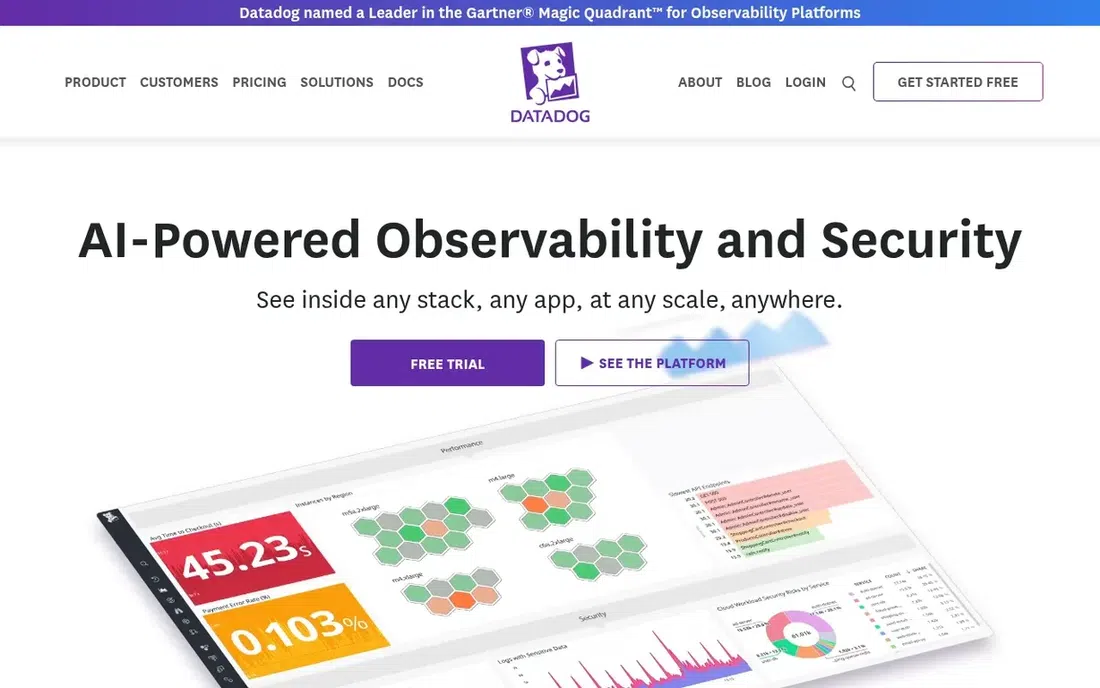
For unified cloud monitoring for distributed apps, Datadog is a natural candidate. Datadog is a cloud monitoring service that brings metrics from all of your apps, tools and services together in one place.
Points against: Best value for teams with many cloud services.
For everyday use, distributed engineers can watch shared dashboards regardless of location. The platform handles a wide surface area, so setup and tuning can take effort for smaller teams. Starting cost for Datadog: $8 per committer per month. Trial and free access: Free trial. Strengths: tools and services in one place.
- Wide fit for remote engineering teams
- Collects metrics from apps
- Feature breadth can take time to configure
Splunk Enterprise
Best for: Security and observability data at scale
Pick Splunk Enterprise if this describes you: security and observability data at scale. Splunk Enterprise is positioned as a data system for security, observability and AI, unifying security and observability at large scale.
What you pay to start with Splunk Enterprise: $6 per month, per CPU core, billed annually. Free access exists with Splunk Enterprise.
The main drawbacks: System depth needs skilled administration.
- Supports trusted AI initiatives
- Brings together security and observability data
- Can be more than straightforward monitoring needs
AppDynamics works best for application observability within Splunk. AppDynamics has joined the Splunk Observability portfolio, offering unified observability across any environment and stack. It helps teams ensure resilience of digital systems, identify problems proactively and resolve root causes rapidly.
For everyday use, teams evaluating it should also consider how it suits alongside existing Splunk investments before standardizing. More specifically, remote teams running business-critical applications can share one view of application health. In practice, since it is application-centric, network hardware monitoring sits outside its core scope. Starting cost for AppDynamics: $6 per month, per CPU core, billed annually. AppDynamics has a free plan.
Limits to weigh: Now part of the Splunk Observability portfolio.
- Quick root cause resolution focus
- Proactive problem identification
- Application focus may not handle network devices
Selection criteria
Selection started from tools commonly considered for enterprise monitoring software for remote teams, then narrowed to 5 that have clear pricing information or a clear quote process. Where a vendor does not publish a price, the entry says quote. Where a price depends on seats or billing term, the entry says so. Position on the page reflects fit for a typical buyer first, with price clarity and free access breaking ties. Treat it as a guide, not a ruling.
Things to verify first
- Confirm the entry price on the vendor page: Splunk Enterprise starts at $6 per month, per CPU core, billed annually, but seat counts and billing terms change the total.
- Look at free plan limits closely: New Relic, Splunk Enterprise and AppDynamics have one, and the caps decide whether it is usable for real work.
- Use real work to test the free trial from Dynatrace and Datadog, rather than a demo project.
- Read the limits listed for Dynatrace first: product breadth can feel heavy for small teams.
- Pick one real project and run it in Dynatrace first; a small pilot shows fit faster than a checklist.
- Look at the renewal terms for New Relic: auto-renewal, notice periods and price changes can matter more than the first-year price.
FAQ
Do these tools publish their prices?
Yes. Every tool from Dynatrace to AppDynamics shows a starting price, though seats, add-ons and billing terms still change the final cost.
Is Dynatrace the right pick for everyone comparing enterprise monitoring software for remote teams?
No single tool suits every team. Dynatrace comes first because it fits observability with AI and automation, while New Relic suits AI-assisted root cause analysis and Datadog suits unified cloud monitoring for distributed apps. Match the tool to your own size, budget and workflow before deciding.
Which options for enterprise monitoring software for remote teams have a free plan?
New Relic, Splunk Enterprise and AppDynamics offer a free plan in this list. Free plans usually cap users, projects or features, so check the limits on the vendor page. Several others offer a trial instead.
How are the tools for enterprise monitoring software for remote teams ordered?
Dynatrace sits first and AppDynamics last because the order follows typical fit for enterprise monitoring software for remote teams, then price clarity and free access. It is a judgement call, so read each profile for fit and limits.
Sources
- https://www.dynatrace.com
- https://newrelic.com
- https://www.datadoghq.com
- https://www.splunk.com
- https://www.appdynamics.com
Related guides
- 5 Best 3D Modeling Software for Remote Teams for 2026, Vetted and Compared
- Best Augmented Reality SDK Software for Remote Teams in 2026: Prices, Free Plans and 5 Picks
- Choosing CAD Software for Remote Teams in 2026: 6 Options Compared
- Choosing Cloud Desktop Services for Remote Work in 2026: 5 Options Compared