Best Enterprise Monitoring Software (2026): 5 Picks Checked on Vendor Pages
Compare 5 picks for the best enterprise monitoring software, with prices, free plans and who each fits. Notes on cost and gaps for each tool. Numbers first.
- Editor's choice
 New Relic
Correlating telemetry to isolate root causes
Starts at$10 per user a monthVisit newrelic.comFull review - Great alternative
 AppDynamics
Unified observability within the Splunk portfolio
Starts at$6 per month, per CPU core, billed yearlyVisit appdynamics.comFull review - Also consider
 Dynatrace
AI-driven observability with automation and security
Starts at$7 per host a monthVisit dynatrace.comFull review
Direct answer
If you need correlating telemetry to isolate root causes, New Relic is the first tool to look at here. Listed starting prices: New Relic from $10 per user a month, AppDynamics from $6 per month, per CPU core, billed yearly and Dynatrace from $7 per host a month. For a different need, AppDynamics covers unified observability within the Splunk portfolio and Dynatrace covers AI-driven observability with automation and security. Prices, free plans and limits for all 5 tools follow.
TL;DR:
- New Relic is the opening pick, best for correlating telemetry to isolate root causes.
- Splunk Enterprise is the one to check for security and observability at large data scale.
- The cheapest monthly starting price in the list is $6 per month, per CPU core, billed annually, offered by AppDynamics.
- One limit worth knowing about Datadog: breadth can mean a complicated setup.
- Free plans exist at 3 of 5 tools (New Relic, AppDynamics, Splunk Enterprise).
Last checked November 2026. Prices and plan details were read from the vendors' own pages in November 2026; vendors change plans often, so confirm the current price on the vendor site before you buy.
Quick comparison
| Tool | Best for | Starts at | Free plan? | |
|---|---|---|---|---|
| New Relic | Correlating telemetry to isolate root causes | $10 per user a month | Yes | Visit |
| AppDynamics | Unified observability within the Splunk portfolio | $6 per month, per CPU core, billed yearly | Yes | Visit |
| Dynatrace | AI-driven observability with automation and security | $7 per host a month | Free trial | Visit |
 Datadog | Unified cloud metrics across apps and services | $8 per committer a month | Free trial | Visit |
| Splunk Enterprise | Security and observability at large data scale | $6 a month, per CPU core, billed annually | Yes | Visit |
Every option for enterprise monitoring software explained
Choosing enterprise monitoring software usually comes down to price, fit and limits. This LinkVetted guide sets 5 tools side by side on those three points, with the facts kept short and checkable.
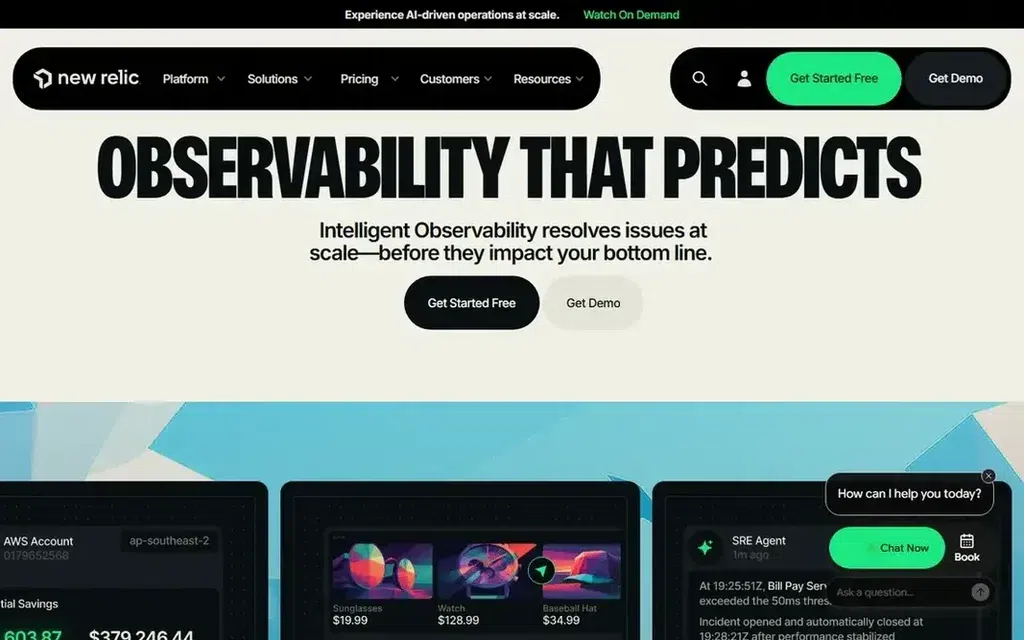
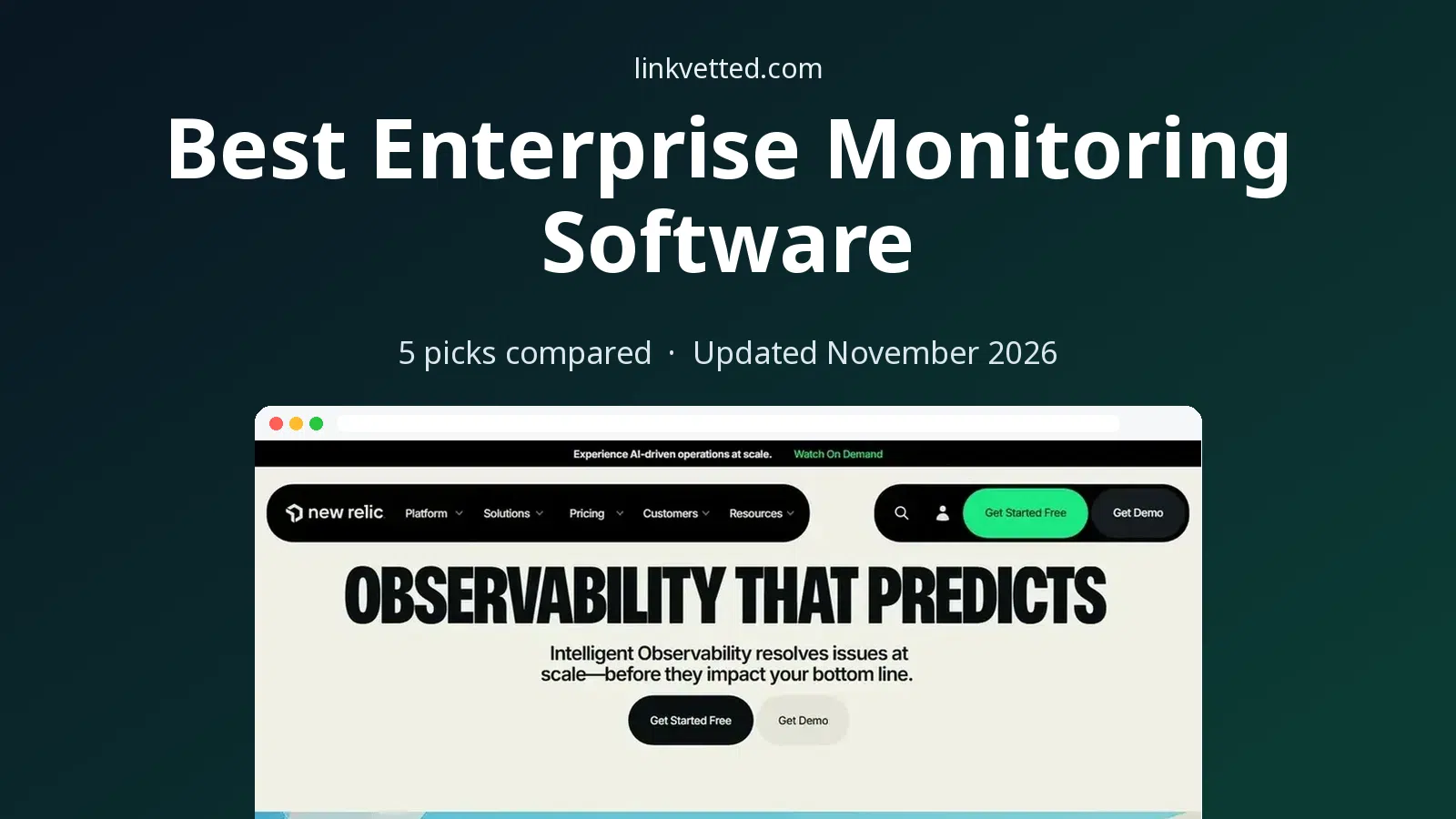
For correlating telemetry to isolate root causes, New Relic is a natural candidate. New Relic is an AI-powered observability product that correlates telemetry across your whole stack so teams can isolate root causes and cut mean time to resolution.
Honest limits: May overlap with existing tooling.
The product rewards teams that instrument consistently; gaps in telemetry can weaken correlation. New Relic starts at: $10 per user per month. Free access exists with New Relic.
- Correlates telemetry across the whole stack
- AI-powered observability system
- Telemetry correlation relies on consistent instrumentation
AppDynamics serves unified observability within the Splunk portfolio. Since it sits within a bigger portfolio, buyers should confirm product direction and how it complements other Splunk offerings.
Teams without existing Splunk ties may compare it against standalone observability products before committing. The starting price for AppDynamics: $6 per month, per CPU core, billed annually. AppDynamics offers a free plan.
Downsides: Needs clear ownership across teams.
- Quick root cause resolution
- Unified observability across environments and stacks
- Portfolio positioning may prompt migration questions
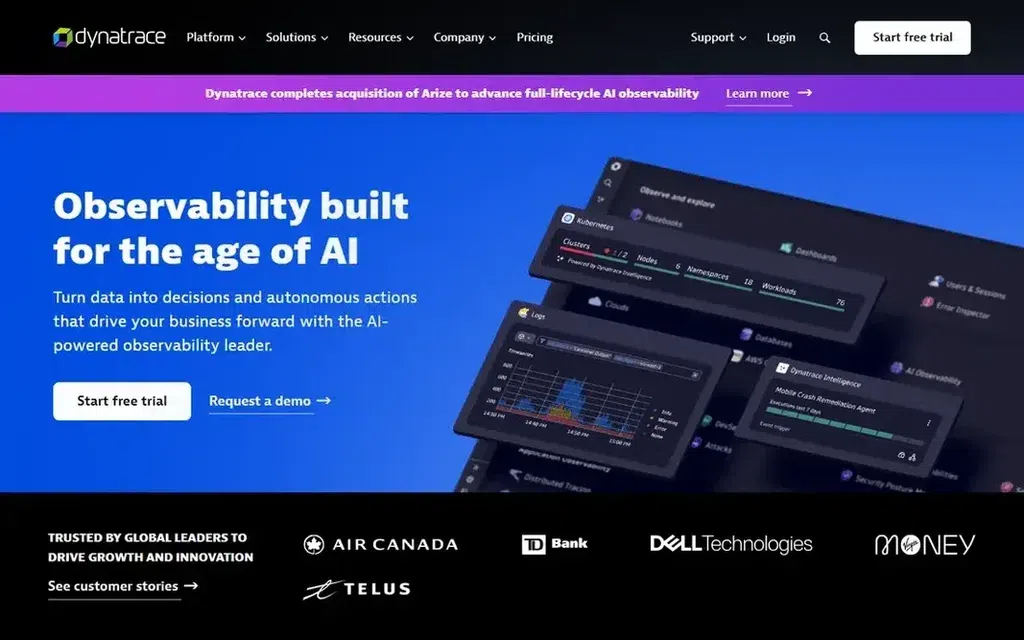
Choose Dynatrace for AI-driven observability with automation and security. A system this wide can take time to configure around your specific applications and workflows.
Honest limits: Product breadth may need onboarding effort.
Smaller teams or those seeking only entry-level infrastructure monitoring may prefer a narrower tool with a more straightforward operating model. On cost, Dynatrace starts like this: $7 per host per month. Trial and free access: Free trial.
- Observability
- Targeted at quicker innovation and efficient operations
- Best value for bigger, complicated environments
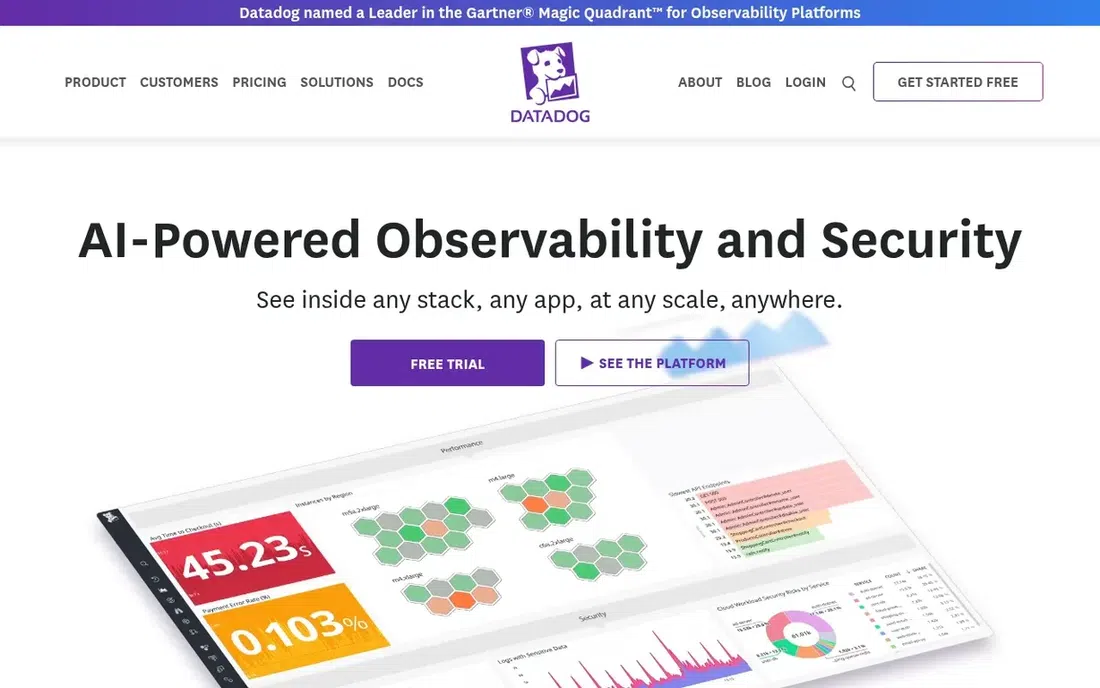
Choose Datadog for unified cloud metrics across apps and services. It suits teams that want a single view across cloud infrastructure and the services they run, instead of stitching together separate monitoring tools for each layer of the stack.
Points against: Breadth can mean a complicated setup.
- Tools and services in one place
- Cloud monitoring delivered as a service
- Costs scale with monitored environments
Splunk Enterprise
Best for: Security and observability at large data scale
Splunk Enterprise works best for security and observability at large data scale. Splunk Enterprise is described as a data system for security, observability and AI, unifying security and observability at petabyte scale so teams can stop threats and prevent downtime at machine speed.
What you pay to start with Splunk Enterprise: $6 per month, per CPU core, billed annually. A free plan is available with Splunk Enterprise.
Downsides: Wide scope can be more than straightforward monitoring needs.
- Made for petabyte-scale data
- Supports trusted AI initiatives
- Needs data product skills to operate
How these tools were picked
What to check before you buy
- Check the vendor page for the current price: AppDynamics starts at $6 per month, per CPU core, billed annually here, and seats or billing terms can move it.
- Read the fine print on the free plans from New Relic, AppDynamics and Splunk Enterprise; seat, project and feature caps differ.
- Run a trial of Dynatrace and Datadog with real work before paying for a year; your own workflow is the best test.
- Read the limits listed for New Relic first: telemetry correlation relies on consistent instrumentation.
- Check whether Dynatrace bills monthly or annually, and what cancelling early costs.
- See whether Datadog offers onboarding or training, and whether it is included in the price.
FAQ
What should enterprise monitoring software handle?
Most enterprises need visibility across applications, infrastructure and networks, with alerting that routes issues to the right team. Some products add security analytics or AI-assisted root cause analysis.
What is the cheapest option for enterprise monitoring software in this list?
On published monthly entry prices, AppDynamics is the lowest here at $6 per month, per CPU core, billed annually. Entry price is only part of the cost, because seats, add-ons and billing terms can change the total. All 5 picks in this enterprise monitoring software comparison list a starting price, free plan details and the main limits on their cards above.
How are the tools for enterprise monitoring software ordered?
The order follows typical fit for enterprise monitoring software, with New Relic first and Splunk Enterprise last, then price clarity and free access. It is editorial judgement, not a score, so another team could rank the tools differently.
Do these tools publish their prices?
Yes. Every tool from New Relic to Splunk Enterprise shows a starting price, though seats, add-ons and billing terms still change the final cost.
Can I try these options before paying?
Often, yes. New Relic, AppDynamics and Splunk Enterprise have a free plan and Dynatrace and Datadog offer a free trial. Use your own data and a real task during the test, and check what the free tier or trial limits before you rely on it.
Sources
- https://newrelic.com
- https://www.appdynamics.com
- https://www.dynatrace.com
- https://www.datadoghq.com
- https://www.splunk.com
Related guides
- 5 Best API Gateway Platforms for Enterprise for 2026, Vetted and Compared
- 5 Best API Integration Platforms for Enterprise for 2026, Vetted and Compared
- Best API Management Platforms for Enterprise in 2026: 9 Platforms Compared
- Choosing Augmented Reality SDK Software for Enterprise in 2026: 5 Options Compared