Best Error Logging Tools for Software Development for 2026: Our 5 Vetted Picks
Searching for the best error logging tools for software development? Here are 5 options with prices and free plans. Read the caveats before you buy. No filler.
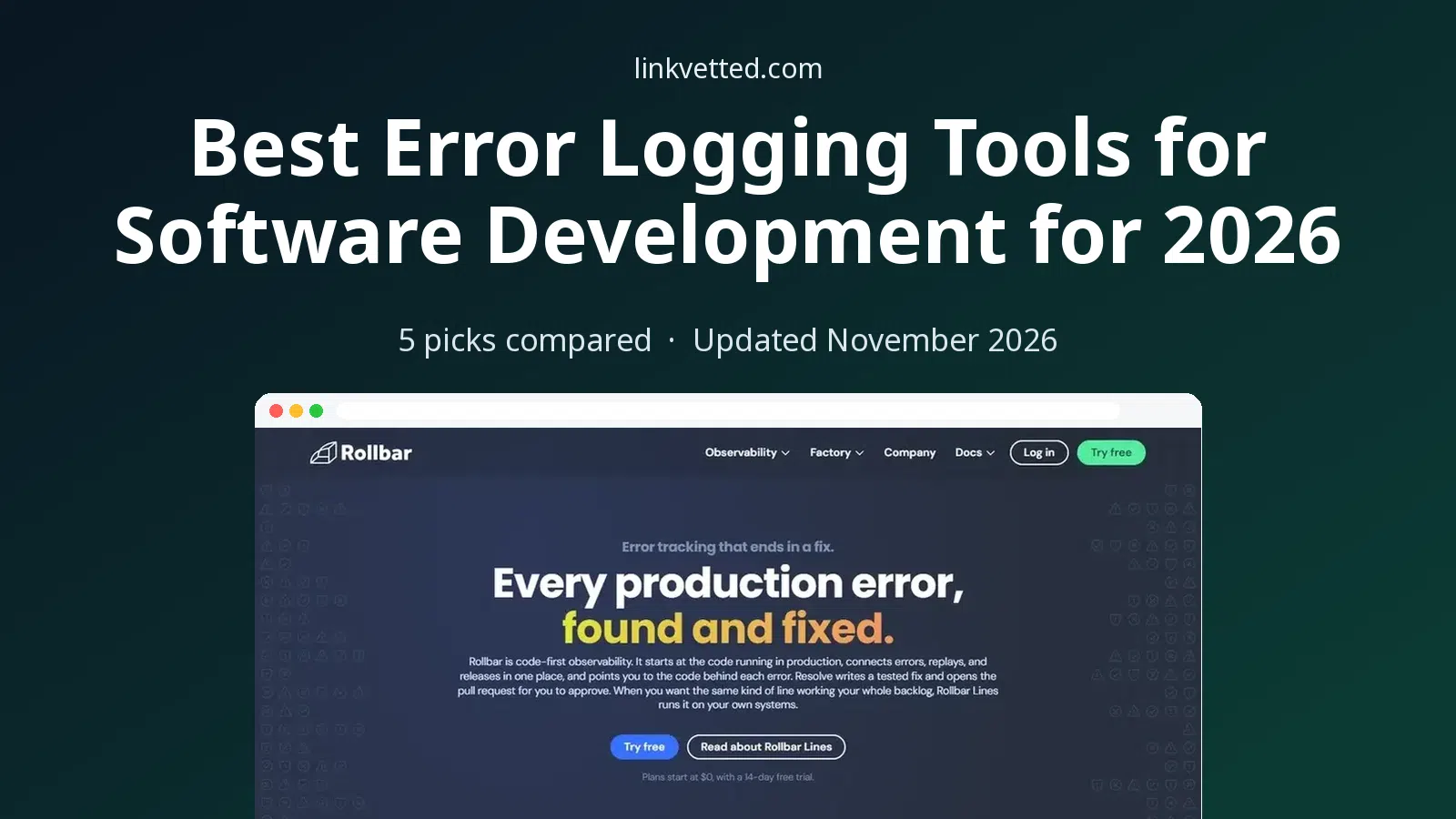
- Editor's choice
 New Relic
Correlating telemetry across the full stack
Starts at$10 per user a monthVisit newrelic.comFull review - Great alternativeAirbrake
Straightforward exception logging
Starts at$17 per monthVisit airbrake.ioFull review - Also considerRollbar
Working through error backlogs with fixes
Starts atSee websiteVisit rollbar.comFull review
Direct answer
New Relic leads the list, best for correlating telemetry across the full stack. Listed starting prices: New Relic from $10 per user a month, Airbrake from $17 per month and Sentry from $26 a month. If your case is different, Airbrake suits straightforward exception logging and Rollbar suits working through error backlogs with fixes. The full list of 5 tools follows, with prices and free plan facts.
TL;DR:
- Number one here is New Relic, a fit for correlating telemetry across the full stack.
- A fair warning about Sentry: broad feature set can take time to configure.
- For the cheapest start, look at New Relic: $10 per user per month.
- New Relic, Rollbar, Sentry, Bugsnag: these are the 4 tools out of 5 that offer a free plan.
Last checked November 2026. Prices and plan details were read from the vendors' own pages in November 2026; vendors change plans often, so confirm the current price on the vendor site before you buy.
Quick comparison
| Tool | Best for | Starts at | Free plan? | |
|---|---|---|---|---|
| New Relic | Correlating telemetry across the full stack | $10 per user a month | Yes | Visit |
| Airbrake | Straightforward exception logging | $17 per month | Free trial | Visit |
| Rollbar | Working through error backlogs with fixes | See website | Yes | Visit |
 Sentry | Error tracking plus performance monitoring | $26 a month | Yes | Visit |
| Bugsnag | Live error and performance monitoring | See website | Yes | Visit |
Error Logging Tools for Software Development compared in detail
If you are comparing error logging tools for software development, this page covers 5 tools in one place: what each is best for, what it costs to start, whether it has a free plan, and the main limit to know about.
Choose New Relic for correlating telemetry across the full stack. New Relic is an AI-powered observability system that correlates telemetry across your whole stack so teams can isolate root causes and cut time to resolution.
Points against: System breadth can be complicated to adopt.
More specifically, teams that chiefly need exception capture and grouping may find Sentry or Bugsnag more direct, whereas New Relic rewards those investing in full-stack observability. In daily use, Error data is one signal among plenty of, which fits organizations that want a unified view of application health instead of a dedicated error logger alone. Starting cost for New Relic: $10 per user per month. Free access exists with New Relic.
- Aims to cut mean time to resolution
- Correlates telemetry to isolate root cause
- Error logging is one part of a bigger product
Airbrake
Best for: Straightforward exception logging
Airbrake is aimed squarely at straightforward exception logging. It is usually chosen by teams that want focused error logging without adopting a full observability product.
It can serve as a straightforward entry point for groups setting up error visibility for the first time. On cost, Airbrake starts like this: $17 per month. On free options: Free trial.
Honest limits: Restricted detail available on its current homepage.
- Centred on capturing application exceptions
- Established error monitoring tool
- Fewer adjacent observability features
Rollbar
Best for: Working through error backlogs with fixes
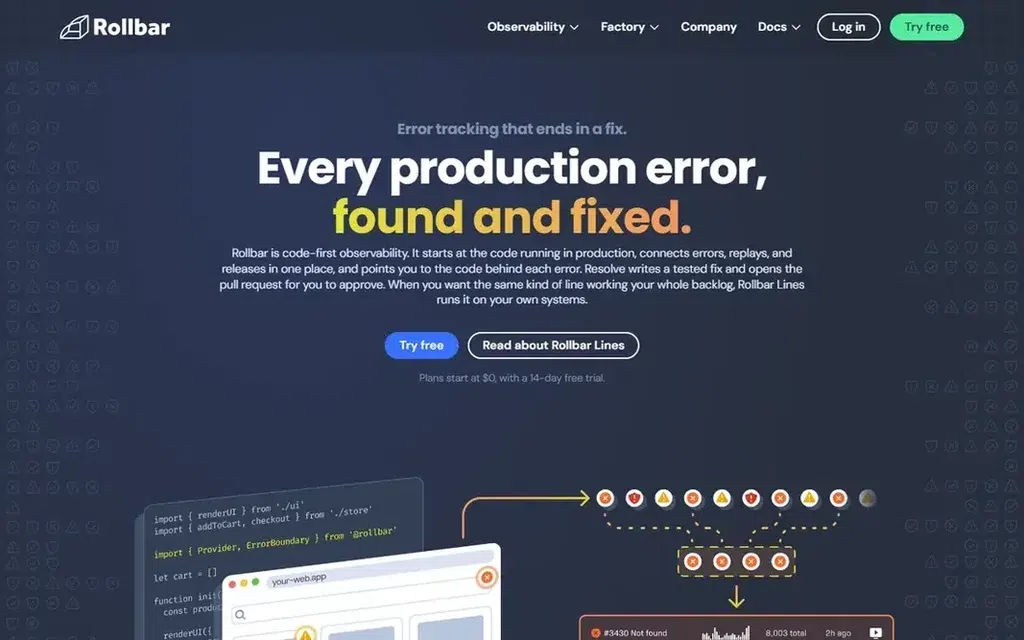
Rollbar is designed for working through error backlogs with fixes. Rollbar is an error tracking tool that also helps teams fix the errors it surfaces. Its homepage flags resolving to open a tested fix and Rollbar Lines for working your entire backlog on your own systems.
Downsides: Less emphasis on full-stack performance monitoring.
As for the details, consider it when your priority is clearing a backlog of known errors efficiently. Rollbar's identity is centered on error tracking and fixes, so teams wanting deep performance monitoring or wide infrastructure observability may need extra tools. This comparison lists no price for Rollbar; ask the vendor. Free access exists with Rollbar.
- Emphasizes resolving errors with tested fixes
- Error monitoring targeted at software teams
- Fix-oriented workflow may not suit every team
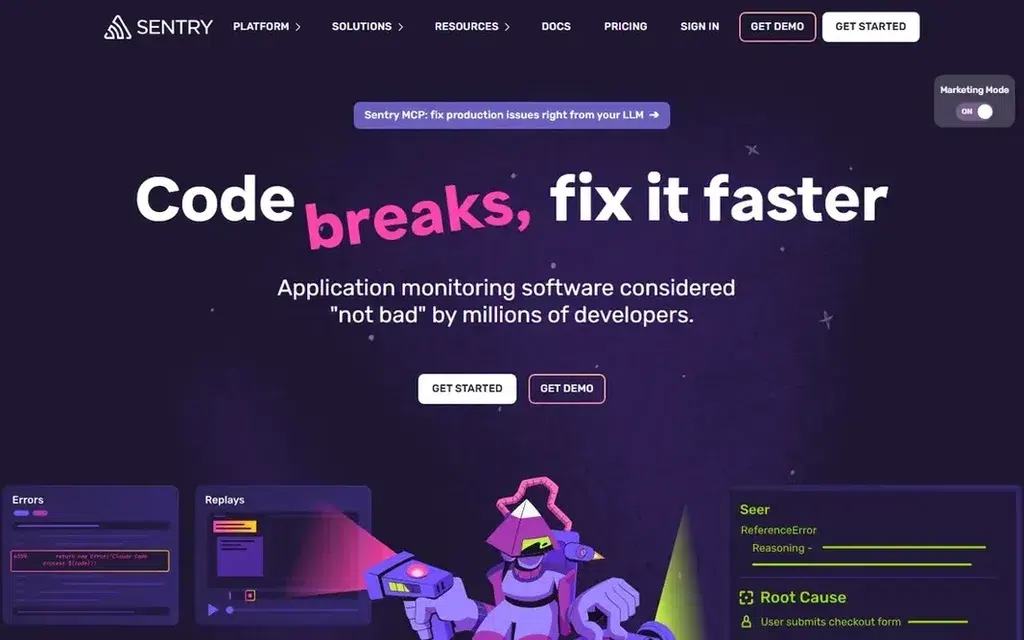
Where Sentry fits: Error tracking plus performance monitoring. Sentry is an application performance monitoring and error tracking product aimed at developers and software teams. Its stated goal is to help teams see errors more plainly, solve issues quicker and keep learning from production behavior.
Teams that only need entry-level exception capture may prefer a more straightforward choice, whereas organizations wanting wide observability across infrastructure and logs might pair it with a system like Datadog. As for the details, since Sentry spans both error tracking and performance monitoring, setup and tuning can take more effort than a light logger. Sentry cost at the entry level: $26 per month. Sentry offers a free plan.
Where it is weaker: Wide feature set can take time to configure.
- Aimed squarely at developer workflows
- Clear focus on seeing and solving issues quicker
- Small teams may find it more than they need
Bugsnag
Best for: Live error and performance monitoring
Bugsnag is a good fit for live error and performance monitoring. Bugsnag gives you performance and error monitoring for applications, letting teams monitor, analyze and optimize in live to support a smooth user experience.
Trade-offs to know: Feature scope may exceed small project needs.
More specifically, if you primarily want a light exception tracker or a fix-oriented workflow, compare Airbrake or Rollbar before committing. From a buyer's view, Bugsnag's monitoring scope goes beyond entry-level error logging, which can be more than a small project needs. No starting price is listed for Bugsnag here; confirm pricing on the vendor site. A free plan is available with Bugsnag.
- Analyze and optimize in live
- Merges error monitoring with performance insight
- Less suited to teams wanting only raw logs
How we built this list
Pre-purchase checklist
- Get a written quote from Rollbar and Bugsnag; the list shows no starting price for them.
- Read the fine print on the free plans from New Relic, Rollbar, Sentry and Bugsnag; seat, project and feature caps differ.
- Run a trial of Airbrake with real work before paying for a year; your own workflow is the best test.
- Read the limits listed for New Relic first: system breadth can be complicated to adopt.
- Compare total cost, not headline price: for Sentry, add extra seats, add-ons and any usage-based charges.
- Test the integrations you rely on with New Relic before committing; some connectors sit on upper tiers.
FAQ
Which options for error logging tools for software development have a free plan?
New Relic, Rollbar, Sentry and Bugsnag offer a free plan in this list. Free plans usually cap users, projects or features, so check the limits on the vendor page. One other tool offers a trial instead.
Do I need observability or just error logging?
If you primarily have to catch and triage exceptions, a focused tracker like Sentry, Rollbar or Bugsnag is typically enough. Choose a broader system like Datadog or New Relic when you also need metrics, traces and logs correlated in one place.
How are the tools for error logging tools for software development ordered?
New Relic sits first and Bugsnag last because the order follows typical fit for error logging tools for software development, then price clarity and free access. It is a judgement call, so read each profile for fit and limits.
Do these tools publish their prices?
Not all of them. Rollbar and Bugsnag publish no starting price, so expect a quote request for those. The rest, New Relic included, show a starting price, though seats and billing terms still change the final cost. All 5 picks in this error logging tools for software development comparison list a starting price, free plan details and the main limits on their cards above.
Can I try these tools before paying?
Often, yes. New Relic, Rollbar, Sentry and Bugsnag have a free plan and Airbrake offers a free trial. Use your own data and a real task during the test, and check what the free tier or trial limits before you rely on it.
Sources
- https://newrelic.com
- https://www.airbrake.io
- https://rollbar.com
- https://sentry.io
- https://www.bugsnag.com