Best Email Backup Software for Enterprise (2026): 5 Picks Checked on Vendor Pages
5 options for the best email backup software for enterprise, with entry costs, free tiers and the buyer each one serves. With pricing notes and limits.
- Editor's choice
 Barracuda Email Protection
Email-centric security and data protection
Starts atPricing on requestVisit barracuda.comFull review - Great alternative
 Druva
Cloud-native SaaS data protection
Starts atPricing on requestVisit druva.comFull review - Also considerMimecast Email Security
Unified email security and data governance
Starts atPricing on requestVisit mimecast.comFull review
Direct answer
Barracuda Email Protection comes first here, mainly for Email-centric security and data protection. Alternatives: Druva for cloud-native SaaS data protection, and Mimecast Email Security for unified email security and data governance. The full list of 5 tools follows, with prices and free plan facts. None of these vendors publish plan prices, so pricing is on request for every option.
TL;DR:
- Top of the list is Barracuda Email Protection, which targets Email-centric security and data protection.
- Commvault suits compromise detection and clean recovery.
- Check the limits for Barracuda Email Protection before you commit: Backup depth varies by product line.
- Neither Barracuda Email Protection nor Commvault, nor any of the other 3 tools, has a permanent free plan; trials and quotes are the norm.
- Pricing across the list, from Barracuda Email Protection to Commvault, is by quote only.
Last checked November 2026. Pricing on request: vendors did not publish plan prices when this guide was last checked (November 2026), so ask each vendor for a written quote.
Quick comparison
| Tool | Best for | Starts at | Free plan? | |
|---|---|---|---|---|
| Barracuda Email Protection | Email-centric security and data protection | Pricing on request | Free trial | Visit |
| Druva | Cloud-native SaaS data protection | Pricing on request | Free trial | Visit |
| Mimecast Email Security | Unified email security and data governance | Pricing on request | Not stated | Visit |
 Rubrik | Cyber resilience and quick recovery | Pricing on request | Not stated | Visit |
 Commvault | Compromise detection and clean recovery | Pricing on request | Not stated | Visit |
The best email backup software for enterprise
This LinkVetted guide covers 5 options for email backup software for enterprise. Each profile lists a starting price, free plan details, strengths and drawbacks, so you can drop poor fits quickly.
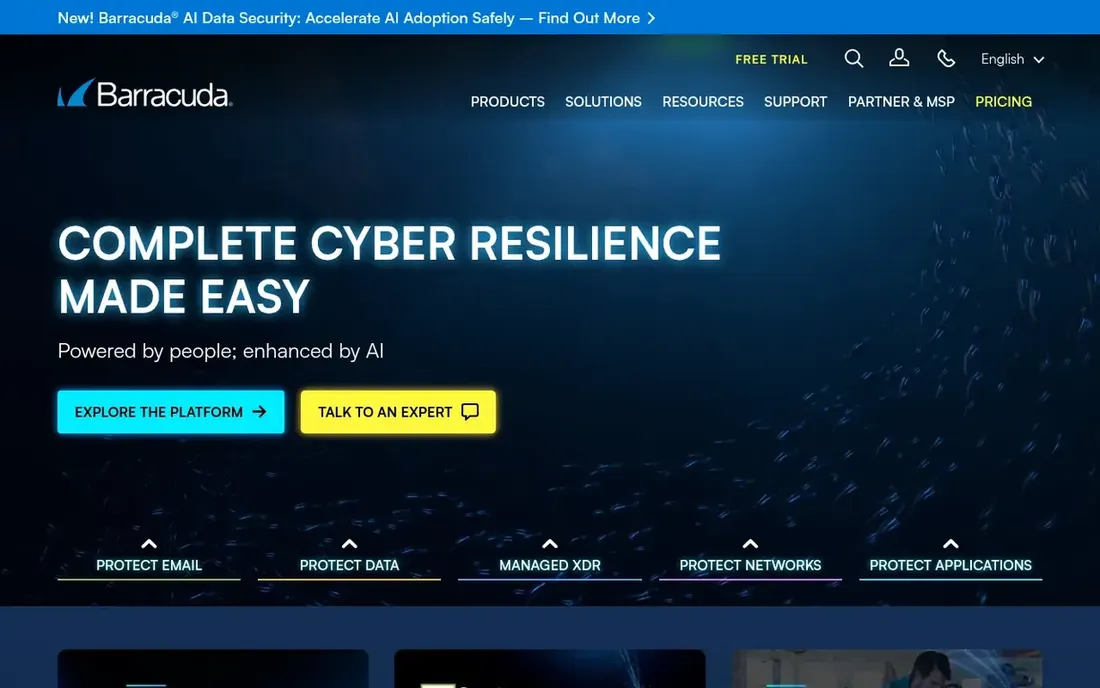
Barracuda Email Protection works best for Email-centric security and data protection. If you need deep mailbox-level restore for a productivity suite, a dedicated backup vendor may be a more straightforward fit.
What to check first: Backup depth varies by product line.
Beyond that, teams that prioritize email defense and want a vendor handling adjacent security areas may appreciate the structured option set. The email focus keeps the evaluation centered on protecting mail flow and stored messages. Barracuda Email Protection does not show a starting price in this comparison, so check the vendor site for current pricing. Free access: Free trial.
- Email protection is a core focus
- Handles apps
- Portfolio breadth can complicate scoping
Druva is aimed squarely at cloud-native SaaS data protection. Confirm data residency, retention and recovery objectives align with policy, and check whether email-specific coverage matches your mix of workloads.
Pricing for Druva is not stated here, so ask the vendor for current figures. Trial and free access: Free trial.
What to check first: SaaS model affects control choices.
- Cloud-native architecture
- Backup and ransomware recovery focus
- Wide product may need scoping
Mimecast Email Security
Best for: Unified email security and data governance
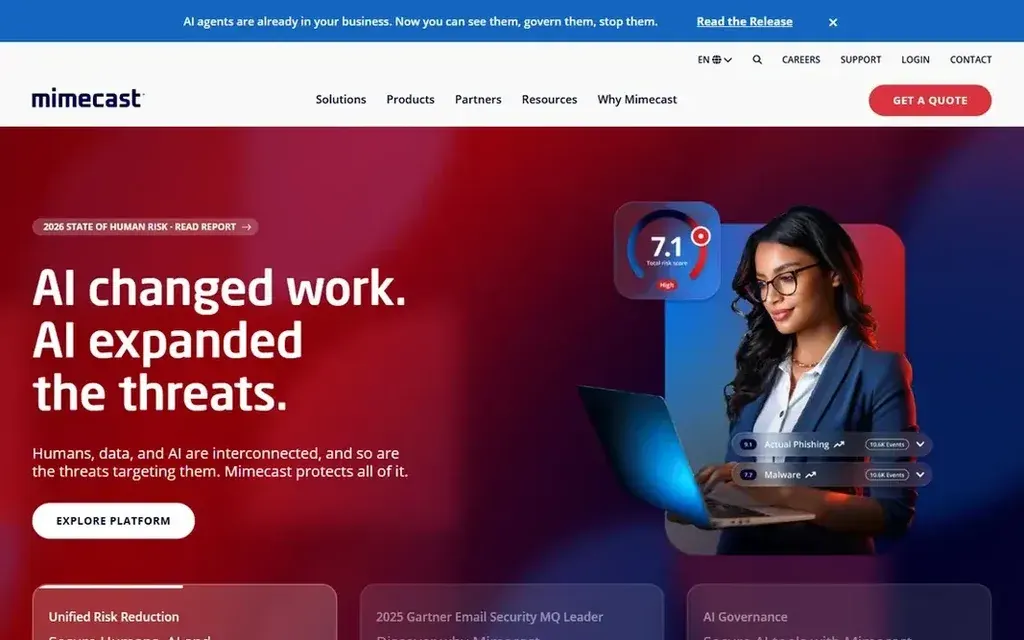
Pick Mimecast Email Security if this describes you: unified email security and data governance. Confirm which capabilities map to your backup and retention requirements, and consider a dedicated backup product if your primary need is Microsoft 365 data protection.
Pricing for Mimecast Email Security is not stated here, so ask the vendor for current figures. Trial and free access: Not stated.
What to check first: Configuration needs planning.
- Bundles behavior management and governance
- Single product across five option areas
- Wide scope may exceed backup-only needs
Rubrik is a good fit for cyber resilience and quick recovery. Rubrik positions itself around enterprise cyber resilience, data security and recovery, protecting data, securing identities and governing AI agents on one agentic product.
Where it is weaker: System breadth needs scoping.
Pricing for Rubrik is not stated here, so ask the vendor for current figures. Trial and free access: Not stated.
- Identity and AI agent governance
- Immutable backups for ransomware recovery
- Recovery focus may overshadow archiving
Commvault works best for compromise detection and clean recovery. Commvault frames its product around AI recovery and cyber resilience, detecting compromise as it happens and restoring clean data, apps and identity across the stack.
The main drawbacks: Enterprise scope needs planning.
The wide product scope means implementation planning matters, and email-specific backup features should be verified directly. Commvault shows no starting price here, so confirm the cost on the vendor site. Trial and free access: Not stated.
Strengths: Spots compromise as it happens.
- Restores clean data
- Apps and identity
- Email specifics need confirmation
Our selection method
The comparison looks at four things: starting price, free access, how well the feature set matches email backup software for enterprise, and the main limit of each tool. Where a price is missing, the vendor does not list one publicly or ties it to a quote. Always confirm before budgeting. Tools are placed by general fit for email backup software for enterprise, with price clarity and free access as tie-breakers. A different team can reasonably rank them differently.
What to confirm before you sign up
- Ask each vendor, from Barracuda Email Protection to Commvault, for a written quote; none of them publishes a starting price.
- Use real work to test the free trial from Barracuda Email Protection and Druva, rather than a demo project.
- Before choosing Barracuda Email Protection, weigh its main limit: Backup depth varies by product line.
- Let daily users try Rubrik on real work; their feedback beats any feature checklist.
- Ask Barracuda Email Protection how an export works before you move any records in; an easy exit lowers the risk.
FAQ
How do cyber resilience features relate to email backup?
Immutable backups and clean recovery help restore data after ransomware or destructive attacks. Multiple products here emphasize detection and quick recovery across the stack, with email as one workload.
Do these tools publish their prices?
No. None of the tools, from Barracuda Email Protection to Commvault, shows a fixed starting price here, so budget time for quotes.
Should email backup be separate from email security?
Plenty of enterprises run both, since security tools filter threats whereas backup preserves recoverable copies of messages. Some systems combine the two, which can ease administration but may broaden scope.
Is cloud-native SaaS backup right for large organizations?
The tradeoff is less direct control over where data resides and how the service operates. Verify residency, recovery objectives and exit choices against your policies.
Is Barracuda Email Protection the right pick for everyone comparing email backup software for enterprise?
No single tool suits every team. Barracuda Email Protection comes first because it fits Email-centric security and data protection, while Druva suits cloud-native SaaS data protection and Mimecast Email Security suits unified email security and data governance. Match the tool to your own size, budget and workflow before deciding.
How are the tools for email backup software for enterprise ordered?
The order follows typical fit for email backup software for enterprise, with Barracuda Email Protection first and Commvault last, then price clarity and free access. It is editorial judgement, not a score, so another team could rank the tools differently.
Sources
- https://www.barracuda.com
- https://www.druva.com
- https://www.mimecast.com
- https://www.rubrik.com
- https://www.commvault.com