Best Email Client Software in 2026: 8 Apps Compared
We compared the best email client software, covering free and paid apps, privacy, calendar tools, and pricing, so you can pick an inbox that fits your work.

- Editor's choice
 Microsoft Outlook
Microsoft 365 users
Starts atSee websiteVisit microsoft.comFull review - Great alternative
 Mozilla Thunderbird
Free open-source email
Starts atFreeVisit thunderbird.netFull review - Also consider
 Spark
Smart inbox sorting
Starts atFreeVisit sparkmailapp.comFull review
TL;DR:
- Thunderbird and Mailspring give you a capable inbox for free, while Superhuman charges a premium for speed.
- Outlook fits Microsoft 365 households and offices best, and Apple Mail fits people who live on Apple devices.
- Spark and Canary Mail add smart sorting and AI drafting, but check how each handles your message data before you commit.
- The right pick depends less on features and more on your mail provider, your devices, and how much inbox volume you handle each day.
Quick comparison
| Tool | Best for | Starts at | Free plan? | |
|---|---|---|---|---|
| Microsoft Outlook | Microsoft 365 users | See website | Yes | Visit |
| Mozilla Thunderbird | Free open-source email | Free | Yes | Visit |
| Spark | Smart inbox sorting | Free | Yes | Visit |
 Superhuman | Fast keyboard triage | $30 per month | No | Visit |
 eM Client | Windows and Mac power users | See website | Yes | Visit |
 Canary Mail | Encryption and AI help | See website | Yes | Visit |
 Mailspring | Lightweight free email | Free | Yes | Visit |
 Apple Mail | Apple device owners | Free | Yes | Visit |
The best email client software
We looked for apps that work with common providers, run well on current devices, and offer clear pricing. These eight cover free, paid, private, and team-friendly options.
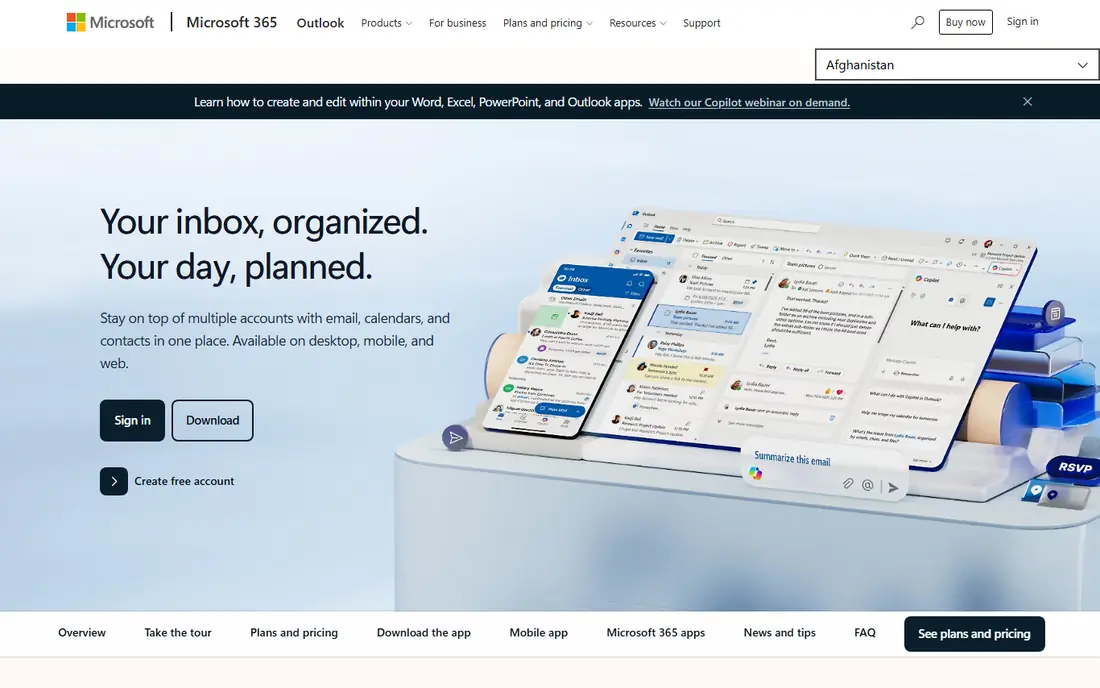
Outlook makes sense first if your work or school already runs on Microsoft 365. Mail, calendar, contacts, and tasks sit in one place, and Exchange support is the most complete here. Focused Inbox can push newsletters and routine mail aside so urgent messages stay visible.
The trade-off is that Outlook feels like part of a suite rather than a single-purpose app. People who only need simple mail may find the settings and menus heavier than they want. Check whether your plan already includes the desktop app before you pay for anything extra, since bundling changes the real cost.
- Strong calendar and contacts integration
- Works with Exchange and Microsoft 365
- Available on desktop, web, and mobile
- The free web version shows ads
- New and classic desktop versions differ in features
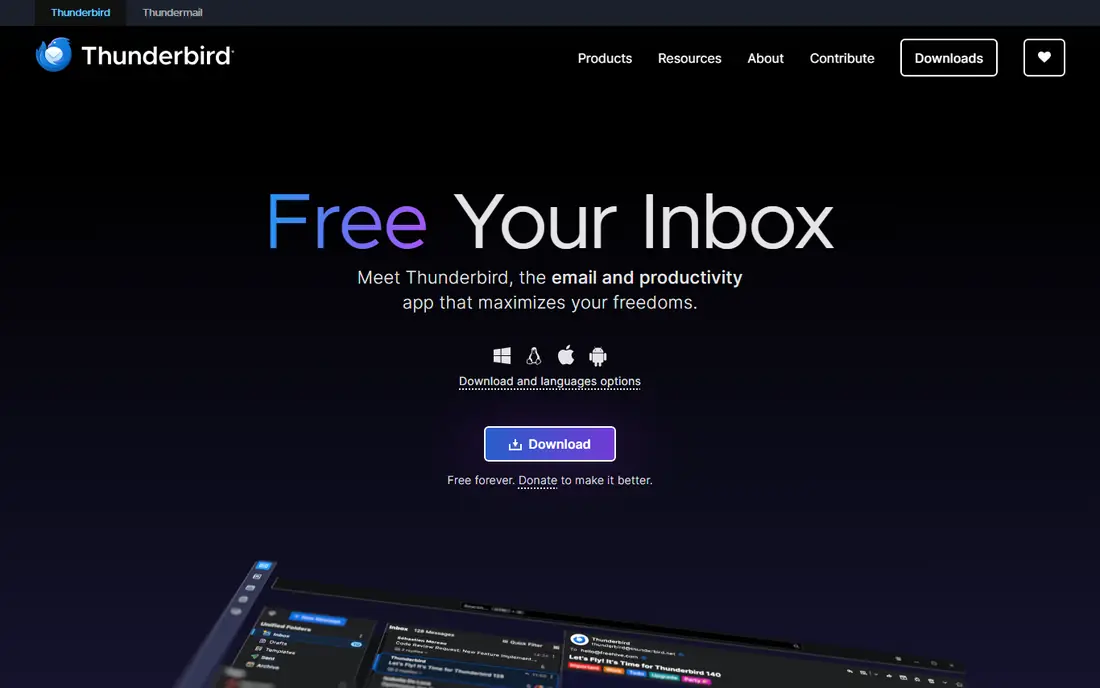
Thunderbird remains the strongest free desktop client for people who want control without a subscription. It runs on Windows, Mac, and Linux, and an Android version is available. Built-in OpenPGP support helps if you exchange encrypted mail, and the add-on library covers many gaps in the base app.
Setup takes a little more patience than a commercial app, and Exchange calendar support is limited. Still, for a no-cost client that respects your data and works across providers, Thunderbird is hard to beat. Donations fund development, so the app stays free.
- Free with no ads
- Supports any IMAP or POP account
- Add-ons extend calendar, tasks, and encryption
- Design feels less polished than paid rivals
- Scheduled sending needs an add-on

Spark suits people who feel buried by newsletters and notifications. Its smart inbox sorts incoming mail into groups, so personal messages are easier to spot. The free plan is generous, and small teams can share inboxes and discuss messages without forwarding threads around.
Read the privacy policy if server-side processing matters to you, since Spark syncs limited message data for features such as notifications. Paid plans add more AI and team tools, but the free tier already covers the core sorting that most people want.
- Smart inbox groups personal mail, notifications, and newsletters
- Free plan covers unlimited accounts
- Team features include shared inboxes and comments
- Some features rely on server-side processing
- Paid plans are billed yearly
Superhuman is built for people who process a large volume of mail every day and want to clear it quickly. Almost every action maps to a key, and the interface stays minimal so triage stays fast. Snippets, send-later, and read status round out a workflow aimed at professionals.
The price is the main barrier, and the provider limit rules it out for iCloud or standalone IMAP users. There is also no free plan, so you should use the trial period to test whether keyboard-first triage actually saves you time. For lighter inboxes, a free client will do the same job for less.
- Keyboard shortcuts cover nearly every action
- Split inbox sorts mail before you open it
- AI drafting uses thread context
- High monthly price
- Works only with Gmail and Microsoft 365 accounts
eM Client appeals to desktop users who want an Outlook-style workspace without joining Microsoft 365. The layout is familiar, search is fast, and calendar and contacts live beside mail rather than in separate apps. Support for many providers makes it a good fit for people juggling work and personal accounts.
The free plan covers only two accounts, so multi-account users will need a paid license. Pricing has varied between yearly and one-time options, so check the current pricing page before you buy. For two-account desktop use, the free tier is a solid test drive.
- Mail, calendar, contacts, and chat in one window
- One-time purchase option has been offered
- AI assistant and translation tools included in paid tiers
- Free plan is limited to two accounts
- No Linux version
Canary Mail stands out for people who want encryption and AI help in the same app. It supports the major providers plus any IMAP account, blocks trackers by default, and its AI can draft replies and summarize long threads. The free plan covers unlimited accounts on two devices.
The missing Linux and web versions matter if you switch machines often. Paid pricing is yearly, which suits committed users more than casual testers. If encryption is your priority and you use Mac, Windows, iOS, or Android, Canary Mail deserves a close look.
- One-click PGP encryption
- AI drafting and thread summaries
- Works with Gmail, Outlook, iCloud, and IMAP
- No Linux or web version
- Paid plans are yearly or lifetime only
Mailspring is a good pick when you want a simple, fast client that does not cost anything. It handles any IMAP provider, searches quickly across accounts, and runs on all three desktop systems. Snoozing, send-later, and read receipts sit in the paid Pro tier, while core mail stays free.
Exchange users should look elsewhere, since Mailspring does not support it. People who are strict about local-only data should also read how Mailspring handles account metadata. For everyday IMAP mail on a budget, it is one of the easiest free options to live with.
- Fast indexed search across accounts
- Clean interface on Windows, Mac, and Linux
- Free plan covers unlimited accounts
- No Exchange support
- Some features store metadata in the cloud
Apple Mail is the default choice for a reason: it is already on your Mac, iPhone, and iPad, and it needs almost no setup. It handles Gmail, iCloud, Outlook, and IMAP accounts, and Mail Privacy Protection hides your IP address and blocks remote trackers in messages. For many Apple users, that is enough.
Power users may miss smart sorting, advanced snoozing, or deep customization. Apple Mail also keeps you inside the Apple ecosystem on desktop, which is a drawback if you also use Windows or Android daily. Still, as a free starting point, it is reliable and easy.
- Built into macOS and iOS at no extra cost
- Mail Privacy Protection blocks trackers
- Works with any provider
- Fewer power features than paid clients
- No Windows, Android, or web version beyond iCloud webmail
How we picked these
We compared official feature pages, pricing pages, app store listings, privacy policies, and public reviews for widely used clients. We favored apps that support common providers, run on current operating systems, and state their pricing or free plan clearly. We also weighed calendar support, encryption options, and team features, since those decide many purchases.
We did not rank on hands-on testing, and we did not invent scores or awards. Prices change, so treat the figures here as a starting point and confirm the current price on the vendor site before you buy. Where pricing was unclear or varied by plan, we listed See website rather than guessing.
What to check before you switch
Moving clients is easy for mail itself, but habits and integrations take longer to rebuild.
Your provider and devices
Start with provider support. Superhuman covers Gmail and Microsoft 365 only, Mailspring skips Exchange, and Apple Mail has no Windows desktop app. If you use several providers, Thunderbird, Spark, Canary Mail, and Outlook cover the widest mix. Check mobile apps too, since a great desktop client loses value if the phone app is weak.
Privacy and data handling
Free and AI-assisted clients differ in how they process mail. Some features need server-side access to message content, while others run locally. Read the privacy policy for any client that offers AI summaries, smart sorting, or cloud search, and decide what trade-off you accept. Encryption support also varies, so confirm whether PGP or S/MIME works with your contacts before you rely on it.
Price over two years
A low monthly price can still add up, and yearly billing changes the math. Compare the two-year cost of paid plans against what the free tier already gives you. Many people only need smart sorting or snoozing, which free plans often include. Pay for speed, team tools, or encryption only when you can name the feature you will use weekly.
FAQ
What is the best free email client?
Thunderbird is our top free pick for desktop users because it is free, open source, and works with any provider. Mailspring is a lighter alternative with fast search, and Apple Mail is the best free option if you use Apple devices. Try the free tier of Spark too if smart sorting appeals to you.
Which email client is best for Microsoft 365?
Outlook is the natural fit because it is built for Exchange and Microsoft 365, with calendar and contacts included. It handles shared mailboxes and organizational policies better than most third-party clients. If you already pay for Microsoft 365, check whether the desktop app is included in your plan.
Is Superhuman worth $30 per month?
It can be worth it if you process very high mail volume and value keyboard speed above all else. For most people, the answer is no, since free clients cover reading, replying, snoozing, and search well. Use a trial to measure whether triage actually gets faster before you subscribe.
Does an email client keep my mail private?
A client can add encryption and tracker blocking, but your provider still stores your mail unless you use end-to-end encryption with your contacts. Canary Mail and Thunderbird support PGP, and Apple Mail blocks many trackers. Read each privacy policy to see what data the app itself collects.
Can I use more than one email client?
Yes, since mail lives with your provider and clients sync through IMAP or Exchange. You can use Outlook at work, Apple Mail on your phone, and Thunderbird at home with the same accounts. Just avoid conflicting rules, such as two clients archiving the same mail in different ways.
What should small teams look for?
Shared inboxes, internal comments, and assignment tools matter more than AI extras for most teams. Spark and Missive-style collaboration help small teams answer shared mail without forwarding. Confirm per-user pricing, since team plans can cost far more than the single-user price suggests.