Top 6 AI Email Client Software for 2026 (Prices and Free Plans)
Need the best AI email client software? We compare 6 tools on cost, free access and who each suits. Every entry states what it lacks. Read the profiles.

- Editor's choice
 Front
AI-powered customer service product
Starts at$25 per seat a monthVisit front.comFull review - Great alternative
 Shortwave
Prompt-driven inbox automation
Starts at$30 per seat / monthVisit shortwave.comFull review - Also consider
 Spark Mail
Unified multi-account client with smart inbox
Starts at$10 per user a monthVisit sparkmailapp.comFull review
Direct answer
This list puts Front first for AI-powered customer service system. Listed starting prices: Front from $25 per seat a month, Shortwave from $30 per seat / month and Spark Mail from $10 per user a month. Shortwave fits prompt-driven inbox automation; Spark Mail fits unified multi-account client with smart inbox. The full list of 6 tools follows, with prices and free plan facts.
TL;DR:
- Top of the list is Front, which targets AI-powered customer service system.
- What to know about Shortwave first: prompt-based workflows need clear instructions.
- Spark Mail is the lowest-priced starter here at $10 per user per month.
- Missive fits shared inbox collaboration for teams.
Last checked November 2026. Prices and plan details were read from the vendors' own pages in November 2026; vendors change plans often, so confirm the current price on the vendor site before you buy.
Quick comparison
| Tool | Best for | Starts at | Free plan? | |
|---|---|---|---|---|
| Front | AI-powered customer service product | $25 per seat a month | Free trial | Visit |
| Shortwave | Prompt-driven inbox automation | $30 per seat / month | Free trial | Visit |
| Spark Mail | Unified multi-account client with smart inbox | $10 per user a month | Yes | Visit |
 SaneBox | Email management on any inbox | See website | Not stated | Visit |
 Superhuman | AI assistance across mail and docs | See website | Not stated | Visit |
 Missive | Shared inbox collaboration for teams | $14 per user a month | Free trial | Visit |
The full AI email client software list
Short on time? The summary and table above give the quick view of 6 tools for AI email client software, and the profiles that follow give the detail behind each entry.
Front is aimed squarely at AI-powered customer service system. Front is presented as a customer service product powered by AI, bringing support, sales, operations and AI agents together to resolve complicated customer work.
Points against: Broader product scope than a straightforward client.
What works well: Combines support. More specifically, Front is aimed at customer-facing operations, so individuals and small internal teams may find it more product than they need. Those wanting a lighter shared inbox should compare Missive, and personal users should look at Superhuman or Spark. What you pay to start with Front: $25 per seat per month. Free options: Free trial.
- Concentrated on resolving complex customer requests
- Sales and operations in one place
- Pitched at customer-facing teams instead of personal mail
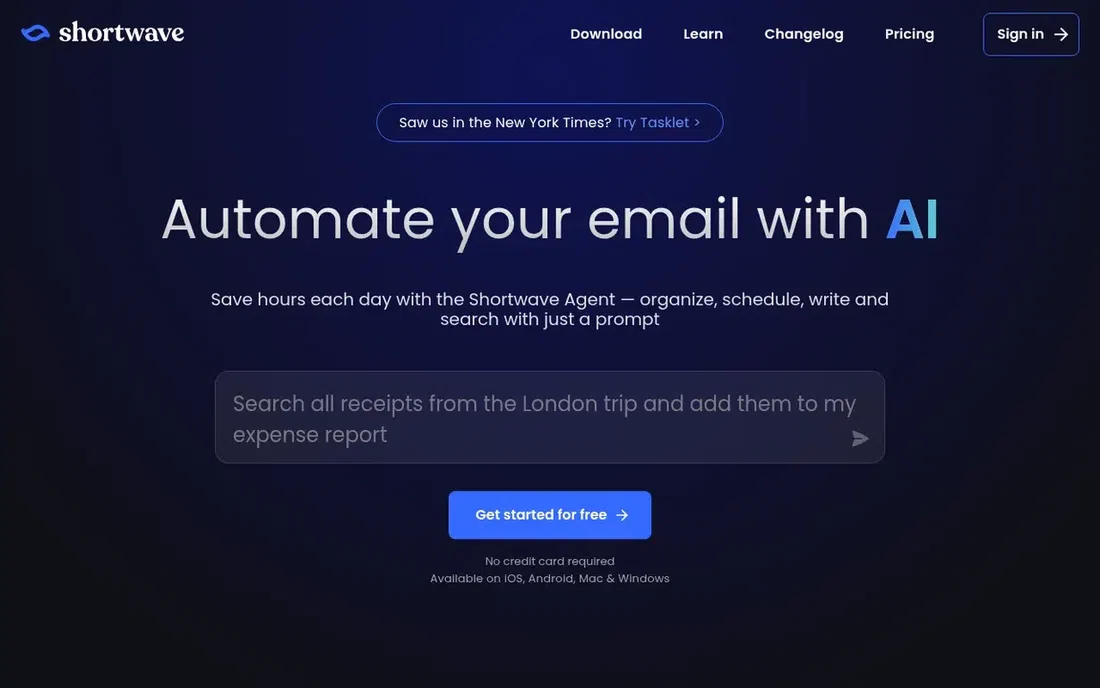
Shortwave makes the most sense for prompt-driven inbox automation. Shortwave presents agentic AI that helps users organize, write, search, schedule and more with just a prompt. That makes it a natural fit for people who prefer describing what they want done instead of clicking through menus and filters.
The homepage frames automation as the center of the experience, so heavy inboxes that require sorting and drafting help are the clearest match. Teams needing internal comments and shared assignments should look at Missive or Front. Shortwave starts at: $30 per seat / month. As for free access: Free trial.
Highlights: Automation is the core of the product.
Drawbacks to consider: Less positioned around shared team inboxes.
- Write and search tasks
- Agentic AI takes care of organize
- Prompt-based workflows need clear instructions
Spark Mail is designed for unified multi-account client with smart inbox. Cross-platform availability makes it practical for mixed device setups.
Strengths: iOS and Android; Available across Windows, Mac.
What to check first: Team collaboration is lighter than dedicated products. Choose Spark when account unification and a refined client matter most, and look to Front or Missive when collaboration is the priority. Spark Mail starts at: $10 per user per month. Spark Mail offers a free plan.
- Calendar and smart inbox
- Outlook and iCloud accounts
- AI features are one part of a broader client
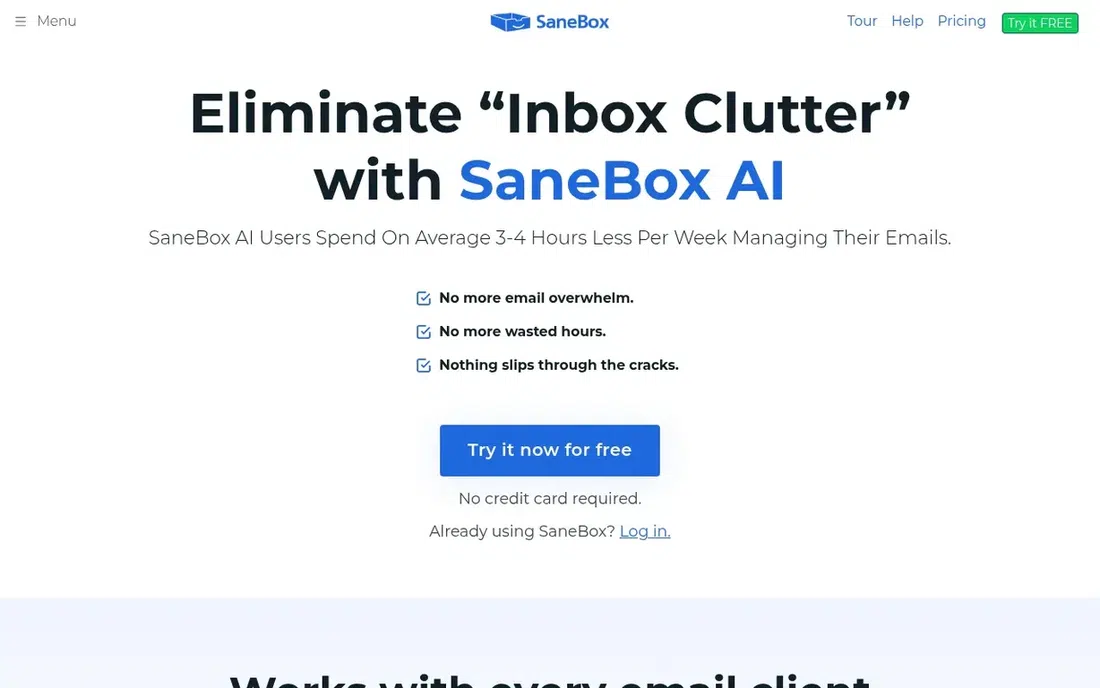
SaneBox works best for email management on any inbox. SaneBox is described as email management for any inbox, with the goal of cutting a team's email management time and moving toward a cleaner inbox and a more productive day. On top of that, if you want an assistant that drafts replies or runs prompts, Shortwave is a better comparison.
Where it falls short: AI depth relies on filtering instead of drafting.
The homepage frames the product around management instead of composing or collaborating. So it is not a substitute for a full client with AI writing help. Since it layers on top of the inbox you already use, it avoids a migration. SaneBox does not show a starting price in this comparison, so check the vendor site for current pricing. Free plan details: Not stated.
- Suits individuals and teams per the homepage
- Aims to cut email management time
- Not a full replacement email client
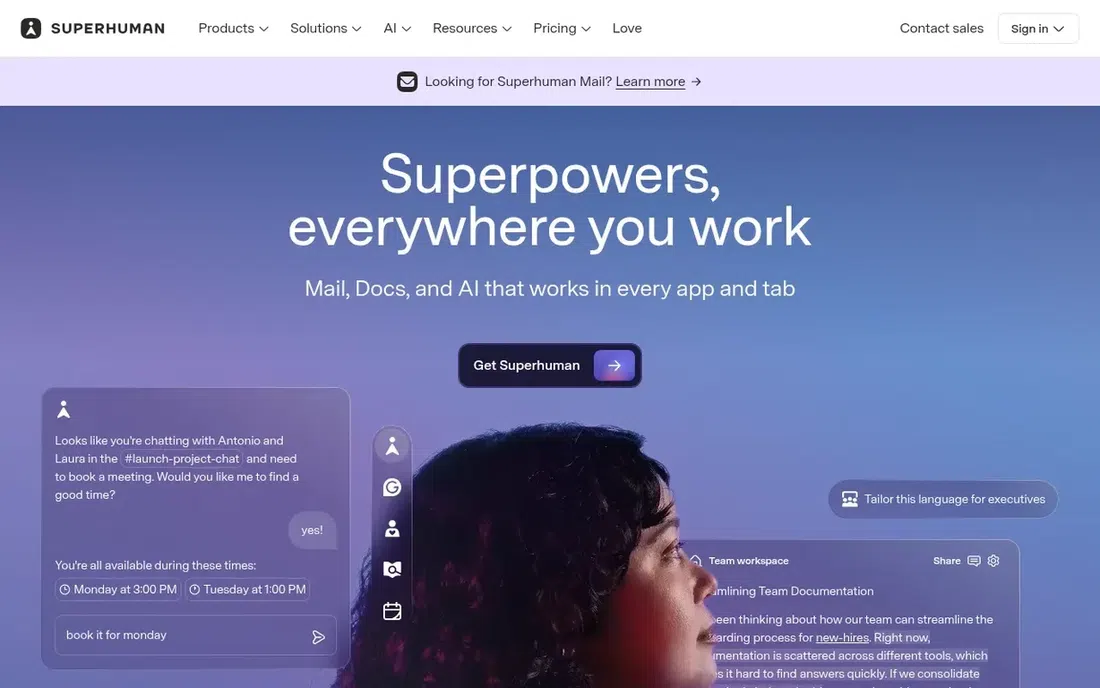
Superhuman is designed for AI assistance across mail and docs. Superhuman describes itself as an AI productivity suite that hands users superpowers everywhere they work, with docs, mail and AI presented as one connected experience. On top of that, users who want deep, prompt-driven automation of inbox rules should compare Shortwave.
Honest limits: Less emphasis on shared team inboxes.
Also, since the pitch centers on a wide suite, teams that chiefly need a shared inbox with assignment and internal comments may find other tools closer to their needs. The homepage stresses creativity, strategy and impact, suggesting a focus on individual knowledge work instead of high-volume shared queues. Pricing for Superhuman is not stated here, so ask the vendor for current figures. Free plan details: Not stated.
- AI features extend beyond email to documents
- Marketed as a productivity suite for daily work
- Suite approach may exceed what straightforward inboxes need
Pick Missive if this describes you: shared inbox collaboration for teams. Teams that primarily want AI drafting and prompt automation should weigh Shortwave or Superhuman instead.
Honest limits: Individual AI writing help is secondary.
Since the product is organized around shared work, solo users may find it heavier than a personal client. Price to start with Missive: $14 per user per month. As for free access: Free trial.
- Aims to avoid changing your existing workflow
- Built around inbox collaboration for teams
- Overkill for solo users
How we compared the tools
Pre-purchase checklist
- Get a written quote from SaneBox and Superhuman; the list shows no starting price for them.
- Test the free plan from Spark Mail against your real workload before relying on it.
- Run a trial of Front, Shortwave and Missive with real work before paying for a year; your own workflow is the best test.
- Before choosing Front, weigh its main limit: geared toward customer-facing teams instead of personal mail.
- A short pilot of Superhuman with your real workflow tells you more than a feature table.
- Ask Shortwave how an export works before you move any records in; an easy exit lowers the risk.
FAQ
Do these tools publish their prices?
Not all of them. SaneBox and Superhuman publish no starting price, so expect a quote request for those. The rest, Front included, show a starting price, though seats and billing terms still change the final cost.
Which options for AI email client software have a free plan?
Spark Mail is the only tool in this list with a free plan. Free plans usually cap users, projects or features, so check the limits on the vendor page. Several others offer a trial instead.
How are the tools for AI email client software ordered?
The order follows typical fit for AI email client software, with Front first and Missive last, then price clarity and free access. It is editorial judgement, not a score, so another team could rank the tools differently.
Can I try these options before paying?
Often, yes. Spark Mail has a free plan and Front, Shortwave and Missive offer a free trial. Use your own data and a real task during the test, and check what the free tier or trial limits before you rely on it.
Sources
- https://front.com
- https://shortwave.com
- https://sparkmailapp.com
- https://www.sanebox.com
- https://superhuman.com
- https://missiveapp.com