Best AI Email Assistant Tools in 2026: 8 Tools Compared
We compared the best ai email assistant tools for drafting, triage and search, with current pricing and free plans, so you can pick the right inbox helper.
- Editor's choice
 Superhuman
Fast keyboard-first triage
Starts at$25 per user per monthVisit superhuman.comFull review - Great alternative
 Shortwave
AI search and summaries
Starts at$30 per seat per monthVisit shortwave.comFull review - Also consider
 Spark Mail
All-account AI client
Starts at$10 per monthVisit sparkmailapp.comFull review
TL;DR:
- Shortwave and Superhuman lead for people who live in email all day, with Shortwave stronger on AI search and Superhuman stronger on keyboard speed.
- Spark and Canary Mail are the best value picks for readers who want a full email client with AI help at a lower price.
- SaneBox suits people who do not want to change clients, because it sorts mail in the background on any provider.
- Check provider support first, since several AI clients work best with Gmail and offer thinner support for Outlook or other accounts.
Quick comparison
| Tool | Best for | Starts at | Free plan? | |
|---|---|---|---|---|
| Superhuman | Fast keyboard-first triage | $25 per user per month | Free trial | Visit |
| Shortwave | AI search and summaries | $30 per seat per month | Free trial | Visit |
| Spark Mail | All-account AI client | $10 per month | Yes | Visit |
 SaneBox | Background inbox sorting | $7 per month | Free trial | Visit |
 Missive | Shared team inboxes | $14 per user per month | Yes | Visit |
 Canary Mail | Private AI email client | $3 per month | Yes | Visit |
 Fyxer AI | Drafts before you open mail | $37 per month | Yes | Visit |
 Gemini in Gmail | Built-in Gmail AI help | See website | Yes | Visit |
The best AI email assistant tools
AI email tools fall into two groups: full clients that replace your inbox, and helpers that work inside the inbox you already use. We compared official pricing, feature pages and public reviews to cover both, so you can match the tool to how you actually handle mail.
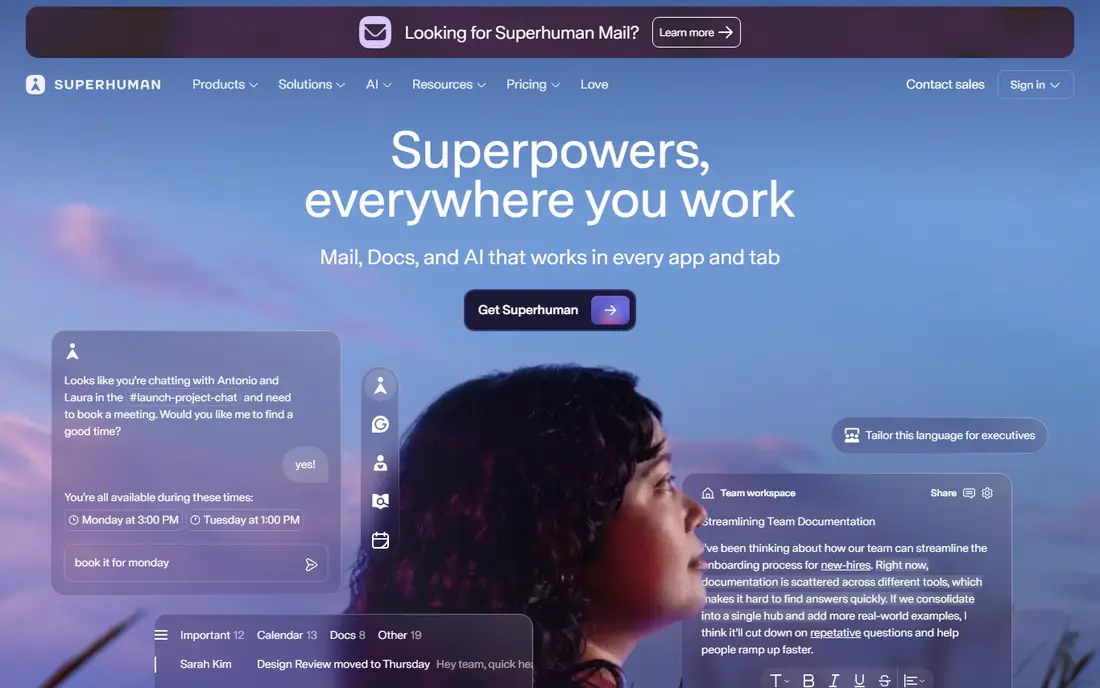
Superhuman is built for people who process hundreds of emails a day. Keyboard shortcuts, split inboxes, snippets and AI drafting combine into a workflow where most messages take seconds rather than minutes. That speed is the reason busy founders and executives stay with it despite the price.
The trade-off is cost and scope. Superhuman is a premium client for Gmail and Outlook, not a universal tool for every provider, and its pricing sits above most rivals. If your inbox volume is modest, the speed gains may not justify the monthly fee. If email is your main work surface, it is hard to beat.
- Very fast keyboard workflow
- AI drafting and auto-labelling
- Split inboxes and read statuses
- Premium price
- No permanent free plan
- Best on Gmail and Outlook only
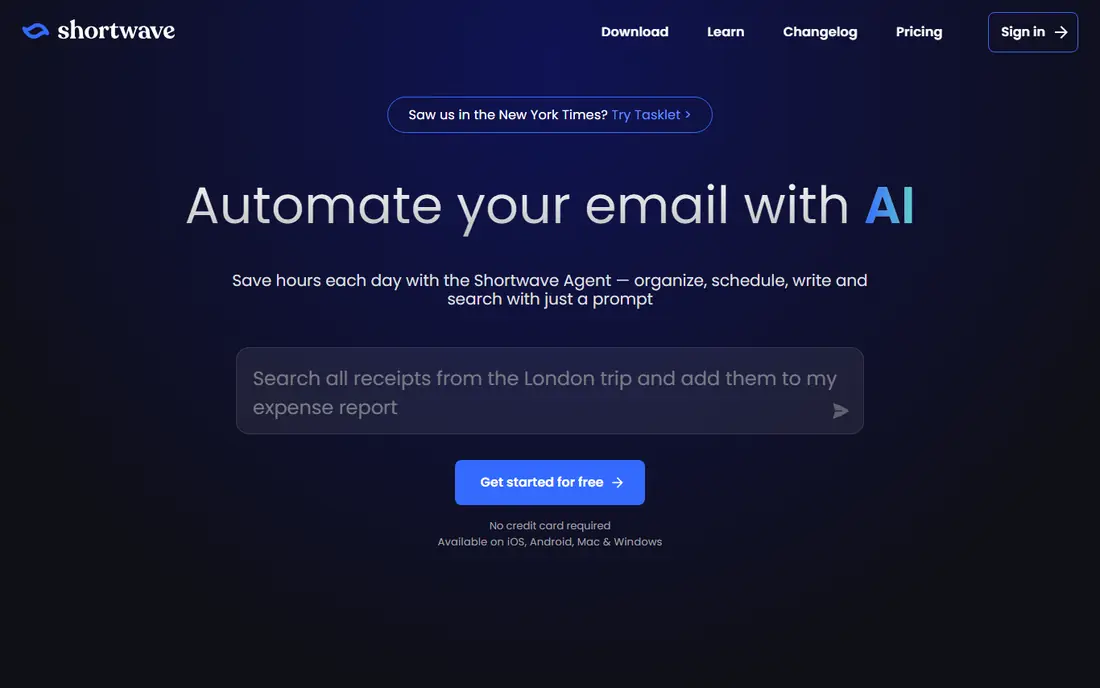
Shortwave takes a different approach from Superhuman by putting AI search at the centre. You can ask for a thread, an attachment or a decision buried in months of mail, and get a direct answer rather than a list of search results. Thread summaries and bundled conversations also make long exchanges easier to rejoin after time away.
The main limit is provider support. Shortwave is built for Gmail and Google Workspace, so Outlook or iCloud users need another tool. Pricing has also moved up over time, so check the current plan page and trial terms before assuming an older free plan still applies.
- Strong natural-language search
- AI thread summaries
- Task-style inbox and automations
- Gmail and Workspace only
- Paid plans are a step up from earlier pricing
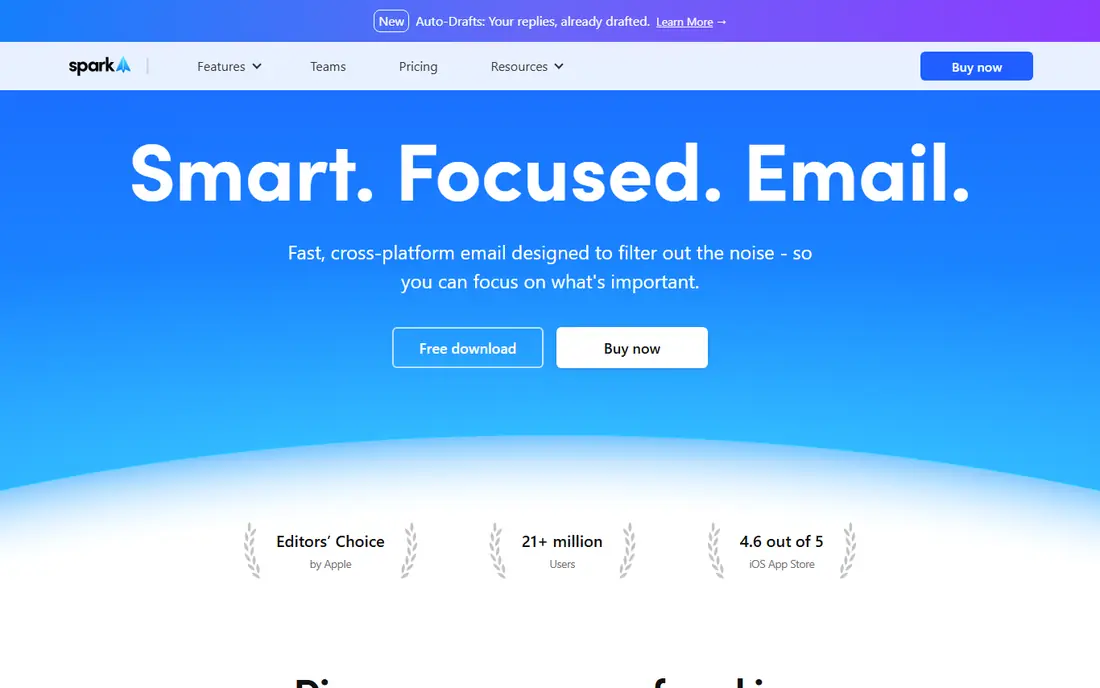
Spark is the most practical all-rounder on this list. It unifies Gmail, Outlook, iCloud, Yahoo and IMAP accounts in one client, with a smart inbox that separates personal mail from newsletters and notifications. AI help covers writing, summaries and priority sorting, without forcing you onto a single provider.
That breadth is also its weakness in places, because Spark is good at many things rather than best at one. Power users who want the deepest AI search or the fastest keyboard workflow may prefer Shortwave or Superhuman. For most people with several accounts, Spark offers the best balance of price and coverage.
- Works across Gmail, Outlook, iCloud and IMAP
- Smart inbox
- AI writing and summaries
- Some headline Pro features have rolled out slowly
- Team features cost more
SaneBox suits people who like their current email app and only want the noise removed. It works server-side to move newsletters, notifications and other low-priority mail into separate folders, so your main inbox holds the messages that need a reply. Because it focuses on headers rather than reading message bodies for sorting, it also appeals to privacy-minded users.
It is not a writing assistant. SaneBox will not draft replies, summarise threads or search with AI, so pair it with a drafting tool if you need that help. For inbox triage alone, though, its client-agnostic design is a genuine advantage.
- Works with any email client
- Sorts low-priority mail automatically
- Header-based privacy approach
- No AI drafting
- Sorting only, not a full client
Missive is the pick when several people handle one inbox, such as support, sales or operations. Team members can assign conversations, comment internally and avoid duplicate replies, while AI prompts help draft responses in a consistent tone. It also brings SMS and some social channels into the same workspace.
Solo users will find Missive heavier and pricier than a personal client. Its value appears when collaboration prevents missed messages and confused handoffs. If you work alone, Spark or Canary Mail will serve you better for less money.
- Shared inboxes with team chat
- AI prompts for drafting
- Covers email, SMS and social channels
- Priced for teams
- More than a solo user needs
Canary Mail combines a full email client with a privacy-first pitch. It supports common providers, offers encryption features and includes an AI Copilot for drafting and summarising, at a starting price well below Superhuman or Shortwave. That mix suits readers who want AI help without handing every message to a large platform by default.
The catch is scale. Canary Mail is a smaller product than Gmail or Spark, so its integrations and team features are thinner, and feature availability can differ across Mac, Windows and mobile. For personal use with privacy in mind, it is strong value. For large teams, a bigger client may be safer.
- Low starting price
- Encryption and privacy focus
- AI Copilot for drafting
- Smaller team and ecosystem than larger clients
- Some features vary by platform
Fyxer AI works inside Gmail or Outlook rather than replacing them, and its headline idea is preparation. Before you open your inbox, it sorts messages and pre-writes reply drafts, so your morning session starts with decisions rather than reading. A meeting notetaker and scheduling help round out a package aimed at busy professionals.
Price is the barrier. The free tier offers limited credits without drafts or sorting, and paid plans start higher than most personal clients here. That cost makes sense only if pre-drafted replies genuinely save you an hour or more a week. Try the trial on a real busy week before judging it.
- Pre-drafts replies and sorts mail inside Gmail or Outlook
- Meeting notes included
- Works in your existing inbox
- Higher starting price
- Limited free tier does not include drafts
Gemini in Gmail is the lowest-friction option for Gmail users. Summaries, drafting help and question answering sit inside the inbox you already open, with connections to Calendar and Drive for scheduling and document context. For many users, that built-in help is enough, and it costs nothing extra on some Google plans.
The limits are plan dependence and depth. More advanced Gemini features require a paid Google AI or Workspace plan, and you cannot reshape the Gmail client the way Shortwave or Superhuman reshape the inbox. If you already live in Gmail and want light AI help, start here before paying for a separate client.
- Already inside Gmail
- Thread summaries and drafting
- Connects to Calendar and Drive
- Full features depend on your Google plan
- Less control than a dedicated client
How we picked these
We compared official feature pages, pricing pages and public reviews for AI email tools that are actively sold in October 2026. We included full clients, background sorters and in-inbox assistants, and we excluded tools that had shut down or moved to invite-only access. Where vendor pricing had changed recently, we used the newer published figure and marked unclear bundles as See website.
What to check before you choose
Match the tool to your provider
Provider support decides this purchase more than any feature list. Shortwave and Gemini in Gmail are Gmail-first, Superhuman covers Gmail and Outlook, and Spark and Canary Mail cover a wider set of accounts. Check your exact provider and whether work accounts allow third-party clients before paying.
Decide what job AI should do
Triage, drafting, search and shared handling are different jobs. If your pain is volume, SaneBox or Superhuman helps most. If your pain is finding old decisions, Shortwave helps most. If your pain is team handoffs, Missive helps most. Buying a drafting tool when you need sorting will not fix your inbox.
Check privacy and work rules
AI email tools process message content by design, so read the privacy policy for your shortlist and check your employer rules if you handle client or health data. Some tools limit processing or offer header-only sorting, while others use message content to train or improve models under terms that change. When in doubt, keep sensitive accounts on a tool with clearer controls.
Trial on a real week
Email tools feel fast in a demo and slow on a Monday. Use the trial during a normal work week, with your real folders, labels and volume. Measure how many messages you clear, whether drafts sound like you, and whether search finds the thread you actually needed.
FAQ
What are the best ai email management tools for Gmail users?
Shortwave, Superhuman and Gemini in Gmail are the strongest Gmail options. Shortwave leads on AI search, Superhuman leads on speed, and Gemini in Gmail is the simplest built-in choice. Spark is the better pick if you also need Outlook or iCloud accounts in the same client.
What is the best ai email assistant software for teams?
Missive is the best team pick here, because shared inboxes, assignments and internal comments prevent duplicate replies. Superhuman and Shortwave offer team plans too, but they are built mainly for individual speed and search. Choose Missive when several people share responsibility for one inbox.
Is there a free AI email assistant worth using?
Yes, Spark, Canary Mail, Missive and Gemini in Gmail all offer free tiers with real AI features, though limits apply. Free tiers suit light use and testing, while heavy drafting, search history and team features usually need a paid plan. Start free, then upgrade only if the limits slow you down.
Does an AI email assistant read my emails?
Most AI drafting, summarising and search tools process message content to do their job, and their privacy terms explain how. SaneBox is an exception for sorting, since it focuses on headers rather than message bodies. Read the policy for your shortlist, and avoid connecting accounts that hold sensitive data to a tool you have not vetted.
Can AI email tools replace my email client?
Some can, and some are designed not to. Shortwave, Superhuman, Spark and Canary Mail replace your client, while SaneBox and Fyxer AI work inside the client you already use. If you like your current app, a helper is less disruptive. If you want a new workflow, a full client gives you more change in one move.