Best Email Automation Tools in 2026: 8 Tools Compared
Compare the best email automation tools for newsletters, drip campaigns and ecommerce flows, with pricing, deliverability, segmentation and ease of use notes.
- Editor's choice
 Mailchimp
Beginner friendly campaigns
Starts atFreeVisit mailchimp.comFull review - Great alternative
 ActiveCampaign
Advanced automation and CRM
Starts atSee websiteVisit activecampaign.comFull review - Also consider
 Klaviyo
Ecommerce email and SMS
Starts atFreeVisit klaviyo.comFull review
TL;DR:
- Mailchimp and MailerLite suit beginners and small lists, while ActiveCampaign and HubSpot suit teams that need deep automation and CRM links.
- Klaviyo leads for ecommerce, with purchase based flows that react to browsing, carts and orders.
- Pricing rises with contacts and sends, so compare cost at your list size in 6 and 12 months, not just at signup.
- Good automation still needs permission, clean lists and useful content, or deliverability will fall no matter which tool you choose.
Quick comparison
| Tool | Best for | Starts at | Free plan? | |
|---|---|---|---|---|
| Mailchimp | Beginner friendly campaigns | Free | Yes | Visit |
| ActiveCampaign | Advanced automation and CRM | See website | Free trial | Visit |
| Klaviyo | Ecommerce email and SMS | Free | Yes | Visit |
 HubSpot | All in one marketing and CRM | Free | Yes | Visit |
 Kit | Creators and newsletters | Free | Yes | Visit |
 Brevo | Email and SMS on a budget | Free | Yes | Visit |
 Constant Contact | Small business newsletters | See website | Free trial | Visit |
 MailerLite | Simple low cost automation | Free | Yes | Visit |
The best email automation tools
We compared official pricing pages, automation builders, templates, deliverability tools, integrations and reporting for tools that help businesses send welcome series, drip campaigns and ecommerce flows. We favoured tools with clear list management, permission handling and useful analytics.
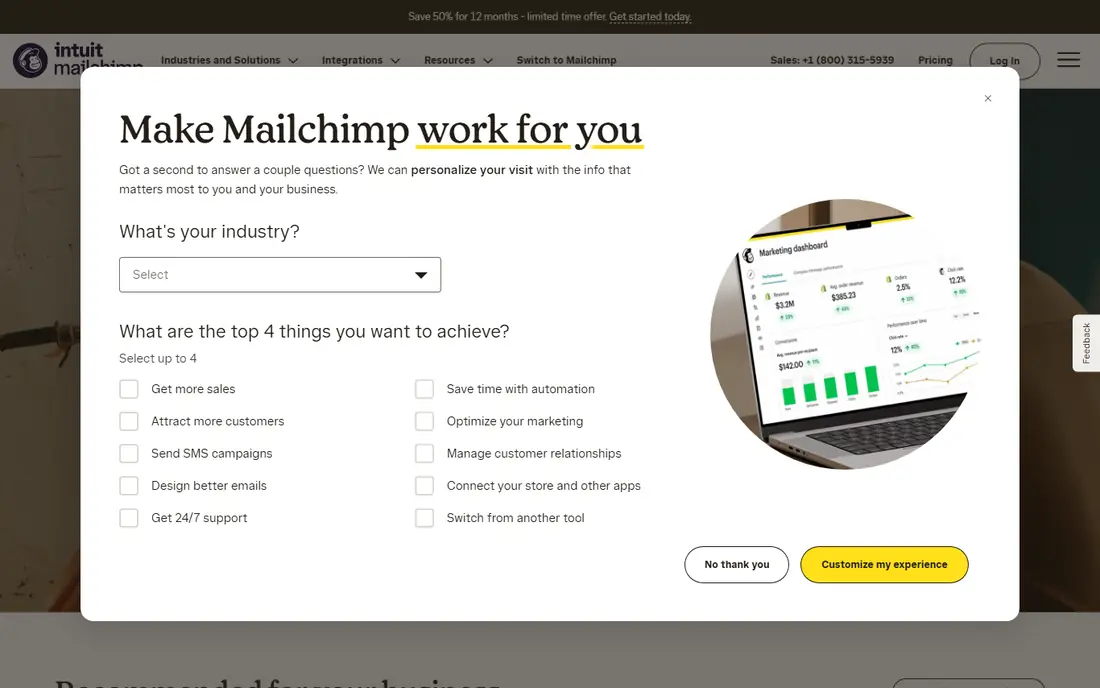
Mailchimp remains the easiest starting point for small businesses and new marketers. The drag and drop builder, template library and basic automation for welcome emails and abandoned carts cover most early needs. A free tier lets you test list building and sending before paying.
Costs rise as your list grows, and some users find the plan structure confusing when contacts, sends and features interact. For a small list with simple campaigns, Mailchimp is hard to beat on ease. For complex branching automation, ActiveCampaign or HubSpot may be a better long term home.
- Easy campaign builder
- Large template library
- Free tier for small lists
- Pricing rises quickly as contacts grow
- Advanced automation sits in higher tiers

ActiveCampaign is our pick for teams that want automation to do real work. You can build branching flows based on site visits, purchases, tags and custom events, and link those flows to a built in CRM for sales follow up. That depth suits service businesses, coaches and B2B teams with longer sales cycles.
Beginners may find the builder powerful but busy, so allow time to learn it or start from a template. Pricing varies with contacts and plan, so model cost at your expected list size. If you want automation beyond a simple welcome series, ActiveCampaign offers strong value.
- Strong visual automation builder
- CRM and sales pipelines
- Site and event triggers
- Learning curve for beginners
- Pricing depends on contacts and features
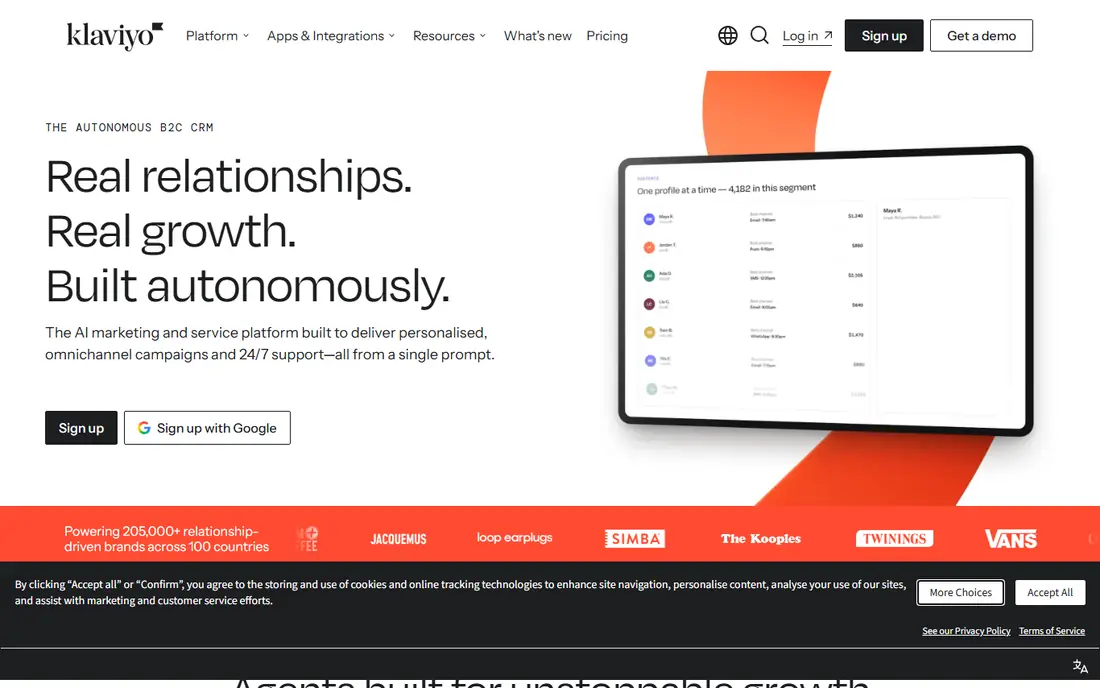
Klaviyo is built for online stores. It connects to Shopify, WooCommerce and other platforms, tracks browsing, cart and purchase behaviour, and turns that data into flows for welcome, abandoned cart, post purchase and win back campaigns. Segmentation by product, value and timing is unusually detailed.
That ecommerce focus is also its limit. Pure newsletter creators may find it more complex and costly than Kit or MailerLite. SMS adds cost quickly, so budget email and SMS separately. For a store that depends on repeat purchases, Klaviyo is often the highest return choice.
- Deep ecommerce integrations
- Purchase based flows
- Strong segmentation and analytics
- Costs rise with list size and SMS use
- Best for stores, less so for pure newsletters
HubSpot suits teams that want marketing, sales and service in one system. The free CRM and basic marketing tools cover contacts, forms and simple emails, while paid Marketing Hub tiers add advanced automation, A/B testing and detailed reporting. That joined up view helps teams see which campaigns create customers, not just opens.
Paid tiers are costly, especially as contacts and marketing features grow, so small teams should start free and upgrade only when a specific feature earns its cost. If you already use HubSpot CRM, adding its email automation is usually smoother than running a separate tool.
- Free CRM with marketing tools
- Strong reporting
- Wide integration library
- Paid marketing tiers are costly
- Setup takes time for full use
Kit, formerly ConvertKit, is built for creators, writers and course sellers. It focuses on subscribers, sequences and simple automation rather than complex ecommerce flows. Landing pages, forms and a visual builder make it easy to grow a newsletter and send a welcome sequence without a marketing team.
Ecommerce sellers who need product based segmentation will find Klaviyo stronger. For creators who sell digital products, courses or memberships through simple funnels, Kit is clean, focused and easy to maintain. The free tier covers small creator lists well.
- Simple creator focused workflows
- Landing pages and forms
- Visual automation builder
- Less ecommerce depth than Klaviyo
- Template library is smaller than Mailchimp
Brevo, formerly Sendinblue, appeals to budget conscious teams because pricing is based on email volume rather than list size. That model helps businesses with large lists but modest sending frequency. It also offers SMS, transactional email and a CRM in one platform, which suits small teams that want fewer tools.
Automation and template polish are good rather than best in class, and some features feel less unified than in Mailchimp or ActiveCampaign. If cost control and combined email and SMS matter most, Brevo is a strong value pick. Test deliverability and reporting with your own list before switching.
- Pricing based on sends rather than contacts
- Email plus SMS
- Transactional email options
- Template and automation depth lag some rivals
- Interface varies by feature
Constant Contact suits local businesses, nonprofits and event organisers who send regular newsletters. The builder is simple, templates are practical, and event registration and survey tools add value beyond email. Support by phone and chat helps owners who prefer talking to a person.
Automation is more basic than in ActiveCampaign or Klaviyo, with fewer branching triggers and less ecommerce depth. If your main need is a reliable newsletter, event invites and simple welcome emails, Constant Contact is easy to run. If you need complex flows, look at a more automation focused tool.
- Simple newsletter builder
- Event and survey tools
- Phone and chat support
- Automation is simpler than ActiveCampaign
- Pricing rises with contacts
MailerLite is a favourite for small businesses and creators who want low cost automation without clutter. The builder is clean, automation, landing pages and forms are included in affordable plans, and the free tier covers small lists. That simplicity makes it easy to keep campaigns running week after week.
Account approval can be strict, since MailerLite protects deliverability by checking new senders, so have a clear signup source and permission record ready. Advanced integrations are fewer than in HubSpot or ActiveCampaign. For straightforward newsletters and drip campaigns, MailerLite offers excellent value.
- Low cost for small lists
- Clean builder
- Automation and landing pages included
- Account approval can be strict
- Fewer advanced integrations than HubSpot
How we picked these
We reviewed official pricing pages, automation builders, template libraries, deliverability guidance and integrations. We favoured tools that are still maintained, support permission based sending, and offer a free tier or trial. We did not send live campaigns, so findings rest on published features and public user feedback.
How to choose an email automation platform
Start with your list and your flows. A creator with a newsletter needs sequences and landing pages, a store needs cart and purchase flows, and a B2B team needs lead scoring and CRM links. Write down the three flows you will use in the first month, then check each tool supports them without a costly upgrade.
Next, model total cost. Compare price at your current contacts, at double that size, and with SMS if you plan to use it. Also check sending limits, extra user seats and reporting features. Finally, protect deliverability: use double opt in where appropriate, clean bounced and unengaged contacts, authenticate your domain, and send useful content at a steady pace. No tool can fix a bought list or misleading subject lines.
FAQ
What are the best email automation tools?
The best email automation tools in this guide are Mailchimp, ActiveCampaign, Klaviyo, HubSpot, Kit, Brevo, Constant Contact and MailerLite. Mailchimp and MailerLite suit beginners, Klaviyo suits ecommerce, and ActiveCampaign and HubSpot suit deeper automation and CRM work.
What is the best email automation platform?
The best email automation platform depends on your business model. Klaviyo leads for ecommerce, ActiveCampaign leads for branching automation with CRM, and HubSpot leads for an all in one marketing and sales system. Compare cost at your list size before choosing.
What is the best email marketing automation software?
The best email marketing automation software combines a visual builder, reliable deliverability, segmentation and clear reporting. ActiveCampaign, Klaviyo and HubSpot offer the deepest automation, while Mailchimp and MailerLite offer simpler, lower cost options for small teams.
What is the best software for email automation?
The best software for email automation is the one that supports your key flows without forcing an expensive tier. List your welcome, cart, post purchase or nurture flows first, then test them in a trial. A tool that fits those flows will save more time than a tool with features you never use.
Are there free email automation tools?
Yes, Mailchimp, Klaviyo, Kit, Brevo and MailerLite offer free tiers for small lists, and HubSpot offers free CRM and basic marketing tools. Free tiers usually limit contacts, sends or features, so check those limits and the price at your next list size.