Choosing Email Backup Software for Small Business in 2026: 6 Options Compared
6 tools for the best email backup software for small business, compared on pricing, free plans and best-fit use. Real limits included. Read before you buy.
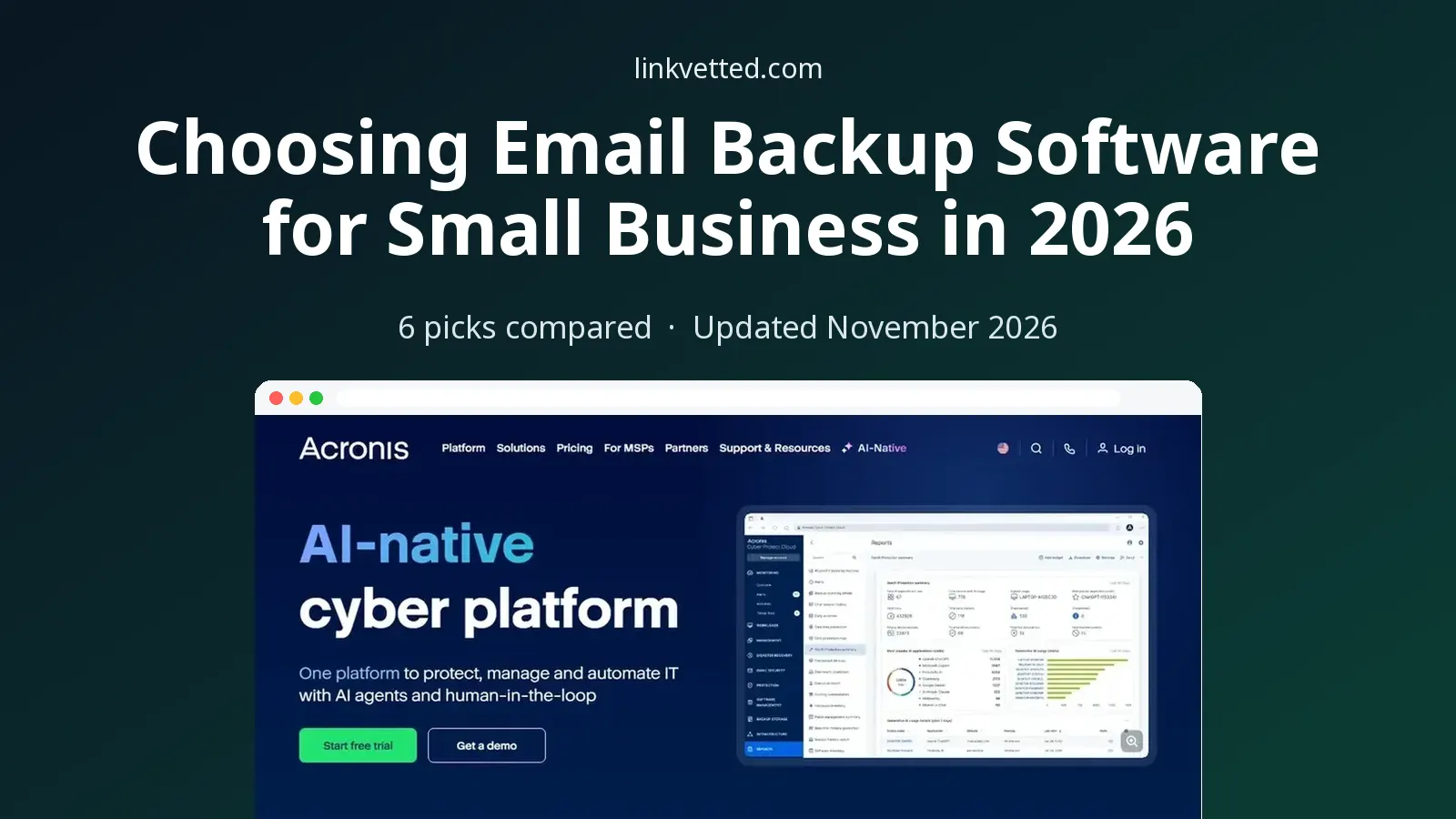
- Editor's choice
 Acronis Cyber Protect
Integrated backup and cybersecurity
Starts atPricing on requestVisit acronis.comFull review - Great alternative
 Mimecast
Email security and data protection
Starts atPricing on requestVisit mimecast.comFull review - Also consider
 Druva
Completely managed SaaS data protection
Starts atPricing on requestVisit druva.comFull review
Direct answer
For integrated backup and cybersecurity, Acronis Cyber Protect is where this list starts. Mimecast fits email security and data protection; Druva fits completely managed SaaS data protection. Prices, free plans and limits for all 6 tools follow. None of these vendors publish plan prices, so pricing is on request for every option.
TL;DR:
- Acronis Cyber Protect sits first on this list: integrated backup and cybersecurity.
- AvePoint is the one to check for enterprise AI governance and data protection.
- Every tool from Acronis Cyber Protect to AvePoint works by quote, with no list price shown.
- A fair warning about Acronis Cyber Protect: may need technical expertise.
Last checked November 2026. Pricing on request: vendors did not publish plan prices when this guide was last checked (November 2026), so ask each vendor for a written quote.
Quick comparison
| Tool | Best for | Starts at | Free plan? | |
|---|---|---|---|---|
| Acronis Cyber Protect | Integrated backup and cybersecurity | Pricing on request | Not stated | Visit |
| Mimecast | Email security and data protection | Pricing on request | Not stated | Visit |
| Druva | Completely managed SaaS data protection | Pricing on request | Free trial | Visit |
 Barracuda Backup | Cloud data protection and quick recovery | Pricing on request | Not stated | Visit |
 Proofpoint | Agentic security for collaboration and data | Pricing on request | Not stated | Visit |
| AvePoint | Enterprise AI governance and data protection | Pricing on request | Not stated | Visit |
Tool-by-tool breakdown
If you are comparing email backup software for small business, this page covers 6 tools in one place: what each is best for, what it costs to start, whether it has a free plan, and the main limit to know about.
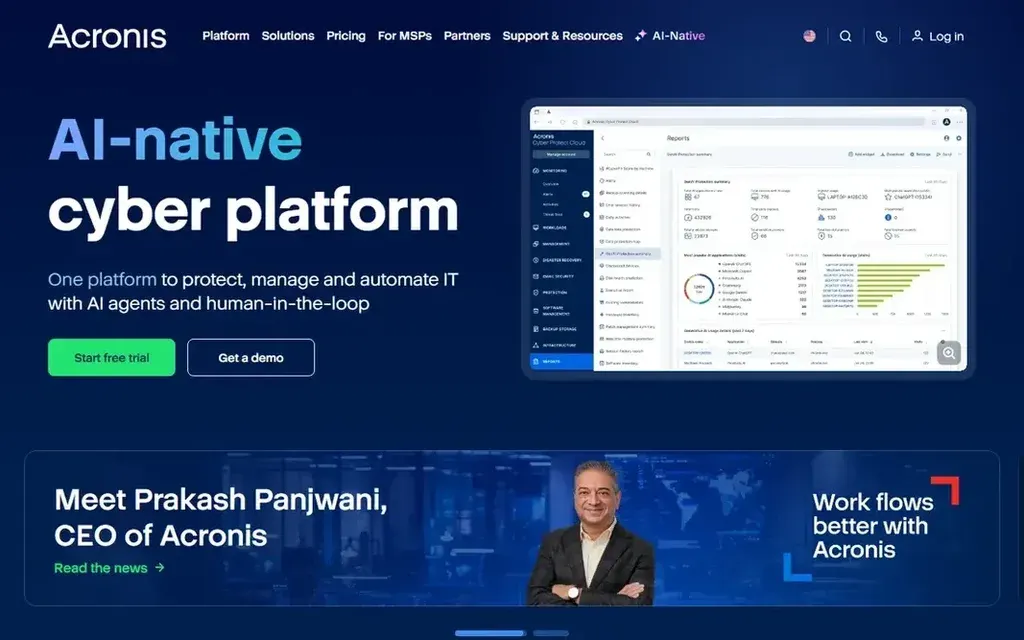
Acronis Cyber Protect was built for integrated backup and cybersecurity. Acronis Cyber Protect gives deeply integrated AI-powered features across backup, cybersecurity, endpoint management, and automation options. It is built to protect and run workloads for MSPs and firms, making it a solid fit for small companies that want an all-in-one security and backup tool.
If you need a straightforward email backup tool without deep cybersecurity features, a specialized service like Mimecast or Proofpoint might be more appropriate. Worth adding: the system's breadth can introduce complexity, and small companies without IT staff may find it challenging to configure. Acronis Cyber Protect does not show a starting price in this comparison, so check the vendor site for current pricing. As for free access: Not stated.
Where it is weaker: May need technical expertise.
- AI-powered cybersecurity features
- Suited for MSPs and companies
- Email backup not explicitly highlighted
Mimecast works best for email security and data protection. Mimecast's option helps secure human and data interactions.
Honest limits: Focus on security may overshadow backup.
Also, the system's thorough nature could be overkill for small teams with entry-level backup needs. Pricing for Mimecast is not stated here, so ask the vendor for current figures. Trial and free access: Not stated.
- Unified system for email security
- Data protection and governance
- Pricing not listed on homepage
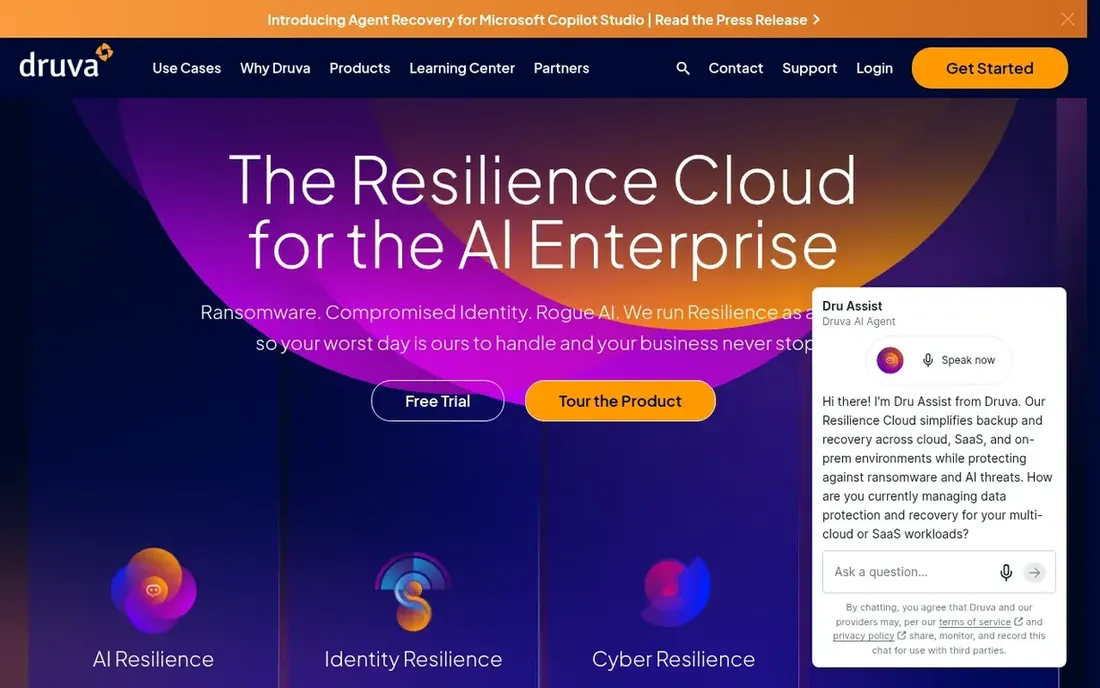
Choose Druva for completely managed SaaS data protection. Small companies with cloud-first strategies may find Druva's integrated approach appealing for protecting email and other data.
Druva's full product might be more than needed for small companies with entry-level email backup requirements, and its pricing structure is not transparent on the homepage. Check the vendor site for Druva pricing; none is listed in this comparison. On free options: Free trial.
What to check first: May be complicated for very small teams.
- AI-powered features
- Quick ransomware recovery
- Pricing not disclosed on homepage
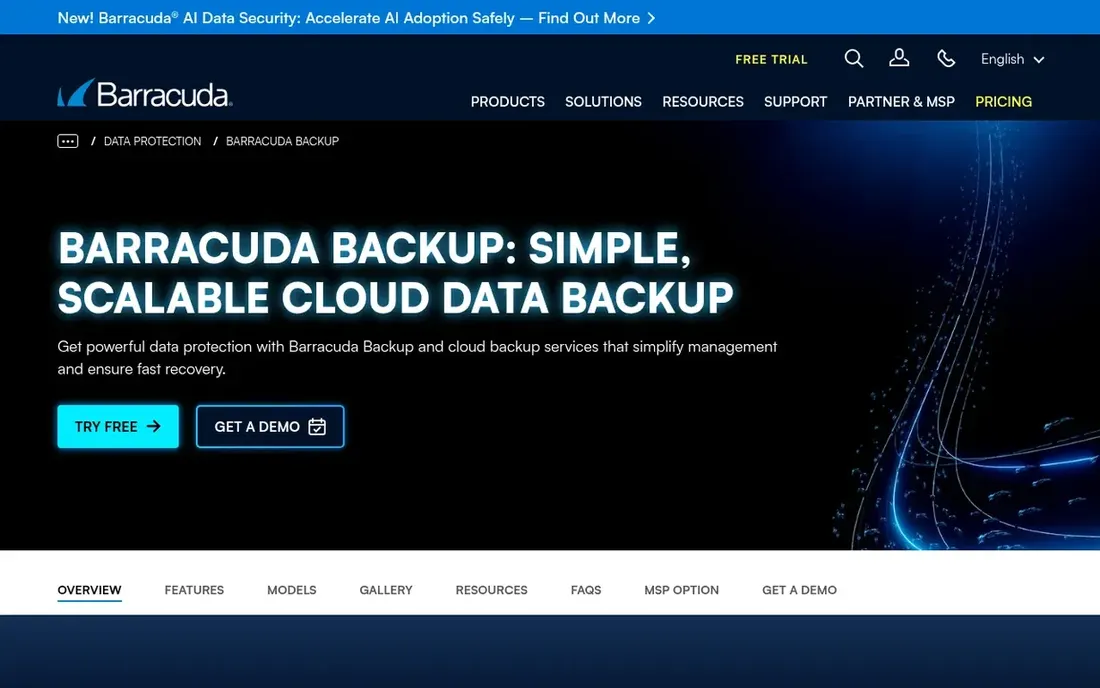
Where Barracuda Backup fits: cloud data protection and fast recovery. The product centres on comprehensive data protection, which can contain email data, though specific email backup features should be confirmed with the vendor.
Barracuda Backup is a data protection option that contains cloud backup services meant to ease management and ensure quick recovery. Barracuda Backup shows no starting price here, so confirm the cost on the vendor site. Free plan details: Not stated.
Points against: May require extra configuration for email.
- Ensures quick recovery
- Cloud backup services
- Restricted public details on email-specific features
Proofpoint serves agentic security for collaboration and data. Proofpoint supplies agentic security for collaboration, data, and AI, with intent-based protection for every person and AI agent. It is aimed at organizations that require advanced threat protection and data security across email and collaboration tools.
The main drawbacks: May be complicated to deploy.
Small companies with stringent security requirements may find Proofpoint's approach valuable. In practice, small firms looking for straightforward email backup might prefer a tool like Barracuda Backup. Also, Proofpoint's homepage does not explicitly highlight email backup capabilities, so it may be better suited for security-focused needs instead of backup. Proofpoint shows no starting price here, so confirm the cost on the vendor site. On free options: Not stated.
- Intent-based protection
- Focus on collaboration security
- Backup features not explicitly stated
AvePoint
Best for: Enterprise AI governance and data protection
AvePoint is built with enterprise AI governance and data protection in mind. AvePoint is the AI Trust Company that helps organizations govern and secure AI across data and agents with enterprise AI governance aimed at trust.
Where it is weaker: Email backup not explicitly highlighted.
AvePoint does not show a starting price in this comparison, so check the vendor site for current pricing. Free access: Not stated.
- Enterprise-grade trust
- Data and agent security
- May be complicated for small firms
How the list was put together
For each of the 6 tools we noted price, free plan or trial, fit for email backup software for small business and the main limit, using vendor pages and documentation. Figures are shown as the vendors publish them. Billing terms, seat minimums and add-ons can change the real cost. Order on the page follows fit for the typical buyer first, then price transparency and free access. Your own requirements should decide the final pick.
Things to verify first
- Ask each vendor, from Acronis Cyber Protect to AvePoint, for a written quote; none of them publishes a starting price.
- Run a trial of Druva with real work before paying for a year; your own workflow is the best test.
- Read the limits listed for Acronis Cyber Protect first: may need technical expertise.
- Test how quickly Acronis Cyber Protect answers a pre-sales question; it hints at how support will feel later.
- Ask Mimecast how an export works before you move any records in; an easy exit lowers the risk.
FAQ
How are the tools for email backup software for small business ordered?
Acronis Cyber Protect sits first and AvePoint last because the order follows typical fit for email backup software for small business, then price clarity and free access. It is a judgement call, so read each profile for fit and limits.
What should I look for in email backup software?
Key considerations contain ease of restore, encryption, compliance support, and scalability. Also, verify that the tool backs up all email components, including attachments and calendars, and consider whether you need extra security features.
Does any tool for email backup software for small business here have a free plan?
No tool in this list, Acronis Cyber Protect and AvePoint included, has a permanent free plan. Druva offer a trial. Trials and quotes are the usual route, so plan a short evaluation period.
Do these tools publish their prices?
No. None of the tools, from Acronis Cyber Protect to AvePoint, shows a fixed starting price here, so budget time for quotes.
Can I try these tools before paying?
Often, yes. Druva offers a free trial. Use your own data and a real task during the test, and check what the free tier or trial limits before you rely on it.
Sources
- https://www.acronis.com
- https://www.mimecast.com
- https://www.druva.com
- https://www.barracuda.com/products/backup
- https://www.proofpoint.com
- https://www.avepoint.com