Top 5 Email Backup Software for Remote Teams for 2026 (Prices and Free Plans)
Best email backup software for remote teams in 2026: 5 contenders with entry costs and free tiers. Caveats come with every verdict. Skim the table first.
- Editor's choice
 Mimecast
Email security with data protection
Starts atPricing on requestVisit mimecast.comFull review - Great alternative
 Druva
Managed cloud-native data protection
Starts atPricing on requestVisit druva.comFull review - Also considerSpanning Backup for Microsoft 365
Cloud-to-cloud SaaS mailbox backup
Starts atPricing on requestVisit spanning.comFull review
Direct answer
For email security with data protection, Mimecast is where this list starts. Druva is better for managed cloud-native data protection, and Spanning Backup for Microsoft 365 is better for cloud-to-cloud SaaS mailbox backup. The other 2 tools in the list cover narrower or pricier cases. None of these vendors publish plan prices, so pricing is on request for every option.
TL;DR:
- Mimecast sits first on this list: email security with data protection.
- Druva comes with a trade-off: product framing goes beyond email.
- For teams pairing backup with email security, Barracuda Backup is worth a look.
- Every tool from Mimecast to Barracuda Backup works by quote, with no list price shown.
- Mimecast, Barracuda Backup and the 3 others all need a premium plan or a trial, since no free plan is listed.
Last checked November 2026. Pricing on request: vendors did not publish plan prices when this guide was last checked (November 2026), so ask each vendor for a written quote.
Quick comparison
| Tool | Best for | Starts at | Free plan? | |
|---|---|---|---|---|
| Mimecast | Email security with data protection | Pricing on request | Not stated | Visit |
| Druva | Managed cloud-native data protection | Pricing on request | Free trial | Visit |
| Spanning Backup for Microsoft 365 | Cloud-to-cloud SaaS mailbox backup | Pricing on request | Not stated | Visit |
| AvePoint | Governance-focused Microsoft 365 environments | Pricing on request | Not stated | Visit |
 Barracuda Backup | Teams pairing backup with email security | Pricing on request | Free trial | Visit |
Email Backup Software for Remote Teams, one by one
This LinkVetted guide covers 5 email backup software for remote teams. Each profile lists a starting price, free plan details, strengths and drawbacks, so you can drop poor fits quickly.
Mimecast targets email security with data protection. Remote teams that worry about phishing and data loss as much as retention may value having protection and recovery capabilities described together under a single email-centric vendor.
As for the details, Mimecast is framed around security and governance instead of standalone mailbox backup. So teams should confirm how retention and restore requirements map to their needs. Pricing for Mimecast is not stated here, so ask the vendor for current figures. Free access: Not stated.
Honest limits: Not positioned as backup-only.
- Data protection and governance included
- Single system across five options
- Backup is part of a security product
Druva is built with managed cloud-native data protection in mind. Druva describes an AI-powered, cloud-native SaaS system delivering data security, identity resilience, backup protection and quick ransomware recovery.
For everyday use, Druva's messaging centers on wide data security and resilience instead of mailbox backup alone, so buyers should verify how email data suits their specific workloads. Pricing for Druva is not stated here, so ask the vendor for current figures. On free options: Free trial.
What to check first: System framing goes beyond email.
- Completely managed SaaS system
- Cloud-native architecture
- Managed model may not suit every team
Spanning Backup for Microsoft 365
Best for: Cloud-to-cloud SaaS mailbox backup
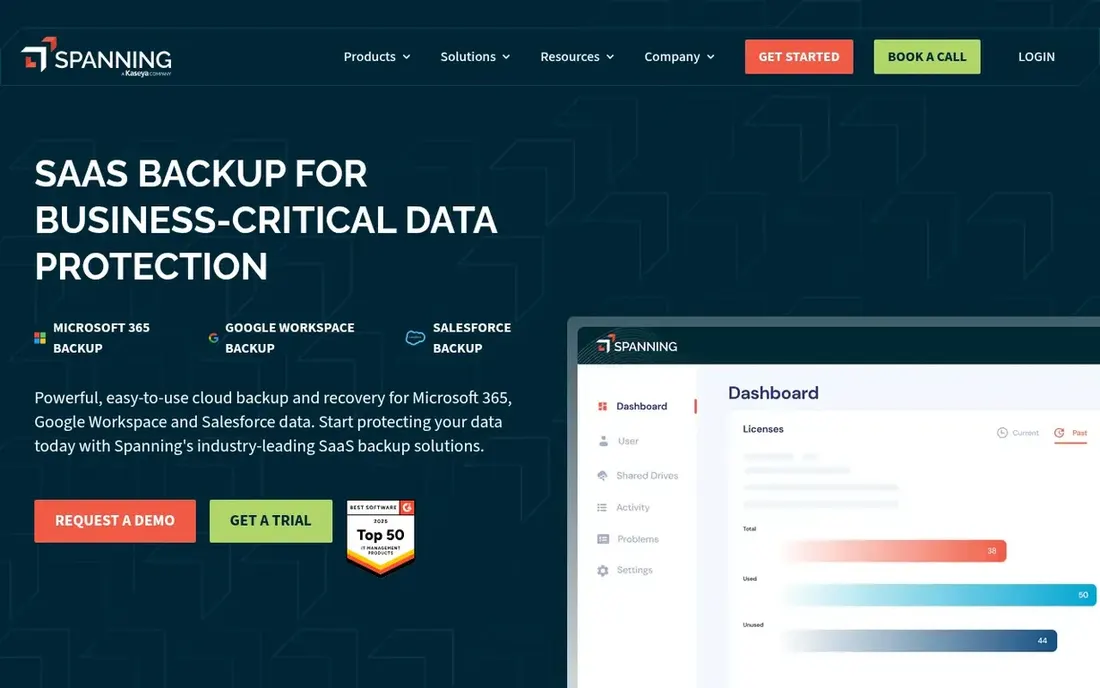
Spanning Backup for Microsoft 365 is aimed squarely at cloud-to-cloud SaaS mailbox backup. Spanning delivers SaaS backup for Google Workspace, Microsoft 365 and Salesforce, positioning it as a cloud-to-cloud choice for teams that live in hosted productivity suites.
What to check first: Not a security suite.
It suits organizations that prefer a focused backup layer alongside their existing security tools. Spanning Backup for Microsoft 365 does not show a starting price in this comparison, so check the vendor site for current pricing. Free options: Not stated.
- Spans Microsoft 365
- Enterprise-class recovery focus
- Narrower than full infrastructure backup
AvePoint
Best for: Governance-focused Microsoft 365 environments
Choose AvePoint for governance-focused Microsoft 365 environments. Remote teams in regulated or fast-growing Microsoft 365 environments may encounter AvePoint as part of a broader data governance and protection strategy instead of as a pure email backup purchase.
Trade-offs to know: Governance framing, not backup-first.
Worth adding: since the homepage emphasizes AI governance, teams should verify how email backup and restore fit their specific requirements. Pricing for AvePoint is not stated here, so ask the vendor for current figures. On free options: Not stated.
- Fits compliance-minded organizations
- Enterprise AI governance focus
- Enterprise orientation may not fit small teams
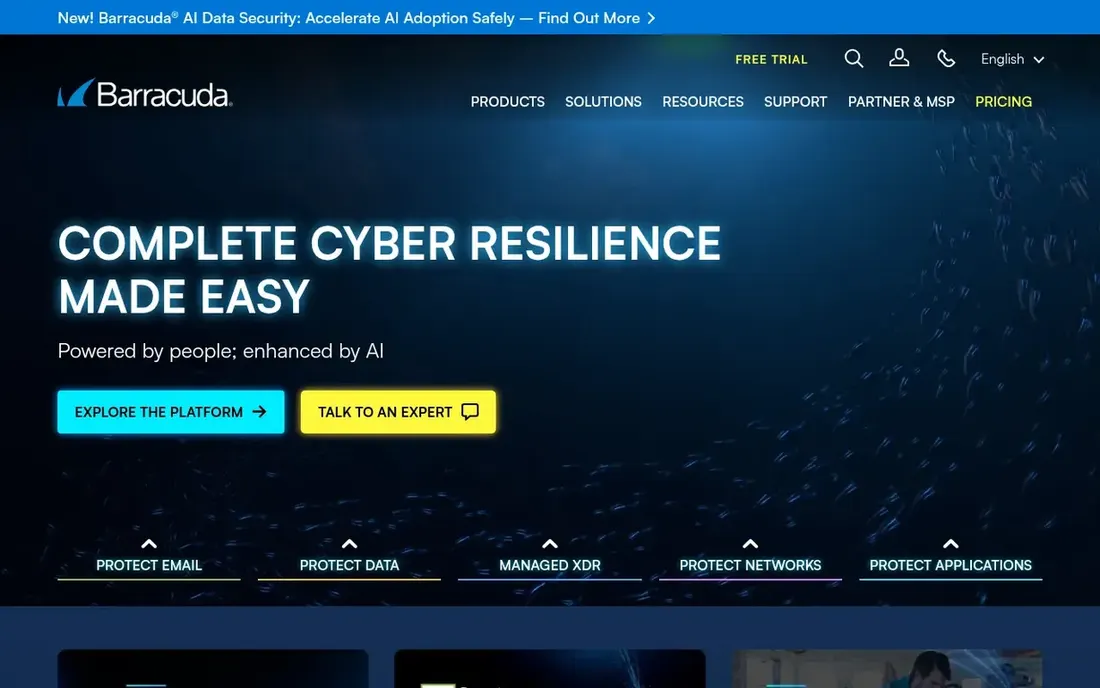
In short, Barracuda Backup is for teams pairing backup with email security. Barracuda Networks frames itself around email protection, application protection, network security and data protection.
Worth adding: since Barracuda spans multiple security categories, the backup offering is one part of a bigger story. Teams should confirm exactly which mail systems and workloads are covered. No starting price is listed for Barracuda Backup here; confirm pricing on the vendor site. Free options: Free trial.
Watch-outs: Portfolio breadth can complicate selection.
- Email protection experience
- Data protection within a security portfolio
- Backup is one piece of a bigger suite
How the list was put together
The comparison looks at four things: starting price, free access, how well the feature set matches email backup software for remote teams, and the main limit of each tool. Where a vendor does not publish a price, the entry says quote. Where a price depends on seats or billing term, the entry says so. We ordered the tools by general fit, then by how clearly pricing is shown, then by free access. A buyer with unusual needs may reorder them.
A buyer's checklist
- Ask each vendor, from Mimecast to Barracuda Backup, for a written quote; none of them publishes a starting price.
- Take the trial from Druva and Barracuda Backup and push a live task through it before you pay.
- Before choosing Mimecast, weigh its main limit: Backup is part of a security product.
- Work out what AvePoint costs with your real seat count, add-ons and usage, not just the entry price.
- Look at the help docs and support options for Druva before you commit.
FAQ
Can I try these tools before paying?
Often, yes. Druva and Barracuda Backup offer a free trial. Use your own data and a real task during the test, and check what the free tier or trial limits before you rely on it.
Do these tools publish their prices?
No. None of the tools, from Mimecast to Barracuda Backup, shows a fixed starting price here, so budget time for quotes.
Why do remote teams need separate email backup?
Cloud email services protect their own infrastructure but do not always include accidental deletion, retention gaps or recovery of individual mailboxes. Remote teams benefit since recovery does not rely on someone being in an office.
How are the tools for email backup software for remote teams ordered?
The order follows typical fit for email backup software for remote teams, with Mimecast first and Barracuda Backup last, then price clarity and free access. It is editorial judgement, not a score, so another team could rank the tools differently.
Does any tool for email backup software for remote teams here have a free plan?
No tool in this list, Mimecast and Barracuda Backup included, has a permanent free plan. Druva, Barracuda Backup offer a trial. Trials and quotes are the usual route, so plan a short evaluation period.
Sources
- https://www.mimecast.com
- https://www.druva.com
- https://spanning.com
- https://www.avepoint.com
- https://www.barracuda.com