Email Backup Software for Startups in 2026: The 6 Best Options Side by Side
Searching for the best email backup software for startups? Here are 6 options with prices and free plans. Every pick gets a straight assessment. Details below.
- Editor's choice
 Barracuda Backup
Backup within a broader security stack
Starts atPricing on requestVisit barracuda.comFull review - Great alternative
 Druva
Completely managed cloud-native SaaS backup
Starts atPricing on requestVisit druva.comFull review - Also consider
 Proofpoint
Security-led protection of collaboration data
Starts atPricing on requestVisit proofpoint.comFull review
Direct answer
Barracuda Backup is the first pick on this list for Backup within a broader security stack. For a different need, Druva covers completely managed cloud-native SaaS backup and Proofpoint covers security-led protection of collaboration data. The remaining 3 options are covered below with prices and limits. None of these vendors publish plan prices, so pricing is on request for every option.
TL;DR:
- The list opens with Barracuda Backup, aimed at Backup within a broader security stack.
- Every tool from Barracuda Backup to Acronis Cyber Protect works by quote, with no list price shown.
- Acronis Cyber Protect fits integrated backup and cybersecurity.
- A permanent free plan is missing from all 6 tools, Barracuda Backup and Acronis Cyber Protect included; plan for a trial or a premium start.
- Before buying Proofpoint, weigh this: security-first positioning instead of pure backup.
Last checked November 2026. Pricing on request: vendors did not publish plan prices when this guide was last checked (November 2026), so ask each vendor for a written quote.
Quick comparison
| Tool | Best for | Starts at | Free plan? | |
|---|---|---|---|---|
| Barracuda Backup | Backup within a broader security stack | Pricing on request | Free trial | Visit |
| Druva | Completely managed cloud-native SaaS backup | Pricing on request | Free trial | Visit |
| Proofpoint | Security-led protection of collaboration data | Pricing on request | Not stated | Visit |
| Veeam Backup for Microsoft 365 | Dedicated Microsoft 365 mailbox protection | Pricing on request | Not stated | Visit |
| Spanning Backup | Straightforward SaaS backup for cloud email | Pricing on request | Not stated | Visit |
 Acronis Cyber Protect | Integrated backup and cybersecurity | Pricing on request | Not stated | Visit |
6 email backup software for startups in detail
LinkVetted compared 6 email backup software for startups. The goal is a practical shortlist: published prices, free plan facts, best-fit use cases and honest limits for every entry.
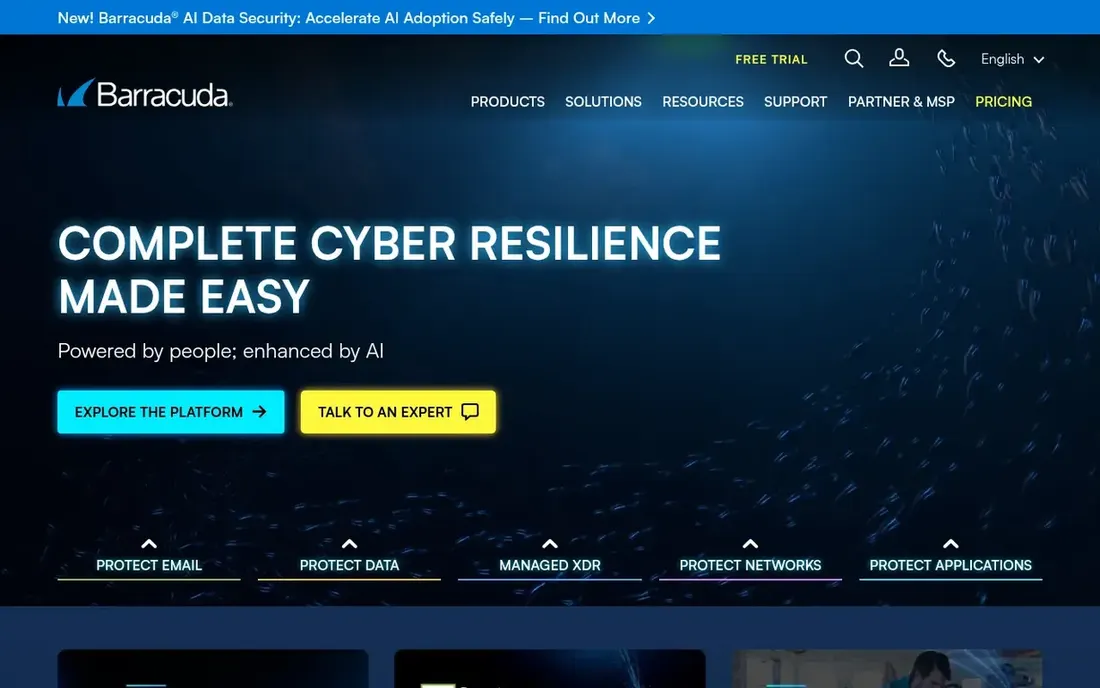
In short, Barracuda Backup is for Backup within a broader security stack. Barracuda Backup sits within a vendor portfolio spanning email protection, application protection, network security and data protection.
Best features of Barracuda Backup: Spans email.
Beyond that, a very small startup with only entry-level mailbox backup needs may prefer a narrower tool. Pricing for Barracuda Backup is not stated here, so ask the vendor for current figures. On free options: Free trial.
Trade-offs to know: May be more than a startup needs initially.
- Apps and network security areas
- Merges data protection with security offerings
- Email backup is one part of a broad portfolio
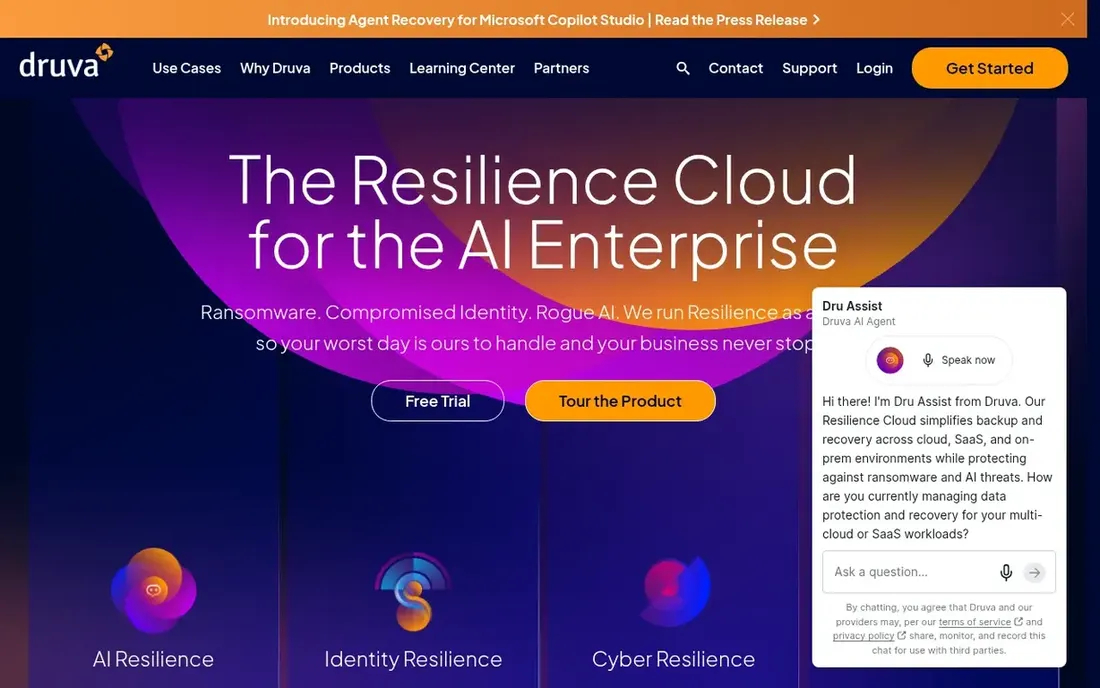
Where Druva fits: completely managed cloud-native SaaS backup. Startups without dedicated IT staff frequently appreciate the managed model, since it cuts the operational burden of running backup infrastructure.
It suits teams that want protection and recovery capabilities delivered as a service. No starting price is listed for Druva here; confirm pricing on the vendor site. As for free access: Free trial.
Honest limits: Needs comfort with a completely managed SaaS model.
- Cloud-native SaaS delivery model
- Merges data security and identity resilience
- Wide system may exceed minimal backup needs
Proofpoint makes the most sense for security-led protection of collaboration data. Choose Proofpoint when security posture around collaboration data is the primary driver.
The vendor's emphasis is security instead of dedicated email backup, so buyers should verify retention and recovery specifics for their mail product. Also, a startup needing only straightforward scheduled mailbox backups may prefer a narrower product. No starting price is listed for Proofpoint here; confirm pricing on the vendor site. As for free access: Not stated.
Downsides: Scope for email backup needs confirmation.
- Spans collaboration and AI security areas
- Focus on protecting people and data
- Security-first positioning instead of pure backup
Veeam Backup for Microsoft 365
Best for: Dedicated Microsoft 365 mailbox protection
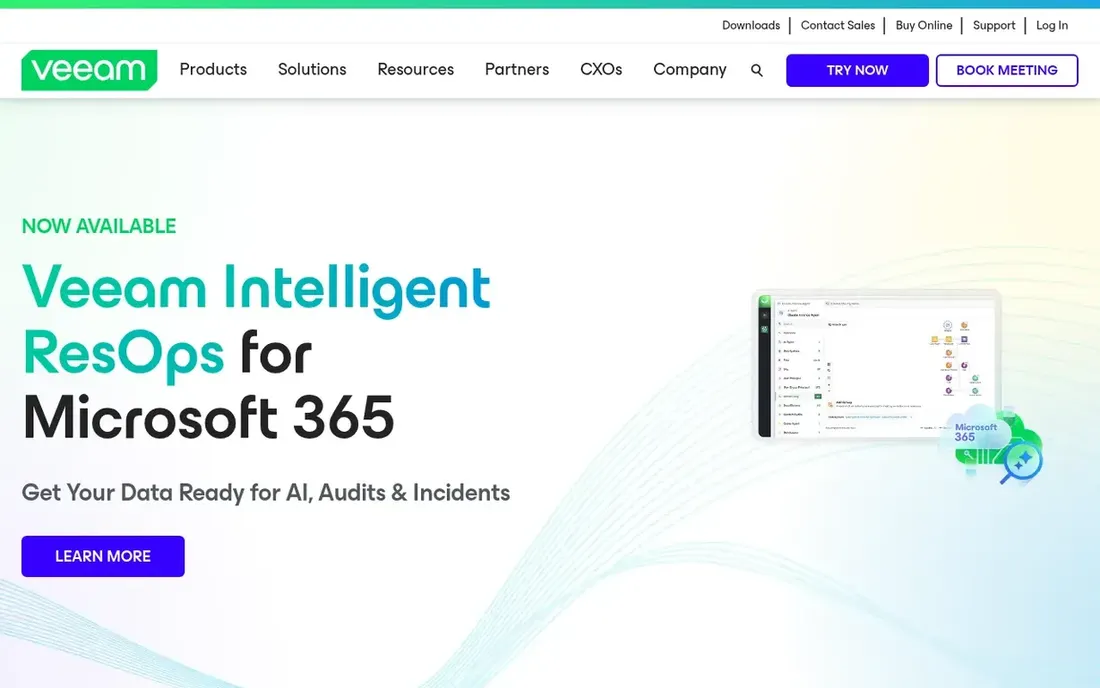
Veeam Backup for Microsoft 365 is built with dedicated Microsoft 365 mailbox protection in mind. Veeam Backup for Microsoft 365 is the mailbox-focused choice from a vendor known for data protection and cyber resilience.
Watch-outs: Full system can feel wide for very small teams.
Check the vendor site for Veeam Backup for Microsoft 365 pricing; none is listed in this comparison. As for free access: Not stated.
- Supports compliance and secure data movement
- Purpose-built for Microsoft 365 data
- Centred on Microsoft 365 instead of all SaaS apps
Spanning Backup
Best for: Straightforward SaaS backup for cloud email
For straightforward SaaS backup for cloud email, Spanning Backup is a natural candidate. Spanning Backup gives you SaaS backup for Google Workspace, Microsoft 365 and Salesforce, with automatic backup and recovery the vendor describes as enterprise-class.
Where Spanning Backup stands out: Also spans Salesforce data.
Downsides: Less suited to on-premises email systems.
Also, pick Spanning when cloud email and productivity data are the priority and simplicity matters. Teams needing broad workload protection beyond SaaS may want a wider product. This comparison lists no price for Spanning Backup; ask the vendor. Trial and free access: Not stated.
- Automatic
- Backup for Google Workspace and Microsoft 365
- Restricted to supported SaaS applications
For integrated backup and cybersecurity, Acronis Cyber Protect is a natural candidate. Choose Acronis when integrated cyber protection is the goal and you are prepared to invest in configuration.
Limits to weigh: Email-specific backup scope should be confirmed.
Beyond that, teams should verify how email and collaboration data are handled for their system. On top of that, since the product spans numerous areas, setup and administration can take more effort than a straightforward backup tool. Pricing for Acronis Cyber Protect is not stated here, so ask the vendor for current figures. Free plan details: Not stated.
- Built for firms and service providers
- Merges backup with cybersecurity features
- Feature depth can need a ramp-up time
How these tools were picked
LinkVetted used vendor pricing pages and product documentation as the base, then compared plans, free access and documented limits for 6 tools. Plan names, prices and limits change often. Treat the figures here as a starting point and verify them with the vendor. The sequence is a judgement call: typical use case first, then pricing transparency, then free access. Use the profiles to check fit.
A buyer's checklist
- Request quotes from Barracuda Backup, Acronis Cyber Protect and the others; the list shows no fixed prices.
- Use real work to test the free trial from Barracuda Backup and Druva, rather than a demo project.
- Read the limits listed for Barracuda Backup first: email backup is one part of a broad portfolio.
- Ask Druva which support channels and response times come with the plan you would buy.
- Pick one real project and run it in Acronis Cyber Protect first; a small pilot shows fit faster than a checklist.
FAQ
Is a managed SaaS backup model right for a small team?
A managed SaaS model like Druva can cut the operational burden of running backup infrastructure, which helps startups without dedicated IT staff. The tradeoff is less control over underlying systems. Teams with strict internal requirements should review how data is handled before committing.
Which tool is a good match for Microsoft 365 email backup?
Start with Barracuda Backup if you need Backup within a broader security stack. Druva is the better match for completely managed cloud-native SaaS backup, and Proofpoint for security-led protection of collaboration data. The best choice depends on budget, team size and workflow.
Why do startups need separate email backup?
Cloud email providers keep services running but do not always include every recovery scenario, like accidental deletion or account-level issues. Startups should confirm what their email provider already includes before choosing a tool.
Do these tools publish their prices?
No. None of the tools, from Barracuda Backup to Acronis Cyber Protect, shows a fixed starting price here, so budget time for quotes.
Does any tool for email backup software for startups here have a free plan?
A permanent free plan is not offered by Barracuda Backup, Acronis Cyber Protect or the other tools here. Barracuda Backup, Druva offer a trial. Plan a short evaluation period instead.
Is Barracuda Backup the right pick for everyone comparing email backup software for startups?
No single tool suits every team. Barracuda Backup comes first because it fits Backup within a broader security stack, while Druva suits fully managed cloud-native SaaS backup and Proofpoint suits security-led protection of collaboration data. Match the tool to your own size, budget and workflow before deciding.
Sources
- https://www.barracuda.com
- https://www.druva.com
- https://www.proofpoint.com
- https://www.veeam.com
- https://www.spanning.com
- https://www.acronis.com