5 E-Signature Software for Schools Worth Shortlisting in 2026
Compare 5 best E-Signature software for schools, with prices, free plans and who each fits. Notes on cost and gaps for each tool. Reviewed in November 2026.
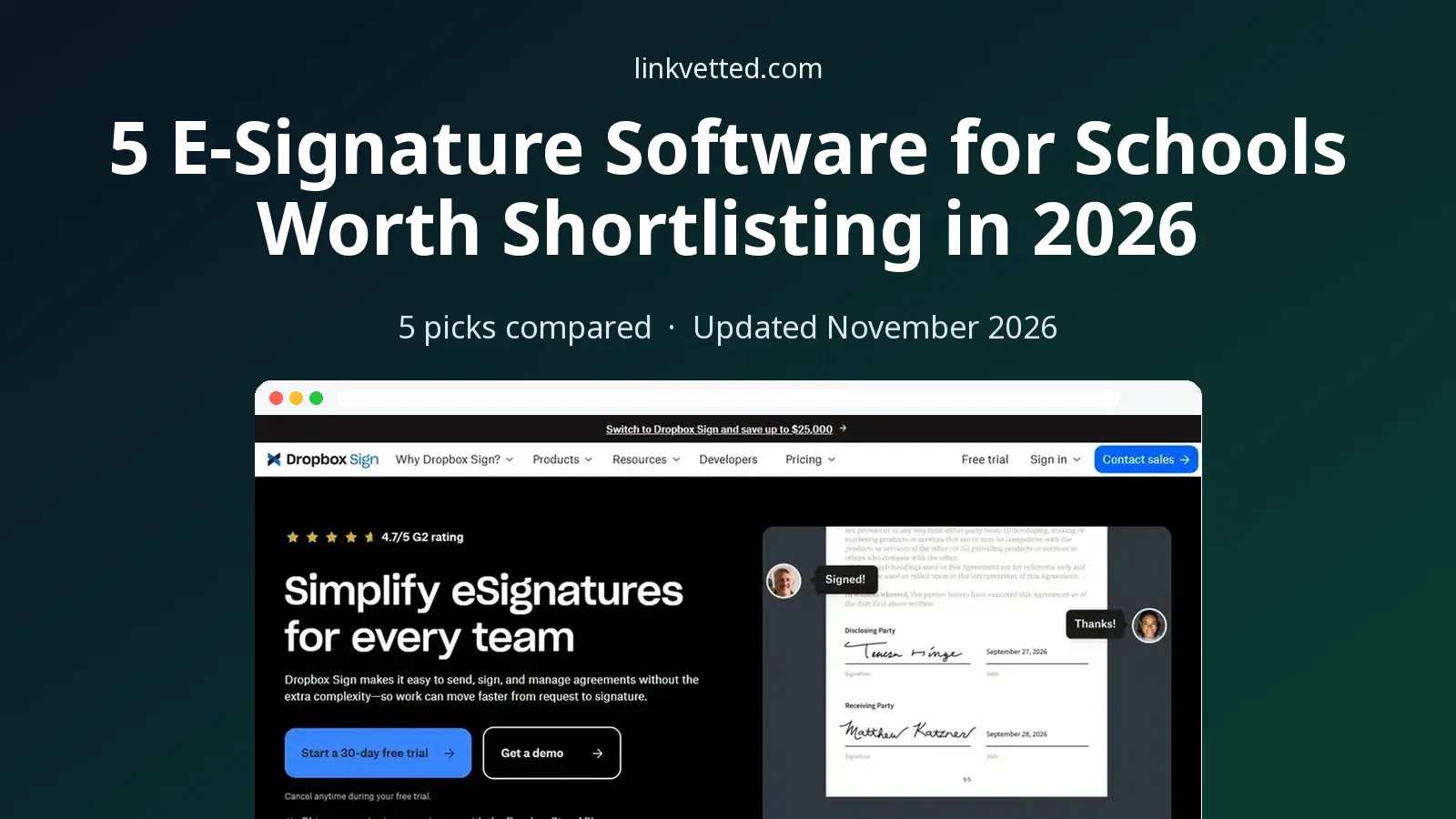
- Editor's choice
 Zoho Sign
Digital signature workflows for school teams
Starts atSee websiteVisit zoho.comFull review - Great alternative
 Dropbox Sign
Straightforward sending and managing of signatures
Starts at$15 USD / moVisit sign.dropbox.comFull review - Also consider
 OneSpan Sign
Secure agreements with identity assurance
Starts atSee websiteVisit onespan.comFull review
Direct answer
Zoho Sign leads the list, best for digital signature workflows for school teams. Listed starting prices: Dropbox Sign from $15 USD / mo and DocuSign from $45 per user a month. Dropbox Sign fits simple sending and managing of signatures; OneSpan Sign fits secure agreements with identity assurance. The other 2 tools in the list cover narrower or pricier cases.
TL;DR:
- This list starts with Zoho Sign, which is built for digital signature workflows for school teams.
- For the cheapest start, look at DocuSign: $45 per user per month.
- Adobe Acrobat Sign suits schools already working in PDF workflows.
- One limit worth knowing about OneSpan Sign: enterprise focus can feel heavy for small schools.
- Zoho Sign, Adobe Acrobat Sign and the 3 others all need a premium plan or a trial, since no free plan is listed.
Last checked November 2026. Prices and plan details were read from the vendors' own pages in November 2026; vendors change plans often, so confirm the current price on the vendor site before you buy.
Quick comparison
| Tool | Best for | Starts at | Free plan? | |
|---|---|---|---|---|
| Zoho Sign | Digital signature workflows for school teams | See website | Not stated | Visit |
| Dropbox Sign | Straightforward sending and managing of signatures | $15 USD / mo | Free trial | Visit |
| OneSpan Sign | Secure agreements with identity assurance | See website | Not stated | Visit |
 DocuSign | Wide agreement management for school offices | $45 per user a month | Not stated | Visit |
 Adobe Acrobat Sign | Schools already working in PDF workflows | See website | Not stated | Visit |
Tool-by-tool breakdown
LinkVetted put together this guide to E-Signature software for schools for readers who want a clear shortlist without reading every vendor page. It compares 5 tools on starting price, free plans, who each one suits and where each one falls short.
For digital signature workflows for school teams, Zoho Sign is a natural candidate. Schools with very straightforward signing needs may prefer a more minimal choice, whereas those automating recurring paperwork will find Zoho Sign handy.
Designing workflows takes some learning, and the tool may feel most natural for schools already using other Zoho products. Worth adding: Zoho Sign is a digital signature option that lets users sign business documents online and automate paperwork through document workflows to collect signatures securely. Check the vendor site for Zoho Sign pricing; none is listed in this comparison. Free access: Not stated.
The main drawbacks: Workflow design takes some learning.
- Secure collection of signatures
- Digital signature document workflows
- May suit Zoho users best
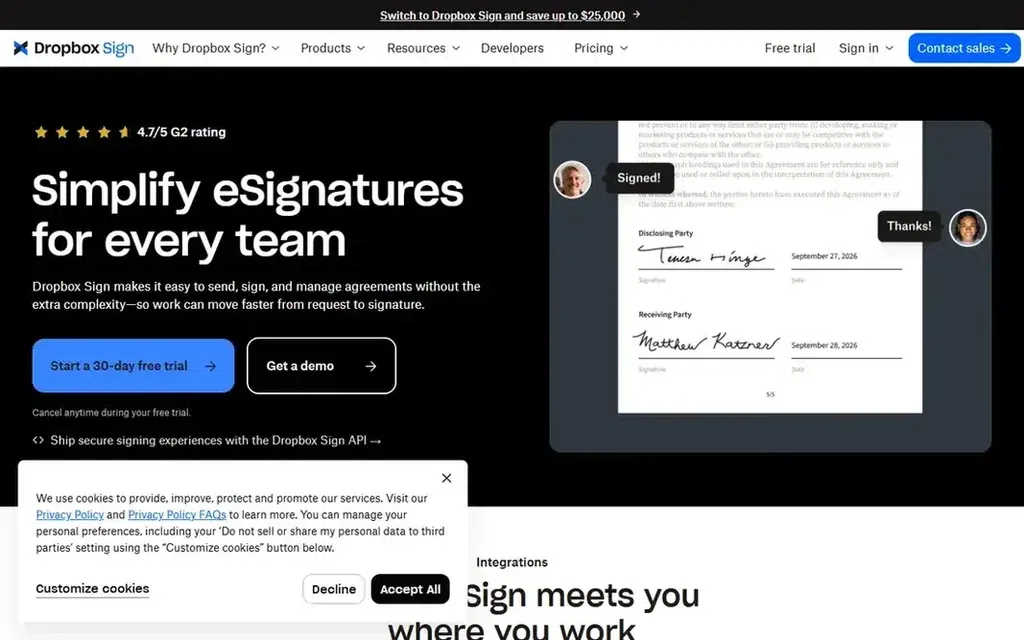
Dropbox Sign targets straightforward sending and managing of signatures. Since it centers on signing instead of end-to-end agreement management, schools needing deeper workflow automation may outgrow it.
Trade-offs to know: May overlap with existing storage tools.
It remains a sensible choice for departments that chiefly need documents sent, signed and stored with minimal setup. As for the details, Dropbox Sign, formerly HelloSign, is described as a simple way to send, receive and handle legally binding electronic signatures. On cost, Dropbox Sign starts like this: $15 USD / mo. Trial and free access: Free trial.
- Clear focus on sending and receiving signatures
- Runs legally binding agreements
- Narrower scope than full agreement systems
OneSpan Sign is a good fit for secure agreements with identity assurance. OneSpan Sign is an eSignature system for customer agreements that simplifies digital agreement workflows with secure signatures, identity assurance, automation, smart forms and integrations.
Its enterprise orientation can feel heavy for a small school with occasional signing needs, and configuration may need technical support. Worth adding: consider OneSpan Sign when security and identity assurance are priorities, and a more straightforward tool when speed of setup matters most. Pricing for OneSpan Sign is not stated here, so ask the vendor for current figures. Trial and free access: Not stated.
Points against: Configuration may need technical help.
- Integrations for agreement workflows
- Identity assurance and smart forms
- Enterprise focus can feel heavy for small schools
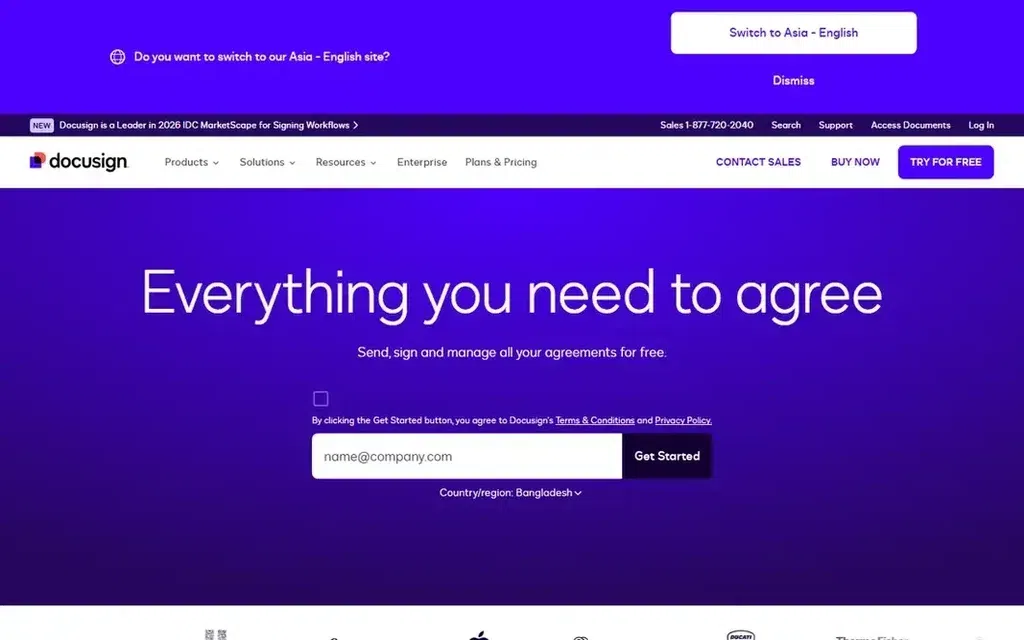
DocuSign works best for wide agreement management for school offices. DocuSign is an electronic signature and agreement management product that lets users build, commit to and handle agreements in one place. Schools seeking only entry-level signing may prefer a lighter choice, whereas bigger administrative teams with recurring document workflows are the better fit for DocuSign.
As for the details, for schools, it suits district offices and administrative teams that process a steady flow of forms, contracts and approvals and want signing and follow-up handled together instead of through separate tools. The product is built around broader agreement management, which can be more than a small school needs for occasional forms. What you pay to start with DocuSign: $45 per user per month. Free access: Not stated.
Trade-offs to know: Feature depth may exceed small school needs.
- Merges e-signature with agreement management
- Signing and tracking in one product
- Setup can need administrative planning
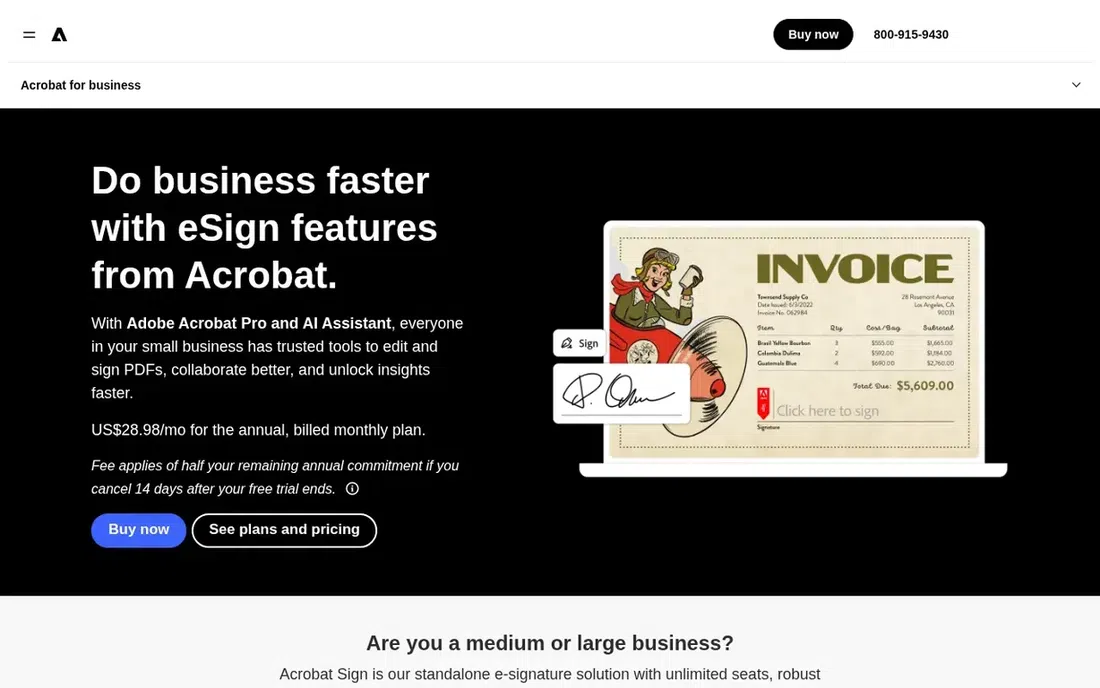
Adobe Acrobat Sign works best for schools already working in PDF workflows. Adobe Acrobat Sign is e-signature software for firms that lets users sign documents, collect digital payments and accept electronic signatures on a website.
It fits schools that already depend on Adobe PDF tools for forms and records, since signing sits alongside familiar document handling for staff and administrators. Adobe Acrobat Sign shows no starting price here, so confirm the cost on the vendor site. On free options: Not stated.
Points against: Workflow setup may need training.
- Signing tied to Adobe document tools
- Supports collecting signatures and payments
- Best value when already using Adobe products
How these tools were picked
For each of the 5 tools we noted price, free plan or trial, fit for E-Signature software for schools and the main limit, using vendor pages and documentation. Seat minimums, billing terms and add-ons can move the real cost, so the starting prices here are a guide and not a quote. We ordered the tools by general fit, then by how clearly pricing is shown, then by free access. A buyer with unusual needs may reorder them.
What to confirm before you sign up
- Get a written quote from Zoho Sign, OneSpan Sign and Adobe Acrobat Sign; the list shows no starting price for them.
- Use real work to test the free trial from Dropbox Sign, rather than a demo project.
- Before choosing Zoho Sign, weigh its main limit: workflow design takes some learning.
- Check whether the features you need in Dropbox Sign sit on the entry plan or only on higher tiers.
- A short pilot of Zoho Sign with your real workflow tells you more than a feature table.
FAQ
Do these tools publish their prices?
Not all of them. Zoho Sign, OneSpan Sign and Adobe Acrobat Sign publish no starting price, so expect a quote request for those. The rest, Dropbox Sign included, show a starting price, though seats and billing terms still change the final cost.
Can I try these tools before paying?
Often, yes. Dropbox Sign offers a free trial. Use your own data and a real task during the test, and check what the free tier or trial limits before you rely on it. Each of the 5 options in this E-Signature software for schools guide has its own card above with the price, free plan and limits.
What is the cheapest option for E-Signature software for schools in this list?
On published monthly entry prices, DocuSign is the lowest here at $45 per user per month. Entry price is only part of the cost, because seats, add-ons and billing terms can change the total. All 5 picks in this E-Signature software for schools comparison list a starting price, free plan details and the main limits on their cards above.
Which e-signature tool is a good match for a small school office?
Start with Zoho Sign if you need digital signature workflows for school teams. Dropbox Sign is the better match for simple sending and managing of signatures, and OneSpan Sign for secure agreements with identity assurance. The best choice depends on budget, team size and workflow.
Do schools need identity assurance in e-signature software?
It relies on the documents involved. Forms with financial or contractual weight may call for identity assurance features, which products for example OneSpan Sign emphasize, whereas routine permission slips normally need only standard signing.
Is Zoho Sign the right pick for everyone comparing E-Signature software for schools?
No single tool suits every team. Zoho Sign comes first because it fits digital signature workflows for school teams, while Dropbox Sign suits simple sending and managing of signatures and OneSpan Sign suits secure agreements with identity assurance. Match the tool to your own size, budget and workflow before deciding.
Sources
- https://www.zoho.com/sign
- https://sign.dropbox.com
- https://www.onespan.com/products/esignature
- https://www.docusign.com
- https://www.adobe.com/sign.html