The 5 Best E-Signature Software for Auto Repair Shops in 2026, Ranked
Best E-Signature software for auto repair shops: 5 contenders ranked by fit, with entry costs and free tiers. Real limits included. Built for quick decisions.
- Editor's choice
 OneSpan Sign
Secure customer agreement workflows
Starts atSee websiteVisit onespan.comFull review - Great alternative
 Dropbox Sign
Straightforward, straightforward signing
Starts at$15 USD / moVisit sign.dropbox.comFull review - Also consider
 SignNow
Custom eSignature workflows
Starts atSee websiteVisit signnow.comFull review
Direct answer
If you need secure customer agreement workflows, OneSpan Sign is the first tool to look at here. Listed starting prices: Dropbox Sign from $15 USD / mo and DocuSign from $45 per user a month. For a different need, Dropbox Sign covers straightforward, straightforward signing and SignNow covers custom eSignature workflows. The full list of 5 tools follows, with prices and free plan facts.
TL;DR:
- Top of the list is OneSpan Sign, which targets secure customer agreement workflows.
- Before buying Dropbox Sign, weigh this: fewer advanced workflow features.
- Neither OneSpan Sign nor Adobe Acrobat Sign, nor any of the other 3 tools, has a permanent free plan; trials and quotes are the norm.
- The lowest published monthly entry price here is $45 per user per month, from DocuSign.
Last checked November 2026. Prices and plan details were read from the vendors' own pages in November 2026; vendors change plans often, so confirm the current price on the vendor site before you buy.
Quick comparison
| Tool | Best for | Starts at | Free plan? | |
|---|---|---|---|---|
| OneSpan Sign | Secure customer agreement workflows | See website | Not stated | Visit |
| Dropbox Sign | Straightforward, straightforward signing | $15 USD / mo | Free trial | Visit |
| SignNow | Custom eSignature workflows | See website | Not stated | Visit |
 DocuSign | Thorough agreement management | $45 per user a month | Not stated | Visit |
 Adobe Acrobat Sign | Shops using Adobe PDF tools | See website | Not stated | Visit |
E-Signature Software for Auto Repair Shops, one by one
Short on time? The summary and table above give the quick view of 5 E-Signature software for auto repair shops, and the profiles that follow give the detail behind each entry.
OneSpan Sign makes the most sense for secure customer agreement workflows. OneSpan Sign is an eSignature platform for customer agreements that simplifies digital agreement workflows with secure eSignatures, identity assurance, automation, smart forms, and integrations.
Drawbacks to consider: Enterprise focus may add overhead.
No starting price is listed for OneSpan Sign here; confirm pricing on the vendor site. On free options: Not stated.
- Smart forms and automation
- Identity assurance features
- May be complicated for small shops
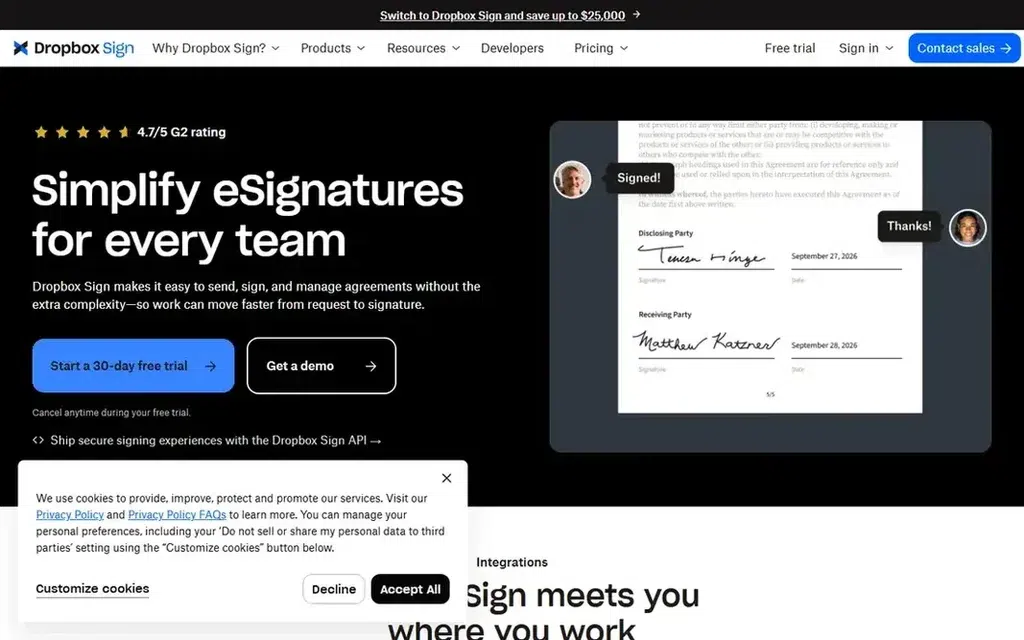
Dropbox Sign works best for straightforward, straightforward signing. Dropbox Sign, formerly HelloSign, is described as a simple way to send, receive, and handle legally binding electronic signatures.
Watch-outs: Fewer advanced workflow features.
More specifically, pick Dropbox Sign when simplicity and quick adoption matter more than deep customization. For everyday use, Dropbox Sign may not offer the same depth of agreement management or automation as bigger platforms. On cost, Dropbox Sign starts like this: $15 USD / mo. On free options: Free trial.
- Familiar Dropbox brand
- Simple to send and handle signatures
- May lack deep auto-repair specific templates
Where SignNow fits: custom eSignature workflows. Choose SignNow when custom workflows and device adaptability are important.
SignNow, part of airSlate, provides electronic signatures with custom eSignature workflows and is described as legally binding and usable on any device. More specifically, if you prefer a more straightforward tool, consider a more entry-level choice. SignNow does not show a starting price in this comparison, so check the vendor site for current pricing. Free plan details: Not stated.
The main drawbacks: May be more complicated for entry-level needs.
- Custom workflow choices
- Works on any device
- Workflow setup can take time
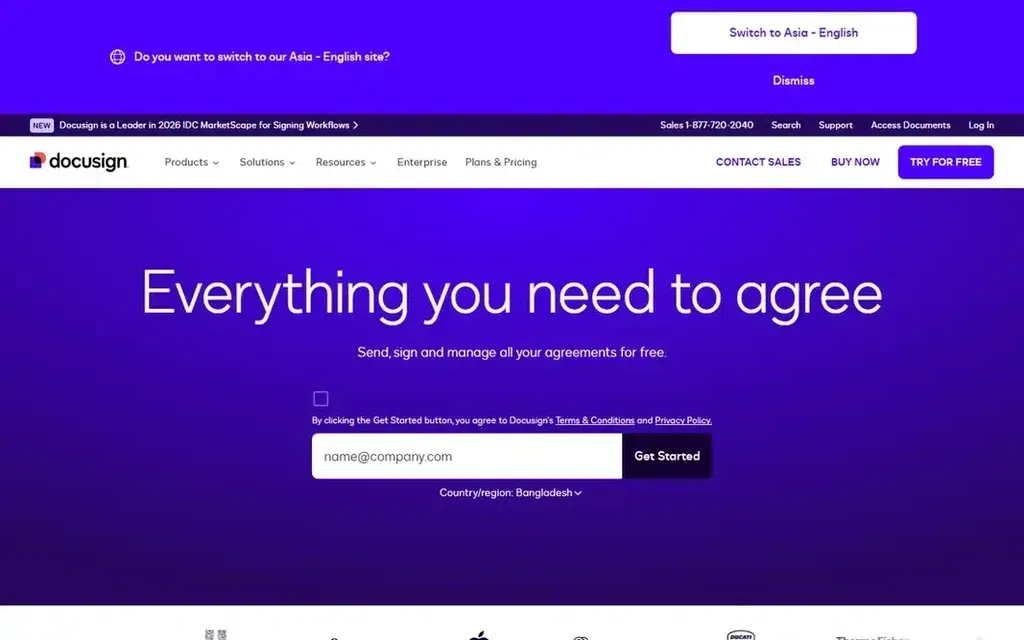
Pick DocuSign if this describes you: full agreement management. DocuSign is an electronic signature and agreement management system that lets companies build, commit to, and run agreements in one place.
For everyday use, consider DocuSign when agreement management and a wide feature set are priorities. If you only need basic signing for occasional documents, a more straightforward tool may be sufficient. On cost, DocuSign starts like this: $45 per user per month. Free plan details: Not stated.
Downsides: Feature depth can need setup time.
- Handles agreements in one place
- Wide agreement system
- May be more than small shops need
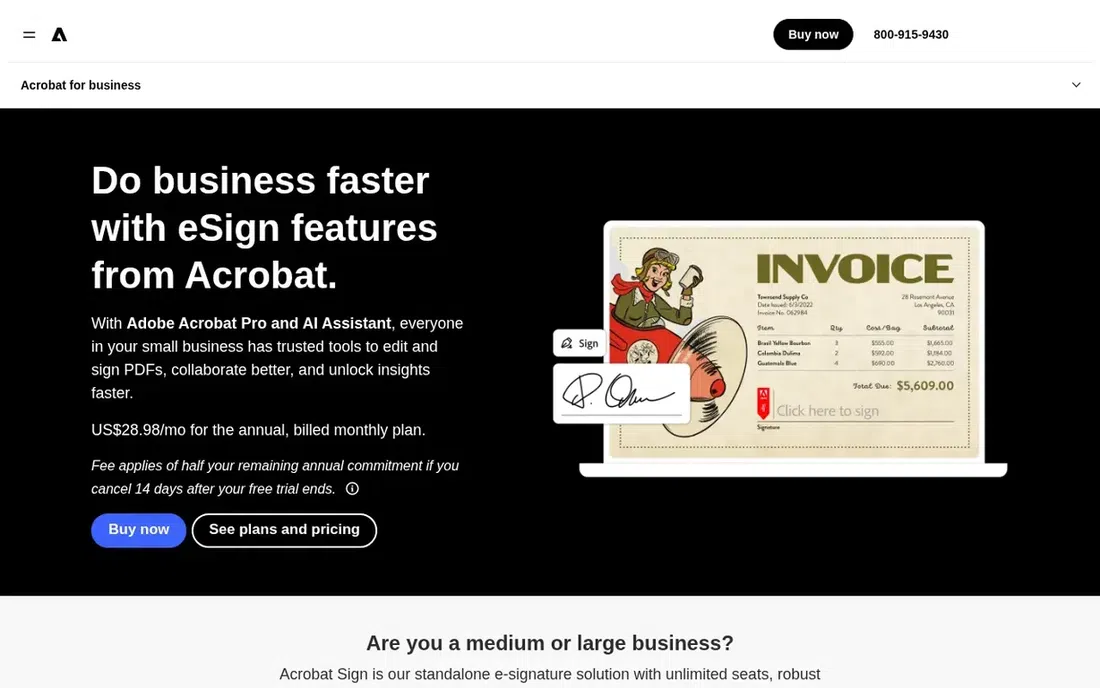
Think of Adobe Acrobat Sign for shops using Adobe PDF tools. Adobe Acrobat Sign is e-signature software from Adobe that lets companies send documents for signature, collect digital payments, and accept electronic signatures on a website.
Watch-outs: May need learning the Adobe interface.
Choose Adobe Acrobat Sign when PDF workflows and payment collection are part of your process. From a buyer's view, shops needing only entry-level signing might prefer a more straightforward choice. Adobe Acrobat Sign shows no starting price here, so confirm the cost on the vendor site. Free access: Not stated.
- Can collect digital payments
- Plugs into Adobe PDF workflows
- Best value if already in Adobe ecosystem
How these tools were picked
Things to verify first
- Ask OneSpan Sign, SignNow and Adobe Acrobat Sign for a written quote, since no starting price is shown.
- Take the trial from Dropbox Sign and push a live task through it before you pay.
- Before choosing OneSpan Sign, weigh its main limit: may be complicated for small shops.
- Get the contract term, renewal terms and any onboarding fees from DocuSign in writing.
- Confirm that Dropbox Sign connects to the apps your team already uses, on the plan you would actually buy.
FAQ
Is it legal to use e-signatures for auto repair agreements?
Electronic signatures are usually legally binding when they meet certain requirements, for example showing intent to sign and offering an audit trail. Check that the tool you choose complies with e-signature laws in your area and consult legal advice if needed.
Does any tool for E-Signature software for auto repair shops here have a free plan?
A permanent free plan is not offered by OneSpan Sign, Adobe Acrobat Sign or the other tools here. Dropbox Sign offer a trial. Plan a short evaluation period instead.
How do I choose between these e-signature tools?
Consider your shop's volume of agreements, whether you need advanced workflows or identity verification, and if you already use related software like Adobe or Zoho.
How are the tools for E-Signature software for auto repair shops ordered?
OneSpan Sign sits first and Adobe Acrobat Sign last because the order follows typical fit for E-Signature software for auto repair shops, then price clarity and free access. It is a judgement call, so read each profile for fit and limits.
Is OneSpan Sign the right pick for everyone comparing E-Signature software for auto repair shops?
No single tool suits every team. OneSpan Sign comes first because it fits secure customer agreement workflows, while Dropbox Sign suits simple, straightforward signing and SignNow suits custom eSignature workflows. Match the tool to your own size, budget and workflow before deciding.
Can e-signature software handle repair authorizations and estimates?
Yes, most e-signature tools let you send PDF or Word documents for signature, which can contain repair authorizations and estimates. You can produce templates for typical forms to accelerate the process and ensure consistency.
Sources
- https://www.onespan.com/products/onespan-sign
- https://sign.dropbox.com
- https://www.signnow.com
- https://www.docusign.com
- https://www.adobe.com/sign.html