Choosing E-Signature Software for Architects in 2026: 5 Options Compared
Compare 5 best E-Signature software for architects, with prices, free plans and who each fits. Includes honest limits for each tool. Skim the table first.
- Editor's choice
 OneSpan Sign
Secure, identity-focused agreement workflows
Starts atSee websiteVisit onespan.comFull review - Great alternative
 Dropbox Sign
Straightforward, quick signature sending
Starts at$15 USD / moVisit sign.dropbox.comFull review - Also consider
 SignNow
Custom e-signature workflows
Starts atSee websiteVisit signnow.comFull review
Direct answer
If you need secure, identity-focused agreement workflows, OneSpan Sign is the first tool to look at here. Listed starting prices: Dropbox Sign from $15 USD / mo and DocuSign from $45 per user a month. Look at Dropbox Sign for straightforward, quick signature sending, and at SignNow for custom e-signature workflows. The remaining 2 options are covered below with prices and limits.
TL;DR:
- This list starts with OneSpan Sign, which is built for secure, identity-focused agreement workflows.
- Adobe Acrobat Sign suits PDF-centric design and document workflows.
- A permanent free plan is missing from all 5 tools, OneSpan Sign and Adobe Acrobat Sign included; plan for a trial or a premium start.
- The lowest published monthly entry price here is $45 per user per month, from DocuSign.
- Before buying SignNow, weigh this: custom workflows take time to design.
Last checked November 2026. Prices and plan details were read from the vendors' own pages in November 2026; vendors change plans often, so confirm the current price on the vendor site before you buy.
Quick comparison
| Tool | Best for | Starts at | Free plan? | |
|---|---|---|---|---|
| OneSpan Sign | Secure, identity-focused agreement workflows | See website | Not stated | Visit |
| Dropbox Sign | Straightforward, quick signature sending | $15 USD / mo | Free trial | Visit |
| SignNow | Custom e-signature workflows | See website | Not stated | Visit |
 DocuSign | Wide agreement management and signing | $45 per user a month | Not stated | Visit |
 Adobe Acrobat Sign | PDF-centric design and document workflows | See website | Not stated | Visit |
Every option for E-Signature software for architects explained
Short on time? The summary and table above give the quick view of 5 E-Signature software for architects, and the profiles that follow give the detail behind each entry.
OneSpan Sign makes the most sense for secure, identity-focused agreement workflows. OneSpan Sign is an e-signature system for customer agreements, with secure eSignatures, identity assurance, automation, smart forms and integrations. Architecture firms that require more solid verification around high-value contracts may appreciate that emphasis on security and identity.
The main drawbacks: Configuration can be involved.
It tends to fit organizations with formal processes for client agreements and a have to confirm signer identity. On top of that, smaller studios with straightforward signing needs may find it more than necessary. Pick OneSpan Sign when identity assurance and controlled agreement workflows matter more than fast, informal signing. OneSpan Sign does not show a starting price in this comparison, so check the vendor site for current pricing. Trial and free access: Not stated.
- Emphasis on identity assurance
- Smart forms and automation features
- Security focus may suit bigger organizations
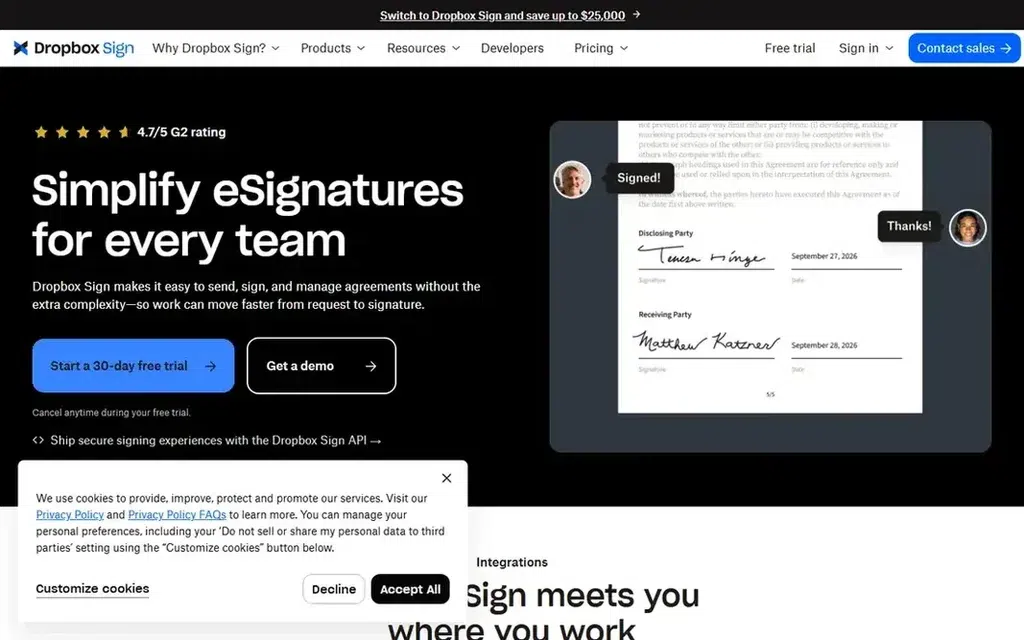
Dropbox Sign is designed for straightforward, quick signature sending. Dropbox Sign, formerly HelloSign, describes itself as a simple way to send, receive and run legally binding electronic signatures. Its focus on simplicity means it puts less emphasis on advanced agreement management than broader products.
Watch-outs: May lack advanced workflow depth.
Choose Dropbox Sign when quick, uncomplicated signing is the priority and deeper workflow automation is not essential. As for the details, businesses with intricate, multi-step approval chains may outgrow it. Dropbox Sign pricing: $15 USD / mo. Free access: Free trial.
- Straightforward send and receive workflow
- Handles legally binding signatures
- Less emphasis on deep agreement management
Where SignNow fits: custom e-signature workflows. Consider SignNow when repeatable, tailored document flows are central to how your practice operates.
Downsides: Custom workflows take time to design.
SignNow, part of airSlate, gives you electronic signatures with configurable workflows and describes a smooth signing experience across devices. Building custom workflows takes planning and can be more than a small studio needs. Check the vendor site for SignNow pricing; none is listed in this comparison. Free access: Not stated.
- Works across devices
- Configurable signature workflows
- Feature range may exceed straightforward needs
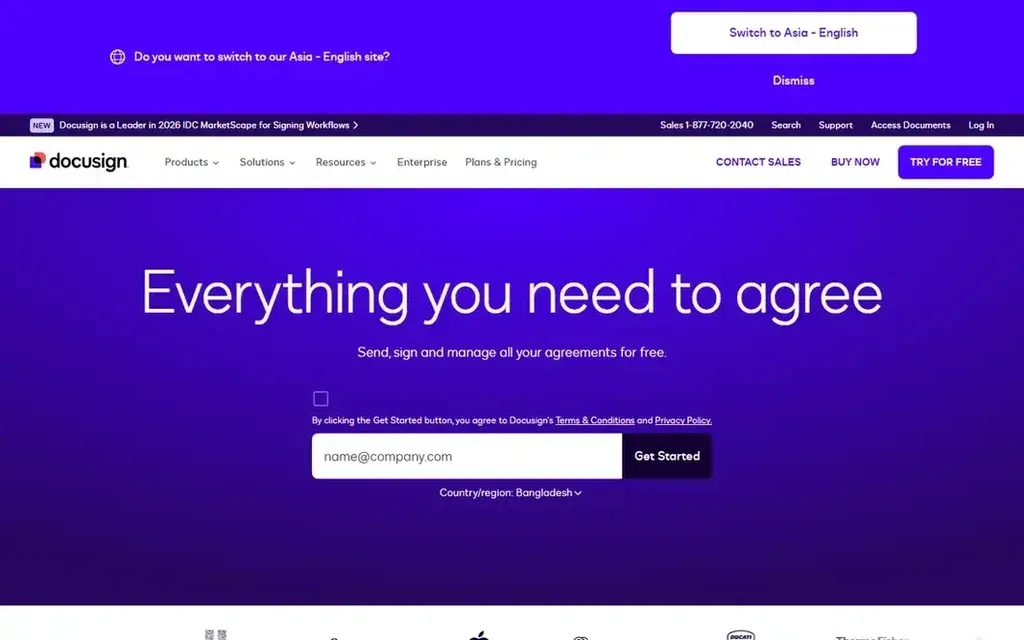
DocuSign works best for wide agreement management and signing. DocuSign presents itself as a system for electronic signature and intelligent agreement management, letting teams build, commit to and run agreements in one place.
On top of that, consider DocuSign when agreement handling is a recurring, central part of your practice instead of an occasional task. Businesses that only occasionally need signatures may prefer a lighter choice. Price to start with DocuSign: $45 per user per month. As for free access: Not stated.
Downsides: Setup needs planning for complicated flows.
- Merges e-signature with agreement management
- Well suited to recurring contract workflows
- Feature depth may overwhelm small studios
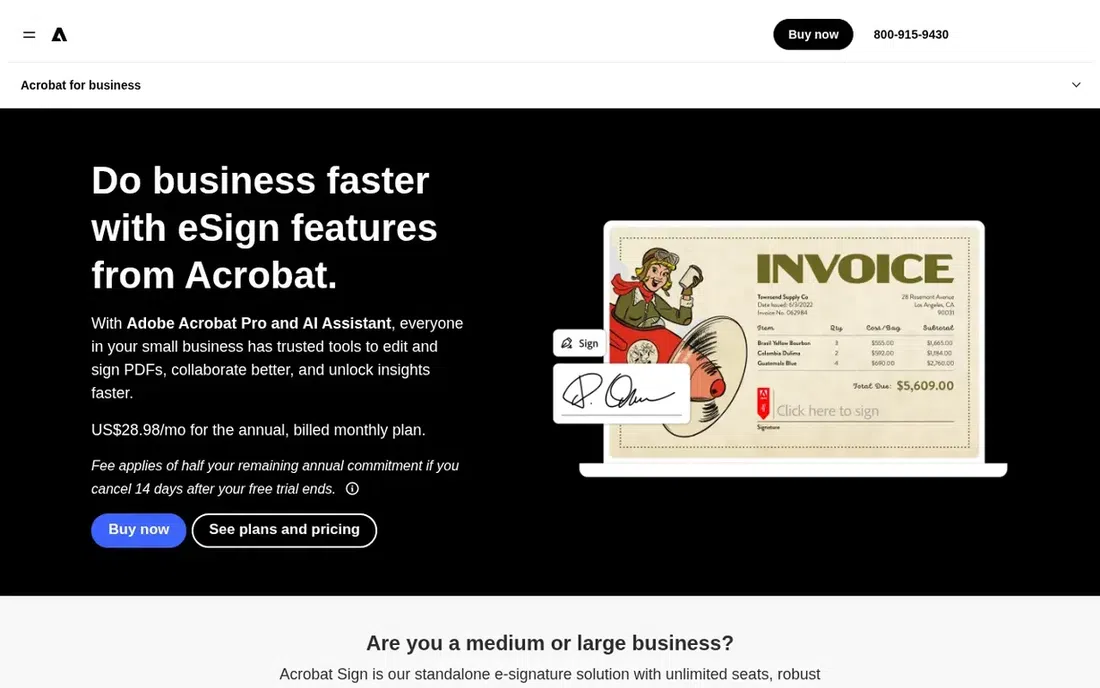
Think of Adobe Acrobat Sign for PDF-centric design and document workflows. Some configuration may require administrative help.
The main drawbacks: Advanced setup may need admin support.
Worth adding: the tool makes most sense for organizations already invested in Adobe products; others may not gain the same advantage. This comparison lists no price for Adobe Acrobat Sign; ask the vendor. Free access: Not stated.
- Suits teams already using Adobe tools
- Supports collecting signatures on a website
- Best value when already in the Adobe ecosystem
How we compared the tools
Things to verify first
- Confirm the entry price on the vendor page. For OneSpan Sign, SignNow and Adobe Acrobat Sign that means a quote rather than a fixed price.
- Use real work to test the free trial from Dropbox Sign, rather than a demo project.
- Before choosing OneSpan Sign, weigh its main limit: security focus may suit bigger organizations.
- Read the plan comparison for Adobe Acrobat Sign carefully; key features often start on a higher tier.
- Check the support hours and onboarding help OneSpan Sign offers; smaller vendors vary a lot here.
FAQ
Can e-signature tools deal with client and consultant approvals?
Tools with workflow features, for example SignNow and OneSpan Sign, let you define routes for multi-party approvals. Confirm the specifics on each vendor site.
What should architects look for in e-signature software?
Focus on how well the tool takes care of the documents you exchange, such as contracts, submittals and change orders. Also weigh signer identity checks, workflow automation and integration with tools your practice already uses.
How do these tools differ on security and identity?
OneSpan Sign places clear emphasis on identity assurance and secure agreement workflows. Match the level of identity checking to the value and sensitivity of the agreements you deal with.
What is the cheapest option for E-Signature software for architects in this list?
On published monthly entry prices, DocuSign is the lowest here at $45 per user per month. Entry price is only part of the cost, because seats, add-ons and billing terms can change the total. For the full picture, the cards above cover all 5 entries of this E-Signature software for Architects list, including price, free plan and limits.
Is OneSpan Sign the right pick for everyone comparing E-Signature software for architects?
No single tool suits every team. OneSpan Sign comes first because it fits secure, identity-focused agreement workflows, while Dropbox Sign suits simple, fast signature sending and SignNow suits custom e-signature workflows. Match the tool to your own size, budget and workflow before deciding.
How are the tools for E-Signature software for architects ordered?
OneSpan Sign sits first and Adobe Acrobat Sign last because the order follows typical fit for E-Signature software for architects, then price clarity and free access. It is a judgement call, so read each profile for fit and limits.
Sources
- https://www.onespan.com/products/esignature
- https://sign.dropbox.com
- https://www.signnow.com
- https://www.docusign.com
- https://www.adobe.com/sign.html