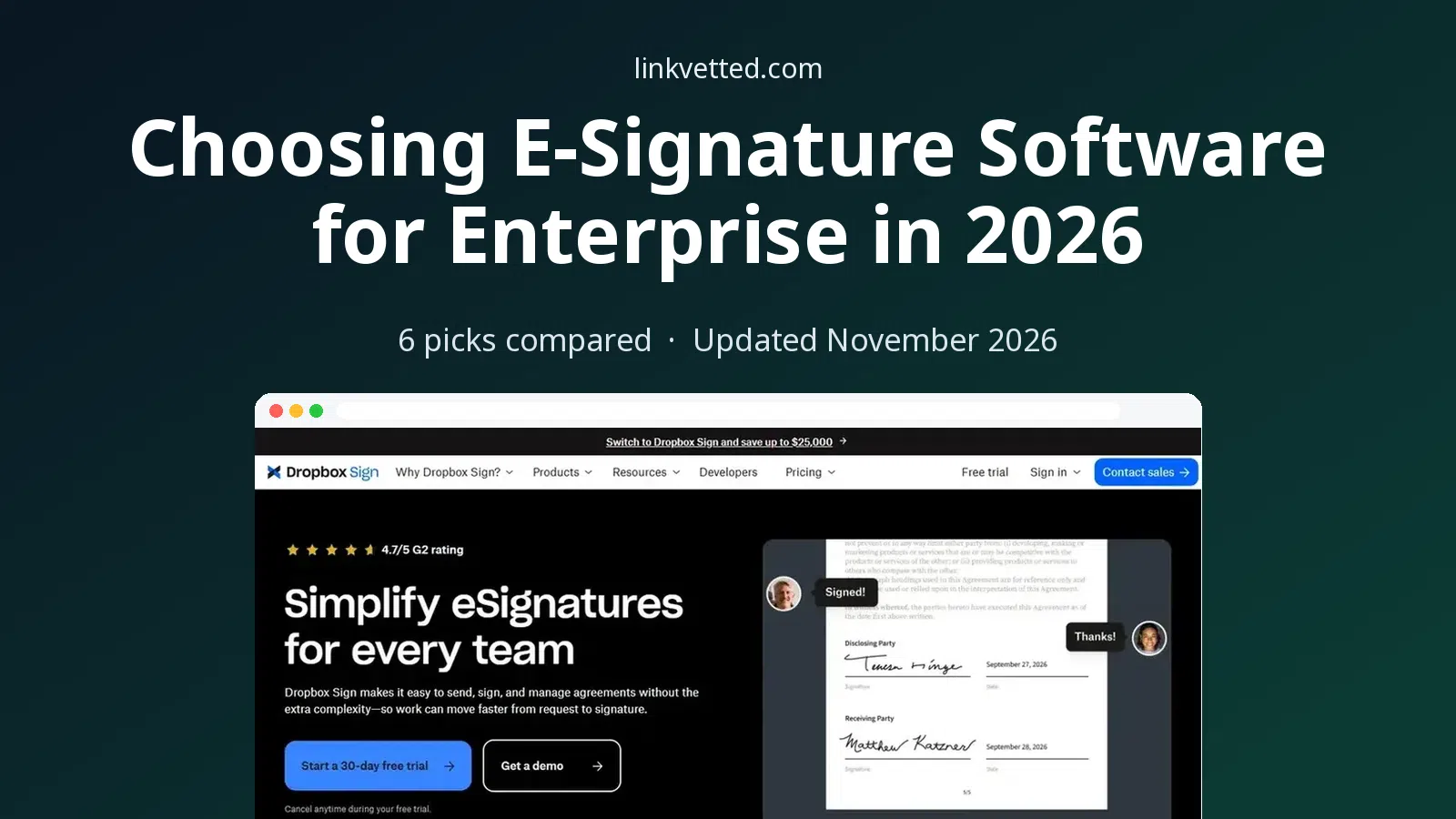
Choosing E-Signature Software for Enterprise in 2026: 6 Options Compared
Searching for the best E-Signature software for enterprise? Here are 6 options with prices and free plans. Cost notes and weak points included. Choose faster.
- Editor's choiceNintex Sign
Signing within workflow automation
Starts atSee websiteVisit nintex.comFull review - Great alternativeConga Sign
Signing inside CRM and workflows
Starts atSee websiteVisit conga.comFull review - Also consider
 SignNow
Custom e-signature workflows across devices
Starts atSee websiteVisit signnow.comFull review
Direct answer
Nintex Sign comes first here, mainly for signing within workflow automation. Listed starting prices: Dropbox Sign from $15 USD / mo and DocuSign from $45 per user a month. Conga Sign fits signing inside CRM and workflows; SignNow fits custom e-signature workflows across devices. All 6 tools are compared below on price, free plan and limits.
TL;DR:
- Nintex Sign sits first on this list: signing within workflow automation.
- The lowest published monthly entry price here is $45 per user per month, from DocuSign.
- DocuSign is the one to check for wide agreement management at scale.
- None of the 6 tools, from Nintex Sign to DocuSign, has a free plan, so budget for a subscription or use a trial.
- A fair warning about Conga Sign: value tied to Conga or CRM context.
Last checked November 2026. Prices and plan details were read from the vendors' own pages in November 2026; vendors change plans often, so confirm the current price on the vendor site before you buy.
Quick comparison
| Tool | Best for | Starts at | Free plan? | |
|---|---|---|---|---|
| Nintex Sign | Signing within workflow automation | See website | Free trial | Visit |
| Conga Sign | Signing inside CRM and workflows | See website | Not stated | Visit |
| SignNow | Custom e-signature workflows across devices | See website | Not stated | Visit |
 Dropbox Sign | Straightforward, familiar signing workflows | $15 USD / mo | Free trial | Visit |
 OneSpan Sign | Identity assurance and secure customer agreements | See website | Not stated | Visit |
 DocuSign | Wide agreement management at scale | $45 per user a month | Not stated | Visit |
E-Signature Software for Enterprise compared in detail
LinkVetted compared 6 tools for E-Signature software for enterprise. The goal is a practical shortlist: published prices, free plan facts, best-fit use cases and honest limits for every entry.
Nintex Sign
Best for: Signing within workflow automation
Nintex Sign is a good fit for signing within workflow automation. It fits enterprises that already map and automate business processes and want signatures to be a step within those flows instead of a disconnected tool, especially where approvals and document routing are already automatic.
Downsides: Signing is one piece of a bigger system.
Nintex Sign shows no starting price here, so confirm the cost on the vendor site. As for free access: Free trial.
- Supports end-to-end process design
- Part of a workflow automation product
- Needs workflow planning to realize value
Conga Sign
Best for: Signing inside CRM and workflows
Think of Conga Sign for signing inside CRM and workflows. Conga Sign is presented as compliant, white-label e-signature software that works inside any CRM or workflow, letting teams send and sign documents where they already operate.
Trade-offs to know: Value tied to Conga or CRM context.
Teams seeking a standalone signing service with minimal dependencies may prefer a more neutral choice, and buyers should confirm integration requirements and branding choices directly. In daily use, the most solid fit is organizations already using Conga products or CRM-centered processes, since the value grows with that context. Conga Sign does not show a starting price in this comparison, so check the vendor site for current pricing. Trial and free access: Not stated.
- Works inside CRM or existing workflows
- Positioned as compliant
- May be less appealing as standalone signing
Think of SignNow for custom e-signature workflows across devices. SignNow, presented as airSlate SignNow, offers legally binding electronic signatures with custom eSignature workflows and signing across devices.
Pricing for SignNow is not stated here, so ask the vendor for current figures. Trial and free access: Not stated.
Trade-offs to know: Enterprise governance details need checking.
- Signing on any device
- Legally binding signatures
- Customization may need setup effort
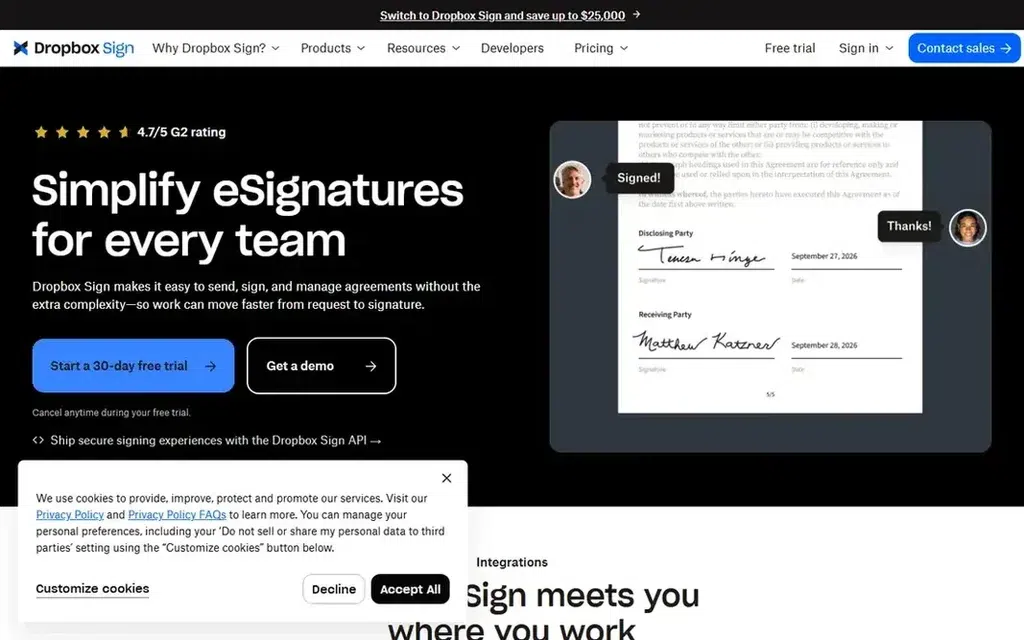
Dropbox Sign was built for straightforward, familiar signing workflows. Dropbox Sign, formerly HelloSign, describes itself as a simple way to send, receive and run legally binding electronic signatures. It can work well for departments that require steady signatures inside a broader Dropbox-centered file workflow.
Where it is weaker: Advanced control needs may need other tools.
Its positioning centers on simplicity, so enterprises with complicated identity verification or agreement lifecycle requirements may have to look at more specialized platforms. Confirm how it connects with your existing systems and whether its administration features match your governance expectations. Price to start with Dropbox Sign: $15 USD / mo. Trial and free access: Free trial.
- Straightforward send
- Legally binding signatures
- Less positioned around deep enterprise agreement management
Choose OneSpan Sign for identity assurance and secure customer agreements. OneSpan Sign is an e-signature system for customer agreements that flags secure signatures, identity assurance, automation, smart forms and integrations.
In daily use, the security and automation emphasis can translate into more setup and administrative planning than simpler tools. In daily use, organizations with low-risk, internal signing needs may find it heavier than necessary, so scope the identity and integration features you actually need before committing. This comparison lists no price for OneSpan Sign; ask the vendor. On free options: Not stated.
Points against: Feature set is wide and needs scoping.
- Smart forms and workflow automation
- Emphasis on identity assurance
- Security focus may add configuration effort
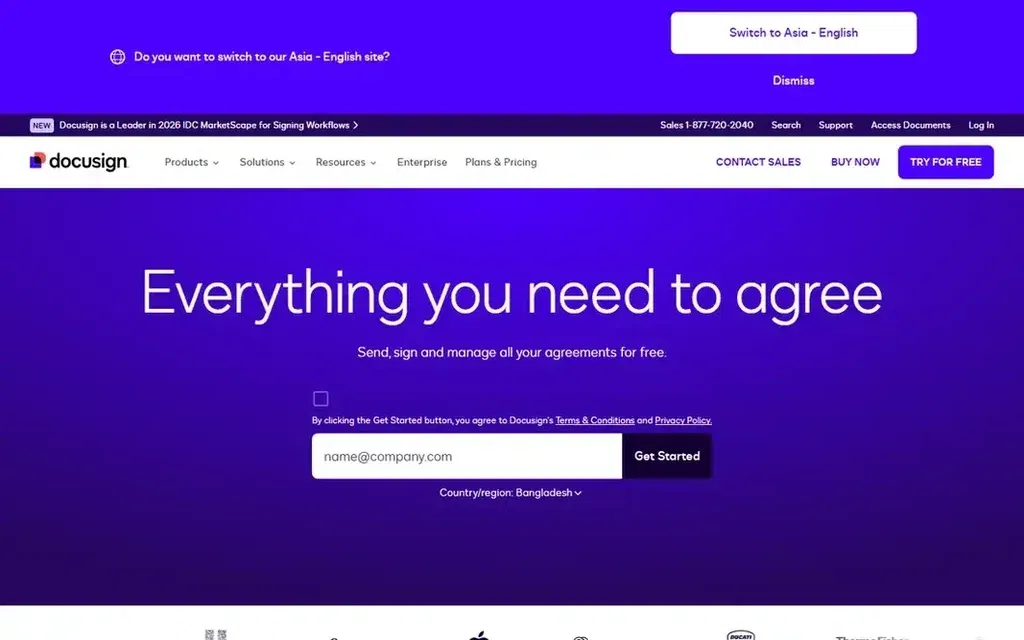
In short, DocuSign is for wide agreement management at scale. DocuSign presents itself as an electronic signature and intelligent agreement management system, letting organizations build, commit to and handle agreements in one place.
The breadth of the product can mean more setup and configuration than a light signing tool needs. In practice, organizations that only need occasional signatures may find a simpler choice simpler to adopt, whereas those needing deep agreement management should confirm the specific modules they require on the vendor site. The starting price for DocuSign: $45 per user per month. On free options: Not stated.
Drawbacks to consider: Feature depth can feel complicated for straightforward signing.
- Well known across large organizations
- Positions itself around intelligent agreement workflows
- Full value relies on wider agreement processes
How we compared the tools
Selection started from tools commonly considered for E-Signature software for enterprise, then narrowed to 6 that have clear pricing information or a clear quote process. Figures are shown as the vendors publish them. Billing terms, seat minimums and add-ons can change the real cost. Tools are placed by general fit for E-Signature software for enterprise, with price clarity and free access as tie-breakers. A different team can reasonably rank them differently.
What to check before you buy
- Confirm the entry price on the vendor page. For Nintex Sign, Conga Sign, SignNow and OneSpan Sign that means a quote rather than a fixed price.
- Use real work to test the free trial from Nintex Sign and Dropbox Sign, rather than a demo project.
- Before choosing Nintex Sign, weigh its main limit: signing is one piece of a bigger product.
- Make sure OneSpan Sign lets you export your data in a format another tool can read.
- The entry price of Nintex Sign is only the starting point; model the full cost with seats and extras.
FAQ
Is a dedicated signing tool always necessary?
Organizations already using Adobe or workflow products may extend existing tools, whereas others benefit from a dedicated service. Match the choice to signing volume, security needs and process complexity.
Can e-signature tools fit into existing enterprise workflows?
The right fit relies on your systems, so confirm integration details and any configuration effort with each vendor.
Can I try these tools before paying?
Often, yes. Nintex Sign and Dropbox Sign offer a free trial. Use your own data and a real task during the test, and check what the free tier or trial limits before you rely on it.
Is Nintex Sign the right pick for everyone comparing E-Signature software for enterprise?
No single tool suits every team. Nintex Sign comes first because it fits signing within workflow automation, while Conga Sign suits signing inside CRM and workflows and SignNow suits custom e-signature workflows across devices. Match the tool to your own size, budget and workflow before deciding.
What is the cheapest option for E-Signature software for enterprise in this list?
On published monthly entry prices, DocuSign is the lowest here at $45 per user per month. Entry price is only part of the cost, because seats, add-ons and billing terms can change the total. For the full picture, the cards above cover all 6 entries of this E-Signature software for enterprise list, including price, free plan and limits.
How are the tools for E-Signature software for enterprise ordered?
Nintex Sign sits first and DocuSign last because the order follows typical fit for E-Signature software for enterprise, then price clarity and free access. It is a judgement call, so read each profile for fit and limits.
Sources
- https://www.nintex.com
- https://conga.com/products/conga-sign
- https://www.signnow.com
- https://sign.dropbox.com
- https://www.onespan.com/products/onespan-sign
- https://www.docusign.com