Best DAW Software for Beginners for 2026: Our 5 Vetted Picks
5 best DAW software for beginners, with entry costs, free tiers and the buyer each one serves. Strengths and gaps are listed per tool. Narrow your shortlist.
- Editor's choice
 Logic Pro
Mac and iPad users seeking a full-featured DAW
Starts atSee websiteVisit apple.comFull review - Great alternativeFL Studio
Beatmaking and pattern-based production
Starts at$99Visit image-line.comFull review - Also considerAbleton Live
Creative and adaptable music production
Starts atSee websiteVisit ableton.comFull review
Direct answer
Logic Pro is the first pick on this list for Mac and iPad users seeking a full-featured DAW. Listed starting prices: FL Studio from $99 and Reason from $11.99 a month. If your case is different, FL Studio suits Beatmaking and pattern-based production and Ableton Live suits creative and flexible music production. The other 2 tools in the list cover narrower or pricier cases.
TL;DR:
- The list opens with Logic Pro, aimed at Mac and iPad users seeking a full-featured DAW.
- Reason comes with a trade-off: Rack metaphor may confuse some beginners.
- Starting prices begin at $11.99 per month with Reason.
- For beginners on iOS seeking simplicity, GarageBand is worth a look.
- Neither Logic Pro nor GarageBand, nor any of the other 3 tools, has a permanent free plan; trials and quotes are the norm.
Last checked November 2026. Prices and plan details were read from the vendors' own pages in November 2026; vendors change plans often, so confirm the current price on the vendor site before you buy.
Quick comparison
| Tool | Best for | Starts at | Free plan? | |
|---|---|---|---|---|
| Logic Pro | Mac and iPad users seeking a full-featured DAW | See website | Not stated | Visit |
| FL Studio | Beatmaking and pattern-based production | $99 | Free trial | Visit |
| Ableton Live | Creative and adaptable music production | See website | Not stated | Visit |
| Reason | Practical learners who enjoy virtual rack instruments | $11.99 a month | Not stated | Visit |
 GarageBand | Beginners on iOS seeking simplicity | See website | Not stated | Visit |
The 5 tools in detail
If you are comparing DAW software for beginners, this page covers 5 tools in one place: what each is best for, what it costs to start, whether it has a free plan, and the main limit to know about.
Pick Logic Pro if this describes you: Mac and iPad users seeking a full-featured DAW. The interface is refined and integrates well with other Apple products.
The main drawbacks: Can be complicated for beginners.
Logic Pro is only available on Apple devices, so Windows users cannot use it. In daily use, for a more straightforward start on Apple devices, GarageBand is a more approachable alternative. Logic Pro does not show a starting price in this comparison, so check the vendor site for current pricing. Free plan details: Not stated.
- Full editing and mixing tools
- Feature-rich features for songwriting and beat-making
- Mac-only
FL Studio
Best for: Beatmaking and pattern-based production
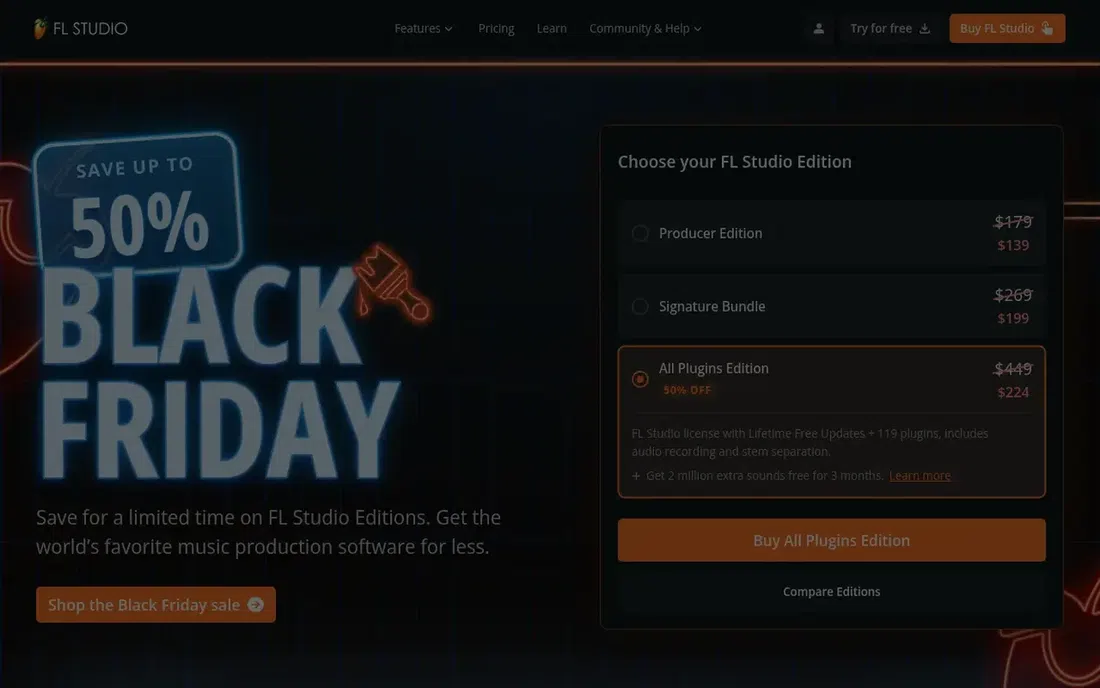
FL Studio targets Beatmaking and pattern-based production. FL Studio is an all-in-one DAW widely used among beatmakers and electronic producers. Beyond that, the software contains a broad array of virtual instruments and effects, and it supports both Windows and Mac.
Points against: Mixing workflow differs from other DAWs.
In practice, the mixer and routing system may take time to learn. Worth adding: beginners interested in hip-hop, EDM, or loop-based music will find its workflow easy-to-learn and inspiring. Even so, FL Studio's interface and workflow are unique, which can be confusing for those used to other DAWs. The starting price for FL Studio: $99. As for free access: Free trial.
- Frequent updates and a large user community
- Pattern-based workflow well suited to electronic music
- Interface can be non-standard for some
Ableton Live
Best for: Creative and adaptable music production
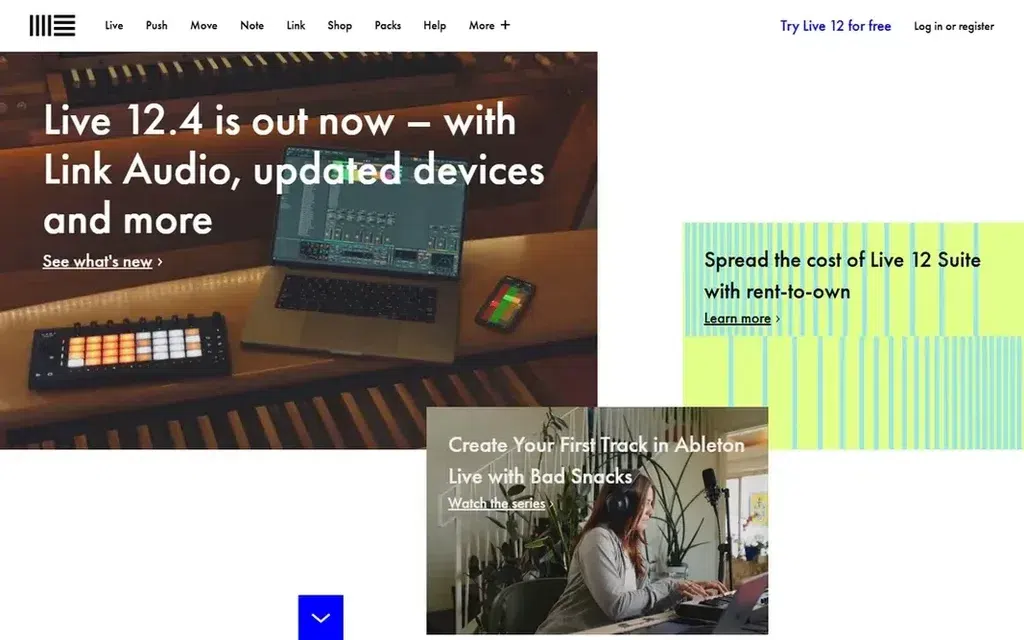
Ableton Live works best for creative and adaptable music production. Its session view lets beginners to experiment with loops and ideas without a linear timeline, making it a good match for electronic music and live performance.
In daily use, the software comes with a mix of instruments and effects, and its widespread use means plenty of tutorials are available. Whereas Live is feature-rich, its interface may feel complicated at first, notably for those new to DAWs. No starting price is listed for Ableton Live here; confirm pricing on the vendor site. Free plan details: Not stated.
Where it is weaker: Higher ramp-up time for advanced features.
- Capable community and learning resources
- Deep built-in instruments and effects
- Can be overwhelming for absolute beginners
Reason
Best for: Practical learners who enjoy virtual rack instruments
In short, Reason is for practical learners who enjoy virtual rack instruments. Reason by Reason Studios provides a distinctive approach to music making with its virtual rack of instruments and effects.
Points against: Rack metaphor may confuse some beginners.
Worth adding: if you prefer a more conventional layout, consider Ableton Live or Logic Pro instead. As for the details, users can patch devices together, mimicking hardware workflows, which appeals to practical learners and sound designers. On cost, Reason starts like this: $11.99 per month. Trial and free access: Not stated.
- Unique virtual rack for patching devices
- Encourages experimentation and sound design
- Less simplified for linear recording
GarageBand works best for beginners on iOS seeking simplicity. GarageBand for iOS gives you a straightforward way to play, record, and share music on iPad and iPhone. It includes a sound library and virtual instruments, making it accessible for beginners to sketch ideas anywhere.
In daily use, the touch interface is easy-to-learn, and projects can later be opened in Logic Pro for further development. It is also restricted to Apple devices. This comparison lists no price for GarageBand; ask the vendor. Free options: Not stated.
Trade-offs to know: Only available on Apple devices.
- Touch-friendly interface for mobile music making
- Free and straightforward to use on iPad and iPhone
- Restricted compared with full DAWs
How we built this list
Questions to settle before buying
- Confirm the entry price on the vendor page. For Logic Pro, Ableton Live and GarageBand that means a quote rather than a fixed price.
- Take the trial from FL Studio and push a live task through it before you pay.
- Read the limits listed for Logic Pro first: Mac-only, limiting for Windows users.
- Ask Reason about contract length, onboarding fees and user minimums before you sign.
- Test how quickly FL Studio answers a pre-sales question; it hints at how support will feel later.
FAQ
Is Logic Pro the right pick for everyone comparing DAW software for beginners?
No single tool suits every team. Logic Pro comes first because it fits Mac and iPad users seeking a full-featured DAW, while FL Studio suits Beatmaking and pattern-based production and Ableton Live suits creative and flexible music production. Match the tool to your own size, budget and workflow before deciding.
Can I try these tools before paying?
Often, yes. FL Studio offers a free trial. Use your own data and a real task during the test, and check what the free tier or trial limits before you rely on it. For the full picture, the cards above cover all 5 entries of this DAW software for beginners list, including price, free plan and limits.
Which DAW is a good match for electronic music production?
The first pick on this list is Logic Pro, because it suits Mac and iPad users seeking a full-featured DAW. FL Studio is better for Beatmaking and pattern-based production, and Ableton Live for creative and adaptable music production. Check price and limits against your own needs before choosing.
How are the tools for DAW software for beginners ordered?
Logic Pro sits first and GarageBand last because the order follows typical fit for DAW software for beginners, then price clarity and free access. It is a judgement call, so read each profile for fit and limits.
Can I use a DAW without any musical experience?
Yes, plenty of DAWs are aimed at beginners and contain tutorials and built-in instruments. Starting with straightforward projects can help build confidence.
Do these tools publish their prices?
Not all of them. Logic Pro, Ableton Live and GarageBand publish no starting price, so expect a quote request for those. The rest, FL Studio included, show a starting price, though seats and billing terms still change the final cost.
Sources
- https://www.apple.com/logic-pro
- https://www.image-line.com
- https://www.ableton.com
- https://www.reasonstudios.com
- https://www.apple.com/garageband