Top 6 Data Blending Tools for Analysts for 2026 (Prices and Free Plans)
Searching for the best data blending tools for analysts? Here are 6 options with prices and free plans. Every entry states what it lacks. Read before you buy.
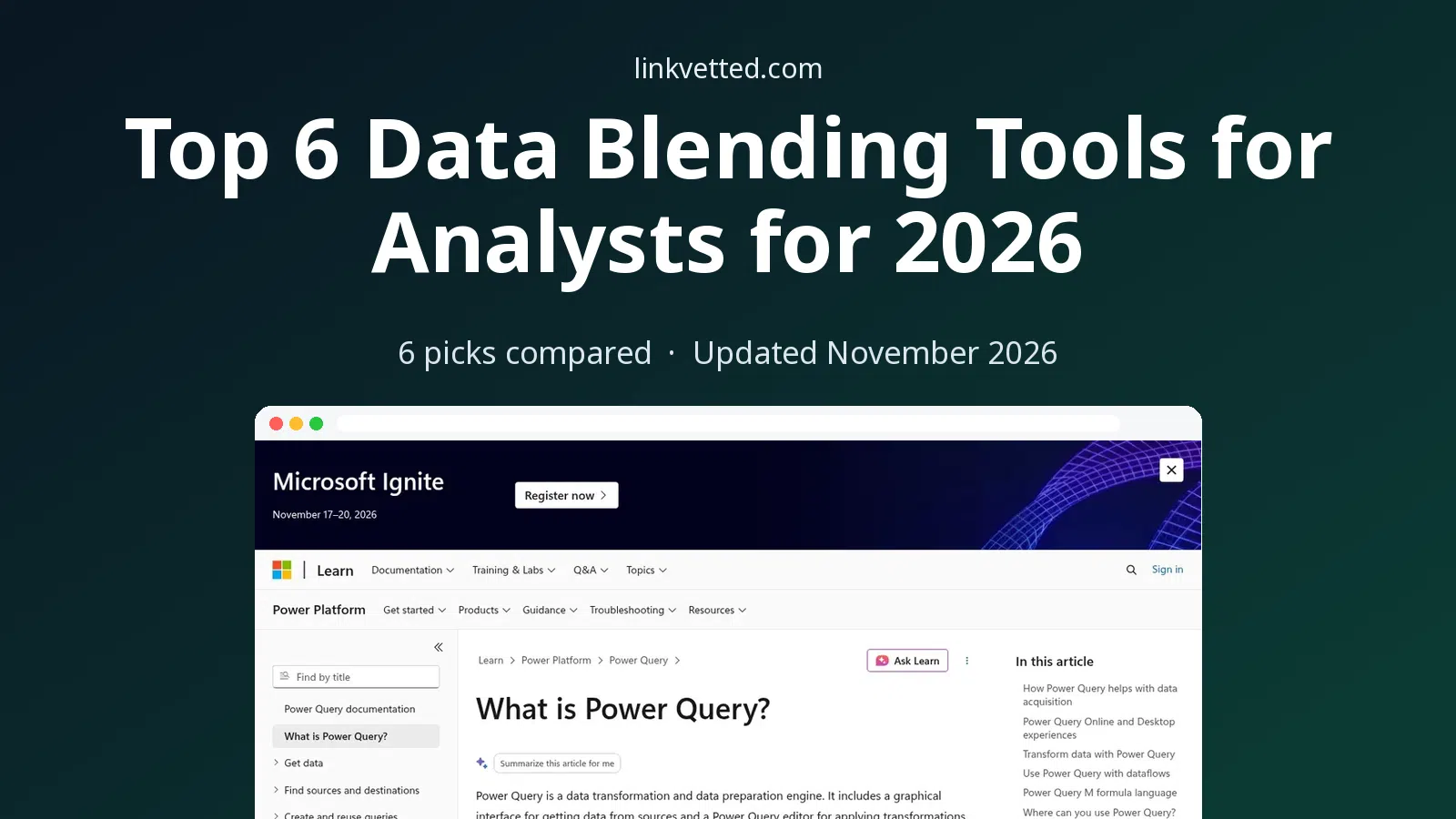
- Editor's choiceTrifacta
Users moving to Alteryx Designer Cloud
Starts at$250 per user a monthVisit trifacta.comFull review - Great alternativeMicrosoft Power Query
Analysts working in Excel and Power BI
Starts atSee websiteVisit powerquery.microsoft.comFull review - Also considerInformatica PowerCenter
Enterprise data management and integration
Starts atSee websiteVisit informatica.comFull review
Direct answer
Trifacta leads the list, best for users moving to Alteryx Designer Cloud. Listed starting prices: Trifacta from $250 per user a month, Tableau Prep from $15 per user per month and Alteryx Designer from $250 per user a month. Look at Microsoft Power Query for analysts working in Excel and Power BI, and at Informatica PowerCenter for enterprise data management and integration. The other 3 tools in the list cover narrower or pricier cases.
TL;DR:
- Trifacta sits first on this list: users moving to Alteryx Designer Cloud.
- Tableau Prep is the lowest-priced starter here at $15 per user per month.
- Tableau Prep stands alone as the one tool in this list with a free plan.
- What to know about Tableau Prep first: most natural fit for Tableau users.
- Alteryx Designer suits automatic enterprise data blending workflows.
Last checked November 2026. Prices and plan details were read from the vendors' own pages in November 2026; vendors change plans often, so confirm the current price on the vendor site before you buy.
Quick comparison
| Tool | Best for | Starts at | Free plan? | |
|---|---|---|---|---|
| Trifacta | Users moving to Alteryx Designer Cloud | $250 per user a month | Free trial | Visit |
| Microsoft Power Query | Analysts working in Excel and Power BI | See website | Not stated | Visit |
| Informatica PowerCenter | Enterprise data management and integration | See website | Not stated | Visit |
 Tableau Prep | No-code blending inside the Tableau ecosystem | $15 per user per month | Yes | Visit |
| Datameer | Low-code transformation natively for Snowflake | See website | Not stated | Visit |
| Alteryx Designer | Automatic enterprise data blending workflows | $250 per user a month | Free trial | Visit |
Data Blending Tools for Analysts profiles
This LinkVetted guide covers 6 data blending tools for analysts. Each profile lists a starting price, free plan details, strengths and drawbacks, so you can drop poor fits quickly.
Trifacta
Best for: Users moving to Alteryx Designer Cloud
Think of Trifacta for users moving to Alteryx Designer Cloud. Analysts who used Trifacta for shaping data should understand the product through Alteryx's current offerings. From a buyer's view, confirm current capabilities and migration details with the vendor.
Trade-offs to know: Brand transition may cause confusion.
In practice, analysts who want a standalone prep tool unconnected to a broader system may prefer another choice. More specifically, Trifacta has joined Alteryx and is now presented as Alteryx Designer Cloud, targeted at helping customers and partners gain more value from data preparation and analytic insights. Trifacta pricing: $250 per user per month. Trial and free access: Free trial.
- Data preparation heritage
- Now part of Alteryx
- Best understood through Alteryx
Microsoft Power Query
Best for: Analysts working in Excel and Power BI
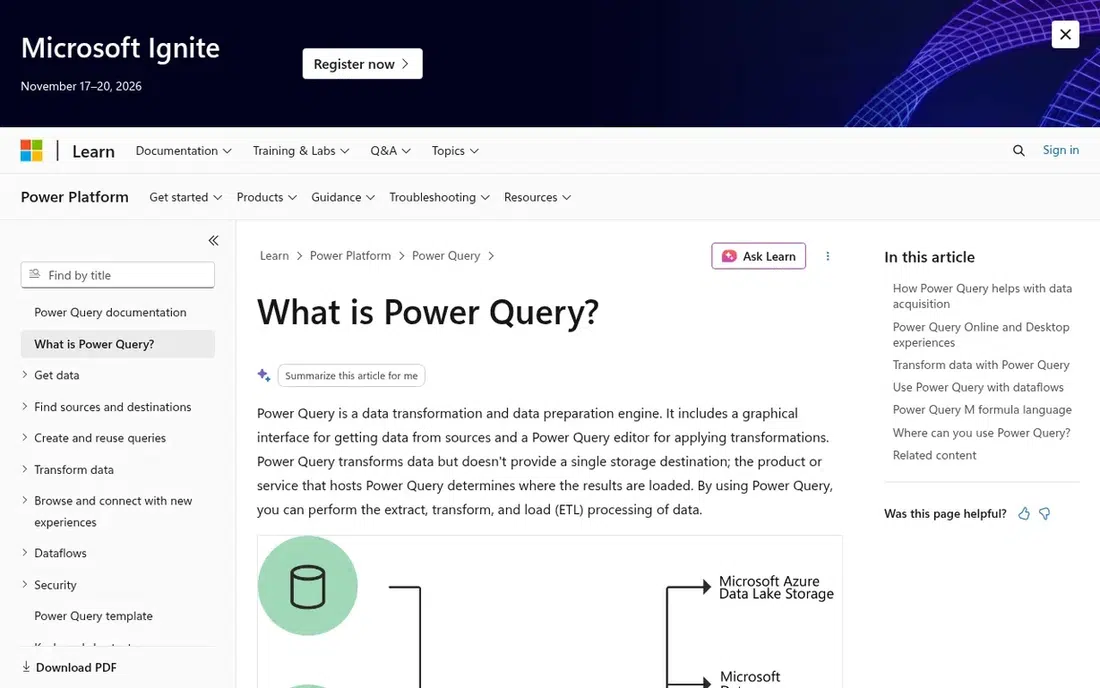
In short, Microsoft Power Query is for analysts working in Excel and Power BI. Complicated blending across plenty of disparate sources can become intricate, and advanced transformations may need extra skills beyond the basics. Microsoft Power Query helps analysts get and transform data.
Where it falls short: Advanced logic may need added skills.
It is widely used to combine sources before loading them into Excel or Power BI. Worth adding: consider a dedicated system when governance and large-scale orchestration are central. Microsoft Power Query shows no starting price here, so confirm the cost on the vendor site. As for free access: Not stated.
- Widely used for repeatable prep
- Familiar Microsoft environment
- Blending across numerous sources can get intricate
Informatica PowerCenter
Best for: Enterprise data management and integration
For enterprise data management and integration, Informatica PowerCenter is a natural candidate. The system is aimed at enterprise data management, so it can be demanding to configure and operate for individual analysts.
Analysts in such settings benefit from standardized pipelines and controls. Also, self-service blending of small datasets is better served by lighter tools. This comparison lists no price for Informatica PowerCenter; ask the vendor. On free options: Not stated.
Drawbacks to consider: Configuration can be demanding.
- Wide cloud data management scope
- AI-ready data positioning
- Geared toward enterprise instead of solo analysts
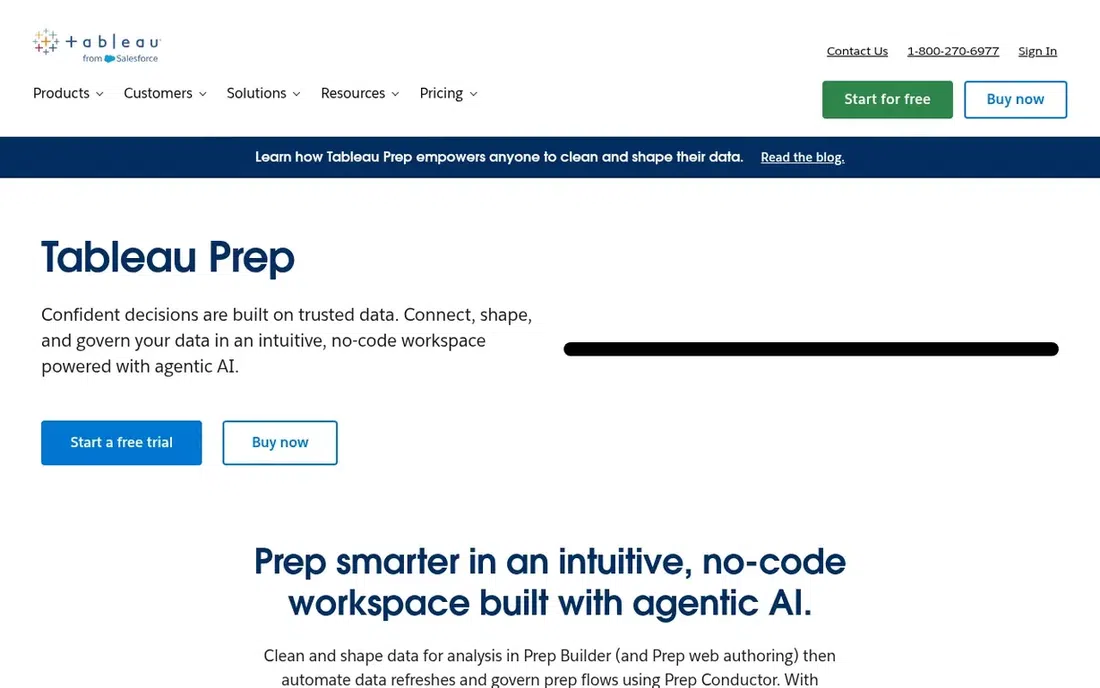
Tableau Prep is designed for no-code blending inside the Tableau ecosystem. It fits analysts who prefer visual steps over scripting and who want preparation close to where reporting happens.
Analysts with heavy engineering needs may prefer a workflow product with deeper automation. Tableau Prep starts at: $15 per user per month. Tableau Prep offers a free plan.
Where it falls short: Most natural fit for Tableau users.
- Agentic AI built in
- Cleans and shapes data visually
- Visual flows can grow complicated
Datameer
Best for: Low-code transformation natively for Snowflake
For low-code transformation natively for Snowflake, Datameer is a natural candidate. Datameer is a low-code data transformation system built natively for Snowflake, helping analysts transform, analyze and automate data rapidly and accurately. The Snowflake focus means organizations running other warehouses may not get the same benefit, and blending across non-Snowflake sources could need additional steps.
Where it falls short: Less suited to non-Snowflake stacks.
Worth adding: confirm how your specific sources link before committing. More specifically, analysts needing a warehouse-agnostic tool may prefer a broader system. This comparison lists no price for Datameer; ask the vendor. On free options: Not stated.
- Automates data preparation
- Low-code transformation approach
- Centred on the Snowflake environment
Alteryx Designer
Best for: Automatic enterprise data blending workflows
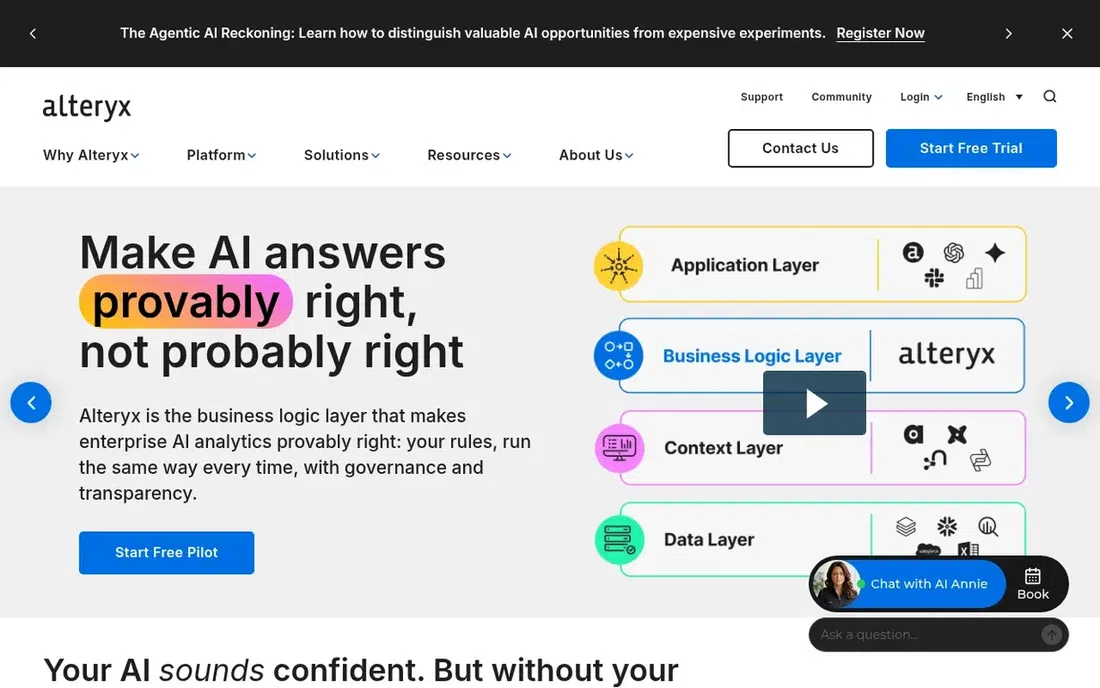
Think of Alteryx Designer for automatic enterprise data blending workflows. Alteryx Designer is a workflow-driven product for analysts who blend data from several sources and want repeatable, automatic processes.
What works well: Links to Snowflake.
In practice, analysts who only occasionally combine a handful of files may prefer a more straightforward workspace. The system is wide, which can mean a steeper ramp-up time and more configuration than light prep tools need. Alteryx Designer cost at the entry level: $250 per user per month. Free plan details: Free trial. Points against: Needs setup and learning time.
- Supports AI-powered insight delivery
- Automates repetitive data workflows
- Wide system may feel heavy for straightforward tasks
How these tools were picked
Before you commit
- Confirm the entry price on the vendor page. For Microsoft Power Query, Informatica PowerCenter and Datameer that means a quote rather than a fixed price.
- Test the free plan from Tableau Prep against your real workload before relying on it.
- Take the trial from Trifacta and Alteryx Designer and push a live task through it before you pay.
- Before choosing Trifacta, weigh its main limit: brand transition may cause confusion.
- Ask Informatica PowerCenter which support channels and response times come with the plan you would buy.
- Price Datameer for your actual team size; headline prices rarely include add-ons or overage.
FAQ
Do these tools publish their prices?
Not all of them. Microsoft Power Query, Informatica PowerCenter and Datameer publish no starting price, so expect a quote request for those. The rest, Trifacta included, show a starting price, though seats and billing terms still change the final cost.
How are the tools for data blending tools for analysts ordered?
Trifacta sits first and Alteryx Designer last because the order follows typical fit for data blending tools for analysts, then price clarity and free access. It is a judgement call, so read each profile for fit and limits.
Which options for data blending tools for analysts have a free plan?
Tableau Prep is the only tool in this list with a free plan. Free plans usually cap users, projects or features, so check the limits on the vendor page. Several others offer a trial instead.
What should analysts look for in a data blending tool?
Prioritize native connections to your sources, repeatable transformation steps and a workflow your team can maintain. Also check how prepared data hands off to your BI or reporting environment, since continuity matters as much as blending itself.
Can I try these tools before paying?
Often, yes. Tableau Prep has a free plan and Trifacta and Alteryx Designer offer a free trial. Use your own data and a real task during the test, and check what the free tier or trial limits before you rely on it.
Sources
- https://www.trifacta.com
- https://powerquery.microsoft.com
- https://www.informatica.com
- https://www.tableau.com/products/prep
- https://www.datameer.com
- https://www.alteryx.com