6 Cross-Platform Developers Software for Remote Teams Worth Shortlisting in 2026
Best cross-platform developers software for remote teams: 6 tools compared on price, free plans and fit. Prices and drawbacks included. Updated November 2026.

- Editor's choice
 GitLab
One system across the lifecycle
Starts at$15 per user a monthVisit gitlab.comFull review - Great alternative
 Docker
Consistent container environments
Starts at$9 per user a monthVisit docker.comFull review - Also consider
 Visual Studio Code
Cross-platform code editing
Starts atSee websiteVisit code.visualstudio.comFull review
Direct answer
If you need one product across the lifecycle, GitLab is the first tool to look at here. Listed starting prices: GitLab from $15 per user a month, Docker from $9 per user a month and GitHub from $4 per user per month. If your case is different, Docker suits consistent container environments and Visual Studio Code suits cross-platform code editing. All 6 tools are compared below on price, free plan and limits.
TL;DR:
- GitLab is the opening pick, best for one product across the lifecycle.
- Slack is the one to check for team communication and workflow automation.
- Check the limits for Visual Studio Code before you commit: heavier setups need tuning.
- 4 of 6 tools offer a free plan: GitLab, Docker, GitHub, Slack.
Last checked November 2026. Prices and plan details were read from the vendors' own pages in November 2026; vendors change plans often, so confirm the current price on the vendor site before you buy.
Quick comparison
| Tool | Best for | Starts at | Free plan? | |
|---|---|---|---|---|
| GitLab | One system across the lifecycle | $15 per user a month | Yes | Visit |
| Docker | Consistent container environments | $9 per user a month | Yes | Visit |
| Visual Studio Code | Cross-platform code editing | See website | Not stated | Visit |
 Jira | Planning and tracking distributed work | See website | Not stated | Visit |
 GitHub | Code hosting and team collaboration | $4 per user per month | Yes | Visit |
 Slack | Team communication and workflow automation | $4.38 per user a month | Yes | Visit |
Cross-Platform Developers Software for Remote Teams profiles
Choosing cross-platform developers software for remote teams usually comes down to price, fit and limits. This LinkVetted guide sets 6 tools side by side on those three points, with the facts kept short and checkable.

Choose GitLab for one platform across the lifecycle. GitLab positions itself as an intelligent orchestration system that carries context and governance across the software lifecycle, helping teams and agents ship trusted software quicker.
Drawbacks to consider: May overlap with existing tools.
Since it spans so much of the lifecycle, the ramp-up time can be steeper than a focused tool, and teams already invested in separate services may see overlap. Worth adding: pick GitLab when consolidation and governance are the priorities. On cost, GitLab starts like this: $15 per user per month. GitLab includes a free tier.
- Handles planning through delivery
- Built-in governance context
- Wide scope takes time to learn
In short, Docker is for consistent container environments. Teams without container experience may need a ramp-up period.
Watch-outs: Needs container knowledge.
Choose Docker when environment consistency and secure packaging are the primary pain points instead of collaboration or planning. On cost, Docker starts like this: $9 per user per month. Docker includes a free tier.
- Capable supply chain focus
- Works across systems
- Resource use on local machines
Visual Studio Code serves cross-platform code editing. Visual Studio Code is a code editor aimed at precision work, collaboration with agents and continuing your work wherever you are. It runs on the major desktop operating systems, which makes it a practical typical denominator for remote teams whose members use different machines.
In daily use, the editor relies on extensions for deeper language support, and a large extension set can slow startup or complicate settings across a team. In daily use, pick Visual Studio Code when a consistent, adaptable editing environment matters more than bundled planning features. No starting price is listed for Visual Studio Code here; confirm pricing on the vendor site. Free access: Not stated.
Honest limits: Depends on extensions for some languages.
- Runs on major desktop systems
- Deep extension ecosystem
- Heavier setups need tuning
Choose Jira for planning and tracking distributed work. Jira rewards configuration, which can become cumbersome for small teams or straightforward projects, and newcomers frequently need time to learn the interface.
In practice, Jira is Atlassian's project management product, presented as bringing teams together with AI agents that orchestrate, plan and track projects at scale. Jira does not show a starting price in this comparison, so check the vendor site for current pricing. Free options: Not stated.
Drawbacks to consider: Configuration can get heavy.
- Scales across numerous teams
- Suits agile planning routines
- Interface has a ramp-up time

Think of GitHub for Code hosting and team collaboration. Choose GitHub when code collaboration and community reach matter most.
Downsides: Advanced features add complexity.
If your priority is a single vendor handling planning through delivery with built-in governance, a lifecycle system may fit better. What you pay to start with GitHub: $4 per user per month. GitHub has a free plan.
- Solid pull request and review flow
- Works across operating systems
- Some workflows need add-on tools
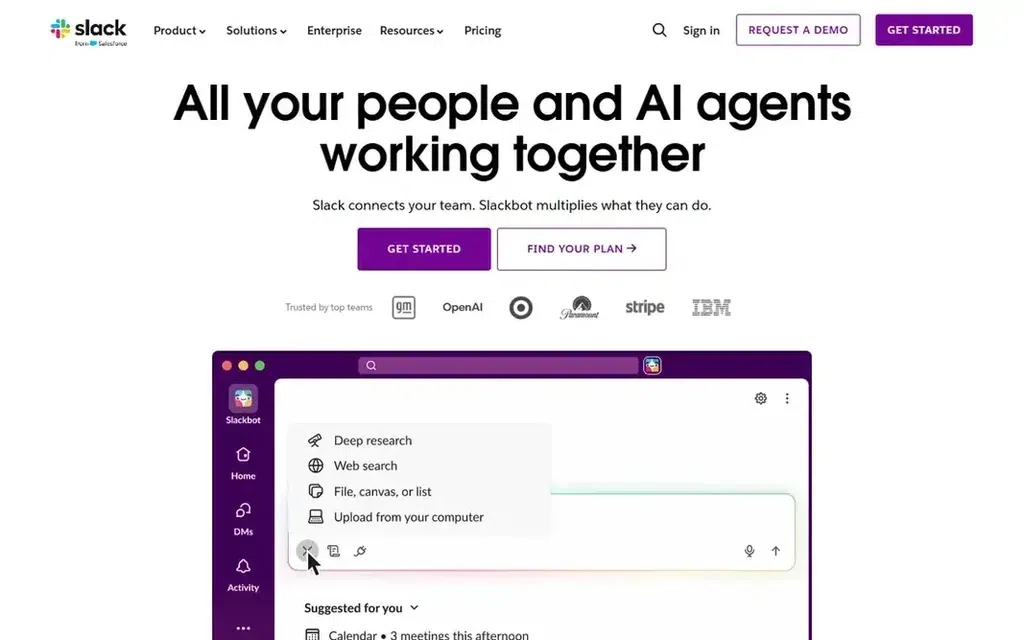
Slack works best for team communication and workflow automation. Slack describes itself as an AI work system for managing projects, automating workflows and connecting teams securely.
From a buyer's view, choose Slack when the gap is communication and light automation instead of engineering workflow. In daily use, Slack is not a substitute for code hosting or structured project tracking, and busy channels can bury important information. Price to start with Slack: $4.38 per user per month. Slack has a free plan.
Where it falls short: Can become noisy at scale.
- Automations cut manual steps
- Channels keep discussions organized
- Not a code or planning tool
How we chose
The comparison looks at four things: starting price, free access, how well the feature set matches cross-platform developers software for remote teams, and the main limit of each tool. Prices and plan limits come from vendor pages and can change, so confirm them on the vendor site before you buy. The order reflects how well each tool fits the most common buying scenario for cross-platform developers software for remote teams, then price clarity, then free plan access. It is a starting point, not a verdict.
Questions to settle before buying
- Ask Visual Studio Code and Jira for a written quote, since no starting price is shown.
- Look at free plan limits closely: GitLab, Docker, GitHub and Slack have one, and the caps decide whether it is usable for real work.
- Before choosing GitLab, weigh its main limit: wide scope takes time to learn.
- Total up the real monthly cost of Jira, including add-ons, extra users and usage-based fees.
- Involve the people who will use Docker daily; a short pilot beats a long feature checklist.
FAQ
Which cross-platform developers software for remote teams have a free plan?
On this list, GitLab, Docker, GitHub and Slack include a free plan. Caps on seats, usage or features are common, so test the free plan against your real workload.
Is GitLab the right pick for everyone comparing cross-platform developers software for remote teams?
No single tool suits every team. GitLab comes first because it fits one platform across the lifecycle, while Docker suits consistent container environments and Visual Studio Code suits cross-platform code editing. Match the tool to your own size, budget and workflow before deciding.
What is the cheapest option for cross-platform developers software for remote teams in this list?
On published monthly entry prices, GitHub is the lowest here at $4 per user per month. Entry price is only part of the cost, because seats, add-ons and billing terms can change the total. All 6 picks in this Cross-Platform developers software for remote teams comparison list a starting price, free plan details and the main limits on their cards above.
Do these tools publish their prices?
Not all of them. Visual Studio Code and Jira publish no starting price, so expect a quote request for those. The rest, GitLab included, show a starting price, though seats and billing terms still change the final cost.
Do these tools work the same on every operating system?
The tools listed are usually available across major products, though desktop applications and extensions can differ a little by operating system. Always check the vendor's system requirements for your team's machines.
Sources
- https://gitlab.com
- https://www.docker.com
- https://code.visualstudio.com
- https://www.atlassian.com/software/jira
- https://github.com
- https://slack.com