Choosing Collection Software for Libraries in 2026: 6 Options Compared
Best collection software for libraries in 2026: 6 tools with starting prices, free plans and limits. Concise write-ups of every option. Decide faster.
- Editor's choiceOverDrive
Digital content lending
Starts atPricing on requestVisit overdrive.comFull review - Great alternativeEBSCO Discovery Service
Unified research search
Starts atPricing on requestVisit ebsco.comFull review - Also considerAlexandria
Easy-to-learn, configurable automation
Starts atPricing on requestVisit goalexandria.comFull review
Direct answer
Start with OverDrive if you need digital content lending. EBSCO Discovery Service is the stronger choice for unified research search, while Alexandria suits easy-to-learn, configurable automation. The other 3 tools in the list cover narrower or pricier cases. None of these vendors publish plan prices, so pricing is on request for every option.
TL;DR:
- This list starts with OverDrive, which is built for digital content lending.
- Koha suits open-source adaptability.
- A fair warning about OverDrive: focus on digital, not physical collection management.
- Neither OverDrive nor Koha, nor any of the other 4 tools, has a permanent free plan; trials and quotes are the norm.
- Every tool from OverDrive to Koha works by quote, with no list price shown.
Last checked November 2026. Pricing on request: vendors did not publish plan prices when this guide was last checked (November 2026), so ask each vendor for a written quote.
Quick comparison
| Tool | Best for | Starts at | Free plan? | |
|---|---|---|---|---|
| OverDrive | Digital content lending | Pricing on request | Not stated | Visit |
| EBSCO Discovery Service | Unified research search | Pricing on request | Not stated | Visit |
| Alexandria | Easy-to-learn, configurable automation | Pricing on request | Not stated | Visit |
 Apollo | Service-oriented library automation | Pricing on request | Free trial | Visit |
| WorldShare Management Services | Cloud-based management with WorldCat | Pricing on request | Not stated | Visit |
| Koha | Open-source adaptability | Pricing on request | Not stated | Visit |
Collection Software for Libraries, one by one
If you are comparing collection software for libraries, this page covers 6 tools in one place: what each is best for, what it costs to start, whether it has a free plan, and the main limit to know about.
OverDrive
Best for: Digital content lending
OverDrive is built with digital content lending in mind. Budgets for digital content and system fees should also be considered. Libraries needing a full management system should pair OverDrive with software like Koha or Alexandria.
OverDrive is well suited to libraries looking to expand their digital offerings and provide patrons with simple access to electronic resources. It is a specialized service that works alongside an ILS. OverDrive does not show a starting price in this comparison, so check the vendor site for current pricing. Free plan details: Not stated.
Points against: Needs subscription.
- Broad digital catalog
- Apps like Libby and Sora
- Not physical collection management
EBSCO Discovery Service
Best for: Unified research search
EBSCO Discovery Service works best for unified research search. It aims to make in-depth research simple by indexing content from several sources. For everyday use, EBSCO Discovery Service is a strong match for enhancing research workflows in bigger institutions.
Watch-outs: Subscription-based.
Worth adding: EBSCO Discovery Service is not a full library management system; it centres on discovery and access. It needs a subscription and may be expensive for smaller libraries. No starting price is listed for EBSCO Discovery Service here; confirm pricing on the vendor site. Trial and free access: Not stated.
- Connects with library resources
- All-inclusive search
- Centred on discovery, not management
Alexandria
Best for: Easy-to-learn, configurable automation
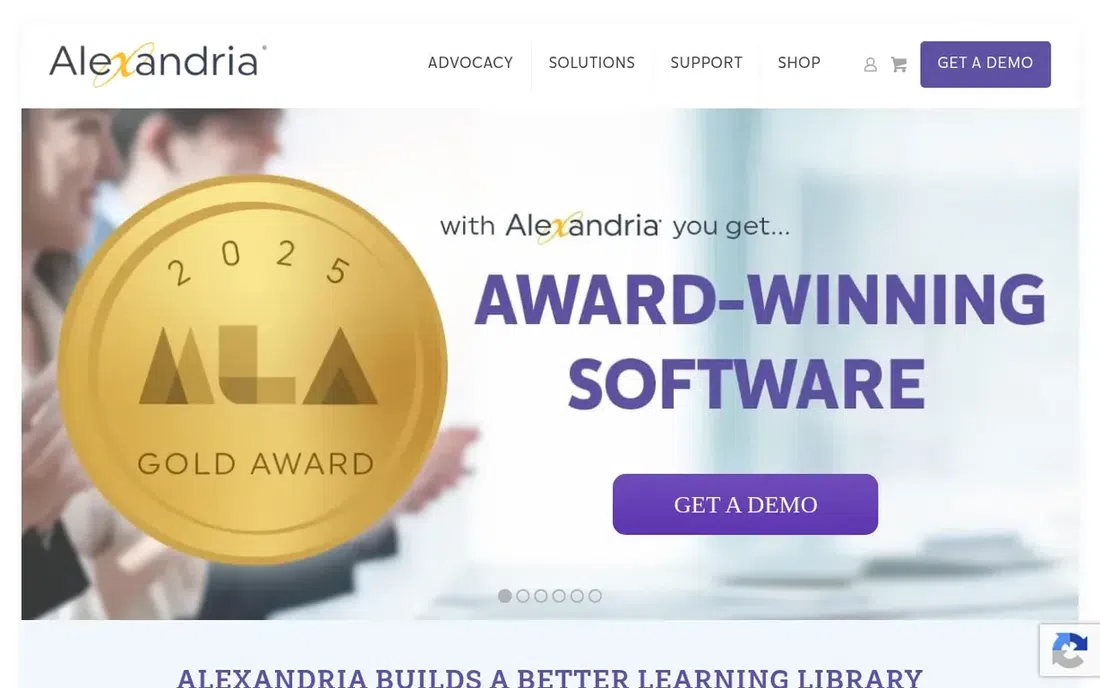
Alexandria works best for easy-to-learn, configurable automation. As a proprietary system, Alexandria may need a subscription or license fee, and pricing is not publicly listed. The system is used by several types of libraries, including school and public libraries.
Drawbacks to consider: Proprietary system.
Its focus on approachable design makes it a solid fit for libraries that want a modern, easy-to-manage system without deep technical overhead. On top of that, Alexandria is a library automation software meant to be easy-to-learn and configurable. It aims to make setup easy and adapt to the specific needs of each library. Pricing for Alexandria is not stated here, so ask the vendor for current figures. Free plan details: Not stated.
- Easy setup
- Easy-to-learn interface
- Pricing not transparent
Choose Apollo for Service-oriented library automation. Apollo, from Biblionix, is a library management system that emphasizes exceptional service and simplicity. The vendor positions itself as respectful and caring about library success, with a proven track record.
Where it falls short: Proprietary.
Apollo is made for libraries that value a supportive vendor relationship and an easy-to-learn system. It is often used by small to medium-sized public libraries. No starting price is listed for Apollo here; confirm pricing on the vendor site. Free options: Free trial.
- Focus on customer service
- Simplicity
- Restricted public information
WorldShare Management Services
Best for: Cloud-based management with WorldCat
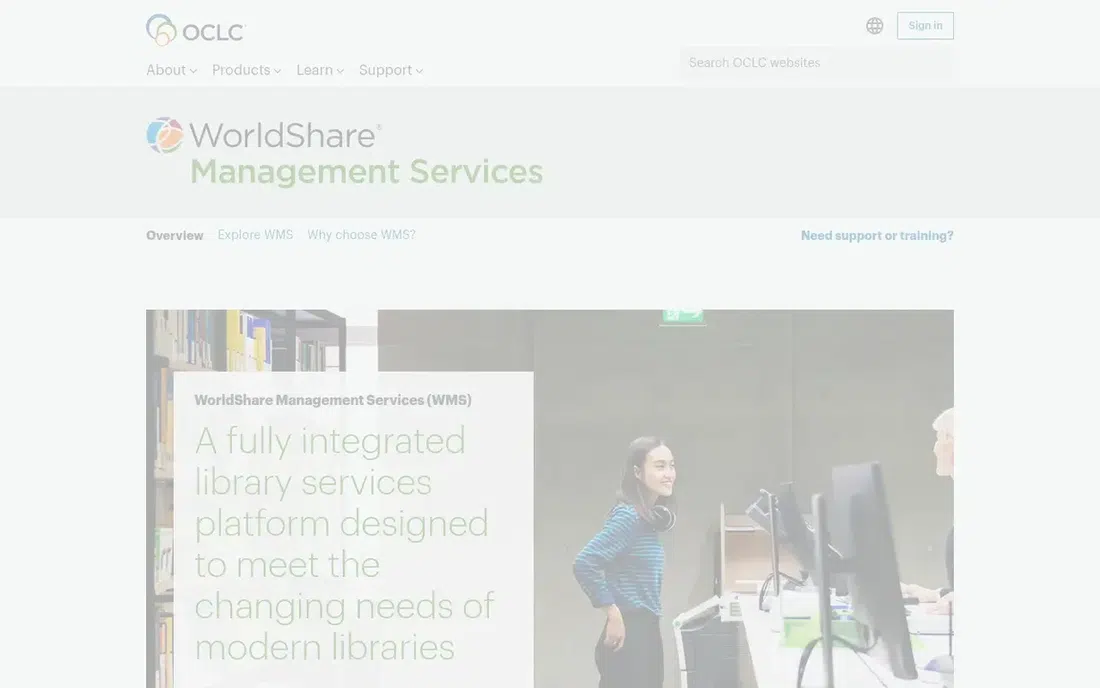
Choose WorldShare Management Services for cloud-based management with WorldCat. WMS is a subscription service, so continuing costs should be considered.
Beyond that, WorldShare Management Services (WMS) is a cloud-based library services system from OCLC. It puts WorldCat at its core, enabling libraries to manage resources in all formats and share them with a global network. WorldShare Management Services does not show a starting price in this comparison, so check the vendor site for current pricing. Free access: Not stated.
Trade-offs to know: Subscription-based.
- Cloud-based
- Runs resources in all formats
- May be overkill for very small libraries
Koha
Best for: Open-source adaptability
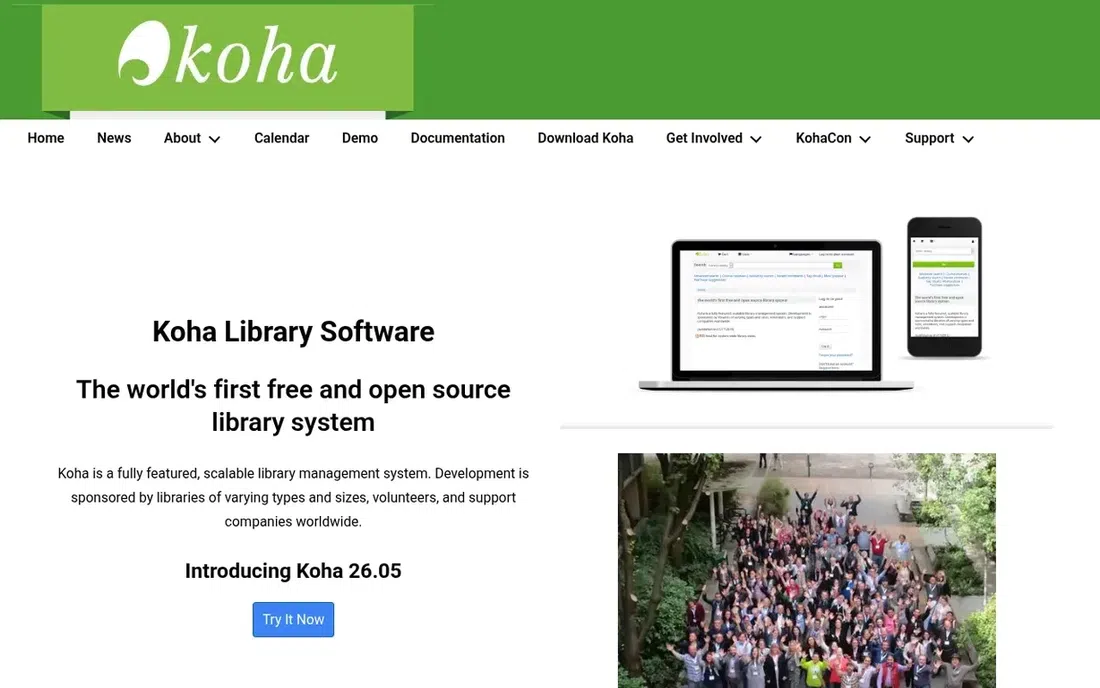
Where Koha fits: open-source flexibility. Koha is an open-source integrated library system used by libraries worldwide.
Where it is weaker: Needs technical expertise.
It provides modules for cataloging, circulation, acquisitions, and serials management. Pricing for Koha is not stated here, so ask the vendor for current figures. Free options: Not stated.
- No license fees
- Highly configurable
- Hosting and support are self-managed or via vendors
How we chose
LinkVetted looked at what each vendor publishes: pricing, plan limits, feature coverage for collection software for libraries and stated drawbacks. No hands-on testing is claimed. Treat prices as a snapshot: vendors change plans often, so check the vendor site for the figure that applies today. Position on the page reflects fit for a typical buyer first, with price clarity and free access breaking ties. Treat it as a guide, not a ruling.
A buyer's checklist
- Request quotes from OverDrive, Koha and the others; the list shows no fixed prices.
- Use real work to test the free trial from Apollo, rather than a demo project.
- Before choosing OverDrive, weigh its main limit: focus on digital, not physical collection management.
- Map your must-have features to a specific Apollo plan before you compare prices.
- Ask Alexandria which support channels and response times come with the plan you would buy.
FAQ
Does any tool for collection software for libraries here have a free plan?
A permanent free plan is not offered by OverDrive, Koha or the other tools here. Apollo offer a trial. Plan a short evaluation period instead.
How are the tools for collection software for libraries ordered?
OverDrive sits first and Koha last because the order follows typical fit for collection software for libraries, then price clarity and free access. It is a judgement call, so read each profile for fit and limits.
Can I try these tools before paying?
Often, yes. Apollo offers a free trial. Use your own data and a real task during the test, and check what the free tier or trial limits before you rely on it.
Do these tools publish their prices?
No. None of the tools, from OverDrive to Koha, shows a fixed starting price here, so budget time for quotes.
What should I consider when choosing collection software?
Consider your library's size, budget, technical resources, and specific needs like digital lending or resource sharing. Also evaluate vendor support, customization choices, and integration with existing systems.
What is the difference between an ILS and a discovery service?
A discovery service gives you a search interface to access library resources. They serve different but complementary roles in a library's technology stack.
Sources
- https://www.overdrive.com
- https://www.ebsco.com/products/ebsco-discovery-service
- https://www.goalexandria.com
- https://www.biblionix.com
- https://www.oclc.org/en/worldshare-management-services.html
- https://koha-community.org