5 Best Data Visualization Libraries Software for Small Business for 2026, Vetted and Compared
Best data visualization libraries software for small business in 2026: 5 contenders with entry costs and free tiers. Real limits included. Updated for 2026.
- Editor's choice
 Looker Studio
Interactive dashboards and reports
Starts atSee websiteVisit lookerstudio.google.comFull review - Great alternative
 Sisense
Embedded analytics in products
Starts atSee websiteVisit sisense.comFull review - Also considerChartio
Cloud-based analytics for business apps
Starts atSee websiteVisit chartio.comFull review
Direct answer
For interactive dashboards and reports, Looker Studio is where this list starts. Listed starting prices: Tableau from $15 per user per month. Sisense is better for embedded analytics in products, and Chartio is better for cloud-based analytics for business apps. All 5 tools are compared below on price, free plan and limits.
TL;DR:
- Looker Studio sits first on this list: interactive dashboards and reports.
- Tableau is the one to check for visual analytics and wide data connectivity.
- The cheapest monthly starting price in the list is $15 per user per month, offered by Tableau.
- One limit worth knowing about Looker Studio: restricted advanced analytics features.
- Just one of the 5 tools, Tableau, has a free plan.
Last checked November 2026. Prices and plan details were read from the vendors' own pages in November 2026; vendors change plans often, so confirm the current price on the vendor site before you buy.
Quick comparison
| Tool | Best for | Starts at | Free plan? | |
|---|---|---|---|---|
| Looker Studio | Interactive dashboards and reports | See website | Not stated | Visit |
| Sisense | Embedded analytics in products | See website | Free trial | Visit |
| Chartio | Cloud-based analytics for business apps | See website | Not stated | Visit |
 Domo | Governed data and AI-driven insights | See website | Free trial | Visit |
 Tableau | Visual analytics and wide data connectivity | $15 per user per month | Yes | Visit |
The best data visualization libraries software for small business
Short on time? The summary and table above give the quick view of 5 tools for data visualization libraries software for small business, and the profiles that follow give the detail behind each entry.
Looker Studio is a good fit for interactive dashboards and reports. Users might have to prepare data externally for complicated examines.
It concentrates on visualization and reporting, making it accessible for small firms that require to present data plainly. This comparison lists no price for Looker Studio; ask the vendor. On free options: Not stated.
Limits to weigh: May need data preparation.
- Inspires smarter business decisions
- Produces interactive dashboards
- Restricted advanced analytics features
Choose Sisense for embedded analytics in products. It is a strong match for small businesses that want to embed analytics into their own applications or products.
Since it is specialized for embedding, it may not be the best fit for internal-only dashboards. Pricing for Sisense is not stated here, so ask the vendor for current figures. Free plan details: Free trial.
Where it falls short: May need development resources.
- AI-powered embedded analytics
- Converts data into revenue
- Concentrated on embedding, not general BI
Chartio
Best for: Cloud-based analytics for business apps
Where Chartio fits: cloud-based analytics for business apps. Chartio is a cloud-based business intelligence and analytics option that makes it possible for everyone to analyze their data from their business applications. It centres on making data exploration accessible across teams.
Small businesses that depend on cloud apps and want straightforward analytics may find it a solid fit. More specifically, visualization capabilities might be more straightforward than those of full BI products. Chartio shows no starting price here, so confirm the cost on the vendor site. Free options: Not stated.
Honest limits: May lack advanced visualization choices.
- Makes it possible for team-wide analysis
- Cloud-based exploration
- Restricted to cloud deployment
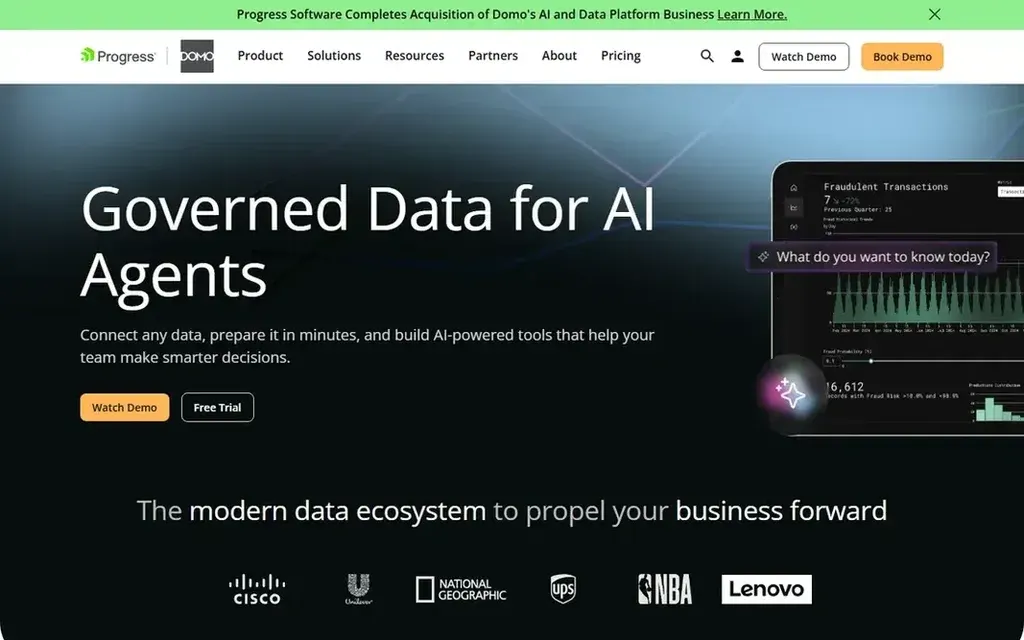
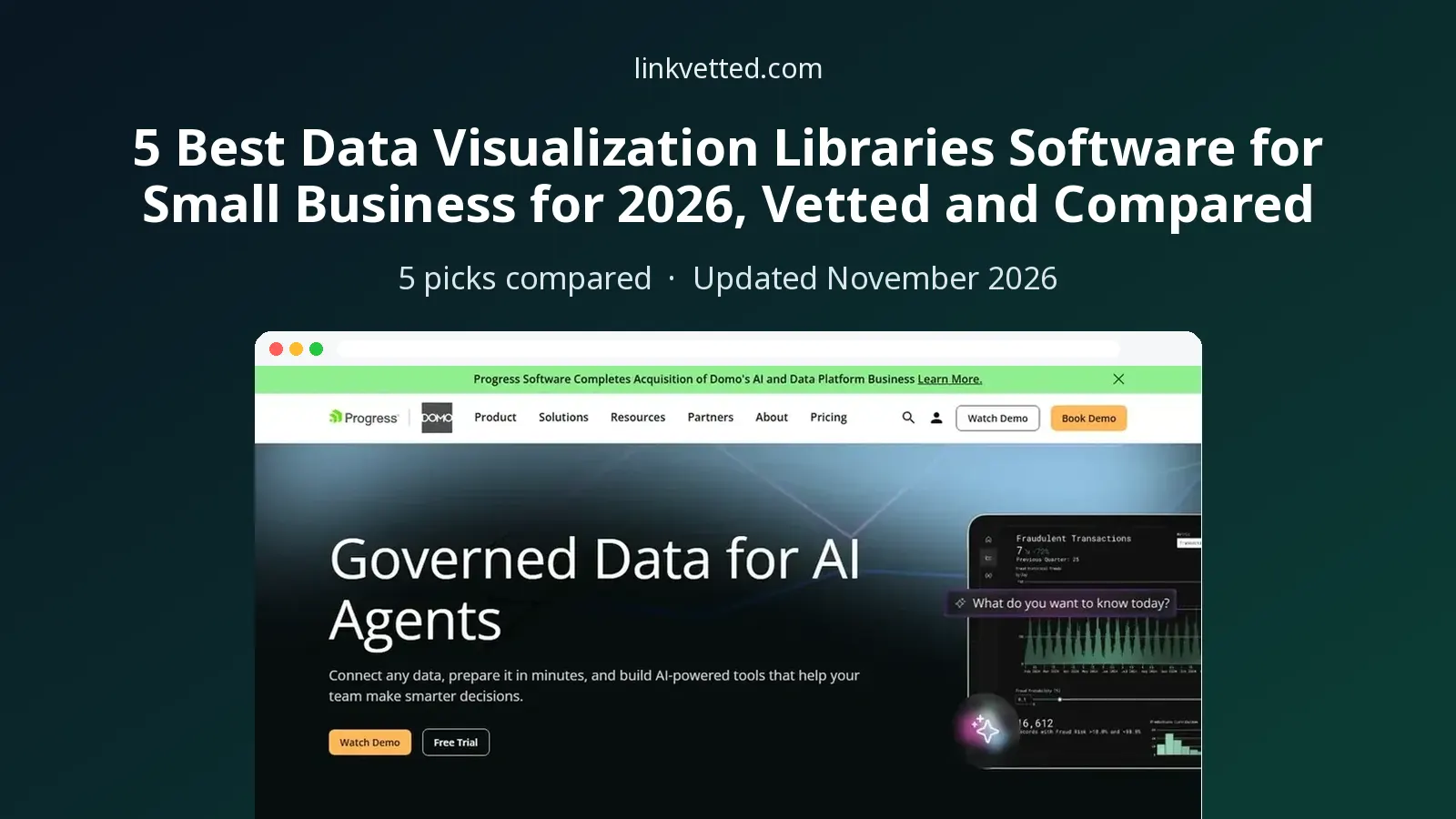
Domo was built for governed data and AI-driven insights. Getting started may involve a learning curve. From a buyer's view, for straightforward dashboarding, a lighter tool like Looker Studio could be a better fit.
The main drawbacks: Focus on AI may not suit entry-level needs.
Domo is a system for governed data and AI agents that strengthens the whole data journey. The product's emphasis on AI and data governance might be more than a small team needs for straightforward visualization. Domo does not show a starting price in this comparison, so check the vendor site for current pricing. Trial and free access: Free trial.
- Links and moves data from any source
- Prepares and expands data access
- Wide platform may need onboarding
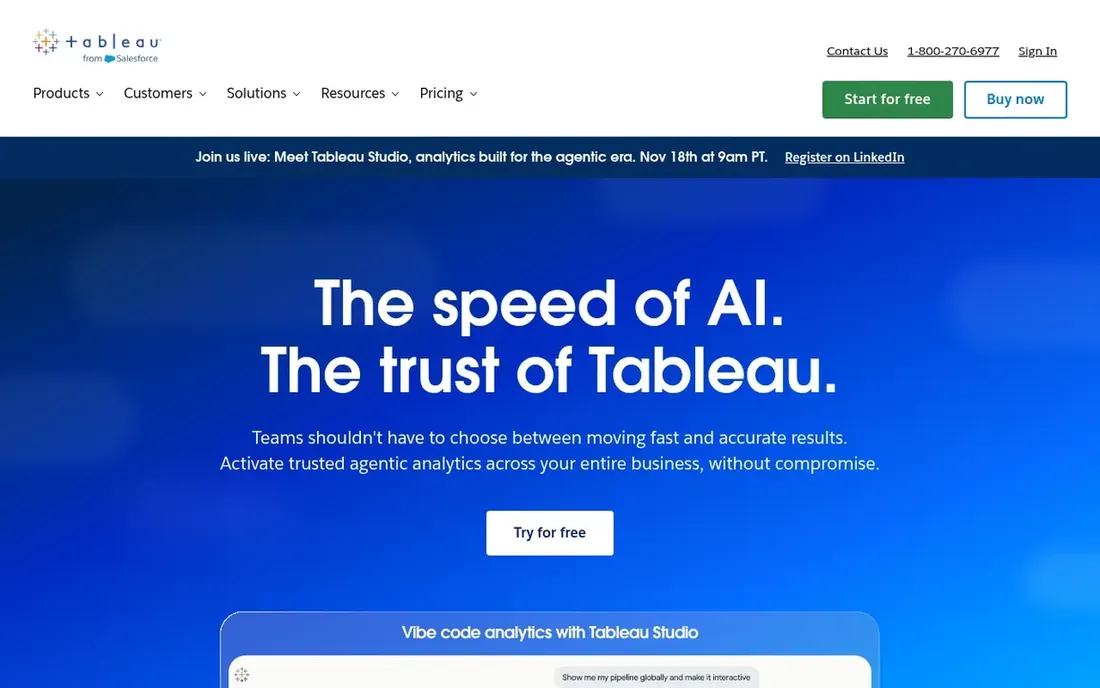
For visual analytics and wide data connectivity, Tableau is a natural candidate. The depth of features can feel overwhelming for users who only need simple charts.
Where it falls short: Can be complicated for beginners.
Tableau is a business intelligence and analytics system that helps users see and understand their data. It connects to almost any database and lets you produce visualizations with drag-and-drop actions, then share them with a click. The starting price for Tableau: $15 per user per month. Tableau offers a free plan.
- Links to almost any database
- Simple sharing of insights
- May need training to use completely
How these tools were picked
The comparison looks at four things: starting price, free access, how well the feature set matches data visualization libraries software for small business, and the main limit of each tool. Figures are shown as the vendors publish them. Billing terms, seat minimums and add-ons can change the real cost. We ordered the tools by general fit, then by how clearly pricing is shown, then by free access. A buyer with unusual needs may reorder them.
Before you commit
- Ask Looker Studio, Sisense, Chartio and Domo for a written quote, since no starting price is shown.
- Look at the free plan from Tableau closely: its caps decide whether it is usable for real work.
- Run a trial of Sisense and Domo with real work before paying for a year; your own workflow is the best test.
- Read the limits listed for Looker Studio first: restricted advanced analytics features.
- Ask Sisense which support channels and response times come with the plan you would buy.
- Work out what Looker Studio costs with your real seat count, add-ons and usage, not just the entry price.
FAQ
Which options for data visualization libraries software for small business have a free plan?
Tableau is the only tool in this list with a free plan. Free plans usually cap users, projects or features, so check the limits on the vendor page. Several others offer a trial instead. Each of the 5 options in this data Visualization libraries software for small business guide has its own card above with the price, free plan and limits.
Is Looker Studio the right pick for everyone comparing data visualization libraries software for small business?
No single tool suits every team. Looker Studio comes first because it fits interactive dashboards and reports, while Sisense suits embedded analytics in products and Chartio suits cloud-based analytics for business apps. Match the tool to your own size, budget and workflow before deciding.
What is the cheapest option for data visualization libraries software for small business in this list?
On published monthly entry prices, Tableau is the lowest here at $15 per user per month. Entry price is only part of the cost, because seats, add-ons and billing terms can change the total. All 5 picks in this data Visualization libraries software for small business comparison list a starting price, free plan details and the main limits on their cards above.
How do embedded analytics tools differ from traditional BI tools?
Embedded analytics tools like Sisense are meant to integrate into your own applications, whereas traditional BI tools like Tableau focus on internal dashboards and exploration. Choose based on whether you have to offer analytics to customers or just your team.
Do these tools publish their prices?
Not all of them. Looker Studio, Sisense, Chartio and Domo publish no starting price, so expect a quote request for those. The rest, Tableau included, show a starting price, though seats and billing terms still change the final cost.
Is cloud-based visualization better for small companies?
Cloud-based tools offer simpler setup and remote access, which can benefit small teams. Even so, consider data security and whether you need on-premises choices.
Sources
- https://lookerstudio.google.com
- https://www.sisense.com
- https://chartio.com
- https://www.domo.com
- https://www.tableau.com