Best Cloud Application Hosting Platforms for Remote Teams for 2026: Our 5 Vetted Picks
5 best cloud application hosting platforms for remote teams, compared on pricing, free plans and best-fit use. Honest caveats for every entry. No filler.
- Editor's choiceMicrosoft Azure App Service
AI-ready web apps and APIs
Starts atSee websiteVisit azure.microsoft.comFull review - Great alternative
 Netlify
Prompt-to-production app development
Starts at$9 a monthVisit netlify.comFull review - Also consider
 DigitalOcean App Platform
Straightforward, economical app deployment
Starts atSee websiteVisit digitalocean.comFull review
Direct answer
Microsoft Azure App Service leads the list, best for AI-ready web apps and APIs. Listed starting prices: Netlify from $9 a month, Heroku from $5 per month and Vercel from $20 per month. Alternatives: Netlify for prompt-to-production app development, and DigitalOcean App Platform for straightforward, economical app deployment. The full list of 5 tools follows, with prices and free plan facts.
TL;DR:
- Microsoft Azure App Service is the opening pick, best for AI-ready web apps and APIs.
- The cheapest monthly starting price in the list is $5 per month, offered by Heroku.
- What to know about Netlify first: may lack advanced container orchestration.
- Only 2 of the 5 tools have a free plan (Netlify, Vercel), so check the caps.
- Vercel suits Frontend and agent-driven deployments.
Last checked November 2026. Prices and plan details were read from the vendors' own pages in November 2026; vendors change plans often, so confirm the current price on the vendor site before you buy.
Quick comparison
| Tool | Best for | Starts at | Free plan? | |
|---|---|---|---|---|
| Microsoft Azure App Service | AI-ready web apps and APIs | See website | Not stated | Visit |
| Netlify | Prompt-to-production app development | $9 a month | Yes | Visit |
| DigitalOcean App Platform | Straightforward, economical app deployment | See website | Not stated | Visit |
 Heroku | Completely managed app hosting | $5 per month | No | Visit |
 Vercel | Frontend and agent-driven deployments | $20 per month | Yes | Visit |
Cloud Application Hosting Platforms for Remote Teams, one by one
If you are comparing cloud application hosting platforms for remote teams, this page covers 5 tools in one place: what each is best for, what it costs to start, whether it has a free plan, and the main limit to know about.
Microsoft Azure App Service
Best for: AI-ready web apps and APIs
Microsoft Azure App Service makes the most sense for AI-ready web apps and APIs. Microsoft Azure App Service allows teams to rapidly build, deploy, and scale AI-ready web apps and APIs globally in the cloud with a completely managed PaaS option. Azure App Service can have a complicated pricing structure and may need specialized Azure knowledge to optimize.
Points against: May need Azure expertise.
As for the details, the platform supports a broad set of application types and integrates well with development tools. On top of that, if your remote team is not familiar with the Azure ecosystem, the ramp-up time could be steep. Teams seeking a more straightforward, more straightforward system might prefer DigitalOcean App Platform or Heroku. This comparison lists no price for Microsoft Azure App Service; ask the vendor. Free options: Not stated.
- Global deployment
- Completely managed PaaS
- Complicated pricing structure
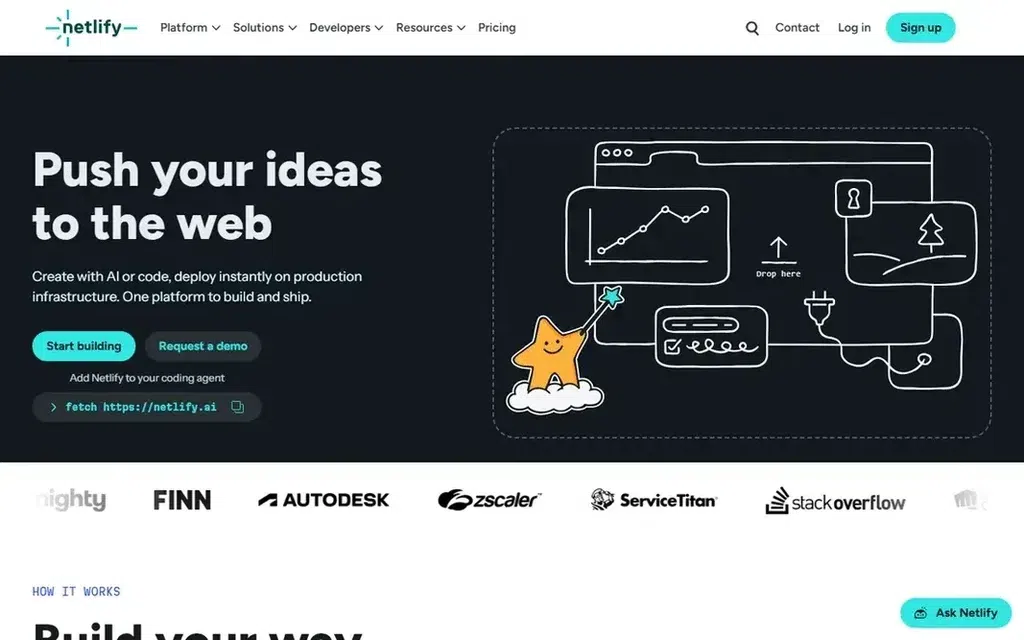
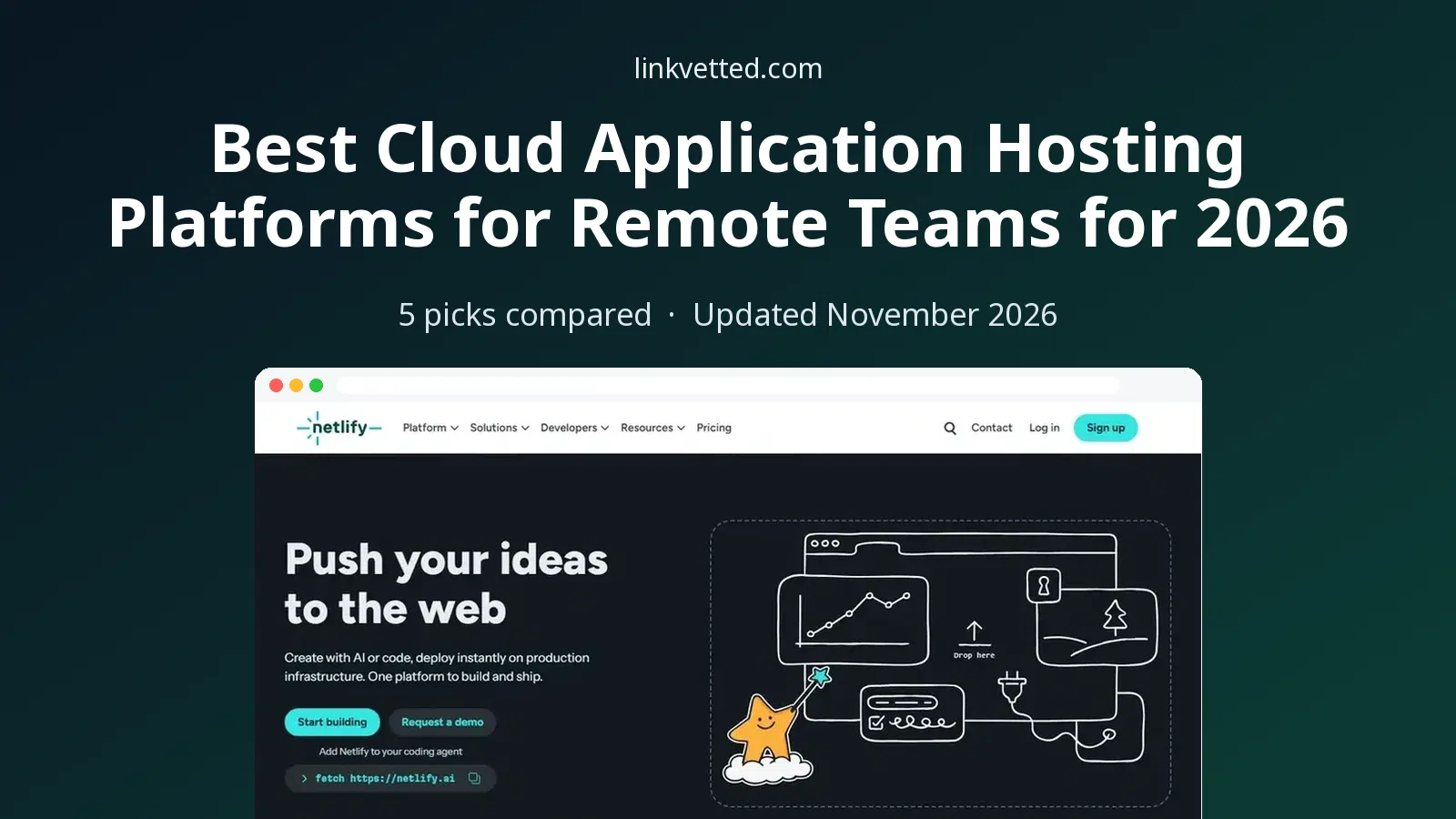
Netlify targets prompt-to-production app development. Netlify positions itself as a place where apps come to life, allowing teams to start from a prompt, agent, or code and then produce, share, and run their app at any scale.
From a buyer's view, the product is especially appealing for collaborative environments where team members have varying technical backgrounds. From a buyer's view, Netlify shines for standard web apps but could feel limiting for highly customized backend needs. Netlify pricing: $9 per month. Netlify offers a free plan.
Watch-outs: May lack advanced container orchestration.
- Eases sharing and running apps
- Or code
- Restricted support for legacy stacks
DigitalOcean App Platform
Best for: Straightforward, economical app deployment
Pick DigitalOcean App Platform if this describes you: straightforward, economical app deployment. DigitalOcean App Platform lets teams build, deploy, and scale apps quickly using a straightforward, economical option, going from code to production in just a handful of clicks. This makes it an attractive choice for remote teams that want to minimize complexity and focus on development.
Trade-offs to know: Fewer advanced features.
DigitalOcean excels for straightforward deployments where simplicity is key. The product is meant to be approachable, even for teams with restricted DevOps resources. DigitalOcean App Platform may lack some of the advanced features and enterprise-grade support offered by bigger cloud providers. Pricing for DigitalOcean App Platform is not stated here, so ask the vendor for current figures. Free access: Not stated.
Reasons to shortlist it: Straightforward and cost-effective.
- Go from code to production rapidly
- Simple to use
- Restricted enterprise support choices
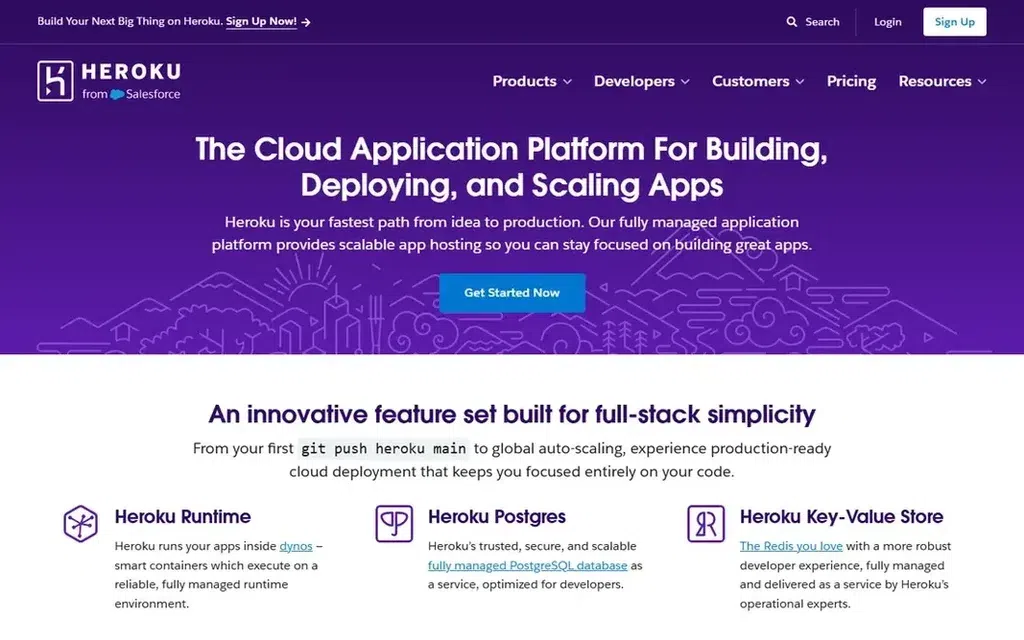
Heroku is a good fit for completely managed app hosting. Heroku gives you completely managed app hosting that just works, letting developers build, deploy, and scale on a battle-tested system.
Trade-offs to know: May be slower to adopt modern features.
Entry price for Heroku: $5 per month. Heroku does not include a free plan.
- Completely managed hosting that just works
- Battle-tested product
- Less control over underlying infrastructure
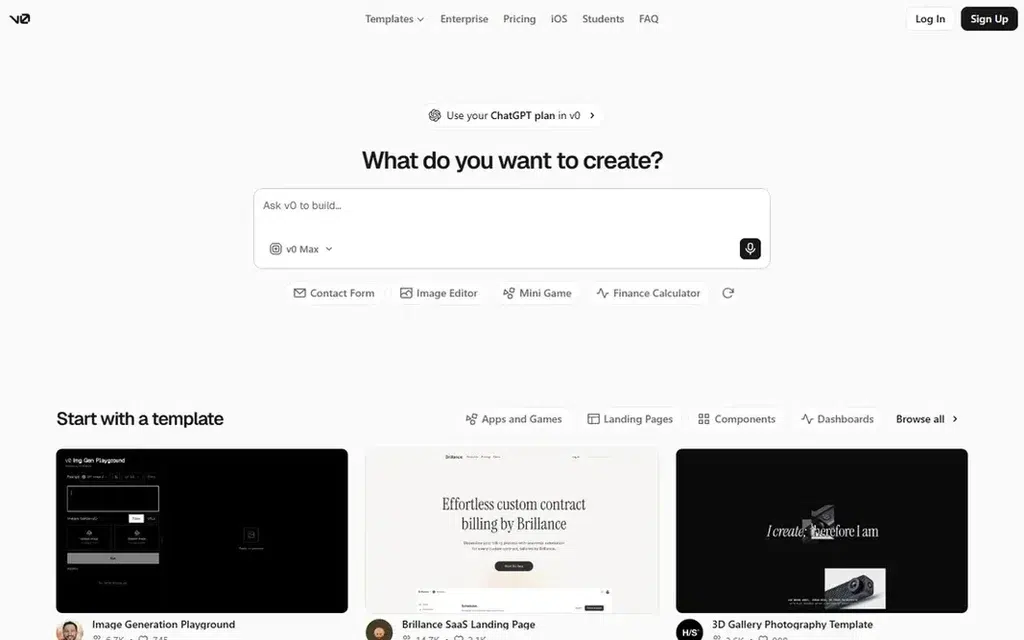
Pick Vercel if this describes you: Frontend and agent-driven deployments. Vercel presents itself as an autonomous stack for every app and agent, making it a good fit for remote teams building modern frontend applications. Its product emphasizes simplified deployment and integration with widely used frameworks, which can cut setup time for distributed teams.
Also, consider alternatives if your team needs wide language support or integrated container orchestration. Also, Vercel may not be the best choice for teams needing broad backend or database management within the same system. Its focus on frontend and agent workloads means that projects requiring heavier server-side infrastructure might benefit from a more general-purpose product. Vercel starts at: $20 per month. Free access exists with Vercel.
Watch-outs: Limited built-in database services.
- Autonomous stack for apps and agents
- Optimized for modern web frameworks
- May be less suited for traditional backend workloads
How these tools were picked
Things to verify first
- Get a written quote from Microsoft Azure App Service and DigitalOcean App Platform; the list shows no starting price for them.
- Read the fine print on the free plans from Netlify and Vercel; seat, project and feature caps differ.
- Read the limits listed for Microsoft Azure App Service first: complicated pricing structure.
- Check whether Vercel bills monthly or annually, and what cancelling early costs.
- Check how data leaves Microsoft Azure App Service: formats, limits and whether exports are available on every plan.
FAQ
Can I try these tools before paying?
Often, yes. Netlify and Vercel have a free plan. Use your own data and a real task during the test, and check what the free tier or trial limits before you rely on it.
Is Microsoft Azure App Service the right pick for everyone comparing cloud application hosting platforms for remote teams?
No single tool suits every team. Microsoft Azure App Service comes first because it fits AI-ready web apps and APIs, while Netlify suits prompt-to-production app development and DigitalOcean App Platform suits simple, cost-effective app deployment. Match the tool to your own size, budget and workflow before deciding.
Do these tools publish their prices?
Not all of them. Microsoft Azure App Service and DigitalOcean App Platform publish no starting price, so expect a quote request for those. The rest, Netlify included, show a starting price, though seats and billing terms still change the final cost.
Which options for cloud application hosting platforms for remote teams have a free plan?
On this list, Netlify and Vercel include a free plan. Caps on seats, usage or features are common, so test the free plan against your real workload.
What are the trade-offs between managed and self-managed hosting?
Managed hosting cuts operational overhead but may limit customization and control. In practice, for remote teams, managed systems frequently ease collaboration and maintenance.
Sources
- https://azure.microsoft.com/en-us/products/app-service
- https://www.netlify.com
- https://www.digitalocean.com/products/app-platform
- https://www.heroku.com
- https://vercel.com