The 6 Best CMS Tools for Remote Teams in 2026, Ranked
6 products for the best CMS tools for remote teams, ranked by fit, with starting costs and free tiers. Each listing flags where it falls short. No hype.
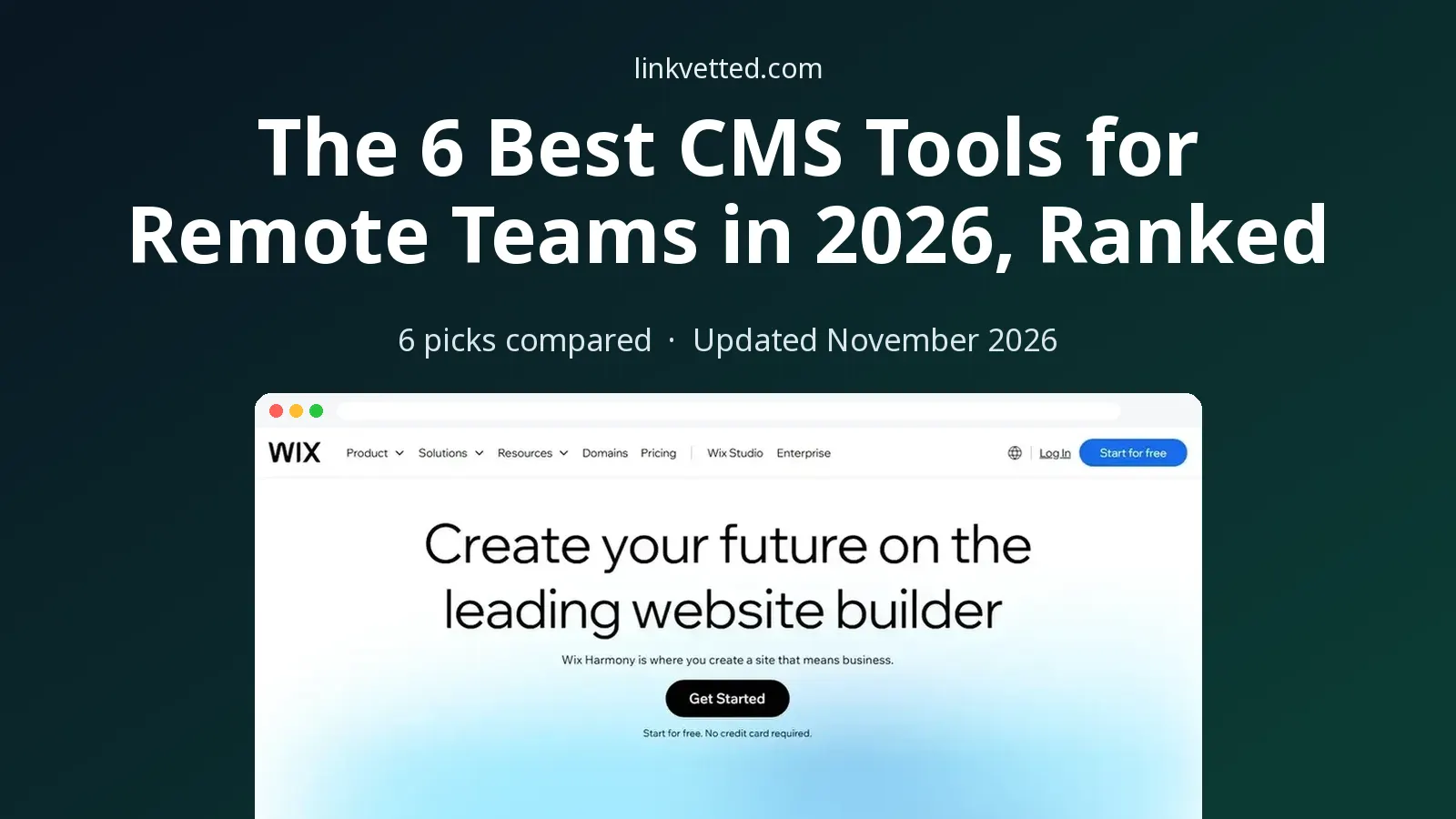
- Editor's choice
 Wix
Small teams wanting an all-in-one builder
Starts atSee websiteVisit wix.comFull review - Great alternative
 Storyblok
Mixed developer and marketing teams
Starts at$99.00 a monthVisit storyblok.comFull review - Also consider
 WordPress.com
Hosted publishing without technical setup
Starts at$4 a monthVisit wordpress.comFull review
Direct answer
For small teams wanting an all-in-one builder, Wix is where this list starts. Listed starting prices: Storyblok from $99.00 a month, WordPress.com from $4 a month and Squarespace from $12 a month. For a different need, Storyblok covers mixed developer and marketing teams and WordPress.com covers hosted publishing without technical setup. Prices, free plans and limits for all 6 tools follow.
TL;DR:
- The list opens with Wix, aimed at small teams wanting an all-in-one builder.
- What to know about Wix first: templates can feel restrictive.
- Sanity fits developer-led structured content systems.
- The cheapest monthly starting price in the list is $4 per month, offered by WordPress.com.
- WordPress.com, Webflow, Sanity: these are the 3 tools out of 6 that offer a free plan.
Last checked November 2026. Prices and plan details were read from the vendors' own pages in November 2026; vendors change plans often, so confirm the current price on the vendor site before you buy.
Quick comparison
| Tool | Best for | Starts at | Free plan? | |
|---|---|---|---|---|
| Wix | Small teams wanting an all-in-one builder | See website | Not stated | Visit |
| Storyblok | Mixed developer and marketing teams | $99.00 a month | Free trial | Visit |
| WordPress.com | Hosted publishing without technical setup | $4 a month | Yes | Visit |
 Squarespace | Design-focused teams using templates | $12 a month | Free trial | Visit |
 Webflow | Designers who want visual development control | $15 a month | Yes | Visit |
 Sanity | Developer-led structured content systems | $15 per seat a month | Yes | Visit |
CMS Tools for Remote Teams profiles
If you are comparing CMS tools for remote teams, this page covers 6 tools in one place: what each is best for, what it costs to start, whether it has a free plan, and the main limit to know about.
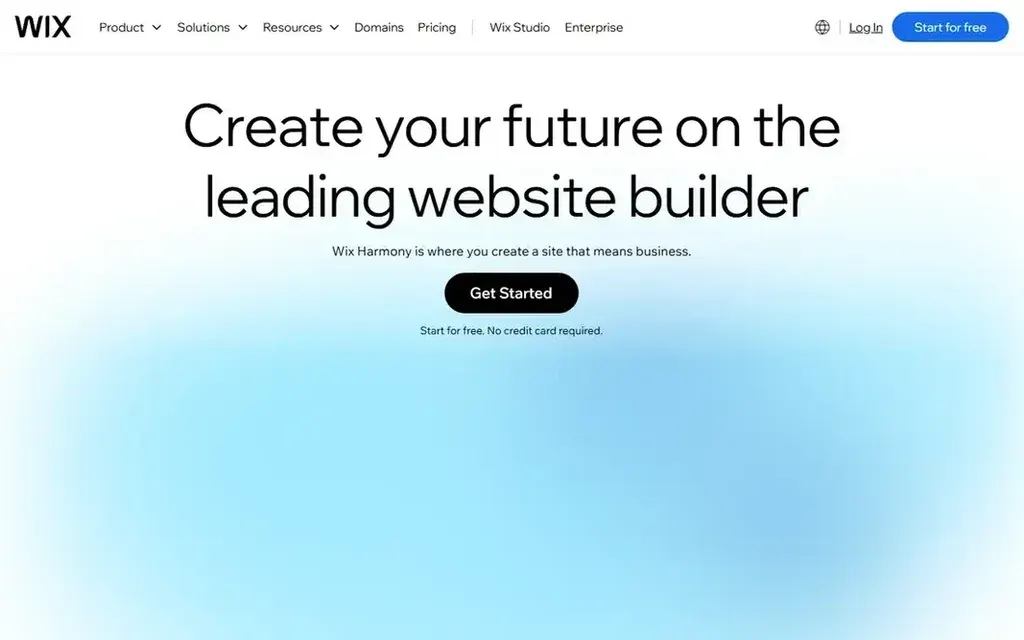
In short, Wix is for small teams wanting an all-in-one builder. That makes it a reasonable fit for small remote teams that want one place to run their site, marketing basics and domain rather than combining separate services.
Downsides: Templates can feel restrictive.
The trade-off is flexibility: heavily customized layouts or complex content structures can run into the limits of the builder, and migrating away later takes planning. No starting price is listed for Wix here; confirm pricing on the vendor site. Trial and free access: Not stated.
- Business and marketing tools included
- Visual drag-and-drop editing
- Moving to another system takes effort
Think of Storyblok for mixed developer and marketing teams. Storyblok is a headless CMS with a visual editor, described as helping developer and marketing teams get value from content quicker and produce digital experiences.
The combination of structured content behind the scenes and visual editing at the start can work well for remote teams where marketers edit pages and developers maintain the presentation layer separately. On cost, Storyblok starts like this: $99.00 per month. Free access: Free trial.
Where it falls short: Visual editing relies on front-end integration.
- Visual editor for content teams
- Headless architecture
- Setup needs developer involvement

WordPress.com is designed for hosted publishing without technical setup. WordPress.com is a hosted website system built around the familiar WordPress publishing model. From a buyer's view, for remote teams that primarily have to publish articles, pages and updates rapidly, it keeps infrastructure decisions out of the way so writers and editors can focus on content instead of server management.
More specifically, the homepage highlights built-in hosting, premium themes and feature-rich tools, with no technical setup required. Organizations with unusual technical requirements or strict internal hosting policies may prefer a different route. On cost, WordPress.com starts like this: $4 per month. WordPress.com includes a free tier.
Where it falls short: Less control than self-hosted WordPress.
- No technical setup required
- Premium themes available
- Advanced customization can be restricted
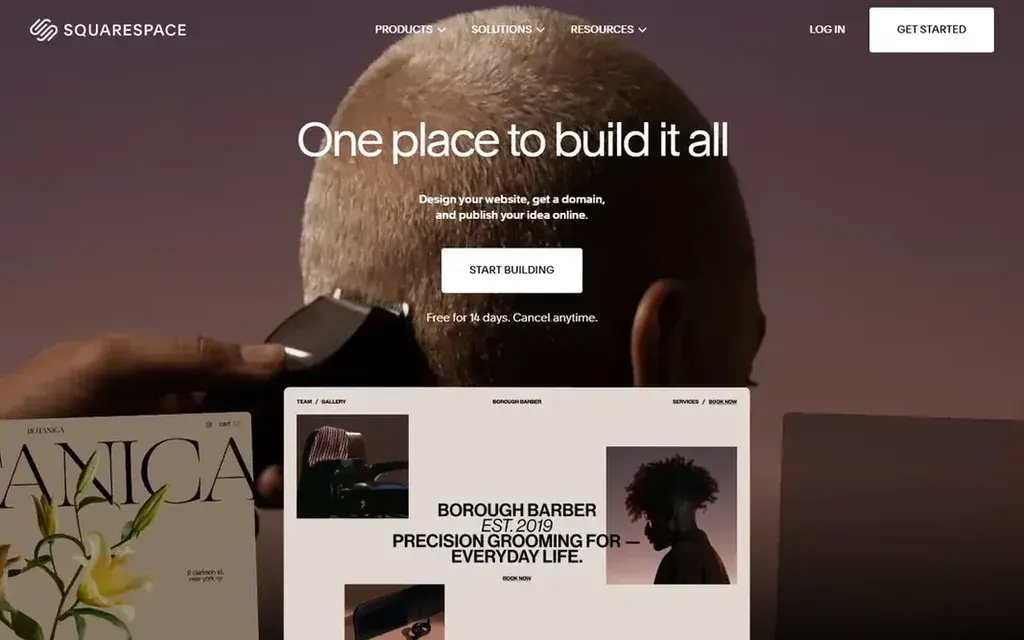
Squarespace is built with design-focused teams using templates in mind. Squarespace centers on creating a website and expanding a business, starting from configurable templates, AI website builder tools or a domain name. Switching templates can also mean reworking existing pages.
Points against: Less adaptable for complicated content models.
On top of that, teams that require intricate content relationships, multi-channel publishing or custom application logic may find Squarespace constrained. Beyond that, the template-driven approach helps remote teams keep visual consistency across pages without a dedicated front-end developer. It tends to suit marketing-led teams, studios and small firms that value refined design and straightforward page editing over deep structural control. Squarespace cost at the entry level: $12 per month. As for free access: Free trial.
- AI website builder tools
- Domain name options available
- Template changes can need rework
In short, Webflow is for designers who want visual development control. Webflow describes itself as an agentic web system for modern companies, combining design, building, optimization and AI search visibility with CMS, hosting and enterprise-grade security. It appeals to remote teams where designers want fine control over layout whereas still managing structured content.
From a buyer's view, marketing and design collaborators can work in the same visual environment, which cuts handoff friction between distributed roles. The visual development model has a ramp-up time, and teams without design discipline can produce inconsistent pages over time. Webflow starts at: $15 per month. Webflow includes a free tier.
Trade-offs to know: Steeper ramp-up time.
- Optimization and AI search features
- Visual design with CMS and hosting
- Needs design discipline to stay consistent
Sanity is built with developer-led structured content platforms in mind. Its model treats content as structured data, which fits remote engineering and content teams building custom front ends or multi-channel experiences. From a buyer's view, teams without engineering support may find it heavy compared to hosted builders.
Downsides: Needs development work.
On top of that, Sanity is not a turnkey website builder; it expects development effort to shape the editing experience and front end. When editors and developers are in different locations, a shared structured schema can keep output consistent across products and surfaces. Price to start with Sanity: $15 per seat per month. Sanity has a free plan.
- Supports sites and content applications
- Adaptable for custom front ends
- Less approachable for non-technical editors alone
How we built this list
For each of the 6 tools we noted price, free plan or trial, fit for CMS tools for remote teams and the main limit, using vendor pages and documentation. Where a vendor does not publish a price, the entry says quote. Where a price depends on seats or billing term, the entry says so. The ranking is editorial: typical fit first, then clear pricing, then free access. If your needs are unusual, read the profiles rather than relying on position.
Things to verify first
- Ask Wix for a written quote, since no starting price is shown.
- Read the fine print on the free plans from WordPress.com, Webflow and Sanity; seat, project and feature caps differ.
- Use real work to test the free trial from Storyblok and Squarespace, rather than a demo project.
- Before choosing Wix, weigh its main limit: templates can feel restrictive.
- Before rolling out Webflow, verify the integrations your workflow depends on.
- Find out what support Squarespace includes on your plan, and whether onboarding help costs extra.
FAQ
What is the cheapest option for CMS tools for remote teams in this list?
On published monthly entry prices, WordPress.com is the lowest here at $4 per month. Entry price is only part of the cost, because seats, add-ons and billing terms can change the total. All 6 picks in this CMS tools for remote teams comparison list a starting price, free plan details and the main limits on their cards above.
Is Wix the right pick for everyone comparing CMS tools for remote teams?
No single tool suits every team. Wix comes first because it fits small teams wanting an all-in-one builder, while Storyblok suits mixed developer and marketing teams and WordPress.com suits hosted publishing without technical setup. Match the tool to your own size, budget and workflow before deciding.
What is the best CMS for a remote team with no developers?
The first pick on this list is Wix, because it suits small teams wanting an all-in-one builder. Storyblok is better for mixed developer and marketing teams, and WordPress.com for hosted publishing without technical setup. Check price and limits against your own needs before choosing.
How are the tools for CMS tools for remote teams ordered?
Wix sits first and Sanity last because the order follows typical fit for CMS tools for remote teams, then price clarity and free access. It is a judgement call, so read each profile for fit and limits.
Which options for CMS tools for remote teams have a free plan?
On this list, WordPress.com, Webflow and Sanity include a free plan. Caps on seats, usage or features are common, so test the free plan against your real workload. Several others offer a trial instead.
Sources
- https://www.wix.com
- https://www.storyblok.com
- https://wordpress.com
- https://www.squarespace.com
- https://webflow.com
- https://www.sanity.io