The 5 Best Calendar App for Families in 2026, Ranked
Compare 5 best calendar app for families, with prices, free plans and who each fits. Fit and flaws are laid out for each entry. Built for quick decisions.
- Editor's choice
 FamilyWall
All-in-one family organization
Starts atSee websiteVisit familywall.comFull review - Great alternative
 Microsoft Outlook
Families using Microsoft 365
Starts atSee websiteVisit microsoft.comFull review - Also consider
 Google Calendar
Overall family scheduling and sharing
Starts atSee websiteVisit calendar.google.comFull review
Direct answer
If you need all-in-one family organization, FamilyWall is the first tool to look at here. Listed starting prices: Cozi Family Organizer from $39 a year. Alternatives: Microsoft Outlook for families using Microsoft 365, and Google Calendar for overall family scheduling and sharing. The other 2 tools in the list cover narrower or pricier cases.
TL;DR:
- This list starts with FamilyWall, which is built for all-in-one family organization.
- Just one of the 5 tools, Cozi Family Organizer, has a free plan.
- For simple calendar sharing and communication, TimeTree is worth a look.
- Pricing for FamilyWall, Microsoft Outlook, Google Calendar and TimeTree is quote-based, which adds a sales step before you can compare cost.
Last checked November 2026. Prices and plan details were read from the vendors' own pages in November 2026; vendors change plans often, so confirm the current price on the vendor site before you buy.
Quick comparison
| Tool | Best for | Starts at | Free plan? | |
|---|---|---|---|---|
| FamilyWall | All-in-one family organization | See website | Not stated | Visit |
| Microsoft Outlook | Families using Microsoft 365 | See website | Not stated | Visit |
| Google Calendar | Overall family scheduling and sharing | See website | Not stated | Visit |
| Cozi Family Organizer | Family organization with lists and meals | $39 a year | Yes | Visit |
 TimeTree | Simple calendar sharing and communication | See website | Not stated | Visit |
Calendar App for Families compared in detail
Short on time? The summary and table above give the quick view of 5 calendar app for families, and the profiles that follow give the detail behind each entry.
FamilyWall makes the most sense for all-in-one family organization. FamilyWall is a family organizer that aims to ease everyday life by supplying one place for organizing all your family needs. It bundles a shared calendar, lists, messaging and location sharing, making it a thorough tool for busy families.
Downsides: Feature set can be overwhelming.
In practice, choose FamilyWall if you want a solid, all-in-one family organizer. From a buyer's view, FamilyWall gives you numerous features, which might be more than some families need, and certain advanced features may need a subscription. Pricing for FamilyWall is not stated here, so ask the vendor for current figures. As for free access: Not stated.
- Shared family calendar
- Lists and messaging
- May need a subscription for premium features
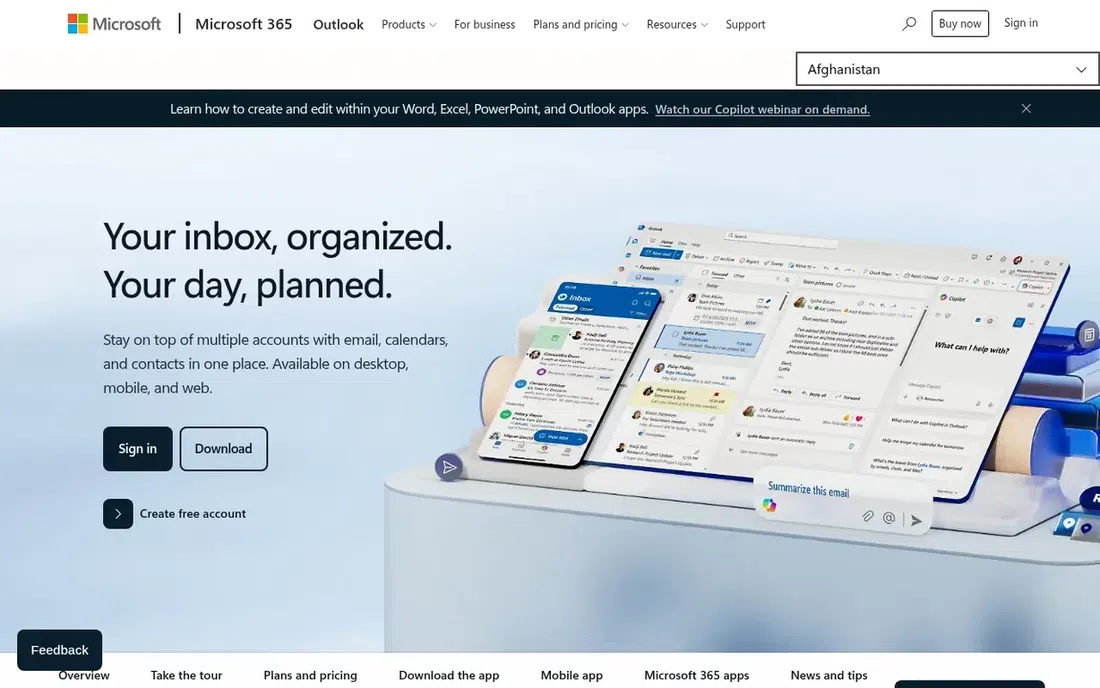
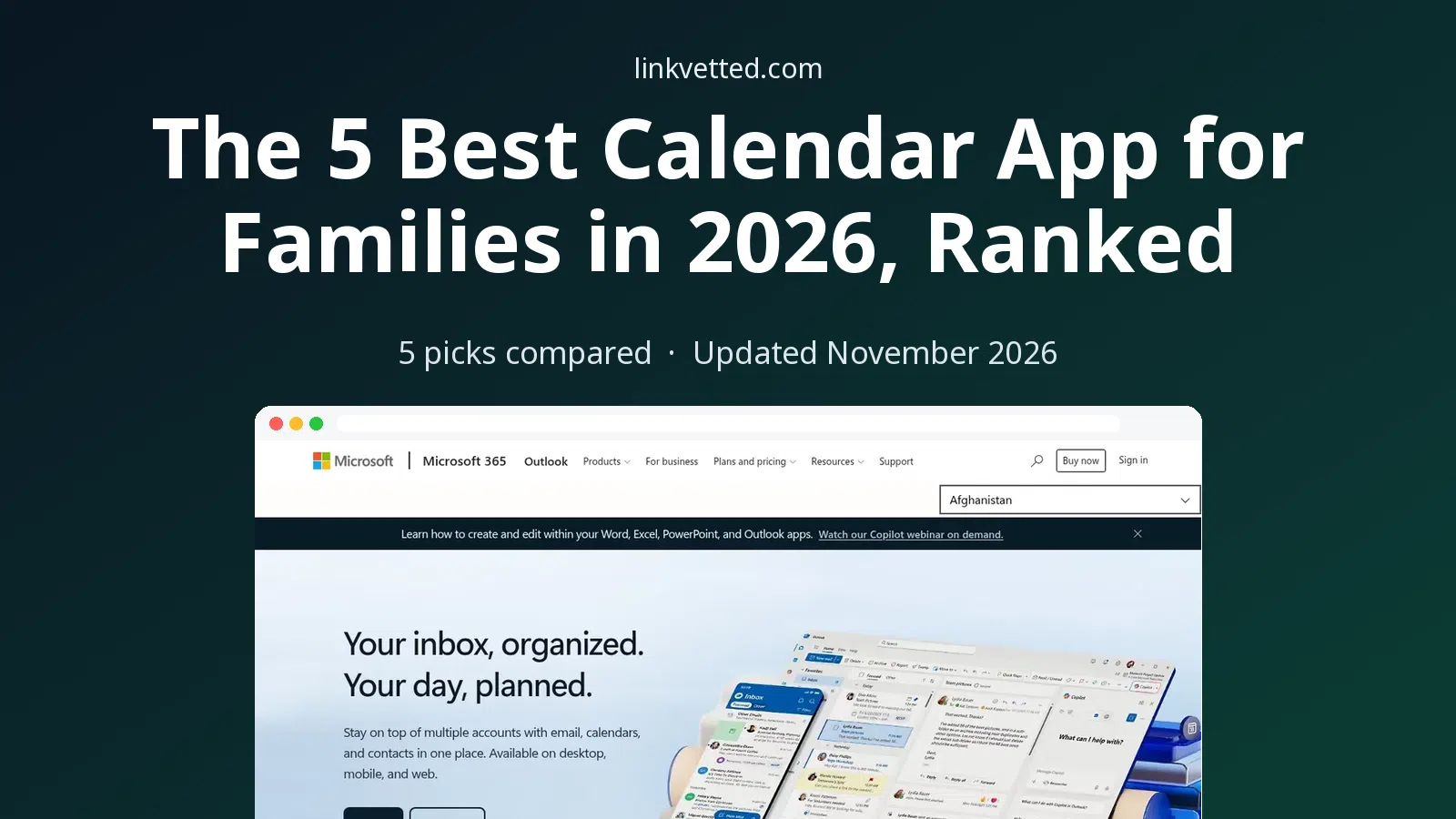
Microsoft Outlook targets families using Microsoft 365. Microsoft Outlook is a personal email and calendar application that is part of the Microsoft 365 suite. It gives you calendar scheduling alongside email and Office Online apps, making it a solid fit for families that already use Microsoft services.
If you prefer a more simplified, family-focused app, consider alternatives. More specifically, pick Outlook if you want an all-in-one email and calendar tool within the Microsoft ecosystem. From a buyer's view, the calendar can be shared and accessed across devices, supplying a unified option for communication and planning. This comparison lists no price for Microsoft Outlook; ask the vendor. Free access: Not stated.
Where it is weaker: Can be complicated for straightforward family use.
- Integrated email and calendar
- Available on several products
- Needs a Microsoft account
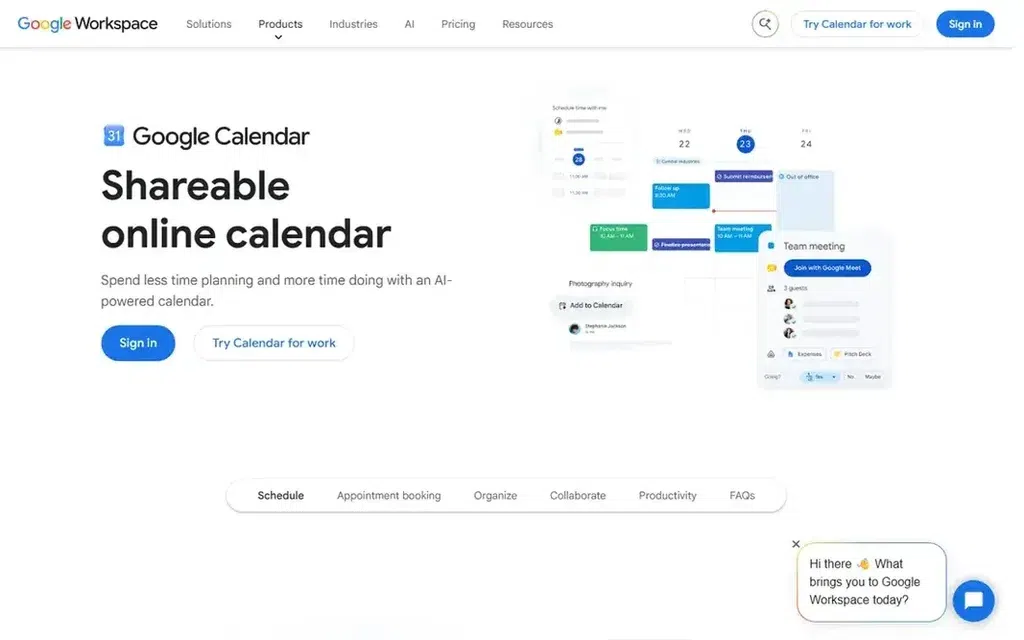
Google Calendar is built with overall family scheduling and sharing in mind. Google Calendar is a shareable online calendar made for managing business and personal life. It permits users to share meetings and schedule appointments, making it a good match for families who want a straightforward, widely accessible calendar.
Its integration with Google Workspace means it can link with other Google apps, which is useful for households already using those services. That said, Google Calendar lacks dedicated family-oriented features like shared grocery lists or meal planning. This comparison lists no price for Google Calendar; ask the vendor. Free access: Not stated.
Where it falls short: Needs a Google account.
- Shareable calendars
- Works across devices
- Restricted built-in family-specific features
Cozi Family Organizer
Best for: Family organization with lists and meals
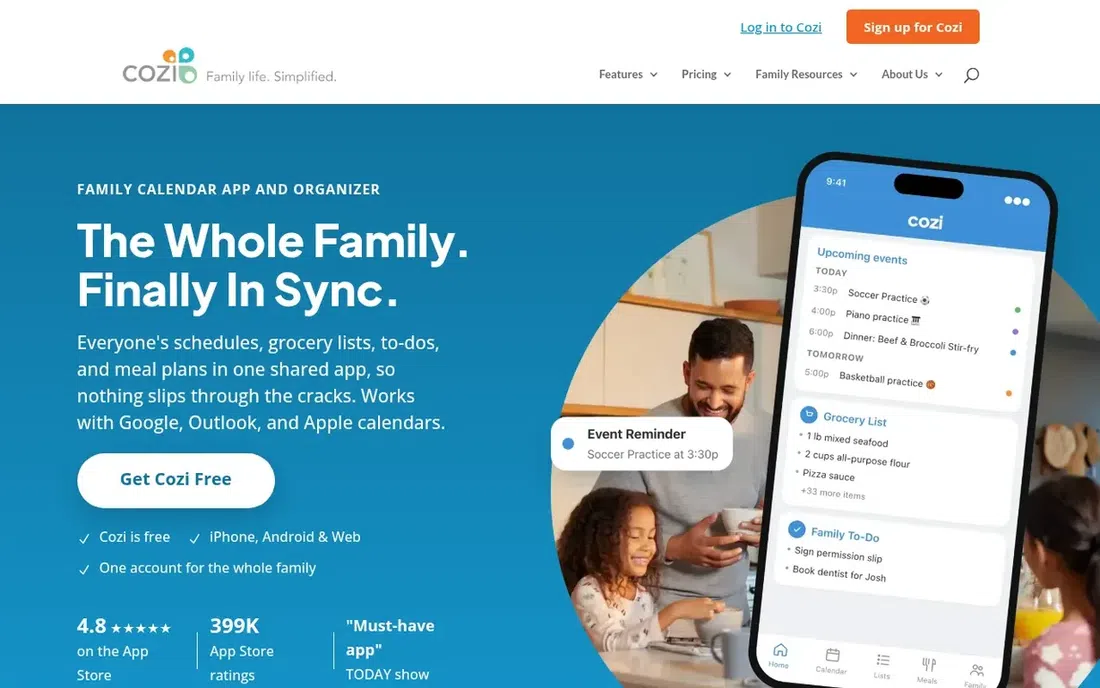
In short, Cozi Family Organizer is for Family organization with lists and meals. It bundles shared schedules, grocery lists, to-dos and meal plans, all accessible on iPhone, Android and web. Also, Whereas Cozi provides plenty of family-centric features, some advanced functionalities may need a subscription.
Honest limits: Primarily aimed at families.
It is primarily centred on family use, so it might not suit individuals or groups outside a family context. Choose Cozi if you need an all-in-one family organizer with lists and meal planning. What you pay to start with Cozi Family Organizer: $39 per year. Cozi Family Organizer includes a free tier.
- Meal planning
- Grocery lists and to-dos
- May need a subscription for full features
TimeTree is built with simple calendar sharing and communication in mind. TimeTree is a communication app that makes it simple to share and coordinate calendars with others. It is aimed at sharing events with family, friends or colleagues, and can also be used privately.
Downsides: May lack advanced features.
Its focus on straightforward sharing and communication makes it a decent choice for families who want a straightforward way to stay coordinated. Also, pick TimeTree if simple sharing and communication are your top priorities. In practice, if you need those extras, consider a more full app. TimeTree shows no starting price here, so confirm the cost on the vendor site. On free options: Not stated.
- A good match for families and groups
- Straightforward calendar sharing
- Fewer built-in organizational tools
How we built this list
The comparison looks at four things: starting price, free access, how well the feature set matches calendar app for families, and the main limit of each tool. Prices and plan limits come from vendor pages and can change, so confirm them on the vendor site before you buy. Order on the page follows fit for the typical buyer first, then price transparency and free access. Your own requirements should decide the final pick.
Questions to settle before buying
- Ask FamilyWall, Microsoft Outlook, Google Calendar and TimeTree for a written quote, since no starting price is shown.
- Look at the free plan from Cozi Family Organizer closely: its caps decide whether it is usable for real work.
- Before choosing FamilyWall, weigh its main limit: may need a subscription for premium features.
- Test the integrations you rely on with FamilyWall before committing; some connectors sit on upper tiers.
- Look at the renewal terms for TimeTree: auto-renewal, notice periods and price changes can matter more than the first-year price.
FAQ
Which options for calendar app for families have a free plan?
Cozi Family Organizer is the only tool in this list with a free plan. Free plans usually cap users, projects or features, so check the limits on the vendor page.
Can I share a calendar with my family across different devices?
Most calendar apps allow sharing across devices, but support varies. Google Calendar, Cozi and TimeTree are built for simple sharing. Check each app's compatibility with your devices.
Is FamilyWall the right pick for everyone comparing calendar app for families?
No single tool suits every team. FamilyWall comes first because it fits all-in-one family organization, while Microsoft Outlook suits families using Microsoft 365 and Google Calendar suits overall family scheduling and sharing. Match the tool to your own size, budget and workflow before deciding.
Do these tools publish their prices?
Not all of them. FamilyWall, Microsoft Outlook, Google Calendar and TimeTree publish no starting price, so expect a quote request for those. The rest, Cozi Family Organizer included, show a starting price, though seats and billing terms still change the final cost.
Can I try these tools before paying?
Often, yes. Cozi Family Organizer has a free plan. Use your own data and a real task during the test, and check what the free tier or trial limits before you rely on it.
Sources
- https://www.familywall.com
- https://www.microsoft.com/microsoft-365/outlook/email-and-calendar-software-microsoft-outlook
- https://calendar.google.com
- https://www.cozi.com
- https://timetreeapp.com