The 6 Best Calendar App for Academics in 2026, Ranked
Compare 6 best calendar app for academics, with prices, free plans and who each fits. Start with Motion if you need all-in-one AI work planning. Choose faster.
- Editor's choice
 Motion
All-in-one AI work planning
Starts at$19 per seat a monthVisit usemotion.comFull review - Great alternative
 Morgen
Unified planning across calendars and tasks
Starts at$10 per seat per monthVisit morgen.soFull review - Also consider
 Notion Calendar
Planning alongside Notion notes
Starts at$10 per member a monthVisit notion.comFull review
Direct answer
Motion leads the list, best for all-in-one AI work planning. Listed starting prices: Motion from $19 per seat a month, Morgen from $10 per seat per month and Notion Calendar from $10 per member a month. Morgen is the stronger choice for unified planning across calendars and tasks, while Notion Calendar suits planning alongside Notion notes. All 6 tools are compared below on price, free plan and limits.
TL;DR:
- Number one here is Motion, a fit for all-in-one AI work planning.
- Morgen is the lowest-priced starter here at $10 per seat per month.
- Reclaim.ai is the one to check for automatic focus and task scheduling.
- What to know about Google Calendar first: limited automatic task scheduling.
- Only 2 of the 6 tools have a free plan (Notion Calendar, Reclaim.ai), so check the caps.
Last checked November 2026. Prices and plan details were read from the vendors' own pages in November 2026; vendors change plans often, so confirm the current price on the vendor site before you buy.
Quick comparison
| Tool | Best for | Starts at | Free plan? | |
|---|---|---|---|---|
| Motion | All-in-one AI work planning | $19 per seat a month | Free trial | Visit |
| Morgen | Unified planning across calendars and tasks | $10 per seat per month | Free trial | Visit |
| Notion Calendar | Planning alongside Notion notes | $10 per member a month | Yes | Visit |
 Google Calendar | Shared schedules and wide syncing | See website | Not stated | Visit |
| Clockwise | Team scheduling and focus blocks | See website | Not stated | Visit |
 Reclaim.ai | Automatic focus and task scheduling | $10 per seat per month | Yes | Visit |
The full calendar app for academics list
LinkVetted put together this guide to calendar app for academics for readers who want a clear shortlist without reading every vendor page. It compares 6 tools on starting price, free plans, who each one suits and where each one falls short.
Motion makes the most sense for all-in-one AI work planning. If you want a light calendar only, a more straightforward app is likely a better match. The breadth of features can be more than a single researcher or student needs, and a large tool takes time to learn.
Where it falls short: Large feature set can feel heavy.
Where Motion stands out: Merges calendar with tasks.
From a buyer's view, Motion is an AI-powered work system that merges projects, tasks, a calendar, meetings, docs and notes. Its AI calendar aims to arrange work around your commitments. What you pay to start with Motion: $19 per seat per month. Trial and free access: Free trial.
- AI-assisted scheduling and prioritization
- Projects and notes
- More than numerous individual academics need
For unified planning across calendars and tasks, Morgen is a natural candidate. It fits academics who already use multiple calendars or task tools and want a single planning view.
What to check first: Feature depth relies on connected services.
In daily use, if your planning needs are straightforward, a single built-in calendar may be enough. Starting cost for Morgen: $10 per seat per month. Free access: Free trial.
- Merges several calendars and task managers
- Focus time protection in one app
- Setup takes effort across accounts
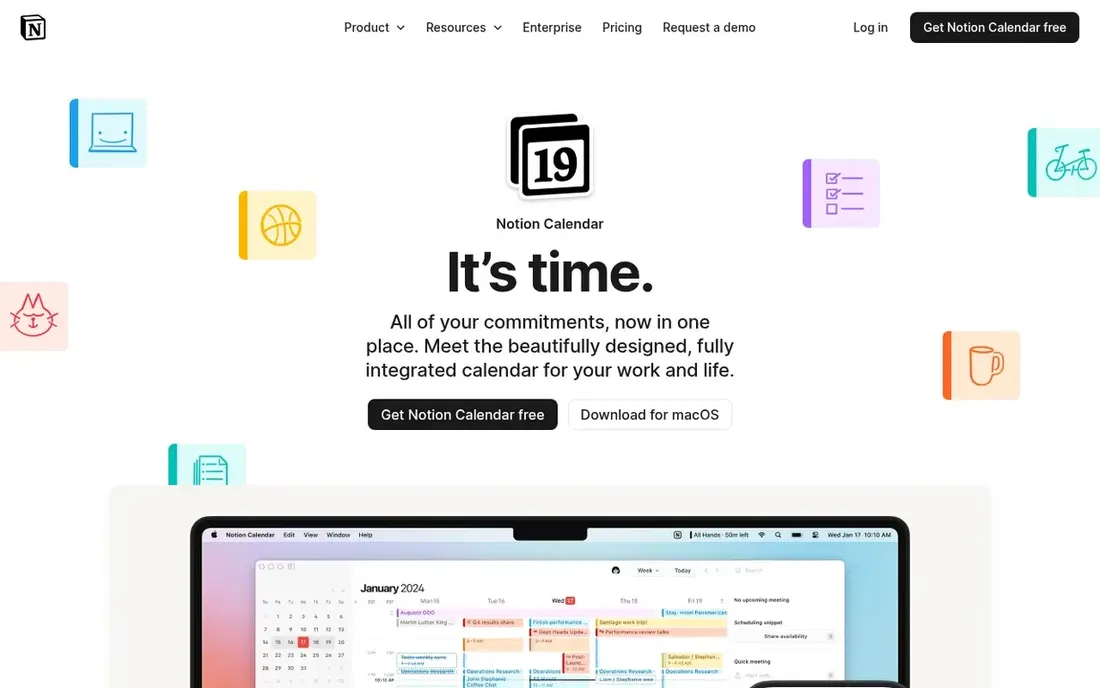
Where Notion Calendar fits: planning alongside Notion notes. The design is clean and readable, which helps when scanning a busy teaching and research week.
Its value is tied to the Notion ecosystem, so people who do not use Notion may find less benefit. What you pay to start with Notion Calendar: $10 per member per month. Notion Calendar has a free plan.
What Notion Calendar does well: Clean.
Downsides: Relies on connected calendar accounts.
- Readable calendar design
- Integrated with Notion and Google Calendar
- Most handy only if you already use Notion
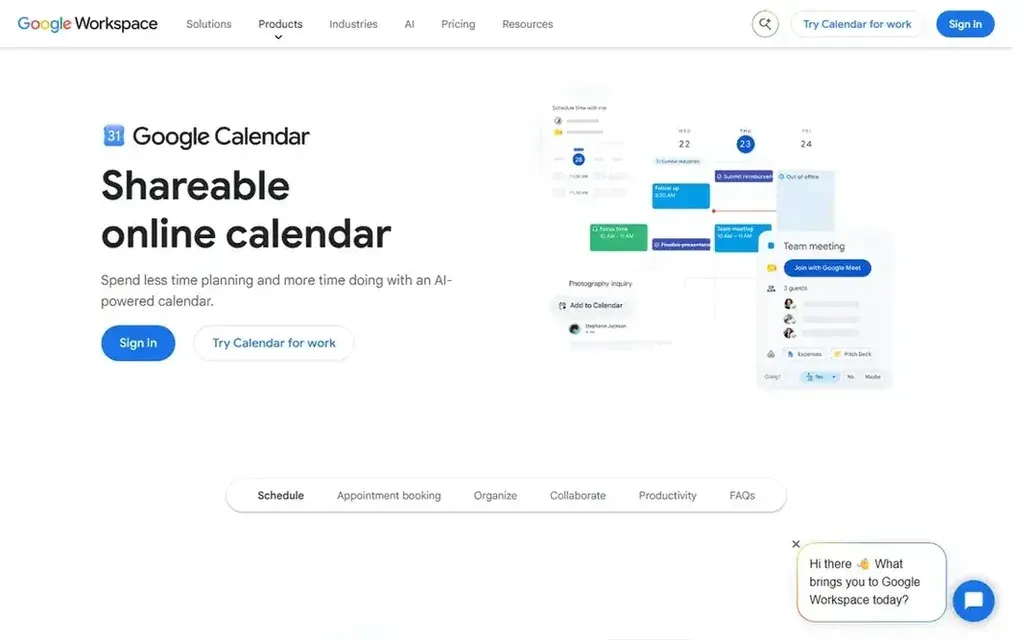
Think of Google Calendar for shared schedules and wide syncing. If you want your calendar to schedule deep work around deadlines automatically, a planning tool layered on top may suit you better.
On top of that, the trade-off is that Google Calendar is primarily an event calendar, so heavy task planning or automatic focus-time blocking is not its core strength. Google Calendar is a shareable online calendar aimed at scheduling meetings and appointments across work and personal life, with ties to Google Workspace. Check the vendor site for Google Calendar pricing; none is listed in this comparison. Free access: Not stated.
Drawbacks to consider: Advanced planning needs extras.
- Straightforward event and appointment scheduling
- Simple sharing with colleagues and students
- Limited automatic task scheduling
Clockwise
Best for: Team scheduling and focus blocks
Pick Clockwise if this describes you: team scheduling and focus blocks. Clockwise is a scheduling tool aimed at creating focus time and coordinating calendars across a team. The vendor homepage currently points to a new chapter and an update for customers, so confirm current availability and features before committing.
Watch-outs: Vendor page signals a product transition.
Beyond that, academic groups, labs and administrative teams may find it handy for aligning meetings whereas protecting blocks for concentrated work. It layers on top of calendars people already use. Pricing for Clockwise is not stated here, so ask the vendor for current figures. Trial and free access: Not stated.
- Works alongside existing calendars
- Aims to free up focus time
- Team-oriented instead of individual study planning
Reclaim.ai targets automatic focus and task scheduling. Since it rearranges your schedule automatically, you have to review its choices, notably around fixed teaching times.
Reclaim.ai is an AI-powered calendar app that automatically schedules tasks, habits, meetings and breaks. Beyond that, for academics juggling writing deadlines and recurring commitments, it can defend blocks of focused work without manual placement. Reclaim.ai cost at the entry level: $10 per seat per month. A free plan is available with Reclaim.ai.
Downsides: Depends on connected calendar accounts.
- Guards focus time automatically
- Habits and breaks
- Automatic changes need regular review
How the list was put together
Questions to settle before buying
- Get a written quote from Google Calendar and Clockwise; the list shows no starting price for them.
- Check what the free option really includes: Notion Calendar and Reclaim.ai offer a free plan, and usage caps differ.
- Run a trial of Motion and Morgen with real work before paying for a year; your own workflow is the best test.
- Read the limits listed for Motion first: large feature set can feel heavy.
- The entry price of Reclaim.ai is only the starting point; model the full cost with seats and extras.
- Test the integrations you rely on with Google Calendar before committing; some connectors sit on upper tiers.
FAQ
Can automatic scheduling help with research time?
Automatic scheduling tools for example Reclaim.ai and Motion can place focus blocks around your commitments. They work best when your fixed events are accurate, since the tool schedules around them.
How are the calendar app for academics ordered?
Motion sits first and Reclaim.ai last because the order follows typical fit for calendar app for academics, then price clarity and free access. It is a judgement call, so read each profile for fit and limits.
Can I try these tools before paying?
Often, yes. Notion Calendar and Reclaim.ai have a free plan and Motion and Morgen offer a free trial. Use your own data and a real task during the test, and check what the free tier or trial limits before you rely on it.
Do I need a premium plan to begin?
Start by listing what you need, for example sharing, task sync or focus blocking. Then confirm which version of each tool provides those features before committing.
Do these tools publish their prices?
Not all of them. Google Calendar and Clockwise publish no starting price, so expect a quote request for those. The rest, Motion included, show a starting price, though seats and billing terms still change the final cost.
Should I use a separate task planner with my calendar?
It relies on how much of your work is deadline-driven. Tools like Morgen and Motion combine calendars with tasks and projects, whereas Google Calendar concentrates on events.
Sources
- https://www.usemotion.com
- https://www.morgen.so
- https://www.notion.com/product/calendar
- https://calendar.google.com
- https://www.getclockwise.com
- https://reclaim.ai