6 Best CAD Viewers Software for Enterprise for 2026, Vetted and Compared
Weighing the best cad viewers software for enterprise? We lined up 6 products by cost, free access and fit. Clear notes on pricing gaps and limits. Facts only.
- Editor's choiceSiemens Solid Edge
3D mechanical design and viewing
Starts atSee websiteVisit solidedge.siemens.comFull review - Great alternativeBentley Systems MicroStation
Infrastructure design viewing
Starts atSee websiteVisit bentley.comFull review - Also considerOpen Design Alliance Drawings SDK
Custom CAD viewing integration
Starts at$3,000 First Year CostVisit opendesign.comFull review
Direct answer
For 3D mechanical design and viewing, Siemens Solid Edge is where this list starts. Listed starting prices: Open Design Alliance Drawings SDK from $3,000 First Year Cost. Look at Bentley Systems MicroStation for infrastructure design viewing, and at Open Design Alliance Drawings SDK for custom CAD viewing integration. The remaining 3 options are covered below with prices and limits.
TL;DR:
- Siemens Solid Edge is the opening pick, best for 3D mechanical design and viewing.
- Autodesk AutoCAD comes with a trade-off: full CAD authoring focus.
- Expect to ask for a quote from Siemens Solid Edge, Bentley Systems MicroStation, Autodesk AutoCAD and others; the other tools show a starting price.
- Siemens Solid Edge, Autodesk Design Review and the 4 others all need a premium plan or a trial, since no free plan is listed.
Last checked November 2026. Prices and plan details were read from the vendors' own pages in November 2026; vendors change plans often, so confirm the current price on the vendor site before you buy.
Quick comparison
| Tool | Best for | Starts at | Free plan? | |
|---|---|---|---|---|
| Siemens Solid Edge | 3D mechanical design and viewing | See website | Not stated | Visit |
| Bentley Systems MicroStation | Infrastructure design viewing | See website | Not stated | Visit |
| Open Design Alliance Drawings SDK | Custom CAD viewing integration | $3,000 First Year Cost | Free trial | Visit |
| Autodesk AutoCAD | Full DWG viewing and editing | See website | Not stated | Visit |
| PTC Creo | Parametric 3D CAD viewing | See website | Not stated | Visit |
| Autodesk Design Review | DWF viewing and markup | See website | Not stated | Visit |
Cad Viewers Software for Enterprise profiles
LinkVetted put together this guide to cad viewers software for enterprise for readers who want a clear shortlist without reading every vendor page. It compares 6 tools on starting price, free plans, who each one suits and where each one falls short.
Siemens Solid Edge
Best for: 3D mechanical design and viewing
Siemens Solid Edge works best for 3D mechanical design and viewing. Solid Edge is not positioned as a light viewer, so organizations wanting fast file inspection may prefer a dedicated viewer.
Drawbacks to consider: Not a standalone viewer.
Siemens Solid Edge does not show a starting price in this comparison, so check the vendor site for current pricing. Free plan details: Not stated.
- Supports design workflows
- 3D CAD capabilities
- Needs CAD context
Bentley Systems MicroStation
Best for: Infrastructure design viewing
Bentley Systems MicroStation serves infrastructure design viewing. MicroStation is tailored to infrastructure workflows, so general manufacturing viewers may find it less aligned.
Trade-offs to know: Full CAD environment.
Also, consider a dedicated viewer when straightforward file inspection is the only requirement. Bentley MicroStation is CAD software for infrastructure design that lets teams model, document, view, and visualize designs of several sizes. Bentley Systems MicroStation shows no starting price here, so confirm the cost on the vendor site. Free options: Not stated.
- View and visualize designs
- Infrastructure-focused CAD
- Specialized for infrastructure
Open Design Alliance Drawings SDK
Best for: Custom CAD viewing integration
Open Design Alliance Drawings SDK targets custom CAD viewing integration. Open Design Alliance Drawings SDK is a development kit for building CAD viewing and editing capabilities into custom applications.
Best features of Open Design Alliance Drawings SDK: SDK for custom viewers.
More specifically, the SDK is not an out-of-the-box viewer, so it demands programming resources. Choose a ready-made viewer if you need immediate file access without custom development. Open Design Alliance Drawings SDK starts at: $3,000 First Year Cost. Trial and free access: Free trial.
Where it is weaker: Needs development effort.
- DWG-focused development
- Integrates into enterprise apps
- Not an end-user viewer
Autodesk AutoCAD
Best for: Full DWG viewing and editing
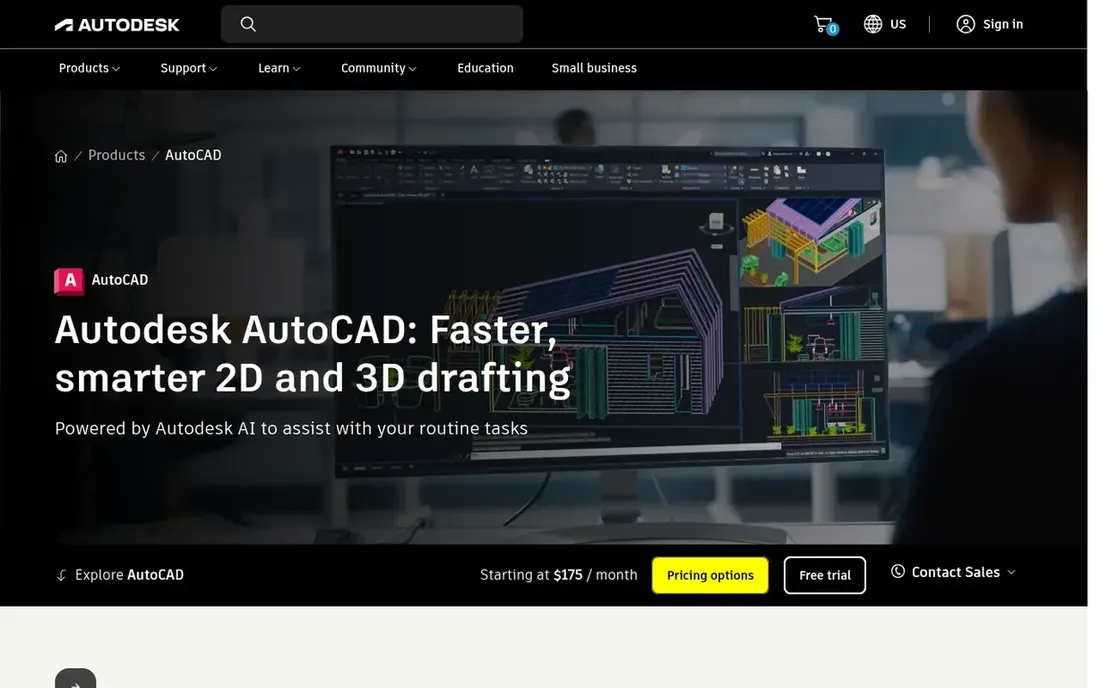
In short, Autodesk AutoCAD is for full DWG viewing and editing. Consider a dedicated viewer when markup and measurement are the primary tasks.
From a buyer's view, because AutoCAD is a full design tool, organizations seeking only read-only viewing may find it heavier than needed. No starting price is listed for Autodesk AutoCAD here; confirm pricing on the vendor site. Trial and free access: Not stated.
Drawbacks to consider: May be more than a viewer.
- AI automation features
- Desktop and web collaboration
- Full CAD authoring focus
PTC Creo
Best for: Parametric 3D CAD viewing

For Parametric 3D CAD viewing, PTC Creo is a natural candidate. It suits organizations that require design authoring alongside viewing in a single environment.
Where it is weaker: Not a simple viewer.
No starting price is listed for PTC Creo here; confirm pricing on the vendor site. On free options: Not stated.
- Design review capabilities
- Established CAD system
- Full CAD environment
Autodesk Design Review
Best for: DWF viewing and markup
Autodesk Design Review is built with DWF viewing and markup in mind. It suits enterprises needing a light review tool for DWF workflows.
What works well: View.
Consider a full CAD application when authoring or DWG editing is required. Pricing for Autodesk Design Review is not stated here, so ask the vendor for current figures. As for free access: Not stated. Where it is weaker: Restricted editing.
- Mark up, measure
- Track changes
- DWF-centric
Selection criteria
The comparison looks at four things: starting price, free access, how well the feature set matches cad viewers software for enterprise, and the main limit of each tool. Figures are shown as the vendors publish them. Billing terms, seat minimums and add-ons can change the real cost. Tools are placed by general fit for cad viewers software for enterprise, with price clarity and free access as tie-breakers. A different team can reasonably rank them differently.
What to confirm before you sign up
- Confirm the entry price on the vendor page. For Siemens Solid Edge, Bentley Systems MicroStation, Autodesk AutoCAD and others that means a quote rather than a fixed price.
- Run a trial of Open Design Alliance Drawings SDK with real work before paying for a year; your own workflow is the best test.
- Before choosing Siemens Solid Edge, weigh its main limit: not a standalone viewer.
- Add up seats, add-ons and usage charges for Autodesk AutoCAD before comparing it with cheaper entries.
- Before rolling out Bentley Systems MicroStation, verify the integrations your workflow depends on.
FAQ
What about building a custom CAD viewer for enterprise use?
The Open Design Alliance Drawings SDK lets enterprises embed DWG viewing into custom applications. This needs development resources but can be tailored to specific workflows.
How are the tools for cad viewers software for enterprise ordered?
Siemens Solid Edge sits first and Autodesk Design Review last because the order follows typical fit for cad viewers software for enterprise, then price clarity and free access. It is a judgement call, so read each profile for fit and limits.
Is Siemens Solid Edge the right pick for everyone comparing cad viewers software for enterprise?
No single tool suits every team. Siemens Solid Edge comes first because it fits 3D mechanical design and viewing, while Bentley Systems MicroStation suits infrastructure design viewing and Open Design Alliance Drawings SDK suits custom CAD viewing integration. Match the tool to your own size, budget and workflow before deciding.
How do I choose between a dedicated viewer and full CAD software?
Dedicated viewers like Autodesk Design Review focus on viewing and markup, whereas full CAD tools like AutoCAD or MicroStation support authoring. Choose based on whether your team needs to edit designs or only review them.
Can I use a free CAD viewer for enterprise work?
Some viewers, like Autodesk Design Review for DWF files, are available without cost. That said, enterprise use may need extra tools for DWG support or collaboration.
Do these tools publish their prices?
Not all of them. Siemens Solid Edge, Bentley Systems MicroStation, Autodesk AutoCAD and others publish no starting price, so expect a quote request for those. The rest, Open Design Alliance Drawings SDK included, show a starting price, though seats and billing terms still change the final cost.
Sources
- https://solidedge.siemens.com
- https://www.bentley.com/software/microstation
- https://www.opendesign.com
- https://www.autodesk.com/products/autocad
- https://www.ptc.com/en/products/creo
- https://www.autodesk.com/products/design-review