Best Bug Tracking Software for Small Teams in 2026: Prices, Free Plans and 6 Picks
Need the best bug tracking software for small teams? We compare 6 tools on cost, free access and who each suits. Every pick includes one clear drawback.

- Editor's choice
 YouTrack
All-in-one tracking, knowledge and support
Starts atSee websiteVisit jetbrains.comFull review - Great alternative
 MantisBT
Light self-hosted bug tracking
Starts atSee websiteVisit mantisbt.orgFull review - Also consider
 Linear
Product teams wanting a focused workflow
Starts at$10 per user per monthVisit linear.appFull review
Direct answer
For all-in-one tracking, knowledge and support, YouTrack is where this list starts. Listed starting prices: Linear from $10 per user per month. MantisBT fits light self-hosted bug tracking; Linear fits product teams wanting a focused workflow. The other 3 tools in the list cover narrower or pricier cases.
TL;DR:
- Number one here is YouTrack, a fit for all-in-one tracking, knowledge and support.
- Redmine fits self-hosted tracking with project flexibility.
- Linear stands alone as the one tool in this list with a free plan.
- GitHub Issues comes with a trade-off: less suited to non-code projects.
Last checked November 2026. Prices and plan details were read from the vendors' own pages in November 2026; vendors change plans often, so confirm the current price on the vendor site before you buy.
Quick comparison
| Tool | Best for | Starts at | Free plan? | |
|---|---|---|---|---|
| YouTrack | All-in-one tracking, knowledge and support | See website | Not stated | Visit |
| MantisBT | Light self-hosted bug tracking | See website | Not stated | Visit |
| Linear | Product teams wanting a focused workflow | $10 per user per month | Yes | Visit |
 GitHub Issues | Teams already hosting code on GitHub | See website | Not stated | Visit |
 Jira | Adaptable issue tracking with project planning | See website | Not stated | Visit |
 Redmine | Self-hosted tracking with project adaptability | See website | Not stated | Visit |
Every option for bug tracking software for small teams explained
Short on time? The summary and table above give the quick view of 6 bug tracking software for small teams, and the profiles that follow give the detail behind each entry.
YouTrack serves all-in-one tracking, knowledge and support. Small teams that want tracking plus documentation and support without stitching multiple tools together frequently find YouTrack a practical fit.
Drawbacks to consider: Feature breadth can overwhelm.
Main advantages: Search and query adaptability.
Also, the breadth of features means more setup decisions, and a very small team may not need every module. Its query-driven approach also takes a little learning. YouTrack does not show a starting price in this comparison, so check the vendor site for current pricing. On free options: Not stated.
- Knowledge base and support together
- Built for every team member
- Setup takes some planning
For light self-hosted bug tracking, MantisBT is a natural candidate. Small teams that want a self-hosted tracker with modest requirements commonly choose it for its simplicity. MantisBT is a widely used free web-based bug tracking system written in PHP that works with MySQL, MS SQL and PostgreSQL databases and has been installed across Windows, Linux, Mac OS and other products.
It keeps the focus on defects with a straightforward workflow. Worth adding: choose MantisBT when bug tracking is the core need and you are comfortable running a light open-source application on your own infrastructure. In daily use, the interface is basic compared to newer products, and it is not a full project management suite. Beyond that, you also need someone to deal with installation and updates. No starting price is listed for MantisBT here; confirm pricing on the vendor site. Free plan details: Not stated.
Watch-outs: Restricted project management features.
- Runs on typical PHP and database stacks
- Straightforward bug-focused workflow
- Entry-level interface by modern standards

In short, Linear is for product teams wanting a focused workflow. Small product teams that find heavier trackers slow commonly prefer Linear because the interface stays clean and the core workflow is clear from day one.
From a buyer's view, since it is opinionated, Linear provides less room for unusual processes or broad field customization than customizable systems. On cost, Linear starts like this: $10 per user per month. A free plan is available with Linear.
Where it is weaker: Fewer deep customization choices.
Highlights: quick interface.
- Simplified issue handling
- Purpose-built for product work
- Less suited to non-product teams
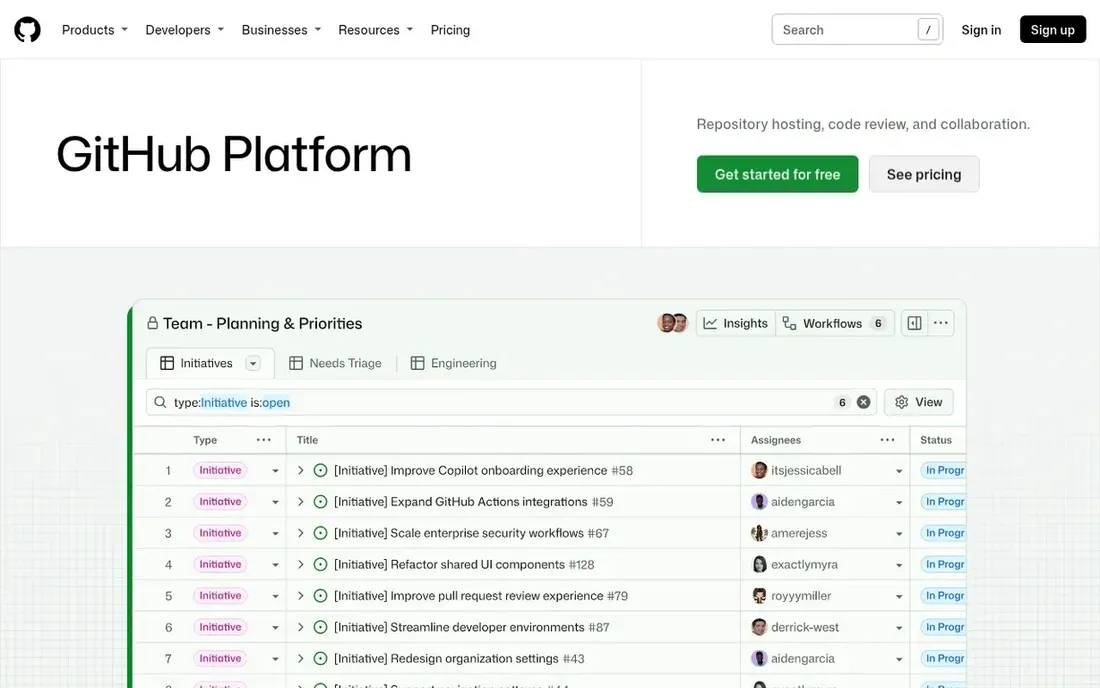
GitHub Issues serves teams already hosting code on GitHub. GitHub Issues is the issue tracking built into GitHub, where teams host code, plan projects, review changes and automate workflows. Also, pick GitHub Issues when your work is code-centric and you value staying in one place over specialized tracking features.
Bugs, feature requests and tasks sit next to the code they concern, and issues link naturally to pull requests. On top of that, teams with heavy release management or non-technical stakeholders may want a fuller product. The tradeoff is depth: cross-project reporting and structured QA workflows are restricted compared to dedicated trackers. This comparison lists no price for GitHub Issues; ask the vendor. On free options: Not stated.
The main drawbacks: Reporting is fairly entry-level.
- Connects with pull requests
- Straightforward issue and label workflow
- Less suited to non-code projects
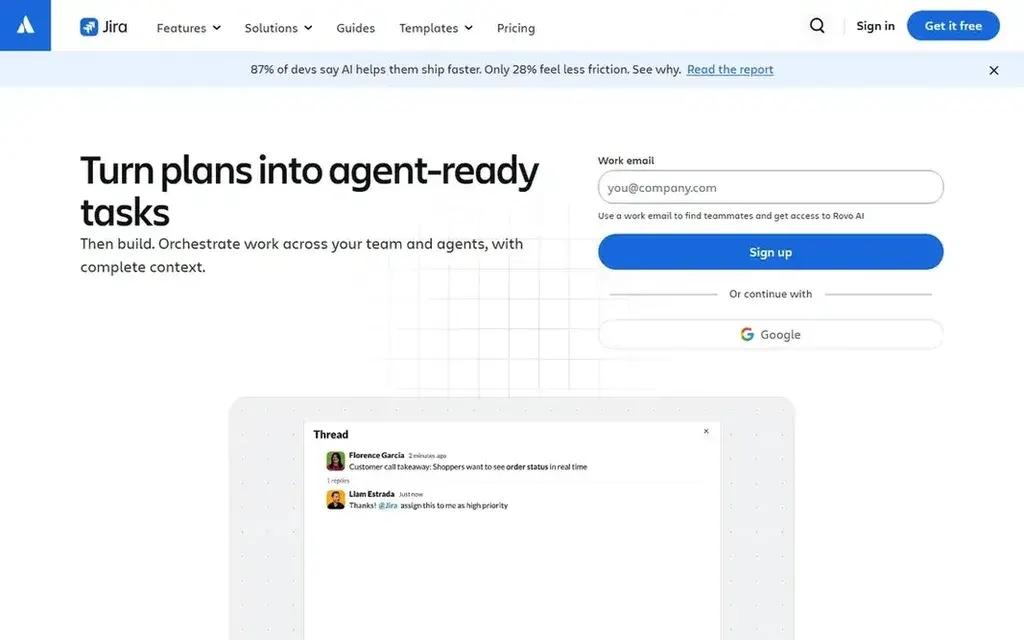
Think of Jira for adaptable issue tracking with project planning. For small teams, the appeal is a single place for defects and delivery work, with workflows you can shape around how your team actually operates.
Where it is weaker: Configuration takes continuing care.
If you want something that works with almost no setup, a lighter tool may suit you better. Pricing for Jira is not stated here, so ask the vendor for current figures. Free plan details: Not stated.
- Merges tracking with planning
- Wide integration ecosystem
- Setup can feel heavy for beginners
Redmine serves self-hosted tracking with project adaptability. Redmine is an open-source project management and issue tracking application that teams install on their own servers.
Honest limits: Needs server maintenance.
It supports several projects with customizable issue types and workflows, making it a typical choice for small teams that want control over their data and setup. Beyond that, teams without operations help may prefer a hosted product. This comparison lists no price for Redmine; ask the vendor. As for free access: Not stated.
- Supports several projects
- Open-source and self-hosted
- Interface feels traditional
How the list was put together
A buyer's checklist
- Confirm the entry price on the vendor page. For YouTrack, MantisBT, GitHub Issues and others that means a quote rather than a fixed price.
- Test the free plan from Linear against your real workload before relying on it.
- Before choosing YouTrack, weigh its main limit: feature breadth can overwhelm.
- List the apps you already depend on and check that Redmine supports each one on the plan you would buy.
- Check whether the features you need in MantisBT sit on the entry plan or only on higher tiers.
FAQ
Do these tools publish their prices?
Not all of them. YouTrack, MantisBT, GitHub Issues and others publish no starting price, so expect a quote request for those. The rest, Linear included, show a starting price, though seats and billing terms still change the final cost.
Can I try these tools before paying?
Often, yes. Linear has a free plan. Use your own data and a real task during the test, and check what the free tier or trial limits before you rely on it. For the full picture, the cards above cover all 6 entries of this Bug tracking software for small teams list, including price, free plan and limits.
Is YouTrack the right pick for everyone comparing bug tracking software for small teams?
No single tool suits every team. YouTrack comes first because it fits all-in-one tracking, knowledge and support, while MantisBT suits lightweight self-hosted bug tracking and Linear suits product teams wanting a focused workflow. Match the tool to your own size, budget and workflow before deciding.
What is the cheapest option for bug tracking software for small teams in this list?
On published monthly entry prices, Linear is the lowest here at $10 per user per month. Entry price is only part of the cost, because seats, add-ons and billing terms can change the total. Prices, free plan details and limits for all 6 tools in this Bug tracking software for small teams roundup sit on the individual cards above.
How long should setup take before a team can start tracking bugs?
Self-hosted choices add installation and server setup time. A short pilot with a handful of real bugs is a practical way to judge whether the setup effort matches your team size.
Sources
- https://www.jetbrains.com/youtrack
- https://www.mantisbt.org
- https://linear.app
- https://github.com/features/issues
- https://www.atlassian.com/software/jira
- https://www.redmine.org