Best Bug Tracking Software for Universities (2026): 6 Picks Checked on Vendor Pages
Best bug tracking software for universities in 2026: 6 contenders with entry costs and free tiers. The weak spots sit next to the strengths. See which fits.

- Editor's choice
 GitHub Issues
Teams already using GitHub repositories
Starts atPricing on requestVisit github.comFull review - Great alternative
 YouTrack
All-in-one task and support management
Starts atPricing on requestVisit jetbrains.comFull review - Also consider
 Bugzilla
Open-source bug tracking with a long history
Starts atPricing on requestVisit bugzilla.orgFull review
Direct answer
Our first pick is GitHub Issues, best for teams already using GitHub repositories. YouTrack fits all-in-one task and support management; Bugzilla fits open-source bug tracking with a long history. The remaining 3 options are covered below with pricing notes and limits. None of these vendors publish plan prices, so pricing is on request for every option.
TL;DR:
- Top of the list is GitHub Issues, which targets teams already using GitHub repositories.
- Before buying YouTrack, weigh this: less known in academic settings.
- Every tool from GitHub Issues to Jira works by quote, with no list price shown.
- A permanent free plan is missing from all 6 tools, GitHub Issues and Jira included; plan for a trial or a premium start.
- Jira suits cross-department project and issue tracking.
Last checked November 2026. Pricing on request: vendors did not publish plan prices when this guide was last checked (November 2026), so ask each vendor for a written quote.
Quick comparison
| Tool | Best for | Starts at | Free plan? | |
|---|---|---|---|---|
| GitHub Issues | Teams already using GitHub repositories | Pricing on request | Not stated | Visit |
| YouTrack | All-in-one task and support management | Pricing on request | Not stated | Visit |
| Bugzilla | Open-source bug tracking with a long history | Pricing on request | Not stated | Visit |
 MantisBT | Light, self-hosted bug tracking | Pricing on request | Not stated | Visit |
 Azure DevOps | Universities using Microsoft ecosystem | Pricing on request | Not stated | Visit |
 Jira | Cross-department project and issue tracking | Pricing on request | Not stated | Visit |
Tool-by-tool breakdown
LinkVetted compared 6 bug tracking software for universities. The goal is a practical shortlist: published prices, free plan facts, best-fit use cases and honest limits for every entry.
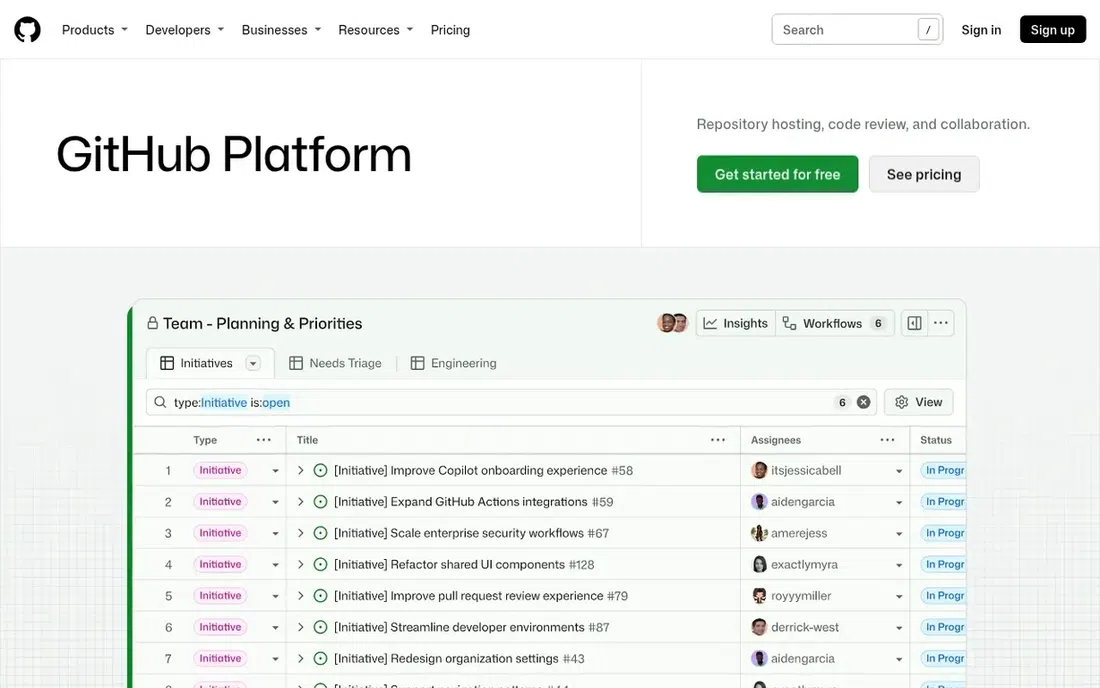
GitHub Issues makes the most sense for teams already using GitHub repositories. If you need bug tracking for facilities, registration, or other non-code processes, a more general tool is better.
GitHub Issues does not show a starting price in this comparison, so check the vendor site for current pricing. Free access: Not stated.
Honest limits: Issue tracking is tied to GitHub workflow.
- Supports automation and project boards
- Familiar to student developers
- Less suited for non-coding projects
Where YouTrack fits: all-in-one task and support management. It is built for every member of a team. From a buyer's view, for universities, it can serve research groups and IT help desks that require both issue tracking and a way to document options.
More specifically, consider YouTrack when you want an integrated workspace for tasks, knowledge, and support. As for the details, Whereas YouTrack is capable, it may be less familiar to university staff than more established tools, and some features need configuration. In practice, if you primarily need entry-level bug tracking, a more straightforward choice might suffice. YouTrack shows no starting price here, so confirm the cost on the vendor site. As for free access: Not stated.
Drawbacks to consider: Some features need setup.
- Supports customer support
- Merges issue tracking with knowledge base
- Less known in academic settings
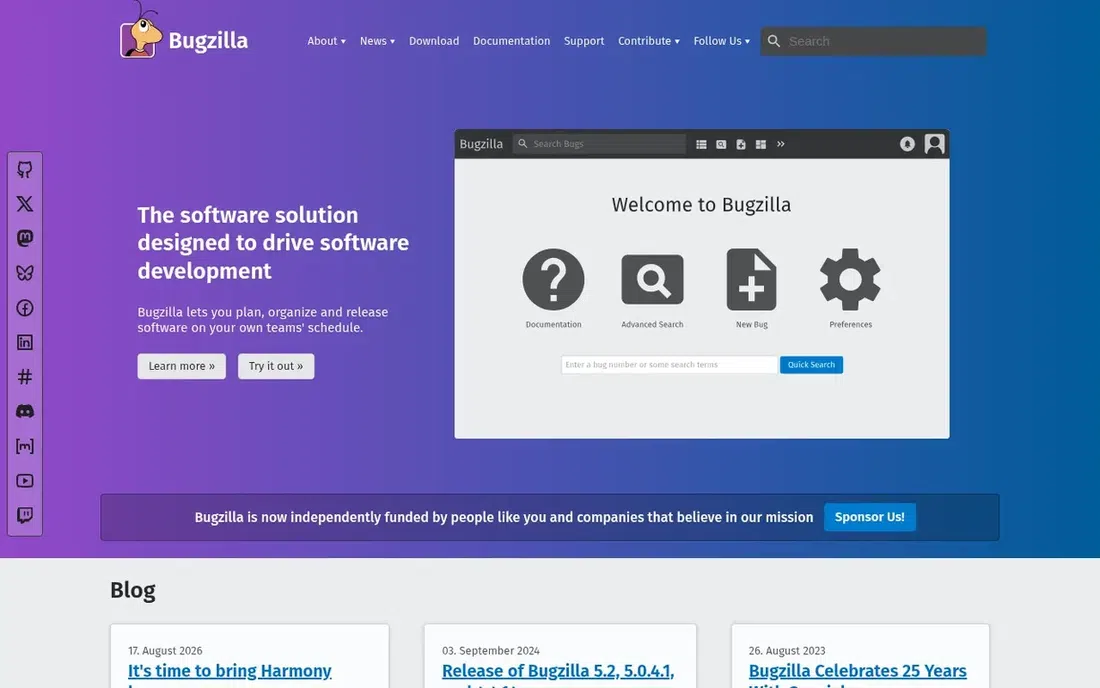
Where Bugzilla fits: open-source bug tracking with a long history. Bugzilla is a free, open-source bug tracking system built to help teams plan, organize, and release software.
It has been used for decades in open-source projects and gives you extensive customization for issue workflows, permissions, and reporting. On top of that, the user interface is less modern than newer tools, and setup and maintenance need technical knowledge. No starting price is listed for Bugzilla here; confirm pricing on the vendor site. As for free access: Not stated.
What to check first: Needs technical administration.
- Mature and widely used
- Open-source with active community
- Interface feels dated
MantisBT is designed for light, self-hosted bug tracking. MantisBT is a widely used free web-based bug tracking system written in PHP.
Where it is weaker: Customization needs coding.
It works with MySQL, MS SQL, and PostgreSQL databases and can be installed on Windows, Linux, Mac OS, and other systems. Pricing for MantisBT is not stated here, so ask the vendor for current figures. Free plan details: Not stated.
- Free and open-source
- Supports several databases
- Restricted advanced project management features
Think of Azure DevOps for universities using Microsoft ecosystem. Azure DevOps is a suite of development tools from Microsoft that contains agile planning, CI/CD, and bug tracking. It helps teams plan smarter, collaborate, and ship quicker.
What to check first: Complex for small teams.
Universities already using Microsoft services may find it integrates well with existing accounts and infrastructure, and it can support large projects across departments. If you need a light tracker for a single course, a more straightforward tool may be better. The system is broad and can be overwhelming for small teams or straightforward projects. Pricing for Azure DevOps is not stated here, so ask the vendor for current figures. Free access: Not stated.
- Scalable for large teams
- Bundles CI/CD and agile boards
- Needs Microsoft account setup
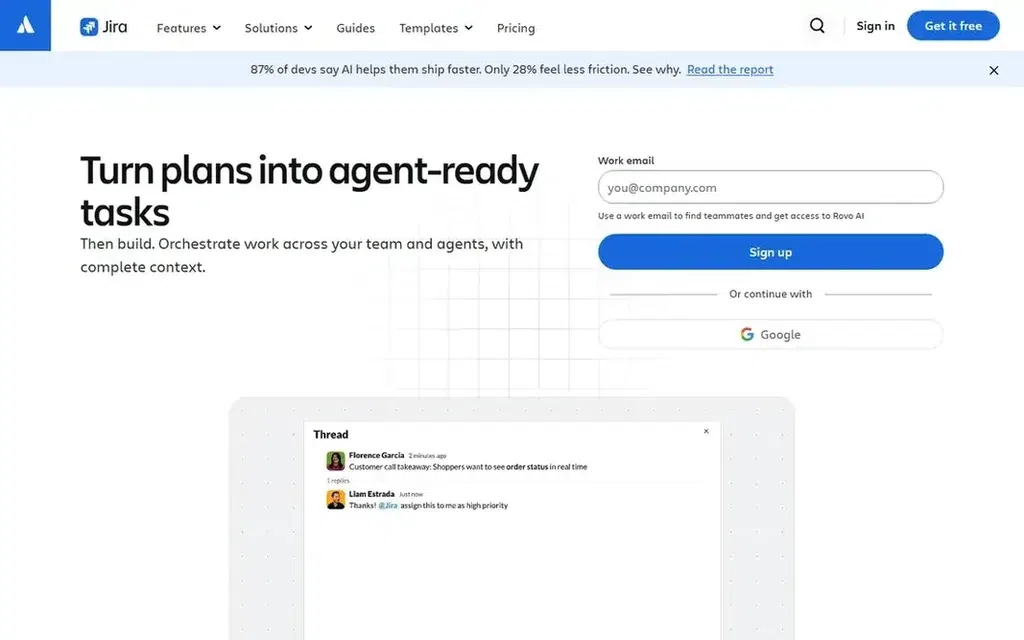
For cross-department project and issue tracking, Jira is a natural candidate. Choose Jira when you need a scalable system that can grow across departments. For everyday use, Jira is a project management system that teams use to plan, track, and release software.
What to check first: Configuration needs planning.
It supports agile boards, configurable workflows, and in-depth reporting. Worth adding: the adaptability includes a ramp-up time, and smaller teams may find the setup overwhelming. In practice, for universities, it can serve several groups, from student capstone teams to research labs and central IT, since each project can have its own workflow and permissions. No starting price is listed for Jira here; confirm pricing on the vendor site. Free plan details: Not stated.
- Highly configurable workflows
- Capable reporting and dashboards
- Can be complicated for new users
How we compared the tools
Before you commit
- Request quotes from GitHub Issues, Jira and the others; the list shows no fixed prices.
- Before choosing GitHub Issues, weigh its main limit: less suited for non-coding projects.
- Test the integrations you rely on with GitHub Issues before committing; some connectors sit on upper tiers.
- Compare total cost, not headline price: for Jira, add extra seats, add-ons and any usage-based charges.
- Find out what support Bugzilla includes on your plan, and whether onboarding help costs extra.
FAQ
What should universities consider when choosing bug tracking software?
Universities should consider simplicity for students and staff, integration with existing tools, hosting choices, and scalability across departments. Budget and technical support resources also matter.
Is GitHub Issues the right pick for everyone comparing bug tracking software for universities?
No single tool suits every team. GitHub Issues comes first because it fits teams already using GitHub repositories, while YouTrack suits all-in-one task and support management and Bugzilla suits open-source bug tracking with a long history. Match the tool to your own size, budget and workflow before deciding.
Can I try these tools before paying?
Not by default. None of the tools, from GitHub Issues to Jira, lists a free plan or a free trial here, so ask each vendor for a demo before committing.
Does any tool for bug tracking software for universities here have a free plan?
A permanent free plan is not offered by GitHub Issues, Jira or the other tools here. Plan a short evaluation period instead.
Do these tools publish their prices?
No. None of the tools, from GitHub Issues to Jira, shows a fixed starting price here, so budget time for quotes.
Sources
- https://github.com/features/issues
- https://www.jetbrains.com/youtrack
- https://www.bugzilla.org
- https://www.mantisbt.org
- https://azure.microsoft.com/en-us/products/devops
- https://www.atlassian.com/software/jira