Best Bug Tracking Software for Nonprofits in 2026: Prices, Free Plans and 6 Picks
Need the best bug tracking software for nonprofits? We compare 6 tools on cost, free access and who each suits. Caveats come with every verdict. No hype.
- Editor's choice
 Bugzilla
Self-hosted tracking with mature workflows
Starts atSee websiteVisit bugzilla.orgFull review - Great alternative
 Redmine
Self-hosted tracking plus project management
Starts atSee websiteVisit redmine.orgFull review - Also consider
 GitLab
One product for the full lifecycle
Starts at$29 per user a monthVisit about.gitlab.comFull review
Direct answer
Start with Bugzilla if you need self-hosted tracking with mature workflows. Listed starting prices: GitLab from $29 per user a month. Redmine is better for self-hosted tracking plus project management, and GitLab is better for one system for the full lifecycle. Prices, free plans and limits for all 6 tools follow.
TL;DR:
- This list starts with Bugzilla, which is built for self-hosted tracking with mature workflows.
- Jira suits structured workflows for bigger teams.
- GitLab has the lowest monthly starting price in this list: $29 per user per month.
- Before buying YouTrack, weigh this: some advanced setup needed.
Last checked November 2026. Prices and plan details were read from the vendors' own pages in November 2026; vendors change plans often, so confirm the current price on the vendor site before you buy.
Quick comparison
| Tool | Best for | Starts at | Free plan? | |
|---|---|---|---|---|
| Bugzilla | Self-hosted tracking with mature workflows | See website | Not stated | Visit |
| Redmine | Self-hosted tracking plus project management | See website | Not stated | Visit |
| GitLab | One product for the full lifecycle | $29 per user a month | Yes | Visit |
 YouTrack | All-in-one tracking for mixed teams | See website | Not stated | Visit |
 GitHub Issues | Teams already hosting code on GitHub | See website | Not stated | Visit |
 Jira | Structured workflows for bigger teams | See website | Not stated | Visit |
Bug Tracking Software for Nonprofits, one by one
If you are comparing bug tracking software for nonprofits, this page covers 6 tools in one place: what each is best for, what it costs to start, whether it has a free plan, and the main limit to know about.
Bugzilla is designed for self-hosted tracking with mature workflows. Nonprofits that want to host their own tracker and keep full control of data can model programs as products and route reports through components, which fits organizations with technical staff or volunteers comfortable with server maintenance.
Its interface is functional instead of modern, and setup demands administrative effort. Bugzilla does not show a starting price in this comparison, so check the vendor site for current pricing. Trial and free access: Not stated.
Watch-outs: Needs server administration.
- Long-established bug tracking model
- Self-hosted with full data control
- Dated interface by modern standards
Redmine is aimed squarely at self-hosted tracking plus project management. Redmine is an open source project management and issue tracking application that runs on your own infrastructure and supports several projects, roles, and modules. In daily use, groups without technical capacity may find a managed service simpler to sustain over time.
Where it falls short: Needs hosting and maintenance.
You are responsible for hosting, upgrades, and backups, and the default interface is plain. On top of that, nonprofits juggling multiple programs can keep bugs, tasks, and time tracking together whereas retaining control over where data lives, which matters for grant and donor confidentiality. Pricing for Redmine is not stated here, so ask the vendor for current figures. Trial and free access: Not stated.
- Flexible project and issue tracking
- Open source with wide module support
- Default interface is plain

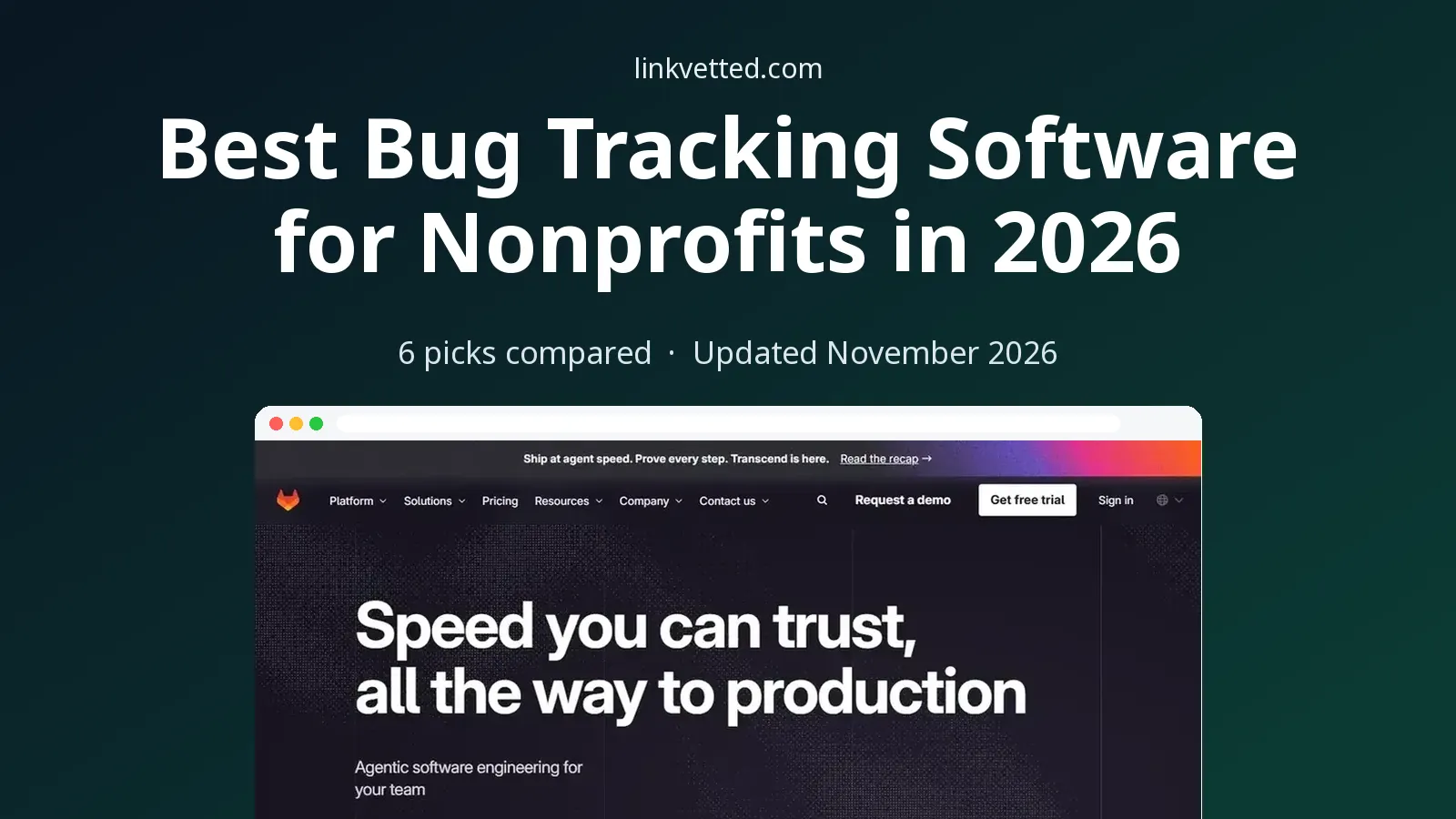
GitLab serves one product for the full lifecycle. GitLab describes itself as an intelligent orchestration system with context and governance for the whole software lifecycle, helping teams and agents ship trusted software quicker.
What GitLab does well: repositories together.
The main drawbacks: Wide feature set can overwhelm newcomers. As for the details, if you need only a bug list, a more straightforward tracker will be quicker to adopt and maintain. On cost, GitLab starts like this: $29 per user per month. You can start on GitLab without paying.
- Governance and context across the lifecycle
- Supports agents alongside human teams
- Self-managed setup needs admin time
YouTrack targets all-in-one tracking for mixed teams. YouTrack from JetBrains is project management software that keeps everything in one place: tracking tasks, managing projects, maintaining a knowledge base, supporting customers, and collaborating.
Nonprofits with both technical and non-technical staff can provide everyone a consistent place to report and follow issues without stitching together separate tools. No starting price is listed for YouTrack here; confirm pricing on the vendor site. Free options: Not stated.
Where it falls short: Feature depth may exceed small teams.
- Tasks, projects
- Customer support features built in
- Some advanced setup needed
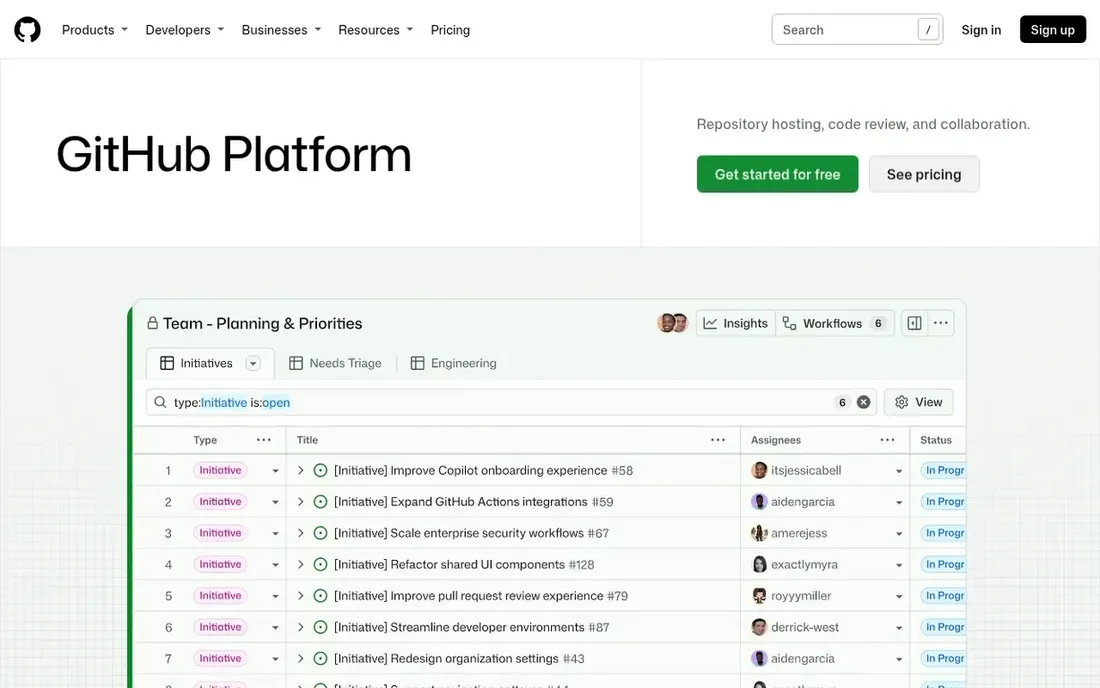
GitHub Issues was built for teams already hosting code on GitHub. GitHub Issues is the built-in issue tracker for repositories hosted on GitHub, letting teams plan projects, review changes, and automate workflows alongside their code.
Trade-offs to know: Advanced reporting relies on extras.
It is centered on software work, so nonprofits tracking facilities requests or program tasks may find it narrow. This comparison lists no price for GitHub Issues; ask the vendor. Trial and free access: Not stated.
- Simple issue and project planning
- Integrated with repositories and pull requests
- Less suited to non-code request tracking
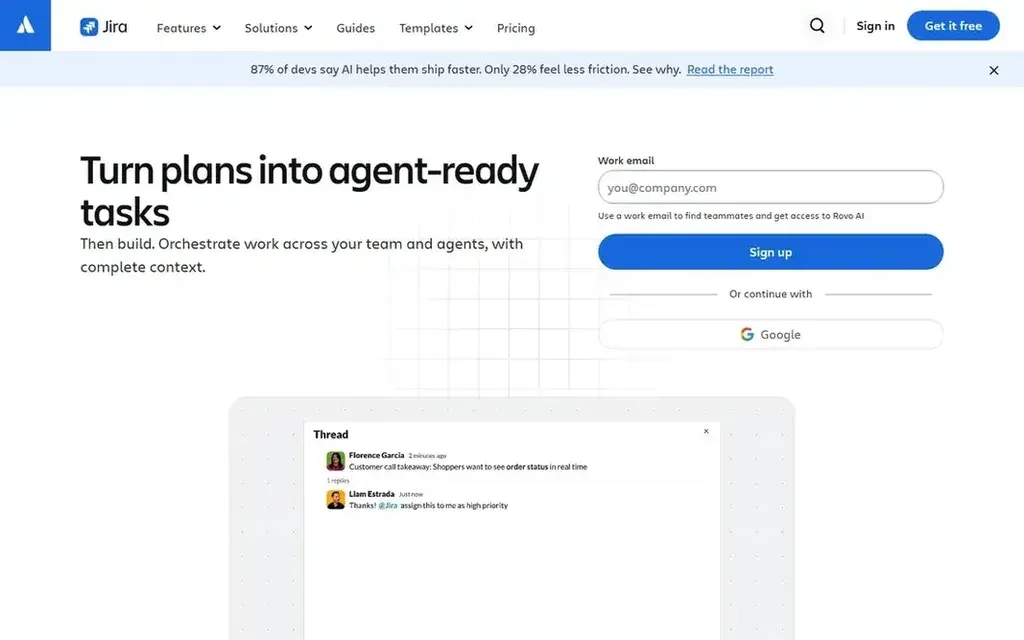
Jira works best for structured workflows for bigger teams. For nonprofits running multiple programs or coordinating staff and volunteers, its customizable workflows and issue types make it simple to model how bugs and requests actually move through your organization.
Trade-offs to know: Administration needs some expertise.
The adaptability includes configuration effort, and smaller nonprofits may find the interface heavier than needed for straightforward bug lists. This comparison lists no price for Jira; ask the vendor. On free options: Not stated.
- Solid planning and tracking features
- Scales across several projects
- Setup can feel complicated for small teams
What went into this list
Pre-purchase checklist
- Ask Bugzilla, Redmine, YouTrack and others for a written quote, since no starting price is shown.
- Test the free plan from GitLab against your real workload before relying on it.
- Before choosing Bugzilla, weigh its main limit: dated interface by modern standards.
- Involve the people who will use Jira daily; a short pilot beats a long feature checklist.
- Check how data leaves Bugzilla: formats, limits and whether exports are available on every plan.
FAQ
Which options for bug tracking software for nonprofits have a free plan?
GitLab is the only tool in this list with a free plan. Free plans usually cap users, projects or features, so check the limits on the vendor page. Each of the 6 options in this Bug tracking software for nonprofits guide has its own card above with the price, free plan and limits.
What is the cheapest option for bug tracking software for nonprofits in this list?
On published monthly entry prices, GitLab is the lowest here at $29 per user per month. Entry price is only part of the cost, because seats, add-ons and billing terms can change the total. All 6 picks in this Bug tracking software for nonprofits comparison list a starting price, free plan details and the main limits on their cards above.
How are the tools for bug tracking software for nonprofits ordered?
The order follows typical fit for bug tracking software for nonprofits, with Bugzilla first and Jira last, then price clarity and free access. It is editorial judgement, not a score, so another team could rank the tools differently.
Can I try these tools before paying?
Often, yes. GitLab has a free plan. Use your own data and a real task during the test, and check what the free tier or trial limits before you rely on it. For the full picture, the cards above cover all 6 entries of this Bug tracking software for nonprofits list, including price, free plan and limits.
How do we evaluate a bug tracker before committing?
Confirm export options and administration effort, and involve the staff or volunteers who will run the tool day to day before deciding.
Sources
- https://www.bugzilla.org
- https://www.redmine.org
- https://about.gitlab.com
- https://www.jetbrains.com/youtrack
- https://github.com/features/issues
- https://www.atlassian.com/software/jira