Best Bug Tracking Software for Manufacturers for 2026: Our 5 Vetted Picks
Compare 5 best bug tracking software for manufacturers, with prices, free plans and who each fits. Weaknesses are named for every tool. Costs up front.

- Editor's choice
 YouTrack
All-in-one team project management
Starts atSee websiteVisit jetbrains.comFull review - Great alternative
 Redmine
Adaptable open-source project tracking
Starts atSee websiteVisit redmine.orgFull review - Also consider
 GitLab
Integrated DevSecOps and issue tracking
Starts at$29 per user a monthVisit about.gitlab.comFull review
Direct answer
YouTrack comes first here, mainly for all-in-one team project management. Listed starting prices: GitLab from $29 per user a month. Redmine is better for adaptable open-source project tracking, and GitLab is better for integrated DevSecOps and issue tracking. The full list of 5 tools follows, with prices and free plan facts.
TL;DR:
- The list opens with YouTrack, aimed at all-in-one team project management.
- Only GitLab offers a free plan among these 5 tools.
- The cheapest monthly starting price in the list is $29 per user per month, offered by GitLab.
- The main caution on YouTrack: may be more than bug tracking needs.
Last checked November 2026. Prices and plan details were read from the vendors' own pages in November 2026; vendors change plans often, so confirm the current price on the vendor site before you buy.
Quick comparison
| Tool | Best for | Starts at | Free plan? | |
|---|---|---|---|---|
| YouTrack | All-in-one team project management | See website | Not stated | Visit |
| Redmine | Adaptable open-source project tracking | See website | Not stated | Visit |
| GitLab | Integrated DevSecOps and issue tracking | $29 per user a month | Yes | Visit |
 Azure DevOps | Microsoft-aligned engineering and delivery | See website | Not stated | Visit |
 Jira | Adaptable issue tracking across teams | See website | Not stated | Visit |
The 5 tools in detail
LinkVetted compared 5 bug tracking software for manufacturers. The goal is a practical shortlist: published prices, free plan facts, best-fit use cases and honest limits for every entry.
YouTrack targets all-in-one team project management. YouTrack from JetBrains is project management software that brings tasks, projects, a knowledge base, and customer support into one place. It is designed with every team member in mind, not only developers, which can suit manufacturing groups that require cross-functional visibility into defects and project work.
What to check first: May be more than bug tracking needs.
Upsides: Merges tasks, projects. On top of that, choose YouTrack when you want an integrated project and issue tracking experience with a modern interface and are comfortable adopting its way of working. In daily use, YouTrack includes more than bug tracking. So a team that only needs a straightforward defect log may find it broader than necessary. YouTrack shows no starting price here, so confirm the cost on the vendor site. As for free access: Not stated.
- Built for several team types
- Modern interface
- A good match for teams adopting its workflow
Redmine is a good fit for adaptable open-source project tracking. Redmine is an open-source project management and issue tracking tool that supports several projects and can be extended with plugins. It is often self-hosted, giving organizations control over their data and configuration.
Beyond that, pick Redmine when you value open-source adaptability and self-hosting, and when your team can manage setup and continuing maintenance without vendor support. Manufacturing teams that want an adaptable, low-cost-of-entry product for tracking defects alongside project tasks may find Redmine a reasonable fit, especially when they have the technical resources to run and customize it. No starting price is listed for Redmine here; confirm pricing on the vendor site. On free options: Not stated.
Honest limits: Plugin quality varies.
- Supports several projects
- Open-source and self-hosted
- Setup and maintenance required
GitLab is a good fit for integrated DevSecOps and issue tracking. GitLab is built around software engineering workflows, so manufacturing teams tracking non-software defects may find it heavy and less easy-to-learn. Also, GitLab is an intelligent orchestration product with context and governance for the entire software lifecycle, helping teams and agents ship trusted software quicker.
Honest limits: Needs DevOps familiarity.
Its issue tracking is integrated with source control, CI/CD, and security features. From a buyer's view, pick GitLab when bug tracking needs to live beside code, pipelines, and security controls, and when the team is primarily software-focused instead of general operations. GitLab cost at the entry level: $29 per user per month. GitLab offers a free plan.
- Single system for the lifecycle
- Solid governance features
- Heavy for non-software teams
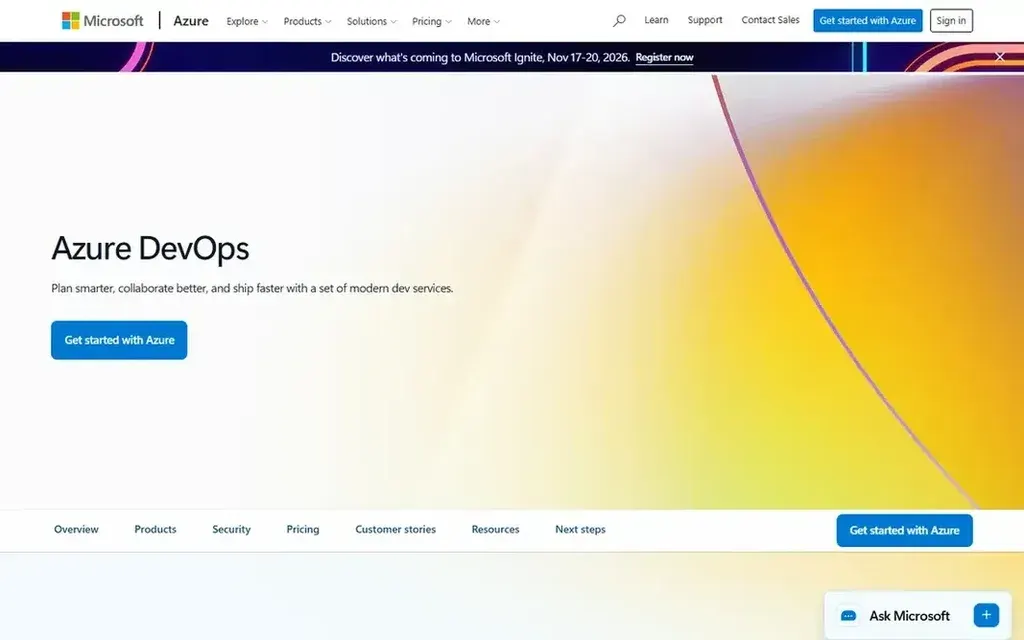
Azure DevOps was built for Microsoft-aligned engineering and delivery. The work item model is flexible enough to represent defects, change requests, and production issues alongside development work. As for the details, pick Azure DevOps when your organization already leans on Microsoft tooling and wants planning and delivery in one place, instead of a standalone bug tracker.
In practice, for manufacturers whose engineering and IT teams already use Microsoft services, it can serve as a central place to track bugs, tasks, and releases. The breadth of features can also slow down new users. Azure DevOps shows no starting price here, so confirm the cost on the vendor site. Free plan details: Not stated.
Watch-outs: Best value inside Microsoft ecosystem.
- CI/CD and pipeline support
- Boards and backlog tools included
- Interface can be overwhelming at first
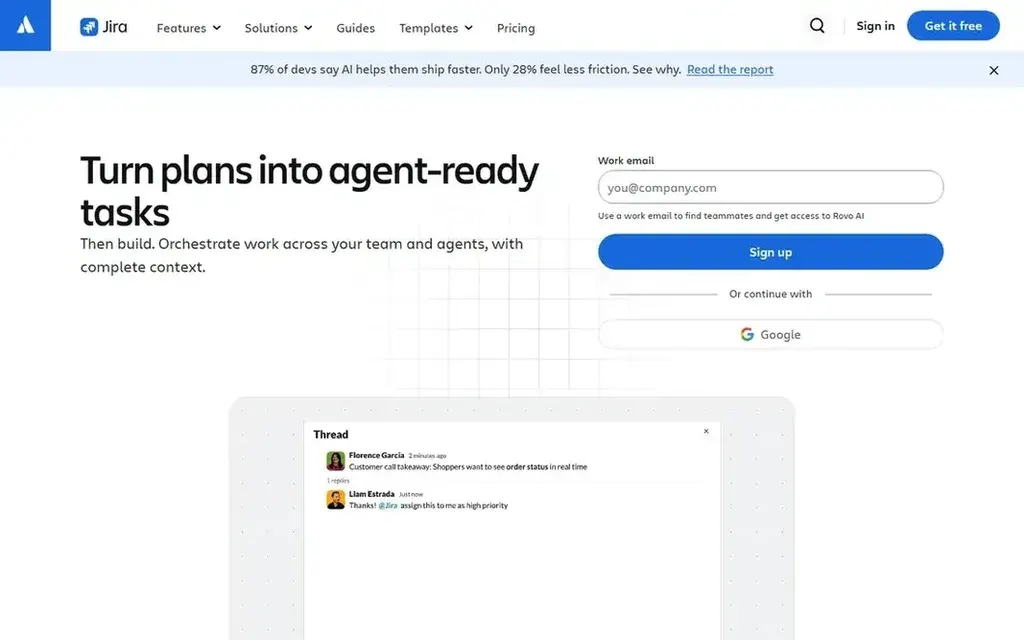
Jira was built for adaptable issue tracking across teams. It supports agile boards, backlog planning, and issue tracking that can be adapted to bug and defect workflows. The trade-off is setup effort: Jira rewards teams that invest in configuring workflows and fields.
Drawbacks to consider: Configuration can take time.
It can feel heavy for a small group that only needs a straightforward defect list. For everyday use, manufacturing groups that want one place to connect engineering tasks, quality issues, and project milestones commonly find it a practical fit, notably when several teams need visibility into the same work. Jira does not show a starting price in this comparison, so check the vendor site for current pricing. As for free access: Not stated.
- Highly configurable workflows
- Large ecosystem of integrations
- Can feel complicated for small teams
What went into this list
The comparison looks at four things: starting price, free access, how well the feature set matches bug tracking software for manufacturers, and the main limit of each tool. Seat minimums, billing terms and add-ons can move the real cost, so the starting prices here are a guide and not a quote. The ranking is editorial: typical fit first, then clear pricing, then free access. If your needs are unusual, read the profiles rather than relying on position.
Questions to settle before buying
- Confirm the entry price on the vendor page. For YouTrack, Redmine, Azure DevOps and Jira that means a quote rather than a fixed price.
- Test the free plan from GitLab against your real workload before relying on it.
- Read the limits listed for YouTrack first: may be more than bug tracking needs.
- Find out what support Azure DevOps includes on your plan, and whether onboarding help costs extra.
- A short pilot of YouTrack with your real workflow tells you more than a feature table.
FAQ
Is YouTrack the right pick for everyone comparing bug tracking software for manufacturers?
No single tool suits every team. YouTrack comes first because it fits all-in-one team project management, while Redmine suits flexible open-source project tracking and GitLab suits integrated DevSecOps and issue tracking. Match the tool to your own size, budget and workflow before deciding.
How are the tools for bug tracking software for manufacturers ordered?
YouTrack sits first and Jira last because the order follows typical fit for bug tracking software for manufacturers, then price clarity and free access. It is a judgement call, so read each profile for fit and limits.
Do these tools publish their prices?
Not all of them. YouTrack, Redmine, Azure DevOps and Jira publish no starting price, so expect a quote request for those. The rest, GitLab included, show a starting price, though seats and billing terms still change the final cost.
What is the cheapest option for bug tracking software for manufacturers in this list?
On published monthly entry prices, GitLab is the lowest here at $29 per user per month. Entry price is only part of the cost, because seats, add-ons and billing terms can change the total. For the full picture, the cards above cover all 5 entries of this Bug tracking software for manufacturers list, including price, free plan and limits.
What should manufacturers look for in bug tracking software?
Look for a tool that matches how your teams already report and resolve defects, whether that is a straightforward log or a structured workflow with approvals. Consider hosting requirements, integration with engineering systems, and how much administration the tool needs.
Sources
- https://www.jetbrains.com/youtrack
- https://www.redmine.org
- https://about.gitlab.com
- https://azure.microsoft.com/en-us/products/devops
- https://www.atlassian.com/software/jira