6 Bug Tracking Software for Cleaning Businesses Worth Shortlisting in 2026
Best bug tracking software for cleaning businesses: 6 contenders ranked by fit, with entry costs and free tiers. Plus the drawbacks of each tool. Choose faster.
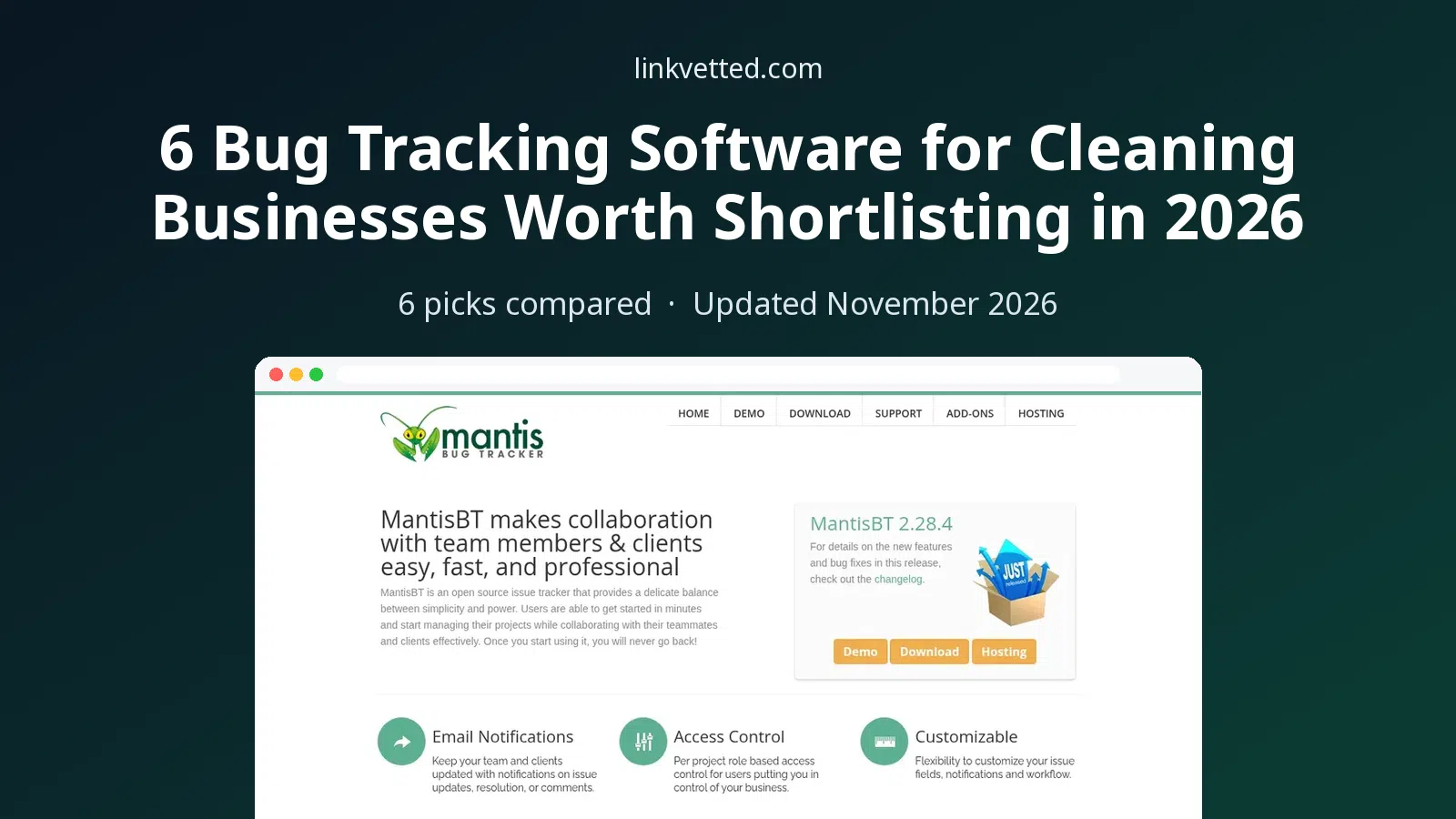
- Editor's choice
 Azure DevOps
Bigger operations with technical staff
Starts atPricing on requestVisit azure.microsoft.comFull review - Great alternative
 MantisBT
Small teams wanting straightforward logging
Starts atPricing on requestVisit mantisbt.orgFull review - Also consider
 GitHub Issues
Teams already using GitHub
Starts atPricing on requestVisit github.comFull review
Direct answer
Azure DevOps comes first here, mainly for bigger operations with technical staff. MantisBT is the stronger choice for small teams wanting straightforward logging, while GitHub Issues suits teams already using GitHub. All 6 tools are compared below on fit, free plan and limits. None of these vendors publish plan prices, so pricing is on request for every option.
TL;DR:
- The list opens with Azure DevOps, aimed at bigger operations with technical staff.
- Bugzilla is the one to check for structured issue tracking with history.
- Neither Azure DevOps nor Bugzilla, nor any of the other 4 tools, has a permanent free plan; trials and quotes are the norm.
- The main caution on Azure DevOps: pitched at software teams.
- Azure DevOps, Bugzilla and the 4 others all sell by quote; expect sales conversations before you see a price.
Last checked November 2026. Pricing on request: vendors did not publish plan prices when this guide was last checked (November 2026), so ask each vendor for a written quote.
Quick comparison
| Tool | Best for | Starts at | Free plan? | |
|---|---|---|---|---|
| Azure DevOps | Bigger operations with technical staff | Pricing on request | Not stated | Visit |
| MantisBT | Small teams wanting straightforward logging | Pricing on request | Not stated | Visit |
| GitHub Issues | Teams already using GitHub | Pricing on request | Not stated | Visit |
 YouTrack | Tasks and support in one place | Pricing on request | Not stated | Visit |
 Jira | Adaptable tracking for expanding operations | Pricing on request | Not stated | Visit |
 Bugzilla | Structured issue tracking with history | Pricing on request | Not stated | Visit |
The best bug tracking software for cleaning businesses
Choosing bug tracking software for cleaning businesses usually comes down to price, fit and limits. This LinkVetted guide sets 6 tools side by side on those three points, with the facts kept short and checkable.
Azure DevOps targets larger operations with technical staff. Setup and learning take real effort.
What to check first: Targeted at software teams.
Azure DevOps is Microsoft's system for planning, collaborating and shipping work, with agile tools, automation and AI assistance. Pricing for Azure DevOps is not stated here, so ask the vendor for current figures. As for free access: Not stated.
- Built-in automation support
- Suits agile ways of working
- Steep ramp-up time
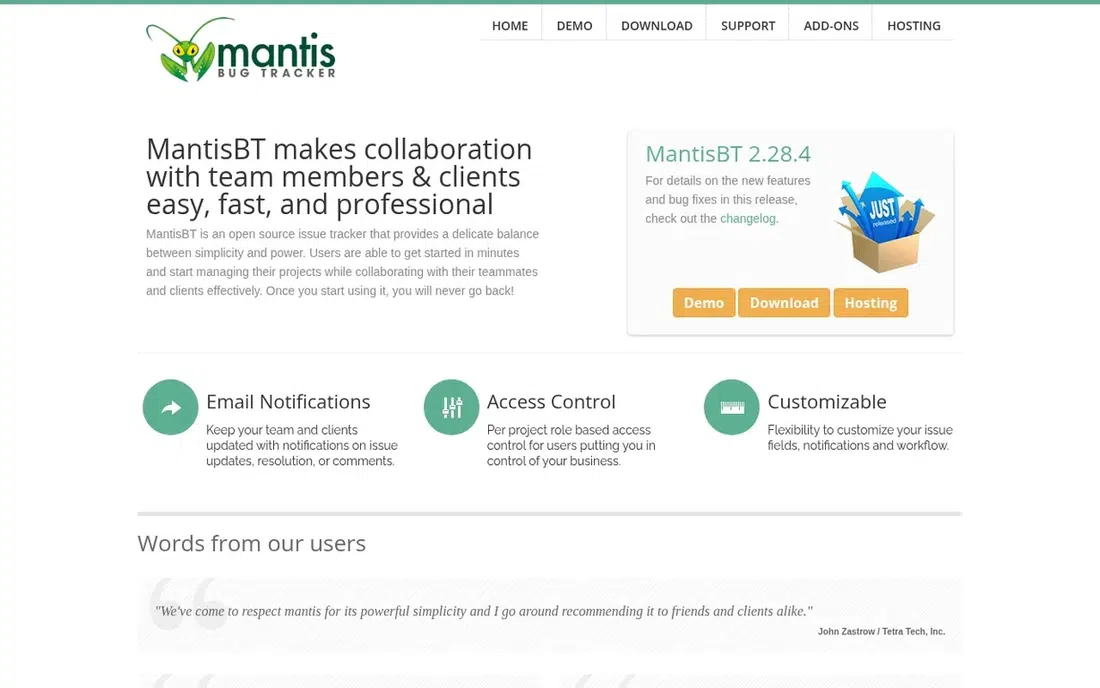
MantisBT works best for small teams wanting straightforward logging. MantisBT is a widely used free web-based bug tracking system written in PHP that works with MySQL, MS SQL and PostgreSQL. It has been installed on Windows, Linux, Mac OS and other systems.
Also, the interface is plain and collaboration features are restricted compared to newer tools. Beyond that, for a small cleaning company, that means a straightforward issue log you can host yourself and use to record complaints, supply problems and equipment faults without a large setup. This comparison lists no price for MantisBT; ask the vendor. On free options: Not stated.
Points against: Restricted modern collaboration features.
- Free and web-based
- Works with typical databases
- Entry-level interface
Pick GitHub Issues if this describes you: teams already using GitHub. A cleaning business that already depends on GitHub for its website or booking tools can use Issues to log bugs in those systems and keep the discussion next to the work. It is not aimed at field operations, so logging a client complaint from a job site is not its purpose.
GitHub Issues is part of the GitHub system for repositories, collaboration and automation. It lets teams plan projects and track changes alongside their code. If your issues are about cleaning work instead of software, a dedicated tracker for example Jira or MantisBT suits better. This comparison lists no price for GitHub Issues; ask the vendor. Free options: Not stated.
Drawbacks to consider: Tied to GitHub workflows.
- Straightforward issue workflow
- Integrated with repositories
- Not aimed at field operations
YouTrack works best for tasks and support in one place. For cleaning companies, that combination is useful: log a client complaint as an issue, link it to the site's project and store the cleaning procedure in the knowledge base for staff.
The range of features can be a lot for a very small crew. The tool rewards teams that take time to configure it. YouTrack does not show a starting price in this comparison, so check the vendor site for current pricing. As for free access: Not stated.
The main drawbacks: Feature set can overwhelm beginners.
- Aimed at every team member
- Contains a knowledge base
- Best value for bigger teams
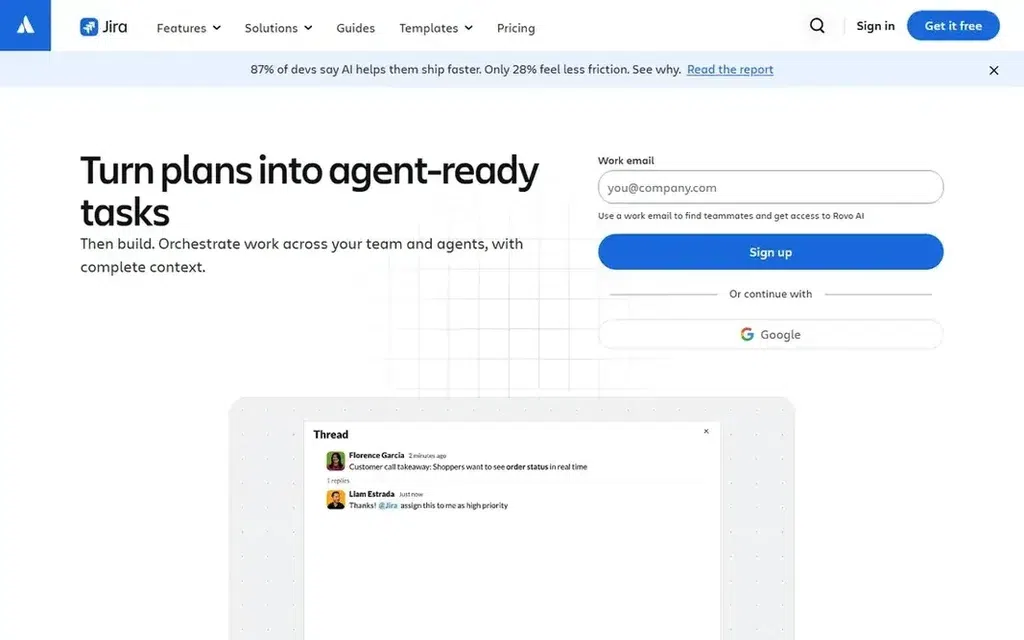
Jira works best for adaptable tracking for expanding operations. Jira is a project management product that brings teams together to plan and track work at scale, with AI agents that help orchestrate projects. If you want something you can set up in an afternoon, a more straightforward tracker for example MantisBT may serve you better.
Honest limits: Setup can take time.
For everyday use, the tradeoff is complexity. Configuring workflows and fields takes effort, and a small crew may not need that depth. Jira does not show a starting price in this comparison, so check the vendor site for current pricing. On free options: Not stated.
- Broad ecosystem of integrations
- Solid planning and tracking features
- Can feel heavy for small crews
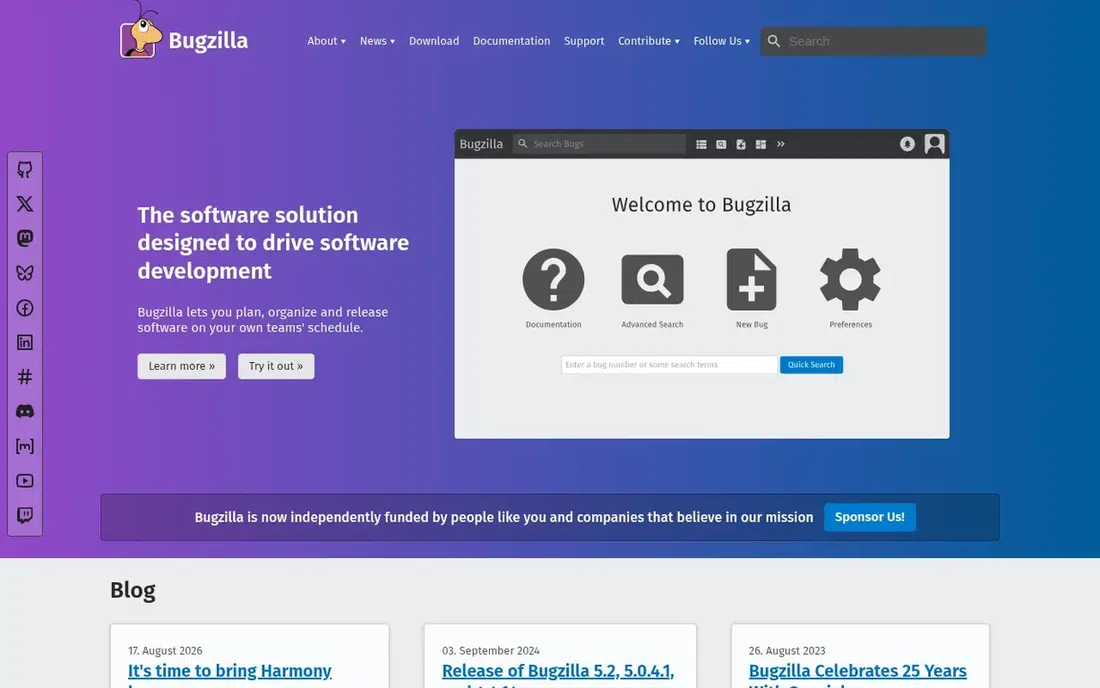
Choose Bugzilla for structured issue tracking with history. Bugzilla is a software option meant to drive software development, letting teams plan, organize and release work. Its strength is disciplined issue tracking: each report carries status, ownership and history, which helps when you have to prove how a client complaint or recurring fault was handled.
The interface is functional instead of friendly, and field staff may find it awkward on a phone. In daily use, if your cleaners have to log issues rapidly from a job site, consider a lighter or more modern choice instead. No starting price is listed for Bugzilla here; confirm pricing on the vendor site. Free options: Not stated.
Downsides: Interface feels dated.
- In-depth issue records
- Designed for planning and organizing work
- Less suited to non-technical users
How the list was put together
LinkVetted used vendor pricing pages and product documentation as the base, then compared plans, free access and documented limits for 6 tools. Treat prices as a snapshot: vendors change plans often, so check the vendor site for the figure that applies today. The order reflects how well each tool fits the most common buying scenario for bug tracking software for cleaning businesses, then price clarity, then free plan access. It is a starting point, not a verdict.
Before you commit
- Request quotes from Azure DevOps, Bugzilla and the others; the list shows no fixed prices.
- Before choosing Azure DevOps, weigh its main limit: aimed at software teams.
- Make sure MantisBT lets you export your data in a format another tool can read.
- Before rolling out Bugzilla, verify the integrations your workflow depends on.
- Find out whether the entry plan of Jira covers your must-haves or only a trimmed-down version.
FAQ
Does any tool for bug tracking software for cleaning businesses here have a free plan?
A permanent free plan is not offered by Azure DevOps, Bugzilla or the other tools here. Plan a short evaluation period instead.
Can I try these tools before paying?
Not by default. None of the tools, from Azure DevOps to Bugzilla, lists a free plan or a free trial here, so ask each vendor for a demo before committing.
How are the tools for bug tracking software for cleaning businesses ordered?
Azure DevOps sits first and Bugzilla last because the order follows typical fit for bug tracking software for cleaning businesses, then price clarity and free access. It is a judgement call, so read each profile for fit and limits.
Do these tools publish their prices?
No. None of the tools, from Azure DevOps to Bugzilla, shows a fixed starting price here, so budget time for quotes.
Sources
- https://azure.microsoft.com/en-us/products/devops
- https://www.mantisbt.org
- https://github.com/features/issues
- https://www.jetbrains.com/youtrack
- https://www.atlassian.com/software/jira
- https://www.bugzilla.org