Top 5 Bug Tracking Software for Government Contractors for 2026 (Prices and Free Plans)
Compare 5 best bug tracking software for government contractors, with prices, free plans and who each fits. Concise write-ups of every option. Easy to scan.
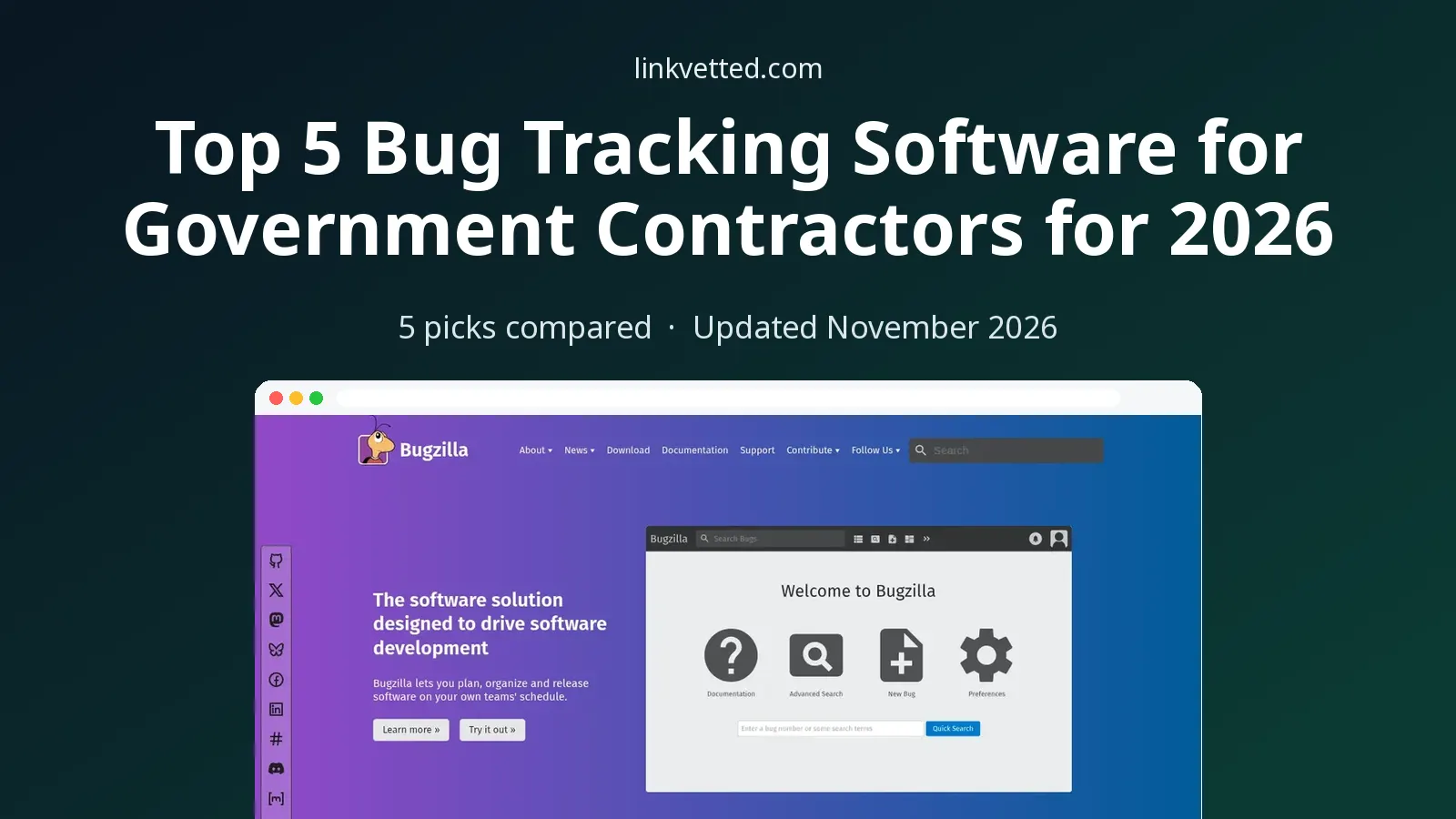
- Editor's choice
 Bugzilla
Self-hosted open-source defect tracking
Starts atSee websiteVisit bugzilla.orgFull review - Great alternative
 MantisBT
Light self-hosted bug tracking
Starts atSee websiteVisit mantisbt.orgFull review - Also consider
 Jira
Customizable workflows with traceability
Starts atSee websiteVisit atlassian.comFull review
Direct answer
Bugzilla is the first pick on this list for self-hosted open-source defect tracking. Listed starting prices: GitLab from $29 per user a month. Alternatives: MantisBT for light self-hosted bug tracking, and Jira for customizable workflows with traceability. The full list of 5 tools follows, with prices and free plan facts.
TL;DR:
- Bugzilla takes the first slot, best suited to self-hosted open-source defect tracking.
- Before buying Bugzilla, weigh this: interface feels dated to some users.
- The lowest published monthly entry price here is $29 per user per month, from GitLab.
- Only GitLab offers a free plan among these 5 tools.
Last checked November 2026. Prices and plan details were read from the vendors' own pages in November 2026; vendors change plans often, so confirm the current price on the vendor site before you buy.
Quick comparison
| Tool | Best for | Starts at | Free plan? | |
|---|---|---|---|---|
| Bugzilla | Self-hosted open-source defect tracking | See website | Not stated | Visit |
| MantisBT | Light self-hosted bug tracking | See website | Not stated | Visit |
| Jira | Customizable workflows with traceability | See website | Not stated | Visit |
 Azure DevOps | Microsoft-aligned teams needing integrated DevOps | See website | Not stated | Visit |
 GitLab | Integrated DevOps with governance controls | $29 per user a month | Yes | Visit |
The best bug tracking software for government contractors
Short on time? The summary and table above give the quick view of 5 bug tracking software for government contractors, and the profiles that follow give the detail behind each entry.
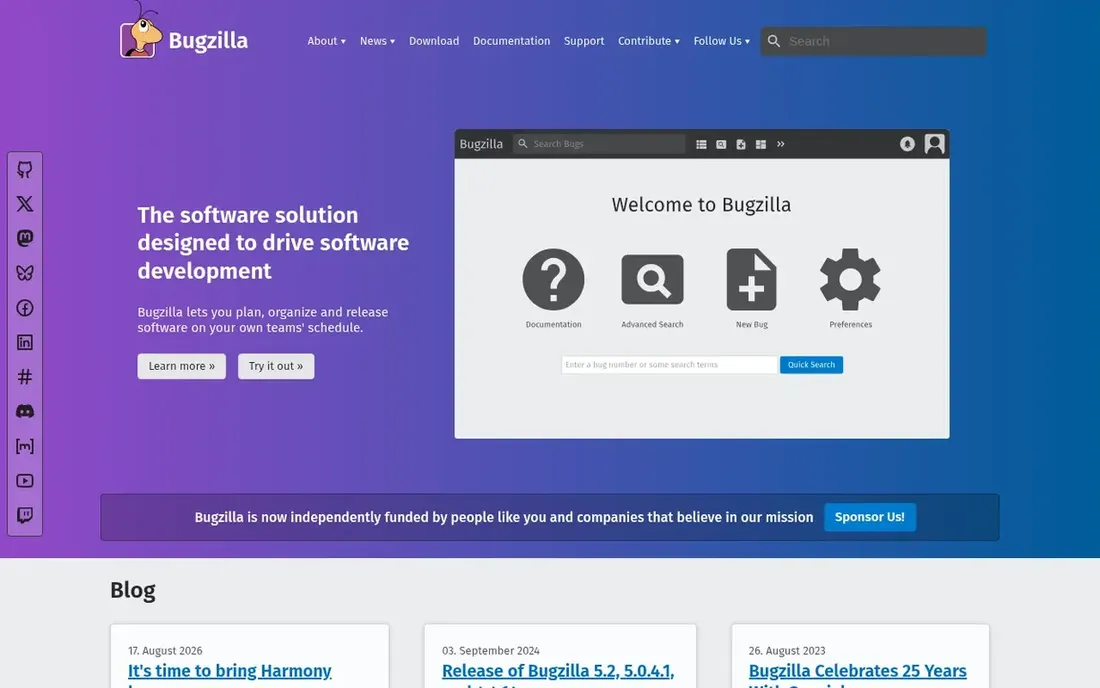
Choose Bugzilla for self-hosted open-source defect tracking. Bugzilla is an open-source bug tracking system used to plan, organize and release software.
Where it falls short: Needs self-managed hosting and upkeep.
For everyday use, groups wanting a hosted service with modern planning features may prefer a commercial system. This comparison lists no price for Bugzilla; ask the vendor. Trial and free access: Not stated.
- Long-established open-source tracker
- Can be hosted on internal infrastructure
- Interface feels dated to some users
Choose MantisBT for light self-hosted bug tracking. MantisBT is a free web-based bug tracking system written in PHP that works with MySQL, MS SQL and PostgreSQL and runs on Windows, Linux and Mac OS.
Trade-offs to know: Restricted project management features.
It concentrates on bug tracking instead of broad project management, and customization needs technical effort. In daily use, organizations needing integrated planning, source control or pipelines may prefer a fuller product. Check the vendor site for MantisBT pricing; none is listed in this comparison. As for free access: Not stated.
- Free and open-source web-based tracker
- Runs on typical PHP and database stacks
- Customization needs technical work
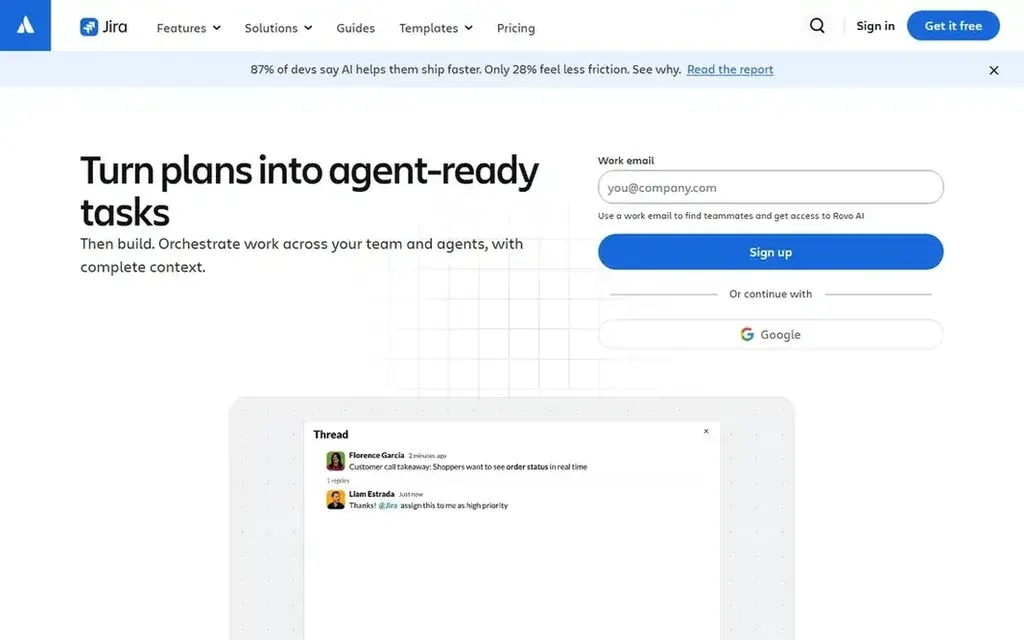
Jira serves customizable workflows with traceability. Teams that want a more straightforward tracker or a completely integrated DevOps product may prefer a lighter tool or one that bundles source control and pipelines.
Check the vendor site for Jira pricing; none is listed in this comparison. Free access: Not stated.
Honest limits: Administration can become complicated.
- Highly customizable workflows and issue schemes
- Solid audit history on issue changes
- Advanced configuration needs dedicated admins
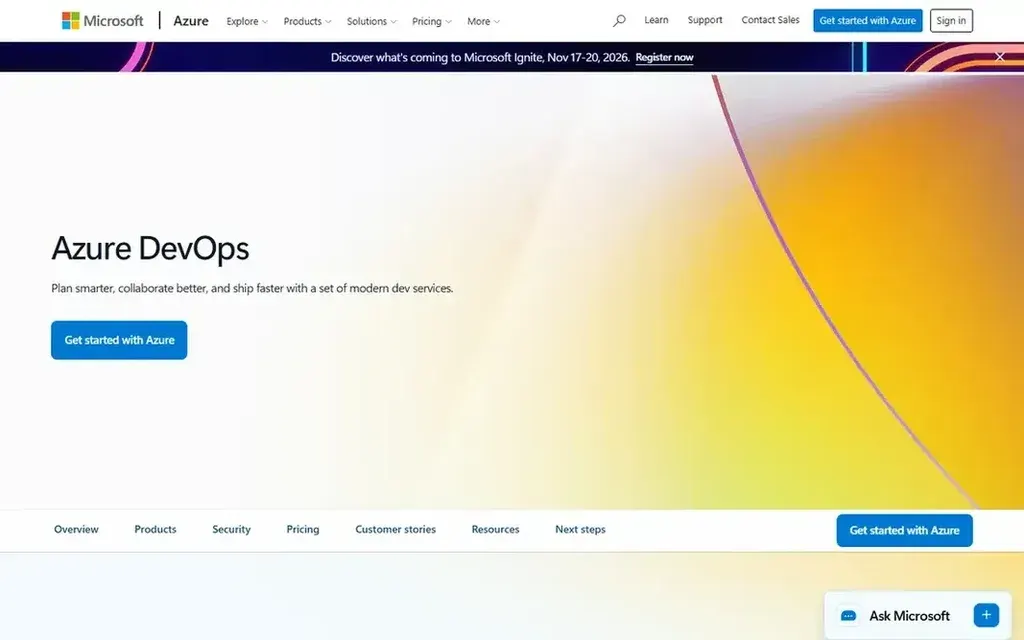
Azure DevOps is designed for Microsoft-aligned teams needing integrated DevOps. For government contractors, linking bugs to builds and releases helps produce a coherent record of changes and verification.
Trade-offs to know: Some features need configuration effort.
Worth adding: the product is wide, and some capabilities take time to configure well. Pricing for Azure DevOps is not stated here, so ask the vendor for current figures. Free plan details: Not stated.
- Work item tracking tied to pipelines
- Agile planning boards and backlogs
- Best value inside the Microsoft ecosystem
GitLab is designed for integrated DevOps with governance controls. The breadth of the product can be complicated to administer, and self-hosting demands substantial resources. From a buyer's view, contractors can tie issues to code changes and pipelines, creating a traceable record from defect to fix.
As for the details, teams needing only a standalone bug tracker may find a more straightforward tool simpler to adopt. GitLab is an orchestration system for the software lifecycle with context and governance across planning, source control and delivery. Starting cost for GitLab: $29 per user per month. GitLab has a free plan.
Honest limits: Self-hosting needs significant resources.
- Issues and merge requests in one product
- Built-in CI/CD and security scanning
- Wide platform can be complicated to administer
How we chose
A buyer's checklist
- Ask Bugzilla, MantisBT, Jira and Azure DevOps for a written quote, since no starting price is shown.
- Look at the free plan from GitLab closely: its caps decide whether it is usable for real work.
- Before choosing Bugzilla, weigh its main limit: interface feels dated to some users.
- Look at which plan of MantisBT unlocks the features you need; entry tiers are often cut down.
- Ask Jira whether prices are locked for the first term and what happens at renewal.
FAQ
How do integrated systems differ from standalone bug trackers?
Integrated products like GitLab and Azure DevOps link issues to source code, builds and pipelines, which can ease traceability from defect to fix.
Do these tools publish their prices?
Not all of them. Bugzilla, MantisBT, Jira and Azure DevOps publish no starting price, so expect a quote request for those. The rest, GitLab included, show a starting price, though seats and billing terms still change the final cost.
How are the tools for bug tracking software for government contractors ordered?
Bugzilla sits first and GitLab last because the order follows typical fit for bug tracking software for government contractors, then price clarity and free access. It is a judgement call, so read each profile for fit and limits.
Can I try these tools before paying?
Often, yes. GitLab has a free plan. Use your own data and a real task during the test, and check what the free tier or trial limits before you rely on it.
Is Bugzilla the right pick for everyone comparing bug tracking software for government contractors?
No single tool suits every team. Bugzilla comes first because it fits self-hosted open-source defect tracking, while MantisBT suits lightweight self-hosted bug tracking and Jira suits configurable workflows with traceability. Match the tool to your own size, budget and workflow before deciding.
Sources
- https://www.bugzilla.org
- https://www.mantisbt.org
- https://www.atlassian.com/software/jira
- https://azure.microsoft.com/en-us/products/devops
- https://about.gitlab.com