6 BIM Software for Construction Worth Shortlisting in 2026
Searching for the best BIM software for construction? Here are 6 options with prices and free plans. Weak spots flagged for every entry. Skim the table first.

- Editor's choiceBentley OpenBuildings
Sustainable building design and analysis
Starts atPricing on requestVisit bentley.comFull review - Great alternative
 Vectorworks Architect
Adaptable concept-to-construction architecture
Starts atPricing on requestVisit vectorworks.netFull review - Also consider
 Graphisoft Archicad
Architects wanting an easy-to-learn BIM workflow
Starts atPricing on requestVisit graphisoft.comFull review
Direct answer
Bentley OpenBuildings is the first pick on this list for sustainable building design and analysis. Look at Vectorworks Architect for adaptable concept-to-construction architecture, and at Graphisoft Archicad for architects wanting an easy-to-learn BIM workflow. The other 3 tools in the list cover narrower or pricier cases. None of these vendors publish plan prices, so pricing is on request for every option.
TL;DR:
- This list starts with Bentley OpenBuildings, which is built for sustainable building design and analysis.
- Check the limits for Vectorworks Architect before you commit: fewer structural detailing features.
- Bentley OpenBuildings, Autodesk Navisworks and the 4 others all need a premium plan or a trial, since no free plan is listed.
- Autodesk Navisworks fits model review and coordination.
- No starting price is shown for any of the 6 tools, Bentley OpenBuildings and Autodesk Navisworks included, so plan time for sales calls.
Last checked November 2026. Pricing on request: vendors did not publish plan prices when this guide was last checked (November 2026), so ask each vendor for a written quote.
Quick comparison
| Tool | Best for | Starts at | Free plan? | |
|---|---|---|---|---|
| Bentley OpenBuildings | Sustainable building design and analysis | Pricing on request | Not stated | Visit |
| Vectorworks Architect | Adaptable concept-to-construction architecture | Pricing on request | Not stated | Visit |
| Graphisoft Archicad | Architects wanting an easy-to-learn BIM workflow | Pricing on request | Not stated | Visit |
 Tekla Structures | Structural and steel detailing BIM | Pricing on request | Not stated | Visit |
 Autodesk Revit | Multidiscipline design and documentation | Pricing on request | Not stated | Visit |
 Autodesk Navisworks | Model review and coordination | Pricing on request | Not stated | Visit |
6 options for BIM software for construction in detail
This LinkVetted guide covers 6 options for BIM software for construction. Each profile lists a starting price, free plan details, strengths and drawbacks, so you can drop poor fits quickly.
Bentley OpenBuildings
Best for: Sustainable building design and analysis
Bentley OpenBuildings targets sustainable building design and analysis. OpenBuildings is Bentley's all-in-one BIM software for designing, analyzing and visualizing high-performance and sustainable buildings.
From a buyer's view, if your team primarily needs quick architectural documentation, a more focused system may be more straightforward. Pick OpenBuildings when analysis and sustainable design are central. Check the vendor site for Bentley OpenBuildings pricing; none is listed in this comparison. Free options: Not stated.
Where it is weaker: Less typical in small architecture offices.
- Design
- Focus on high-performance buildings
- Wide feature set takes time to learn
Vectorworks Architect
Best for: Adaptable concept-to-construction architecture
Vectorworks Architect serves adaptable concept-to-construction architecture. It is architecture-centered, so structural and fabrication-level detailing are better handled elsewhere, and results rely on how well each firm configures its workflow.
Vectorworks Architect shows no starting price here, so confirm the cost on the vendor site. As for free access: Not stated.
Drawbacks to consider: Fewer structural detailing features.
- Architecture-focused BIM toolset
- Adaptable modeling approach
- Workflow setup varies by firm
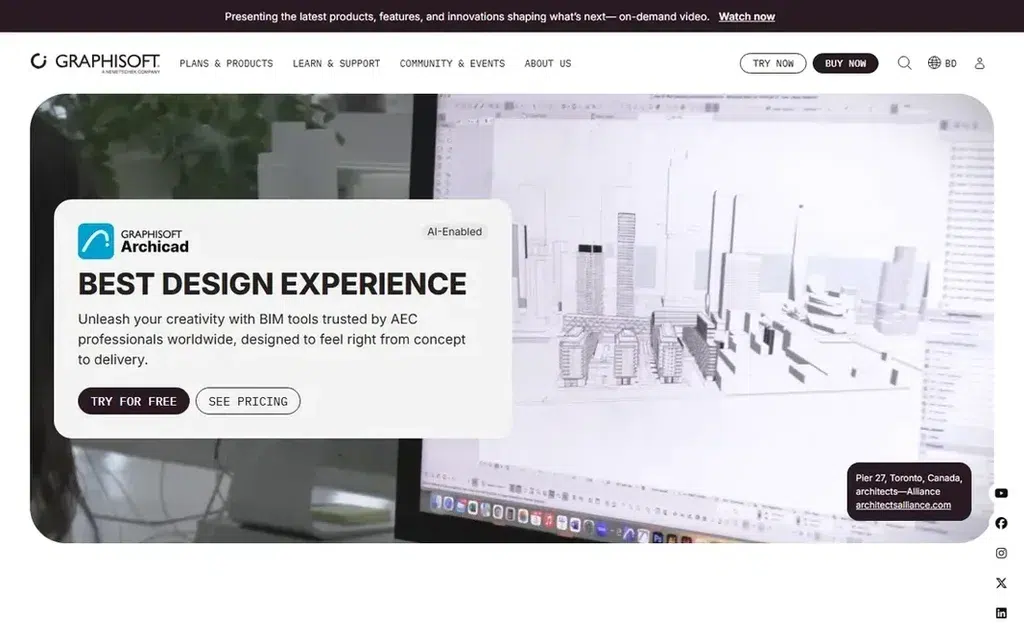
Graphisoft Archicad is built with architects wanting an easy-to-learn BIM workflow in mind. Archicad is Graphisoft's BIM software geared toward architects, presented as efficient and easy-to-learn with a wide set of built-in tools. It is a typical choice for businesses that prioritize a smooth, approachable interface for daily architectural work.
Its architectural orientation means structural and MEP teams may need complementary tools, and exchanging data with other products needs planning. Consider it when architectural design is the core need; look elsewhere when heavy structural detailing or combined model review is the priority. Graphisoft Archicad shows no starting price here, so confirm the cost on the vendor site. Trial and free access: Not stated.
Where it falls short: Interoperability needs planning.
- Capable suite of built-in tools
- Efficient architectural design workflow
- Architectural focus may limit other disciplines

For structural and steel detailing BIM, Tekla Structures is a natural candidate. Tekla Structures is structural BIM software from Tekla that simplifies construction projects through in-depth modeling and workflows the vendor describes as permanently more cost-efficient.
Downsides: Narrower architectural scope.
It is often associated with steel and concrete detailing work. Tekla Structures does not show a starting price in this comparison, so check the vendor site for current pricing. On free options: Not stated.
- Aims at cost-efficient project delivery
- Detail-oriented model creation
- Specialized skill set required
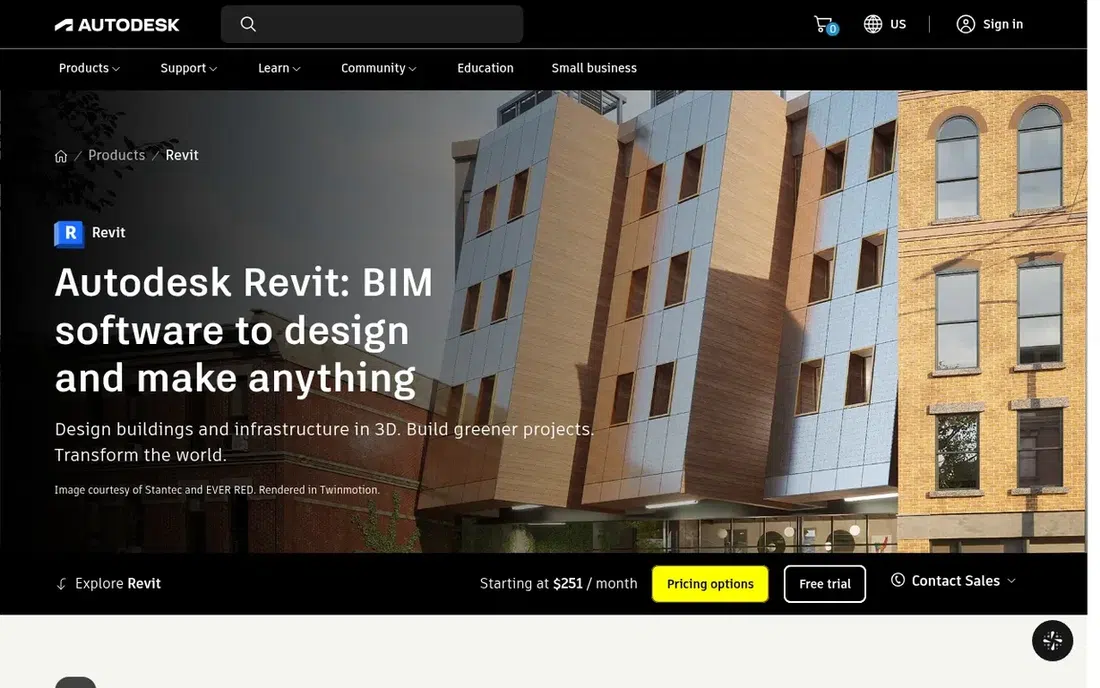
Autodesk Revit is built with Multidiscipline design and documentation in mind. Teams produce intelligent 3D models, update drawings immediately when the model changes, and can use optional AI-assisted workflows.
Points against: Can be demanding on hardware.
If your work is primarily structural detailing or model review instead of full authoring, a more specialized tool may serve you better. In daily use, the product rewards teams that invest in training and templates, but smaller businesses may find the depth unnecessary and the ramp-up time steep. Autodesk Revit does not show a starting price in this comparison, so check the vendor site for current pricing. Free options: Not stated.
- Intelligent 3D models with instant drawing updates
- Optional AI-assisted workflows
- Steeper ramp-up time for newcomers
Autodesk Navisworks is a good fit for model review and coordination. Navisworks is Autodesk's 3D model review software for architecture, engineering and construction. It is meant to bring models together for review and coordination instead of to author them, making it a handy companion to products like Revit.
The main drawbacks: Brings a separate step to workflows.
Choose it when coordination and review are the bottleneck; choose an authoring product when you have to produce the models themselves. For everyday use, since it does not build design models, it complements instead of replaces authoring software. It introduces an extra tool and process. No starting price is listed for Autodesk Navisworks here; confirm pricing on the vendor site. Free access: Not stated.
- Merges models for review
- Supports clash and design review
- Not a model authoring tool
How these tools were picked
Things to verify first
- Ask each vendor, from Bentley OpenBuildings to Autodesk Navisworks, for a written quote; none of them publishes a starting price.
- Before choosing Bentley OpenBuildings, weigh its main limit: wide feature set takes time to learn.
- Test the integrations you rely on with Tekla Structures before committing; some connectors sit on upper tiers.
- Find out whether the entry plan of Autodesk Revit covers your must-haves or only a trimmed-down version.
- Work out what Vectorworks Architect costs with your real seat count, add-ons and usage, not just the entry price.
FAQ
Is Revit the best choice for every construction team?
Start with Bentley OpenBuildings if you need sustainable building design and analysis. Vectorworks Architect is the better match for flexible concept-to-construction architecture, and Graphisoft Archicad for architects wanting an easy-to-learn BIM workflow. The best choice depends on budget, team size and workflow.
Can I try these tools before paying?
Not by default. None of the tools, from Bentley OpenBuildings to Autodesk Navisworks, lists a free plan or a free trial here, so ask each vendor for a demo before committing.
Is Bentley OpenBuildings the right pick for everyone comparing BIM software for construction?
No single tool suits every team. Bentley OpenBuildings comes first because it fits sustainable building design and analysis, while Vectorworks Architect suits flexible concept-to-construction architecture and Graphisoft Archicad suits architects wanting an intuitive BIM workflow. Match the tool to your own size, budget and workflow before deciding.
Does any tool for BIM software for construction here have a free plan?
No tool in this list, Bentley OpenBuildings and Autodesk Navisworks included, has a permanent free plan. Trials and quotes are the usual route, so plan a short evaluation period.
How are the tools for BIM software for construction ordered?
Bentley OpenBuildings sits first and Autodesk Navisworks last because the order follows typical fit for BIM software for construction, then price clarity and free access. It is a judgement call, so read each profile for fit and limits.
Sources
- https://www.bentley.com/software/openbuildings
- https://www.vectorworks.net/en-US/architect
- https://www.graphisoft.com/archicad
- https://www.tekla.com/products/tekla-structures
- https://www.autodesk.com/products/revit
- https://www.autodesk.com/products/navisworks