6 Best Unified Construction Platform for 2026, Vetted and Compared
Best unified construction platform in 2026: 6 tools with starting prices, free plans and limits. Fit and flaws are laid out for each entry. Updated for 2026.
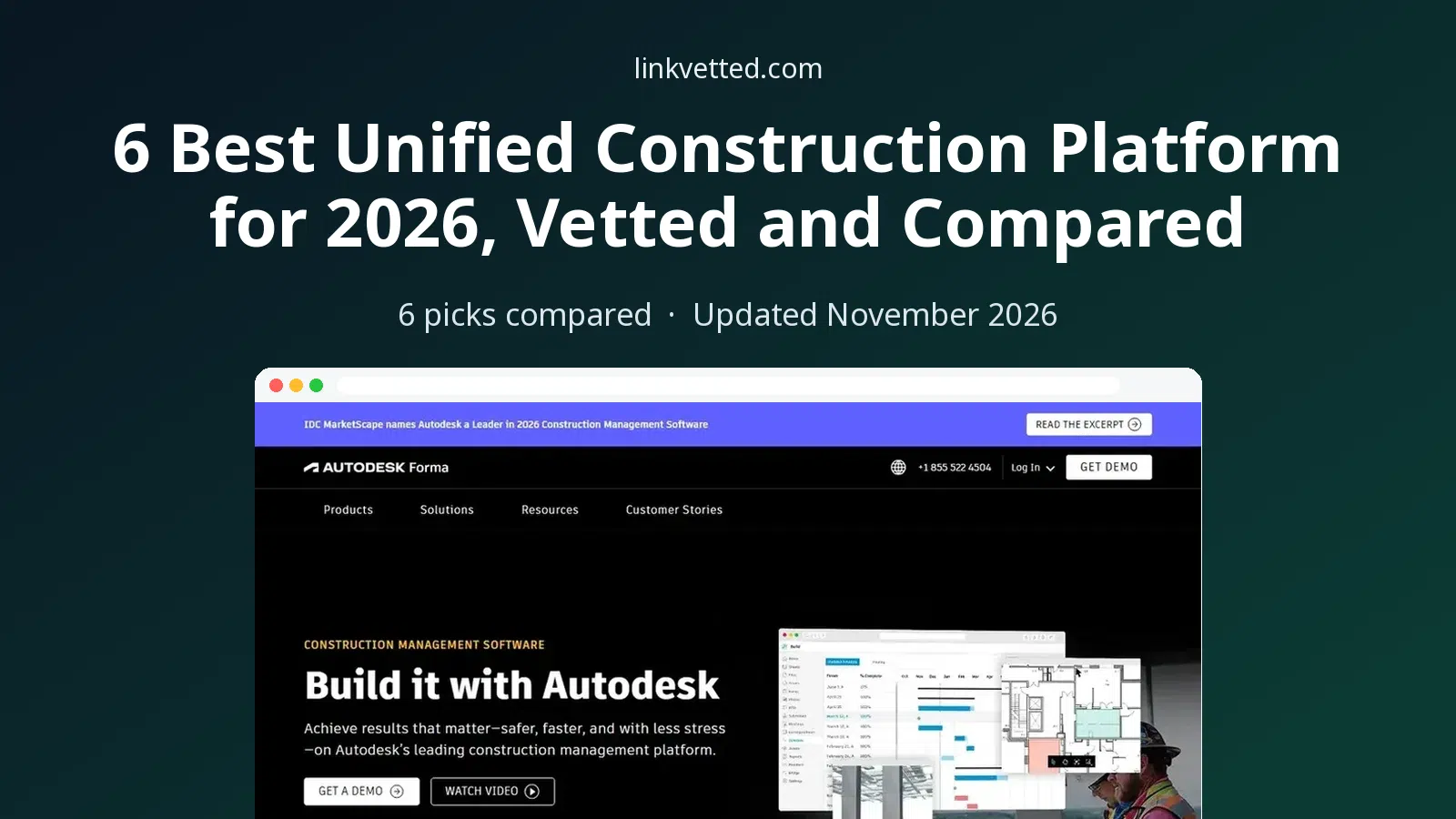
- Editor's choice
 PlanGrid
Existing users within the Autodesk ecosystem
Starts atSee websiteVisit plangrid.comFull review - Great alternative
 CMiC
Managing accounting, projects, and people together
Starts atSee websiteVisit cmicglobal.comFull review - Also consider
 Autodesk Construction Cloud
Secure collaborative project delivery
Starts atSee websiteVisit construction.autodesk.comFull review
Direct answer
Start with PlanGrid if you need existing users within the Autodesk ecosystem. Listed starting prices: Fieldwire from $39 per user per month. For a different need, CMiC covers managing accounting, projects, and people together and Autodesk Construction Cloud covers secure collaborative project delivery. All 6 tools are compared below on price, free plan and limits.
TL;DR:
- PlanGrid takes the first slot, best suited to existing users within the Autodesk ecosystem.
- Fieldwire is the only tool of the 6 with a free plan.
- Fieldwire suits live jobsite task and drawing tracking.
- A fair warning about Trimble Viewpoint: ERP scope implies heavier implementation.
Last checked November 2026. Prices and plan details were read from the vendors' own pages in November 2026; vendors change plans often, so confirm the current price on the vendor site before you buy.
Quick comparison
| Tool | Best for | Starts at | Free plan? | |
|---|---|---|---|---|
| PlanGrid | Existing users within the Autodesk ecosystem | See website | Not stated | Visit |
| CMiC | Managing accounting, projects, and people together | See website | Not stated | Visit |
| Autodesk Construction Cloud | Secure collaborative project delivery | See website | Not stated | Visit |
| Trimble Viewpoint | Contractors needing ERP and job costing | See website | Not stated | Visit |
 Procore | Connecting site and office teams | See website | Not stated | Visit |
 Fieldwire | Live jobsite task and drawing tracking | $39 per user per month | Yes | Visit |
The best unified construction platform
LinkVetted compared 6 tools for unified construction platform. The goal is a practical shortlist: published prices, free plan facts, best-fit use cases and honest limits for every entry.
PlanGrid targets existing users within the Autodesk ecosystem. PlanGrid is no longer positioned as a standalone product, so new buyers should evaluate Autodesk Forma instead of PlanGrid itself.
Drawbacks to consider: No longer a standalone product.
It suits organizations already using PlanGrid that want to continue within the Autodesk ecosystem as the product is folded into Forma. PlanGrid does not show a starting price in this comparison, so check the vendor site for current pricing. Free options: Not stated.
- Familiar to long-time users
- Support and login resources available
- New buyers should evaluate Autodesk Forma
In short, CMiC is for managing accounting, projects, and people together. CMiC is construction management software positioned as a standard for construction firms that want to handle accounting, projects, and people through one simplified system.
Worth adding: if you only need field documentation, a focused jobsite tool is more straightforward. CMiC does not show a starting price in this comparison, so check the vendor site for current pricing. Free options: Not stated.
Where it falls short: Needs process alignment to adopt.
- Accounting and project management combined
- Made for construction firms
- Enterprise orientation may be heavy for small firms
Autodesk Construction Cloud
Best for: Secure collaborative project delivery
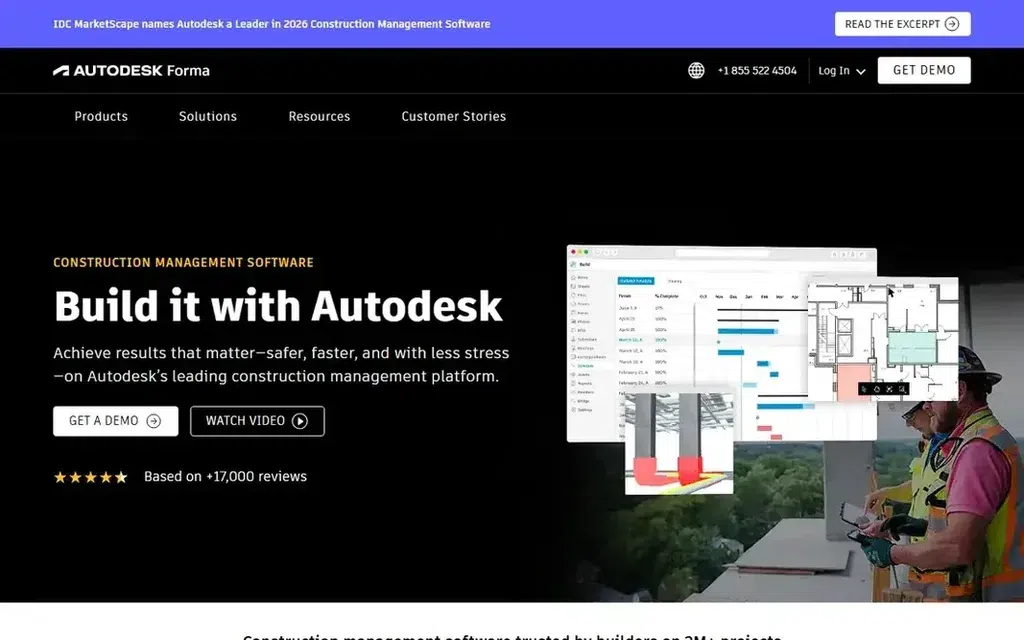
Autodesk Construction Cloud is built with secure collaborative project delivery in mind. Autodesk Construction Cloud, now Autodesk Forma, is construction management software that lets project teams collaborate securely and rapidly so projects are delivered on time and on budget.
What works well: Now offered as Autodesk Forma.
Where it is weaker: Ecosystem ties you to Autodesk.
Beyond that, organizations outside the Autodesk ecosystem may find a standalone product more straightforward to adopt. Also, the rebrand to Forma means teams should confirm current product names and capabilities straight with the vendor. This comparison lists no price for Autodesk Construction Cloud; ask the vendor. Free plan details: Not stated.
- On-budget delivery
- Focus on on-time
- Migration and naming changes to track
Trimble Viewpoint
Best for: Contractors needing ERP and job costing

In short, Trimble Viewpoint is for contractors needing ERP and job costing. Trimble Viewpoint is construction software made for contractors, combining project management with ERP capabilities to simplify job costing, workflows, and reporting.
This comparison lists no price for Trimble Viewpoint; ask the vendor. Trial and free access: Not stated.
Honest limits: Best fit for established contractor operations.
- Construction ERP with project management
- Job costing and reporting focus
- ERP scope implies heavier implementation

Pick Procore if this describes you: connecting site and office teams. Procore is a construction management system built to link the site and the office, giving teams the live visibility needed to deliver quality projects on time.
Trade-offs to know: Wide scope may exceed small-team needs.
Also, if your primary need is light field task tracking, a more focused tool may suit you better. Procore shows no starting price here, so confirm the cost on the vendor site. Free options: Not stated.
- Wide construction management coverage
- Real-time project visibility
- Needs setup discipline across teams
Fieldwire is aimed squarely at live jobsite task and drawing tracking. It suits field teams that require drawings and tasks current in the field, and who want a product centered on jobsite execution.
The main drawbacks: Field-focused instead of full ERP.
As for the details, Fieldwire centers on field management instead of accounting or full project financials, so it commonly works alongside other systems. Fieldwire cost at the entry level: $39 per user per month. You can start on Fieldwire without paying.
- Drawing updates on the jobsite
- Task tracking in the field
- Pairs with other systems for financials
How we compared the tools
LinkVetted looked at what each vendor publishes: pricing, plan limits, feature coverage for unified construction platform and stated drawbacks. No hands-on testing is claimed. Where a price is missing, the vendor does not list one publicly or ties it to a quote. Always confirm before budgeting. We ordered the tools by general fit, then by how clearly pricing is shown, then by free access. A buyer with unusual needs may reorder them.
What to check before you buy
- Ask PlanGrid, CMiC, Autodesk Construction Cloud and others for a written quote, since no starting price is shown.
- Test the free plan from Fieldwire against your real workload before relying on it.
- Before choosing PlanGrid, weigh its main limit: no longer a standalone product.
- Work out what PlanGrid costs with your real seat count, add-ons and usage, not just the entry price.
- Let daily users try CMiC on real work; their feedback beats any feature checklist.
FAQ
Do these tools publish their prices?
Not all of them. PlanGrid, CMiC, Autodesk Construction Cloud and others publish no starting price, so expect a quote request for those. The rest, Fieldwire included, show a starting price, though seats and billing terms still change the final cost.
How are the tools for unified construction platform ordered?
The order follows typical fit for unified construction platform, with PlanGrid first and Fieldwire last, then price clarity and free access. It is editorial judgement, not a score, so another team could rank the tools differently.
Which options for unified construction platform have a free plan?
Fieldwire is the only tool in this list with a free plan. Free plans usually cap users, projects or features, so check the limits on the vendor page. Each of the 6 options in this unified construction platform guide has its own card above with the price, free plan and limits.
What makes a construction product unified?
The tools here differ in how wide that coverage is, from field-focused apps to full ERP suites.
What is the cheapest option for unified construction platform in this list?
On published monthly entry prices, Fieldwire is the lowest here at $39 per user per month. Entry price is only part of the cost, because seats, add-ons and billing terms can change the total. All 6 picks in this unified construction platform comparison list a starting price, free plan details and the main limits on their cards above.
Sources
- https://www.plangrid.com
- https://www.cmicglobal.com
- https://construction.autodesk.com
- https://www.viewpoint.com
- https://www.procore.com
- https://www.fieldwire.com