Browser for Business Collaboration in 2026: The 5 Best Options Side by Side
5 tools for the best browser for business collaboration, compared on pricing, free plans and best-fit use. Each pick lists its main limit. Read before you buy.
- Editor's choice
 Brave
Ad-free, privacy-first browsing at work
Starts atPricing on requestVisit brave.comFull review - Great alternative
 Opera
Users wanting a feature-rich everyday browser
Starts atPricing on requestVisit opera.comFull review - Also considerGoogle Chrome
Teams using Google Workspace daily
Starts atPricing on requestVisit google.comFull review
Direct answer
Our first pick is Brave, best for ad-free, privacy-first browsing at work. Look at Opera for users wanting a feature-rich everyday browser, and at Google Chrome for teams using Google Workspace daily. The full list of 5 tools follows, with free plan facts. None of these vendors publish plan prices, so pricing is on request for every option.
TL;DR:
- Number one here is Brave, a fit for ad-free, privacy-first browsing at work.
- Mozilla Firefox fits privacy-conscious teams and regulated work.
- Neither Brave nor Mozilla Firefox, nor any of the other 3 tools, has a permanent free plan; trials and quotes are the norm.
- No starting price is shown for any of the 5 tools, Brave and Mozilla Firefox included, so plan time for sales calls.
Last checked November 2026. Pricing on request: vendors did not publish plan prices when this guide was last checked (November 2026), so ask each vendor for a written quote.
Quick comparison
| Tool | Best for | Starts at | Free plan? | |
|---|---|---|---|---|
| Brave | Ad-free, privacy-first browsing at work | Pricing on request | Not stated | Visit |
| Opera | Users wanting a feature-rich everyday browser | Pricing on request | Not stated | Visit |
| Google Chrome | Teams using Google Workspace daily | Pricing on request | Not stated | Visit |
 Google Workspace | Central collaboration suite alongside any browser | Pricing on request | Not stated | Visit |
| Mozilla Firefox | Privacy-conscious teams and regulated work | Pricing on request | Not stated | Visit |
The best browser for business collaboration
LinkVetted put together this guide to browser for business collaboration for readers who want a clear shortlist without reading every vendor page. It compares 5 tools on starting price, free plans, who each one suits and where each one falls short.
For ad-free, privacy-first browsing at work, Brave is a natural candidate. Brave is a quick, private, and secure browser for PC, Mac, and mobile that blocks tracking software by default.
As for the details, aggressive blocking can occasionally interfere with web apps that rely on external scripts, so testing internal tools first is wise. In daily use, Brave is less established as a managed corporate standard. Brave does not show a starting price in this comparison, so check the vendor site for current pricing. On free options: Not stated.
Where it falls short: Blocking can affect some web apps.
- Aims to save data and battery
- Blocks tracking software
- Fewer enterprise management features
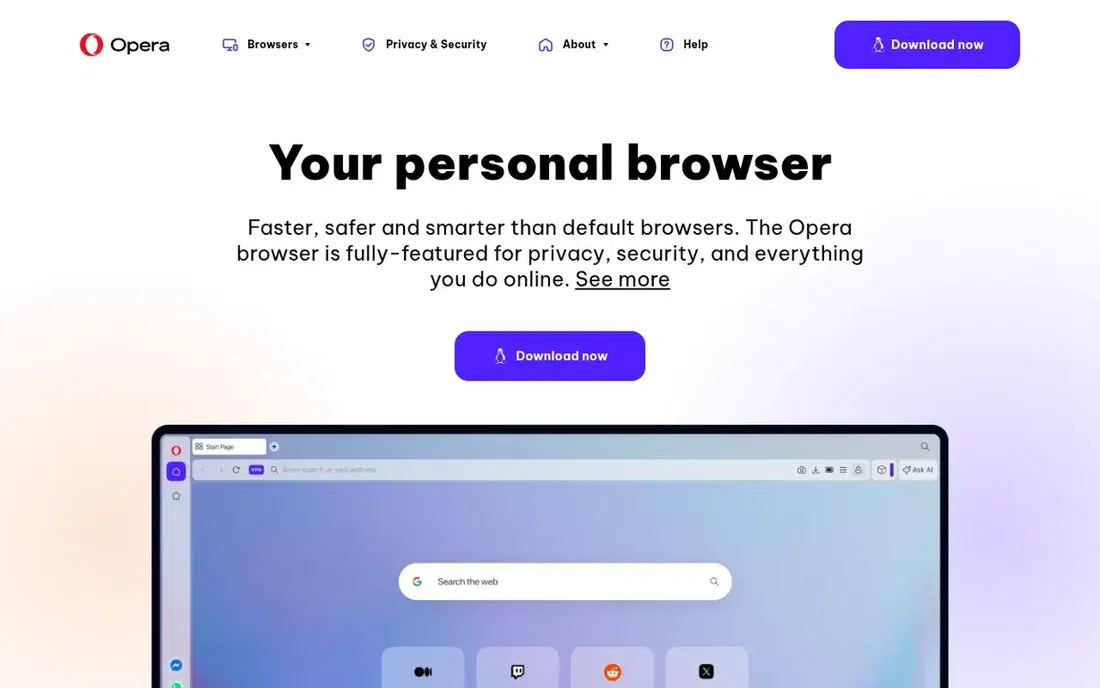
Think of Opera for users wanting a feature-rich everyday browser. Opera markets itself as a quicker, safer, and smarter browser with a full set of privacy and security features built in. Opera is less often chosen as a company-wide standard, so IT support and shared settings may be less familiar.
The main drawbacks: Feature density can feel busy.
In practice, the large feature set can feel cluttered for minimalists. Also, teams needing deep admin controls should compare with Chrome or Firefox before standardizing. Opera does not show a starting price in this comparison, so check the vendor site for current pricing. Trial and free access: Not stated.
- Completely featured for privacy and security
- Positioned as quicker than default browsers
- Less typical in corporate standards
Google Chrome
Best for: Teams using Google Workspace daily
Google Chrome targets teams using Google Workspace daily. Chrome is the official browser from Google, built to be quick, secure, and configurable.
In daily use, Chrome is closely tied to the Google ecosystem, so teams that prefer independence or stricter privacy defaults may want another choice. This comparison lists no price for Google Chrome; ask the vendor. On free options: Not stated.
The main drawbacks: Data collection tied to Google account.
- Configurable
- Solid fit with Google web apps
- Memory heavy with plenty of tabs
Google Workspace
Best for: Central collaboration suite alongside any browser
For central collaboration suite alongside any browser, Google Workspace is a natural candidate. For business collaboration, it pairs with whichever browser a team prefers. It works notably closely with Chrome for shared documents, mail, and calendars.
On top of that, Google Workspace is a suite of secure online productivity and collaboration tools instead of a browser. Its homepage describes tools that help teams of all sizes do their best work. Workspace does not replace a browser, so it should be evaluated as the collaboration layer on top of your browser choice. Pricing for Google Workspace is not stated here, so ask the vendor for current figures. Free access: Not stated.
Watch-outs: Best experience inside Google ecosystem.
- Secure online productivity tools
- Works with several browsers
- Not a browser itself
Mozilla Firefox
Best for: Privacy-conscious teams and regulated work
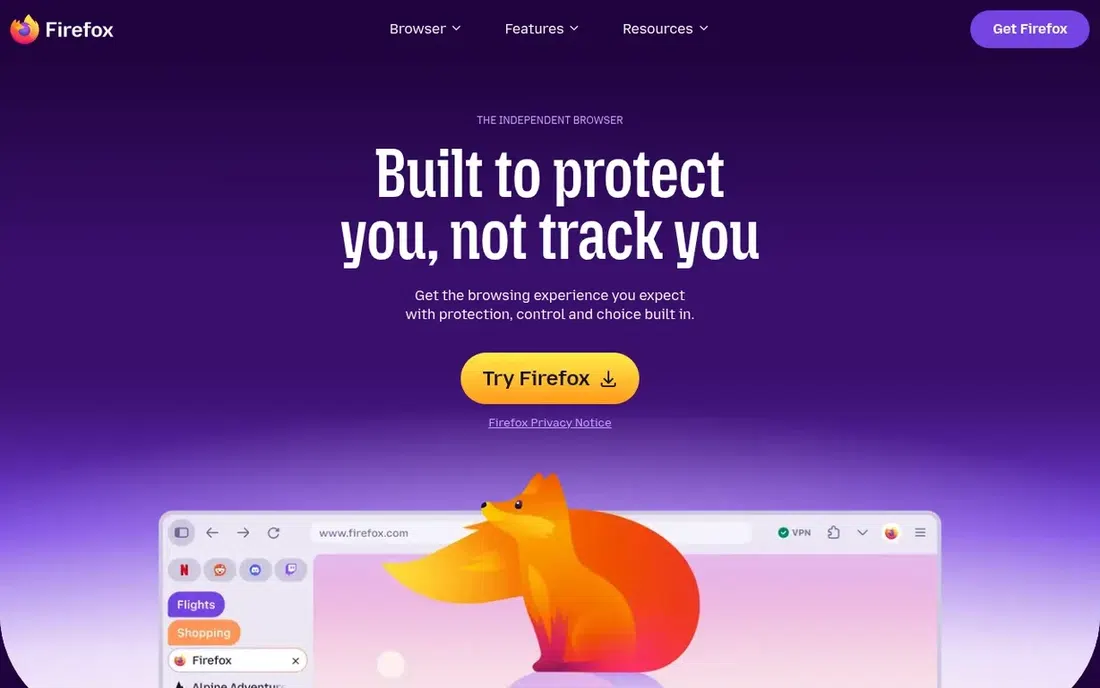
Where Mozilla Firefox fits: privacy-conscious teams and regulated work. Teams handling sensitive client information or working under strict data policies may find these defaults handy without additional configuration.
It blocks trackers, contains a built-in VPN, and states that it never sells personal data. Mozilla Firefox shows no starting price here, so confirm the cost on the vendor site. Free options: Not stated.
Points against: Some enterprise tools favor other engines.
- Blocks trackers by default
- Stated commitment to not selling personal data
- Fewer built-in workspace integrations
Our selection method
The comparison looks at four things: starting price, free access, how well the feature set matches browser for business collaboration, and the main limit of each tool. Treat prices as a snapshot: vendors change plans often, so check the vendor site for the figure that applies today. The order reflects how well each tool fits the most common buying scenario for browser for business collaboration, then price clarity, then free plan access. It is a starting point, not a verdict.
A buyer's checklist
- Request quotes from Brave, Mozilla Firefox and the others; the list shows no fixed prices.
- Read the limits listed for Brave first: blocking can affect some web apps.
- Price Opera for your actual team size; headline prices rarely include add-ons or overage.
- Ask Mozilla Firefox about contract length, onboarding fees and user minimums before you sign.
- Run a one or two week pilot of Google Chrome with the people who will use it every day.
FAQ
How are the tools for browser for business collaboration ordered?
The order follows typical fit for browser for business collaboration, with Brave first and Mozilla Firefox last, then price clarity and free access. It is editorial judgement, not a score, so another team could rank the tools differently.
Which browser is a good match for teams using Google Workspace?
Brave comes first here and is built for ad-free, privacy-first browsing at work. Buyers with other needs may prefer Opera (for users wanting a feature-rich everyday browser) or Google Chrome (for teams using Google Workspace daily). Compare costs and limits first.
Do these tools publish their prices?
No. None of the tools, from Brave to Mozilla Firefox, shows a fixed starting price here, so budget time for quotes.
Is Brave the right pick for everyone comparing browser for business collaboration?
No single tool suits every team. Brave comes first because it fits ad-free, privacy-first browsing at work, while Opera suits users wanting a feature-rich everyday browser and Google Chrome suits teams using Google Workspace daily. Match the tool to your own size, budget and workflow before deciding.
Can I try these tools before paying?
Not by default. None of the tools, from Brave to Mozilla Firefox, lists a free plan or a free trial here, so ask each vendor for a demo before committing.
Sources
- https://brave.com
- https://www.opera.com
- https://www.google.com/chrome
- https://workspace.google.com
- https://www.mozilla.org/firefox