Best AR Collaboration Tools for Remote Teams in 2026: Prices, Free Plans and 6 Picks
Compare 6 best AR collaboration tools for remote teams, with prices, free plans and who each fits. Weak spots flagged for every entry. Read before you buy.
- Editor's choiceVuforia
Enterprise AR option building
Starts atSee websiteVisit ptc.comFull review - Great alternative
 Miro
Visual brainstorming and product planning
Starts at$8 per member a monthVisit miro.comFull review - Also consider
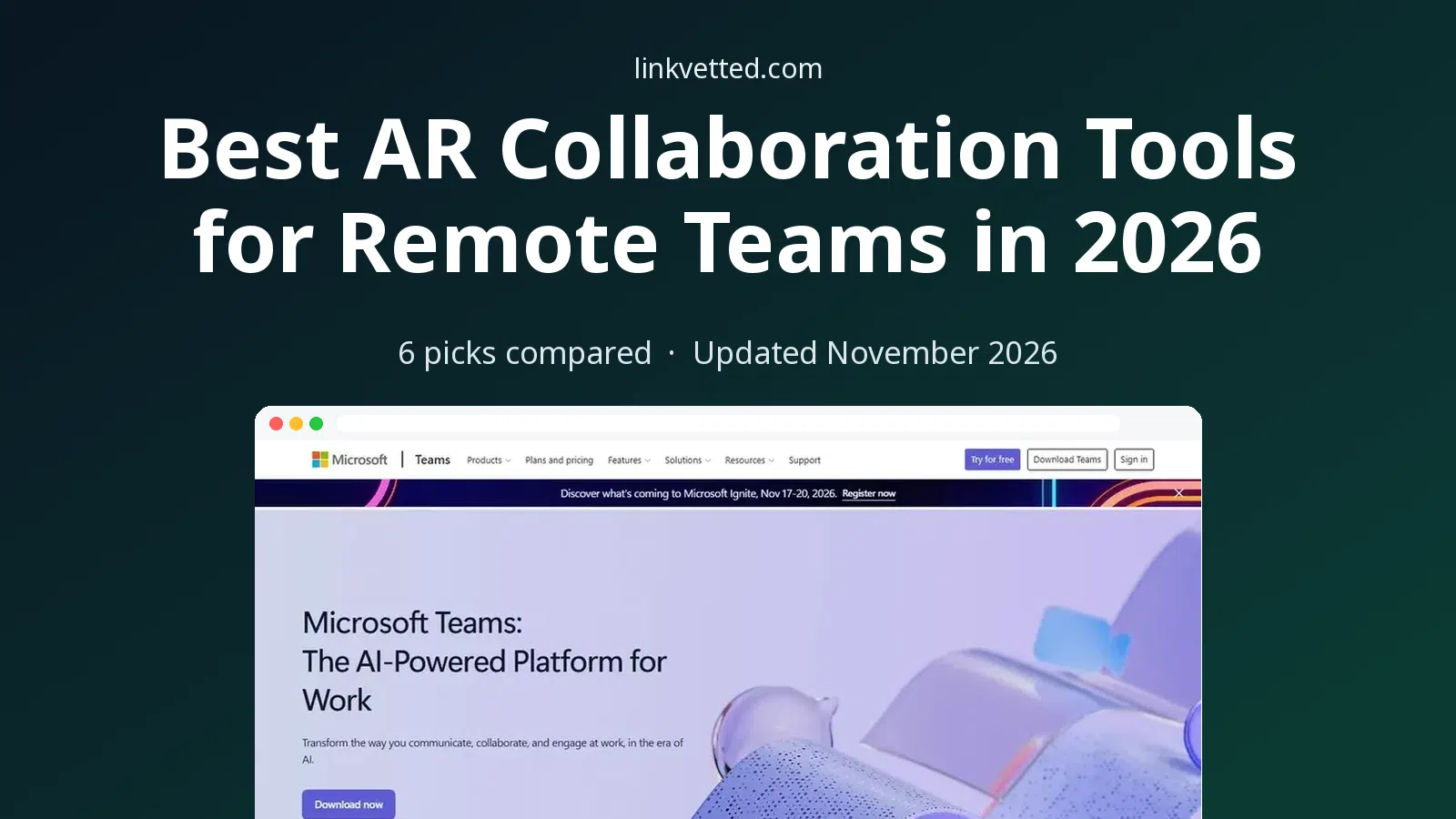
 Microsoft Teams
All-in-one meetings, chat and files
Starts atSee websiteVisit microsoft.comFull review
Direct answer
Start with Vuforia if you need enterprise AR option building. Listed starting prices: Miro from $8 per member a month. Miro fits visual brainstorming and product planning; Microsoft Teams fits all-in-one meetings, chat and files. Prices, free plans and limits for all 6 tools follow.
TL;DR:
- Number one here is Vuforia, a fit for enterprise AR solution building.
- 2 of 6 tools offer a free plan: Miro, Cisco Webex.
- Check the limits for TeamViewer Frontline before you commit: concentrated on industrial use cases.
- For the cheapest start, look at Miro: $8 per member per month.
Last checked November 2026. Prices and plan details were read from the vendors' own pages in November 2026; vendors change plans often, so confirm the current price on the vendor site before you buy.
Quick comparison
| Tool | Best for | Starts at | Free plan? | |
|---|---|---|---|---|
| Vuforia | Enterprise AR option building | See website | Not stated | Visit |
| Miro | Visual brainstorming and product planning | $8 per member a month | Yes | Visit |
| Microsoft Teams | All-in-one meetings, chat and files | See website | Not stated | Visit |
| TeamViewer Frontline | Frontline and shopfloor AR workflows | See website | Free trial | Visit |
 Cisco Webex | AI-powered enterprise collaboration | See website | Yes | Visit |
 Zoom | Adaptable video meetings and webinars | See website | Not stated | Visit |
AR Collaboration Tools for Remote Teams compared in detail
This LinkVetted guide covers 6 AR collaboration tools for remote teams. Each profile lists a starting price, free plan details, strengths and drawbacks, so you can drop poor fits quickly.
Vuforia
Best for: Enterprise AR option building
Vuforia is built with enterprise AR option building in mind. Vuforia is PTC's enterprise augmented reality software, positioned for organizations that want to build AR options and transform how they operate. It supplies expansive capabilities for creating AR experiences instead of simply hosting meetings.
Downsides: Geared toward enterprise-scale deployments.
Smaller teams may find the enterprise focus heavier than required. In practice, remote teams with technical resources and a clear AR use case, like training, visualization or guided procedures, can use it as a foundation for custom applications. Vuforia shows no starting price here, so confirm the cost on the vendor site. Free options: Not stated.
- Backed by PTC
- Wide capabilities for building AR options
- Needs development effort
In short, Miro is for visual brainstorming and product planning. Miro is not a meeting or calling tool, so it works alongside a video product instead of replacing one. More specifically, Miro is an AI innovation workspace that helps teams accelerate product development from ideation to launch.
Drawbacks to consider: Best value for visual and product workflows.
From a buyer's view, remote teams that depend on diagrams, brainstorming boards and planning sessions will find it a natural shared canvas for distributed work. Pick Miro when collaborative whiteboarding and visual planning are central to how your team works. What you pay to start with Miro: $8 per member per month. Miro includes a free tier.
- Helps align teams and break tool silos
- AI-powered visual workspace
- Not a video meeting system

Microsoft Teams was built for all-in-one meetings, chat and files. It suits remote teams that want a single everyday workspace instead of stitching multiple apps together, notably organizations already comfortable in the Microsoft ecosystem.
Where it is weaker: AR features are restricted compared to dedicated systems.
Reasons to shortlist it: Suits organizations already using Microsoft tools. Also, smaller teams may also find the breadth of features more than they need. Microsoft Teams shows no starting price here, so confirm the cost on the vendor site. Free access: Not stated.
- Meetings
- Chat and files in one place
- Can feel heavy for small teams
TeamViewer Frontline
Best for: Frontline and shopfloor AR workflows
TeamViewer Frontline serves Frontline and shopfloor AR workflows. TeamViewer Frontline is an industrial augmented reality system built to enable the frontline workforce and simplify shopfloor operations.
Points against: Concentrated on industrial use cases.
On top of that, Teams managing field service, manufacturing or logistics can use it to link distributed specialists with workers who require visual assistance in live. Check the vendor site for TeamViewer Frontline pricing; none is listed in this comparison. Free access: Free trial.
- Industrial augmented reality product
- Simplifies shopfloor operations
- Less relevant for office-based remote teams

Cisco Webex serves AI-powered enterprise collaboration. Cisco Webex presents itself as an AI-powered collaboration product spanning meetings, customer experience, devices and product options.
It is positioned for organizations that want a wide, integrated communications stack from an established networking vendor. Check the vendor site for Cisco Webex pricing; none is listed in this comparison. Free access exists with Cisco Webex.
Watch-outs: AR-specific collaboration is not the headline.
- Pitched at bigger organizations
- Bundles devices and customer experience tools
- Enterprise orientation may be complicated for small teams
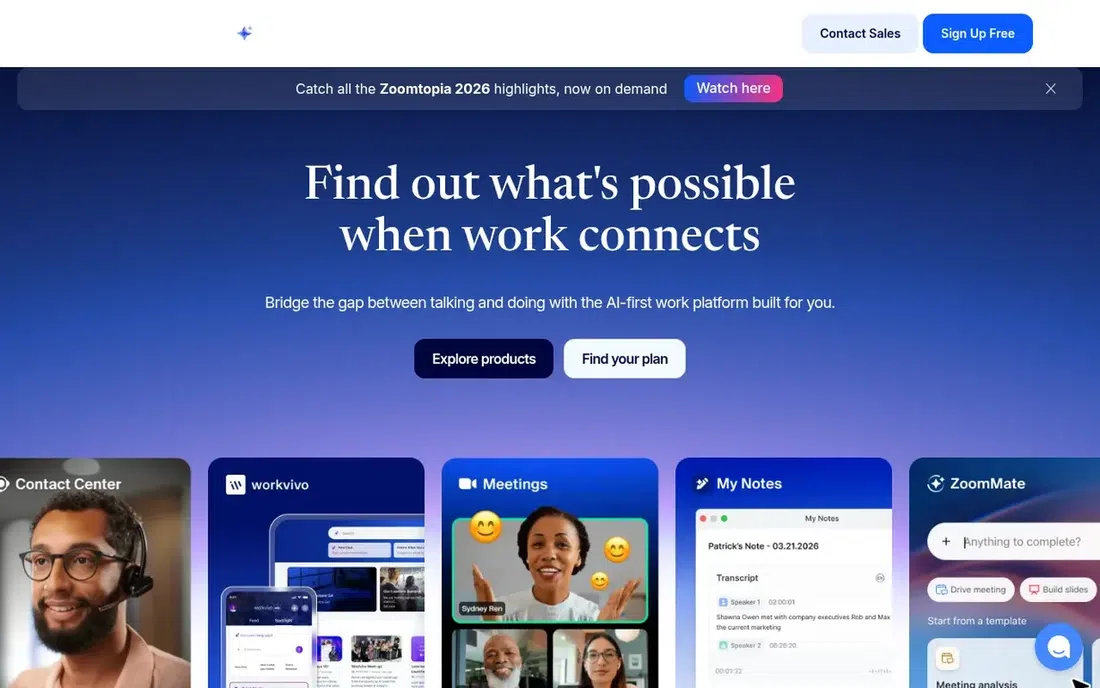
Where Zoom fits: adaptable video meetings and webinars. Teams already standardized on another meeting system may see restricted added value.
Main advantages: chat and phone in one system.
Watch-outs: Numerous features may overlap with existing tools.
Zoom is built around communication instead of spatial or augmented reality collaboration, so it complements instead of replaces a dedicated AR tool. No starting price is listed for Zoom here; confirm pricing on the vendor site. Trial and free access: Not stated.
- Includes webinars
- Whiteboard and events
- AR capability is not a core focus
What went into this list
Selection started from tools commonly considered for AR collaboration tools for remote teams, then narrowed to 6 that have clear pricing information or a clear quote process. Figures are shown as the vendors publish them. Billing terms, seat minimums and add-ons can change the real cost. The order reflects how well each tool fits the most common buying scenario for AR collaboration tools for remote teams, then price clarity, then free plan access. It is a starting point, not a verdict.
A buyer's checklist
- Confirm the entry price on the vendor page. For Vuforia, Microsoft Teams, TeamViewer Frontline and others that means a quote rather than a fixed price.
- Read the fine print on the free plans from Miro and Cisco Webex; seat, project and feature caps differ.
- Run a trial of TeamViewer Frontline with real work before paying for a year; your own workflow is the best test.
- Read the limits listed for Vuforia first: needs development effort.
- Add up seats, add-ons and usage charges for Microsoft Teams before comparing it with cheaper entries.
- Check the integration list for Vuforia against the tools you run today, and note which ones need a higher plan.
FAQ
What is the cheapest option for AR collaboration tools for remote teams in this list?
On published monthly entry prices, Miro is the lowest here at $8 per member per month. Entry price is only part of the cost, because seats, add-ons and billing terms can change the total. Prices, free plan details and limits for all 6 tools in this AR collaboration tools for remote teams roundup sit on the individual cards above.
Do these tools publish their prices?
Not all of them. Vuforia, Microsoft Teams, TeamViewer Frontline and others publish no starting price, so expect a quote request for those. The rest, Miro included, show a starting price, though seats and billing terms still change the final cost.
Is Vuforia the right pick for everyone comparing AR collaboration tools for remote teams?
No single tool suits every team. Vuforia comes first because it fits enterprise AR solution building, while Miro suits visual brainstorming and product planning and Microsoft Teams suits all-in-one meetings, chat and files. Match the tool to your own size, budget and workflow before deciding.
How are the tools for AR collaboration tools for remote teams ordered?
The order follows typical fit for AR collaboration tools for remote teams, with Vuforia first and Zoom last, then price clarity and free access. It is editorial judgement, not a score, so another team could rank the tools differently.
Sources
- https://www.ptc.com/en/products/vuforia
- https://miro.com
- https://www.microsoft.com/en-us/microsoft-teams/group-chat-software
- https://www.teamviewer.com/en/products/frontline
- https://www.webex.com
- https://zoom.us