AR Collaboration Tools for Small Business in 2026: The 6 Best Options Side by Side
Compare 6 picks for the best AR collaboration tools for small business, with prices, free plans and who each fits. The catches are listed up front. Facts only.
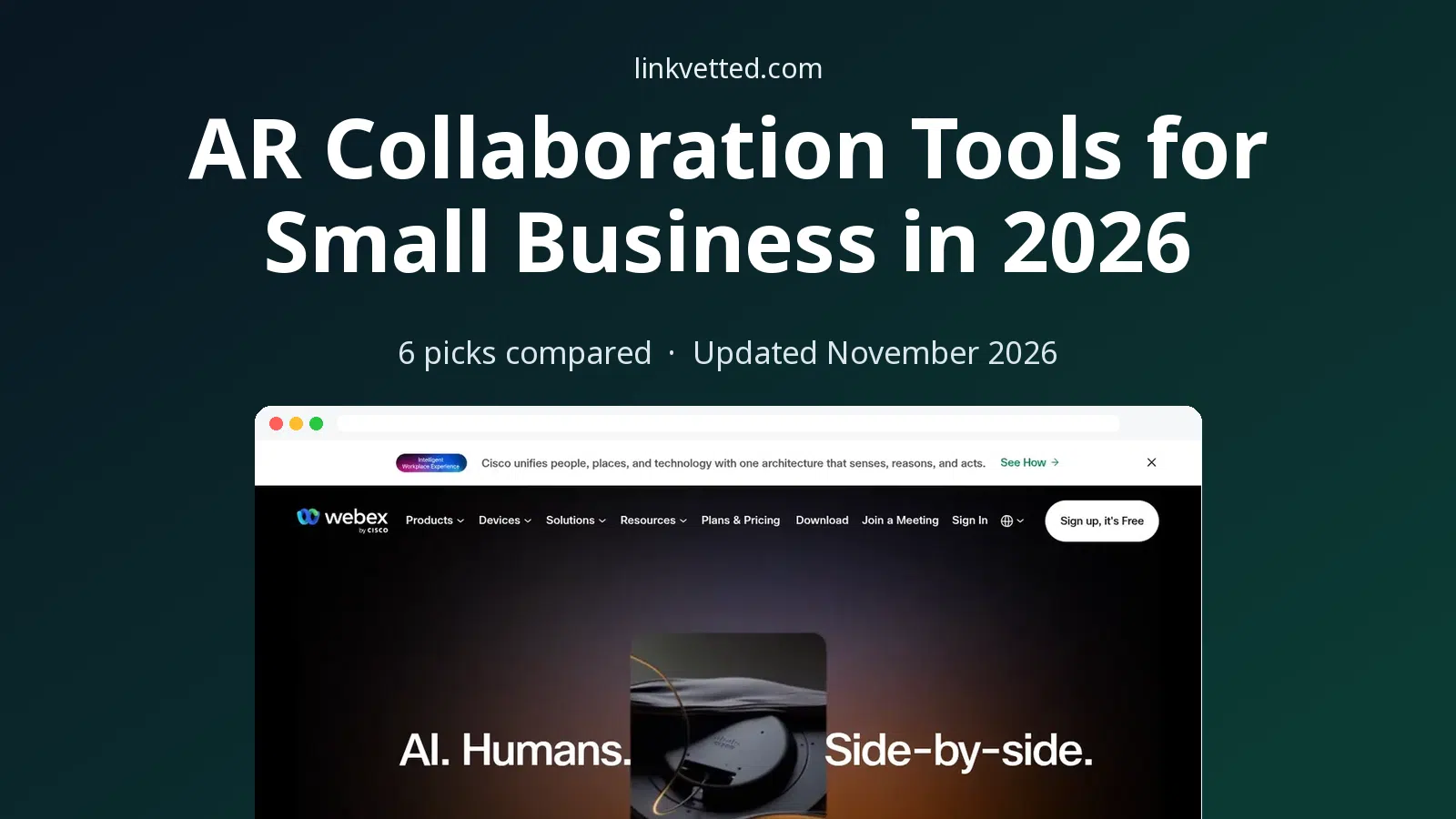
- Editor's choice
 Cisco Webex
AI-assisted collaboration and devices
Starts atPricing on requestVisit webex.comFull review - Great alternative
 TeamViewer
Remote support and desktop access
Starts atPricing on requestVisit teamviewer.comFull review - Also consider
 Microsoft Teams
Everyday meetings and file sharing
Starts atPricing on requestVisit microsoft.comFull review
Direct answer
Start with Cisco Webex if you need AI-assisted collaboration and devices. TeamViewer fits remote support and desktop access; Microsoft Teams fits everyday meetings and file sharing. The other 3 tools in the list cover narrower or pricier cases. None of these vendors publish plan prices, so pricing is on request for every option.
TL;DR:
- This list starts with Cisco Webex, which is built for AI-assisted collaboration and devices.
- Pricing across the list, from Cisco Webex to Scope AR WorkLink, is by quote only.
- Scope AR WorkLink is the one to check for AR support in aerospace and maintenance.
- Only Cisco Webex offers a free plan among these 6 tools.
- A fair warning about TeamViewer: not a full AR authoring suite.
Last checked November 2026. Pricing on request: vendors did not publish plan prices when this guide was last checked (November 2026), so ask each vendor for a written quote.
Quick comparison
| Tool | Best for | Starts at | Free plan? | |
|---|---|---|---|---|
| Cisco Webex | AI-assisted collaboration and devices | Pricing on request | Yes | Visit |
| TeamViewer | Remote support and desktop access | Pricing on request | Free trial | Visit |
| Microsoft Teams | Everyday meetings and file sharing | Pricing on request | Not stated | Visit |
 Zoom | Wide meetings and communication product | Pricing on request | Not stated | Visit |
| Vuforia | Enterprise augmented reality options | Pricing on request | Not stated | Visit |
| Scope AR WorkLink | AR support in aerospace and maintenance | Pricing on request | Not stated | Visit |
Our 6 picks for AR collaboration tools for small business
LinkVetted put together this guide to AR collaboration tools for small business for readers who want a clear shortlist without reading every vendor page. It compares 6 tools on starting price, free plans, who each one suits and where each one falls short.

Cisco Webex targets AI-assisted collaboration and devices. Small firms that expect to grow into more formal communication and customer-facing workflows may find it a solid foundation.
Limits to weigh: Can be complicated for small teams.
In practice, a more straightforward meeting tool or a dedicated AR platform may suit tighter budgets and narrower needs. This comparison lists no price for Cisco Webex; ask the vendor. A free plan is available with Cisco Webex.
- Enterprise-grade product options
- AI-powered collaboration focus
- AR needs supporting integrations
TeamViewer is aimed squarely at remote support and desktop access. Small companies commonly use it for IT help and assisting staff or clients off site. Its core is remote access and support instead of augmented reality experiences, so AR overlays and guided instructions may need extra tools.
Limits to weigh: Support focus may limit creative use.
In practice, Teams wanting rich AR workflows should look at specialist products. In daily use, TeamViewer is a digital workplace product centered on remote desktop access, letting users link to remote computers, offer remote support and collaborate online. TeamViewer does not show a starting price in this comparison, so check the vendor site for current pricing. Trial and free access: Free trial.
- Works across typical devices
- Collaboration features for online work
- Not a full AR authoring suite

Microsoft Teams is built with everyday meetings and file sharing in mind. Microsoft Teams is a collaboration hub built around group chat, video meetings and calling, with tools and files kept available in one place.
On top of that, for a small business, it works as the daily workspace where staff talk, meet and share documents. If your priority is purpose-built AR guidance for field work, a specialist tool may be the better fit. Pricing for Microsoft Teams is not stated here, so ask the vendor for current figures. Free plan details: Not stated.
The main drawbacks: Can feel heavy for very small teams.
- Organized collaboration
- Familiar to numerous office teams
- AR features rely on extras
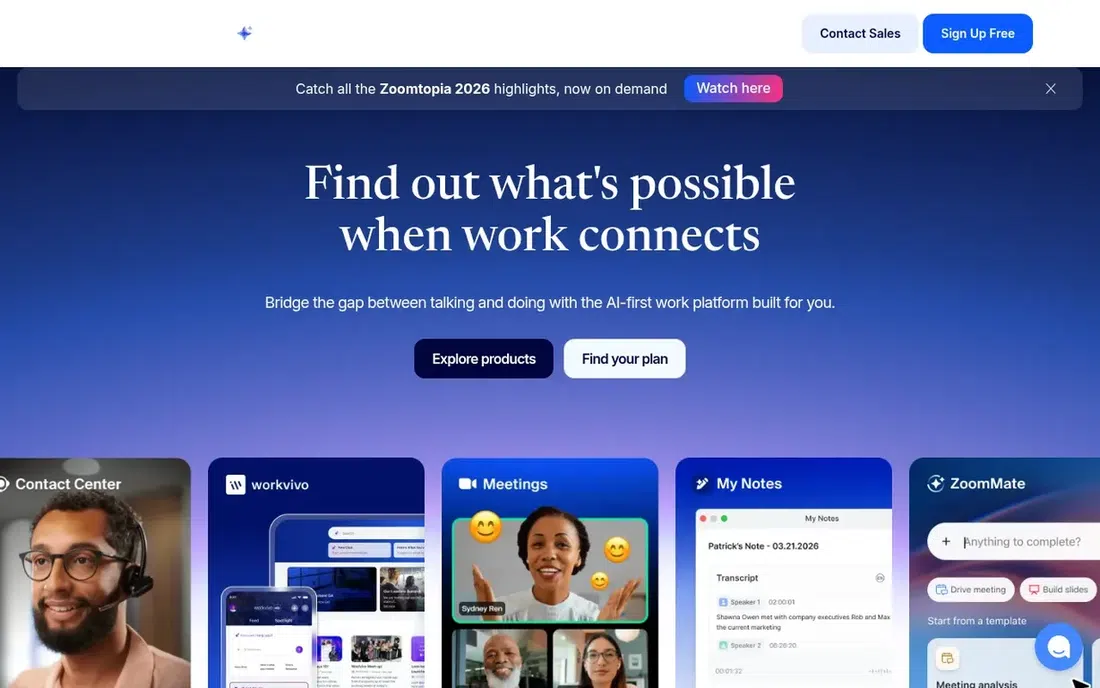
Where Zoom fits: wide meetings and communication product. Like other meeting systems, Zoom is not a dedicated AR tool, so remote AR guidance needs pairing it with specialist software.
For everyday use, Zoom fits teams that want a single, well-known system for daily communication and occasional bigger sessions. This comparison lists no price for Zoom; ask the vendor. Trial and free access: Not stated.
Limits to weigh: Numerous features may exceed small team needs.
- Video meetings
- Widely recognized and simple to join
- AR assistance needs separate options
Vuforia
Best for: Enterprise augmented reality options
For enterprise augmented reality options, Vuforia is a natural candidate. Small firms with technical resources can use it to produce AR experiences for products, training or service. The enterprise orientation means more setup and expertise than plenty of small teams can spare.
Watch-outs: Enterprise focus may overwhelm small teams.
Vuforia makes sense when AR is central to the product or service offering. From a buyer's view, organizations wanting fast, straightforward AR calls should consider lighter collaboration tools first. This comparison lists no price for Vuforia; ask the vendor. Trial and free access: Not stated.
- Backed by PTC product expertise
- Expansive enterprise AR capabilities
- Needs planning and technical skills
Scope AR WorkLink
Best for: AR support in aerospace and maintenance
Scope AR WorkLink is designed for AR support in aerospace and maintenance. The product is oriented toward industrial and technical use, so companies outside those sectors may find it more than needed.
Also, Scope AR WorkLink is an augmented reality product that Scope AR describes as enhancing productivity across industries, with options for aerospace, aviation, maintenance and more. Scope AR WorkLink does not show a starting price in this comparison, so check the vendor site for current pricing. On free options: Not stated.
Downsides: Needs compatible devices and training.
- Designed for productivity in the field
- Advanced augmented reality focus
- Industry focus may not fit every sector
How we built this list
Questions to settle before buying
- Confirm the entry price with every vendor: no tool from Cisco Webex to Scope AR WorkLink shows a fixed starting price.
- Test the free plan from Cisco Webex against your real workload before relying on it.
- Take the trial from TeamViewer and push a live task through it before you pay.
- Before choosing Cisco Webex, weigh its main limit: can be complicated for small teams.
- Map your must-have features to a specific TeamViewer plan before you compare prices.
- Pick one real project and run it in Zoom first; a small pilot shows fit faster than a checklist.
FAQ
Which options for AR collaboration tools for small business have a free plan?
Cisco Webex is the only tool in this list with a free plan. Free plans usually cap users, projects or features, so check the limits on the vendor page. One other tool offers a trial instead. For the full picture, the cards above cover all 6 entries of this AR collaboration tools for small business list, including price, free plan and limits.
Do these tools publish their prices?
No. None of the tools, from Cisco Webex to Scope AR WorkLink, shows a fixed starting price here, so budget time for quotes.
How are the tools for AR collaboration tools for small business ordered?
Cisco Webex sits first and Scope AR WorkLink last because the order follows typical fit for AR collaboration tools for small business, then price clarity and free access. It is a judgement call, so read each profile for fit and limits.
Is Cisco Webex the right pick for everyone comparing AR collaboration tools for small business?
No single tool suits every team. Cisco Webex comes first because it fits AI-assisted collaboration and devices, while TeamViewer suits remote support and desktop access and Microsoft Teams suits everyday meetings and file sharing. Match the tool to your own size, budget and workflow before deciding.
What should I check before choosing?
Confirm whether AR is native or integrated, which devices your staff use, and how content gets created and updated. Also ask about onboarding support and whether the tool suits your actual workflows instead of just your meeting needs.
Sources
- https://www.webex.com
- https://www.teamviewer.com
- https://www.microsoft.com/en-us/microsoft-teams/group-chat-software
- https://zoom.us
- https://www.ptc.com/en/products/vuforia
- https://www.scopear.com