Best Collaboration Software for Small Business in 2026: 8 Tools Compared
Best collaboration software for small business compared: chat, tasks, docs and pricing for 8 tools, so a small team can pick one workspace with confidence.
- Editor's choice
 Slack
Team chat and channels
Starts at$8.75 per user per monthVisit slack.comFull review - Great alternative
 Microsoft Teams
Businesses already using Microsoft 365
Starts atSee websiteVisit microsoft.comFull review - Also consider
 Asana
Structured projects and task ownership
Starts at$10.99 per user per monthVisit asana.comFull review
TL;DR:
- Slack is the best pure chat hub, while Asana and ClickUp add the task ownership small teams often lack.
- Free plans are genuinely useful, but check seat minimums, message history limits and which features sit on paid tiers.
- The cheapest tool is not always the cheapest setup: pairing a chat app with a task app is common and should be budgeted.
- Google Workspace and Microsoft Teams make most sense if your team already lives in that ecosystem.
Quick comparison
| Tool | Best for | Starts at | Free plan? | |
|---|---|---|---|---|
| Slack | Team chat and channels | $8.75 per user per month | Yes | Visit |
| Microsoft Teams | Businesses already using Microsoft 365 | See website | Yes | Visit |
| Asana | Structured projects and task ownership | $10.99 per user per month | Yes | Visit |
 ClickUp | All-in-one workspace on a budget | $7 per user per month | Yes | Visit |
 Monday.com | Visual boards and dashboards | $9 per user per month | Yes | Visit |
 Notion | Docs, wikis and light project tracking | $10 per user per month | Yes | Visit |
 Google Workspace | Teams built around Gmail and Google Docs | $7 per user per month | Free trial | Visit |
 Trello | Simple kanban boards for small teams | $5 per user per month | Yes | Visit |
The best collaboration software for small business
Small teams rarely need the biggest enterprise platform. They need one place where messages, tasks and files stay findable, and a tool the whole team will actually open every day. We compared official pricing pages, feature lists and app store listings for chat-first tools, project trackers and all-in-one workspaces, and favored tools with a free plan or a low starting price. The eight below mix leaders with smaller, simpler options, so a team of three and a team of thirty can both find a fit.
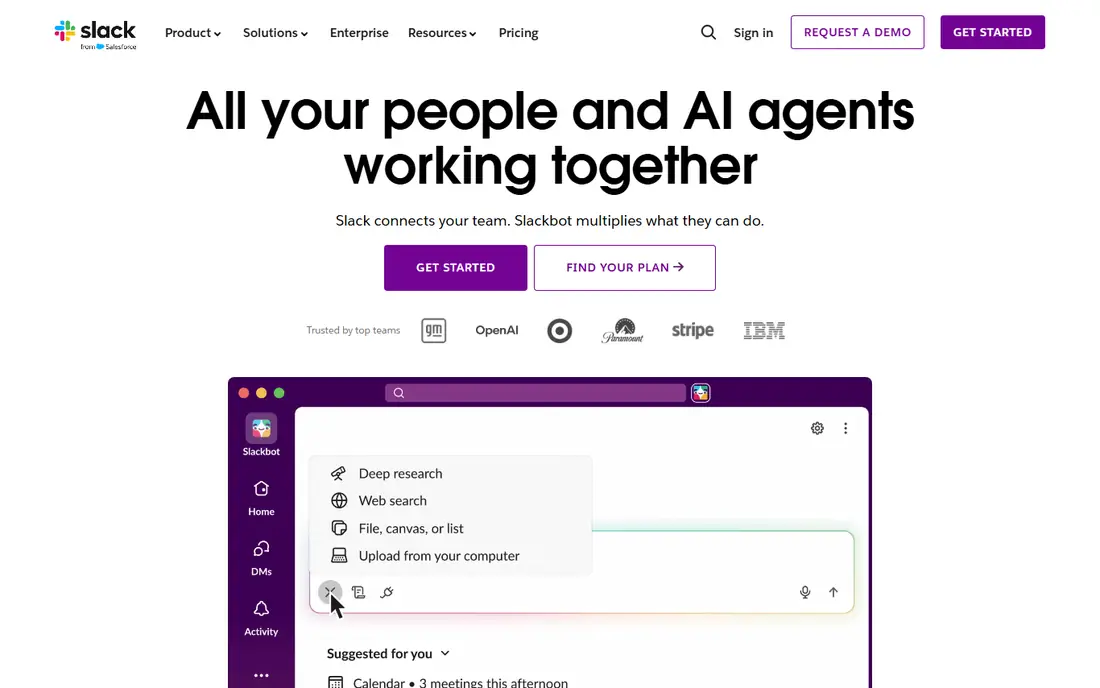
Slack organizes team talk into channels for projects, clients and topics, so updates stop living in scattered email threads. Direct messages, threads and reactions keep quick questions moving, and integrations pull alerts from tools such as Google Drive and Asana into one place. For a small business, that structure is the main draw: everyone can see where a decision was made without asking for a forwarded email.
Slack works best when chat is the hub and other tools plug into it. The free plan suits a very small team, but limited history means older decisions can disappear from search. Teams that need built-in task tracking or document editing will still need a second tool, so budget for that pairing before you commit.
- Organized channels and threads
- Huge integration library
- Fast search across messages and files
- Costs add up as the team grows
- Message history is limited on the free plan

Microsoft Teams combines chat, video calls and shared files, which makes it a natural pick for a business that already pays for Microsoft 365. Channels hold conversations next to documents, and meetings start from the same window, so staff do not juggle three separate apps. That closeness to Word, Excel and Outlook is a real time saver for office work.
The trade-off is weight. Teams can feel slow to set up for a five-person firm, and guests or outside partners sometimes find the interface busy. If your business does not use Microsoft tools, a lighter chat app may fit better, but inside a Microsoft shop Teams is hard to beat on value.
- Chat, video meetings and file storage in one app
- Strong fit with Word, Excel and Outlook
- Generous free tier for basic use
- Can feel heavy for very small teams
- The full value depends on a Microsoft 365 subscription
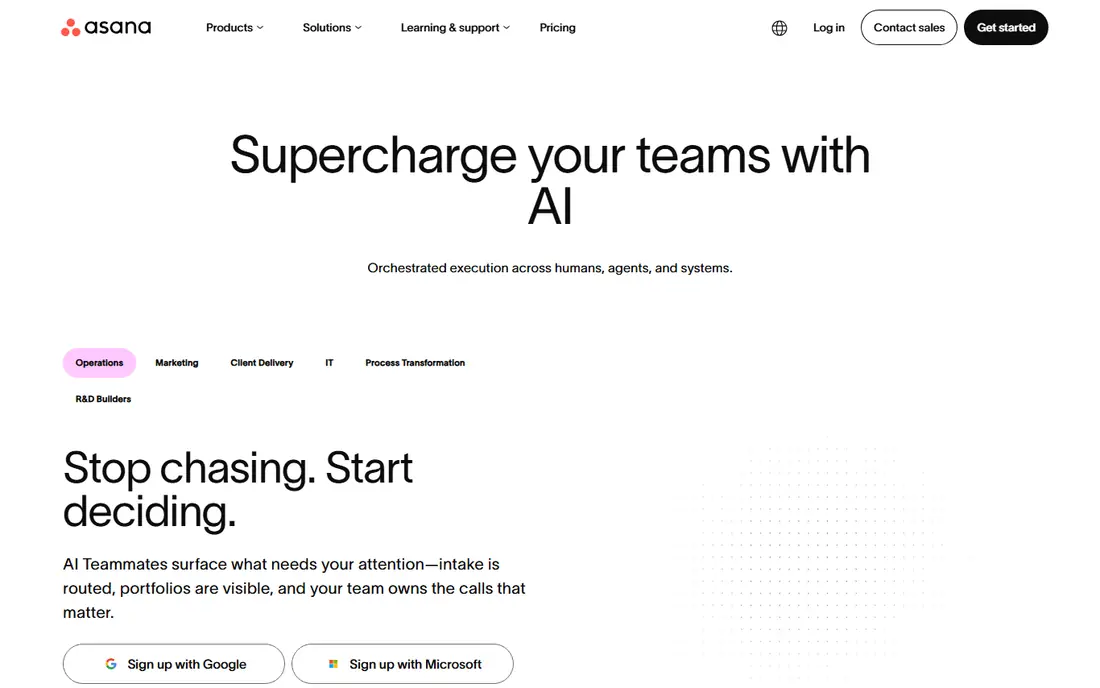
Asana turns shared work into visible tasks with an owner and a due date, which is exactly what small teams need when jobs start slipping. Boards, lists and timelines show the same work in different views, and templates speed up repeat jobs such as client onboarding or monthly reporting. Comments stay attached to the task, so context is easy to find later.
Asana is less of a chat tool and more of a work tracker, so most teams still pair it with Slack or Teams. The free plan covers only one or two people, which means a growing team pays sooner than with some rivals. Still, for a team that wants clear ownership above all else, Asana is a strong, calm choice.
- Clear task owners, due dates and timelines
- Easy project templates
- Good reporting on progress
- Free plan is limited to small teams
- Advanced planning features sit on higher tiers
ClickUp aims to replace several tools at once, with tasks, documents, chat, goals and time tracking inside a single workspace. That breadth is attractive for a small business that wants one bill instead of four, and the free plan covers unlimited tasks and members. Views range from simple lists to Gantt charts, so different staff can work the way they prefer.
The risk is overload. ClickUp ships so much that a team without a clear setup can end up with a messy workspace and half-used features. Appoint one person to own the structure, turn off what you do not need, and it becomes one of the best value picks on this list. Skip it if nobody will take that ownership role.
- Tasks, docs, chat, goals and time tracking in one place
- Generous free plan
- Many views and automations
- So many features that setup can feel overwhelming
- New users need time to learn it
Monday.com presents work as colorful boards where status, owner and deadline are visible at a glance. That visual style helps small teams spot stuck work fast, and dashboards roll several boards into one view for owners. Automations handle routine steps, such as notifying a manager when a status changes, without manual chasing.
Monday.com charges in seat blocks on some plans, so a six-person team may pay for more seats than it uses. It also has no true team chat, so most teams keep a chat app alongside it. If visual clarity and easy adoption matter more than chat, Monday.com is a pleasant daily tool.
- Highly visual boards and dashboards
- Flexible columns and automations
- Easy for non-technical staff
- Seat minimums can raise the real cost
- No built-in team chat
Notion lets a small business build a shared wiki, a client handbook and a task tracker from the same set of pages. Databases turn simple tables into filtered views for content, leads or inventory, and templates give new teams a solid starting point. For firms whose main problem is scattered knowledge, Notion brings documents and tasks together in one searchable place.
The freedom is also the weakness. Without agreed templates, pages can drift into a jumble that nobody trusts. Task management is lighter than Asana or ClickUp, so complex projects may outgrow it. Used with discipline, though, Notion is an excellent home base for a small, document-heavy team.
- Flexible pages that combine docs, databases and tasks
- Strong templates
- Good for a shared company wiki
- Can feel unstructured without templates
- Task features are lighter than dedicated project tools
Google Workspace bundles Gmail, Docs, Sheets, Drive, Meet and Calendar under one login, which covers most small business collaboration needs without extra software. Real-time editing in Docs and Sheets is still one of the smoothest ways for two people to work on the same file, and shared drives keep team files in one place. Most new hires already know these tools, so training time stays low.
The bundle is a set of apps rather than one workspace, so conversations, tasks and documents live in different places. Businesses that want a single project board will need to add a task tool. Even so, for email-first teams that live in Docs and Meet, Workspace is a practical and affordable foundation.
- Gmail, Docs, Drive, Meet and Calendar in one account
- Real-time co-editing
- Familiar tools for most staff
- Collaboration features are spread across apps
- Advanced admin controls cost more
Trello keeps collaboration simple: cards on boards, moved from left to right as work progresses. That simplicity is its strength for small teams, freelancers and client work, because anyone can learn it in minutes and check progress without a meeting. Power-Ups add calendars, custom fields and automation when a board needs more power.
Trello is not built for complex, multi-stage projects with dependencies and workload planning. Teams that grow into those needs often move to Asana or Monday.com. But as a first collaboration tool, or as a lightweight board beside Slack, Trello remains one of the easiest picks to adopt.
- Very easy kanban boards
- Quick to learn
- Useful Power-Ups for calendars and automation
- Limited for complex projects
- Reporting and workload views need higher tiers
How we picked these
We compared official feature pages, pricing pages and app store listings, and we favored tools that a small team can set up without an IT department. We looked at chat, task ownership, document sharing, integrations and the real cost once free limits are passed. We did not claim hands-on testing. Our judgment rests on what each vendor publishes, what public reviews report about everyday use, and how clearly each plan states its limits.
Choosing the right collaboration tool for a small team
Start with the problem that costs you the most time. If messages get lost, pick a chat hub first. If deadlines slip, pick a task tracker first. If documents are scattered, pick a wiki or a shared drive first. Write down the one workflow you repeat every week, such as onboarding a client or shipping an order, and test each shortlisted tool against that workflow during its free plan or trial.
Next, count the total cost, not just the headline price. Add the chat app, the task app and the storage plan together if you need more than one, and check seat minimums and per-user billing. Finally, name one owner for the workspace. Even the best tool fails when nobody tidies boards, archives old channels or sets naming rules. A short weekly clean-up keeps the system trusted.
Questions to ask before you pay
Check how guests and outside clients are billed, how message and file history is kept, and how easily you can export your data. Ask about mobile apps, because field and shop staff often work from a phone. Confirm which integrations you truly need, since a long integration list matters less than the three tools your team opens daily.
FAQ
What is the best collaboration software for a small business?
There is no single winner for every team. Slack suits chat-heavy teams, Asana suits deadline-heavy teams, and ClickUp or Notion suit teams that want fewer separate apps. Start from your biggest bottleneck, then use the free plan to test that exact workflow before paying.
Is there free collaboration software for small business?
Yes. Slack, Trello, ClickUp, Notion and Asana all offer free plans, though each limits members, history or features in some way. A free plan works well for a very small team, but check what happens when you pass the limit so the upgrade price does not surprise you.
Do small businesses need both chat and project tools?
Many do, because chat handles quick questions and project tools handle ownership and deadlines. Some all-in-one tools cover both, but they may do one job less well than a specialist. A chat app plus a task board is a common, workable pairing for small teams.
What are the best virtual collaboration tools for remote teams?
Tools with strong video, async updates and shared documents work best for remote teams. Microsoft Teams and Google Workspace cover meetings and files, while Slack, Asana and Notion handle async updates across time zones. Pick tools with good mobile apps so nobody is left out.
How much does collaboration software cost?
Starting prices on this list range from $5 to about $11 per user per month on annual billing, with free plans available. The total depends on team size, seat minimums and whether you need one tool or two, so always price your actual team, not the advertised starting tier.