The 6 Best Breakout Room Software for Virtual Conferences in 2026, Ranked
6 best breakout room software for virtual conferences, with entry costs, free tiers and the buyer each one serves. Each pick lists its main limit. Easy to scan.
- Editor's choice
 Airmeet
AI-assisted event video and content reuse
Starts at$167 per monthVisit airmeet.comFull review - Great alternative
 Hopin
Branded webinar and community event experiences
Starts atSee websiteVisit hopin.comFull review - Also consider
 GoTo Meeting
Straightforward web conferencing with breakouts
Starts atSee websiteVisit goto.comFull review
Direct answer
For AI-assisted event video and content reuse, Airmeet is where this list starts. Listed starting prices: Airmeet from $167 per month. Alternatives: Hopin for branded webinar and community event experiences, and GoTo Meeting for straightforward web conferencing with breakouts. The other 3 tools in the list cover narrower or pricier cases.
TL;DR:
- Airmeet is the opening pick, best for AI-assisted event video and content reuse.
- Airmeet has the lowest monthly starting price in this list: $167 per month.
- Zoom Events suits full conference events with managed sessions.
- Cisco Webex stands alone as the one tool in this list with a free plan.
- Before buying Airmeet, weigh this: wide feature set to evaluate.
Last checked November 2026. Prices and plan details were read from the vendors' own pages in November 2026; vendors change plans often, so confirm the current price on the vendor site before you buy.
Quick comparison
| Tool | Best for | Starts at | Free plan? | |
|---|---|---|---|---|
| Airmeet | AI-assisted event video and content reuse | $167 per month | Free trial | Visit |
| Hopin | Branded webinar and community event experiences | See website | Not stated | Visit |
| GoTo Meeting | Straightforward web conferencing with breakouts | See website | Not stated | Visit |
 Cisco Webex | Large enterprise conferences with AI assistance | See website | Yes | Visit |
 Zoom | Familiar breakout rooms for any meeting | See website | Not stated | Visit |
 Zoom Events | Full conference events with managed sessions | See website | Not stated | Visit |
Our 6 breakout room software for virtual conferences
If you are comparing breakout room software for virtual conferences, this page covers 6 tools in one place: what each is best for, what it costs to start, whether it has a free plan, and the main limit to know about.
Airmeet is aimed squarely at AI-assisted event video and content reuse. For virtual conferences, that combination fits organizers who want sessions recorded and repurposed into short content after the event.
On cost, Airmeet starts like this: $167 per month. Free options: Free trial.
Points against: Wide feature set to evaluate.
- AI video suite for events and podcasts
- Content and search visibility tools
- Conference breakout flow needs a demo
Choose Hopin for branded webinar and community event experiences. That makes it relevant for conferences where the attendee experience and lasting impression matter as much as the sessions themselves.
Hopin does not show a starting price in this comparison, so check the vendor site for current pricing. Free access: Not stated.
The main drawbacks: Product identity has shifted over time.
- Community-building focus
- Webinar and event formats in one place
- Breakout detail needs vendor confirmation
For straightforward web conferencing with breakouts, GoTo Meeting is a natural candidate. GoTo Meeting is a web conferencing product built around virtual meetings, with the features firms expect for hosting sessions and splitting attendees into smaller groups.
GoTo Meeting is meeting software first, so registration, agendas and conference analytics are not its focus. GoTo Meeting does not show a starting price in this comparison, so check the vendor site for current pricing. Free plan details: Not stated.
Watch-outs: Fewer conference-level event tools.
- Clear fit for business meetings
- Straightforward meeting-focused interface
- Restricted branding for large events
Think of Cisco Webex for large enterprise conferences with AI assistance. Cisco Webex is an AI-powered collaboration product spanning meetings, customer experience, devices and product options.
On top of that, the breadth of choices can overwhelm organizers who just want straightforward breakout rooms, and new hosts may need time to learn the interface. For small conferences with light technical support, a more straightforward meeting tool may be simpler to run. Pricing for Cisco Webex is not stated here, so ask the vendor for current figures. Free access exists with Cisco Webex.
What to check first: Interface can feel dense for newcomers.
- AI-powered collaboration features
- Suited to formal enterprise events
- Configuration choices take time to learn
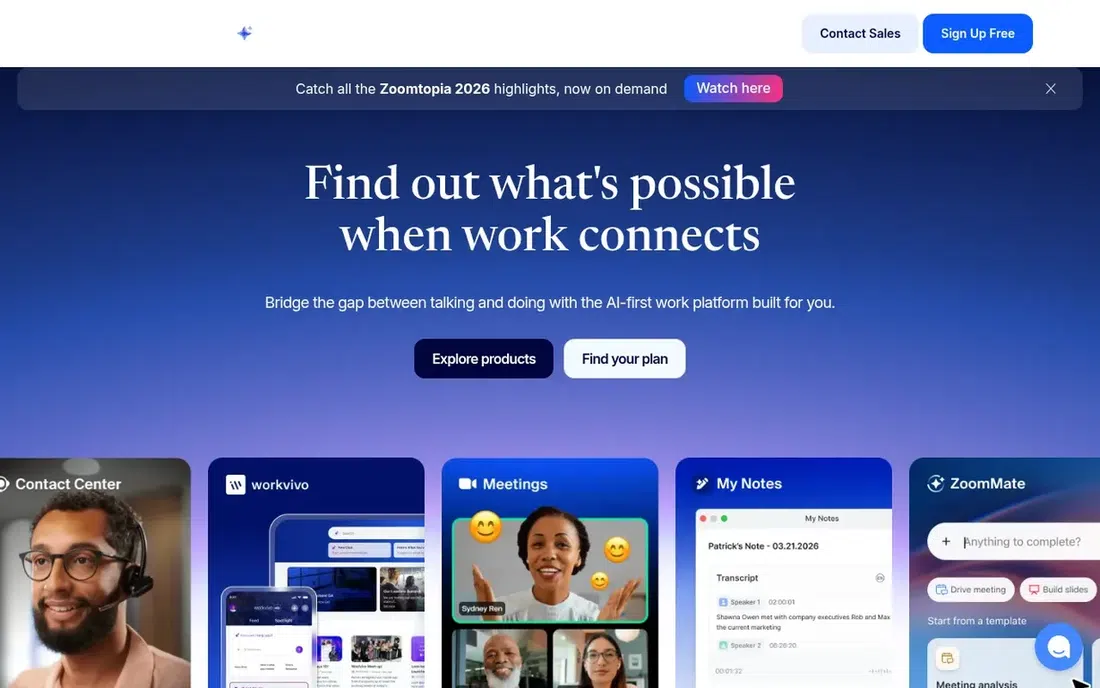
Choose Zoom for familiar breakout rooms for any meeting. Zoom is the collaboration product most conference attendees already know, handling video meetings, chat, phone, webinars and whiteboard. Its breakout rooms let a host split a central session into smaller discussion groups, which is the core mechanic of conference networking and workshop formats.
As for the details, if your conference needs managed tracks and attendance reporting, the events product is the better fit. Zoom is not built as a conference management system, so registration pages, multi-session agendas and event analytics are restricted compared with Zoom Events. Pricing for Zoom is not stated here, so ask the vendor for current figures. Free plan details: Not stated.
Limits to weigh: No dedicated conference registration layer.
- Whiteboard and phone in one product
- Breakout rooms built into meetings
- Manual room assignment for large groups
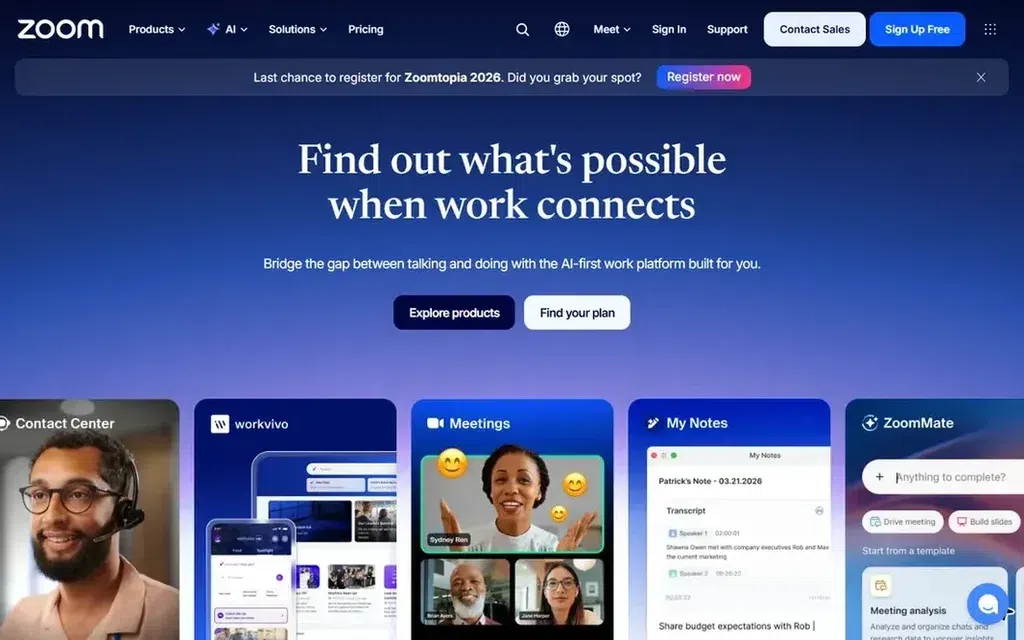
Zoom Events is aimed squarely at full conference events with managed sessions. Zoom Events is the event-focused layer on top of Zoom, aimed at organizers running webinars and virtual conferences instead of one-off calls.
Also, the homepage flags registration tools, production features and analytics, which map well to multi-track conferences where each breakout session needs its own room and attendance data. In practice, smaller gatherings may find the event tooling heavier than needed, in which case plain Zoom meetings handle breakout rooms with less overhead. This comparison lists no price for Zoom Events; ask the vendor. Trial and free access: Not stated.
Drawbacks to consider: Event setup layers on complexity.
- Registration and production tools in one place
- Analytics for event hosts
- Best value for bigger programs
How we compared the tools
Things to verify first
- Confirm the entry price on the vendor page. For Hopin, GoTo Meeting, Cisco Webex and others that means a quote rather than a fixed price.
- Test the free plan from Cisco Webex against your real workload before relying on it.
- Run a trial of Airmeet with real work before paying for a year; your own workflow is the best test.
- Read the limits listed for Airmeet first: broad feature set to evaluate.
- Get the contract term, renewal terms and any onboarding fees from Cisco Webex in writing.
- Check the integration list for Zoom Events against the tools you run today, and note which ones need a higher plan.
FAQ
How are the tools for breakout room software for virtual conferences ordered?
Airmeet sits first and Zoom Events last because the order follows typical fit for breakout room software for virtual conferences, then price clarity and free access. It is a judgement call, so read each profile for fit and limits.
Do these tools publish their prices?
Not all of them. Hopin, GoTo Meeting, Cisco Webex and others publish no starting price, so expect a quote request for those. The rest, Airmeet included, show a starting price, though seats and billing terms still change the final cost.
Can Zoom deal with conference breakout rooms without Zoom Events?
Yes, standard Zoom meetings contain breakout rooms, which handles plenty of conference workshops and networking sessions. Zoom Events layers on registration, production features and analytics on top, which matters when you run several tracks and need attendance reporting.
Which options for breakout room software for virtual conferences have a free plan?
Cisco Webex is the only tool in this list with a free plan. Free plans usually cap users, projects or features, so check the limits on the vendor page. One other tool offers a trial instead. Each of the 6 options in this Breakout room software for virtual Conferences guide has its own card above with the price, free plan and limits.
Is Airmeet the right pick for everyone comparing breakout room software for virtual conferences?
No single tool suits every team. Airmeet comes first because it fits AI-assisted event video and content reuse, while Hopin suits branded webinar and community event experiences and GoTo Meeting suits straightforward web conferencing with breakouts. Match the tool to your own size, budget and workflow before deciding.
Sources
- https://www.airmeet.com
- https://hopin.com
- https://www.goto.com/meeting
- https://www.webex.com
- https://zoom.us
- https://events.zoom.us