6 API Documentation Tools for Public APIs Worth Shortlisting in 2026
Weighing the best API documentation tools for public APIs? We lined up 6 products by cost, free access and fit. Short verdicts, no fluff. Budget notes included.
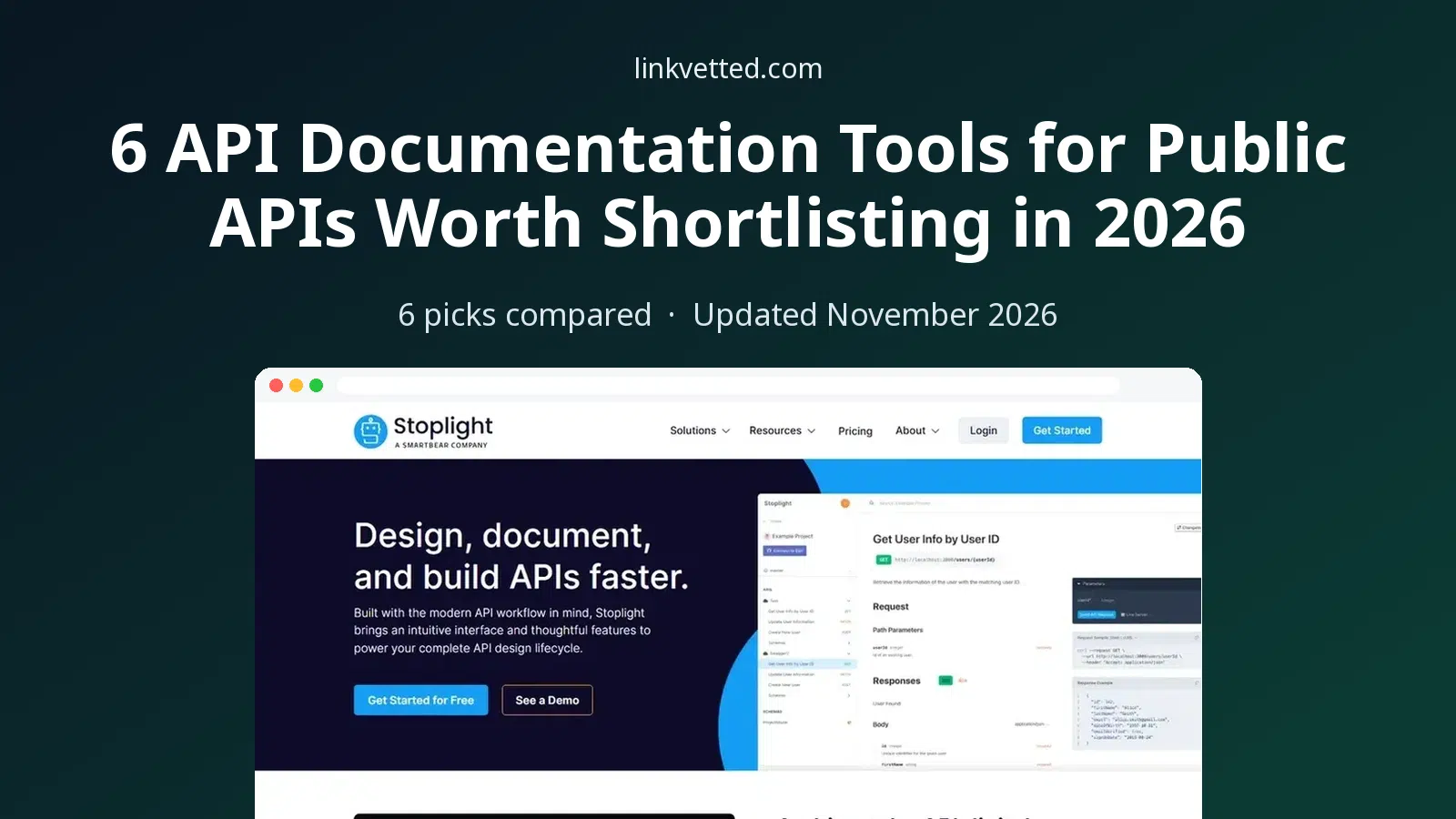
- Editor's choice
 Stoplight
OpenAPI design and documentation
Starts at$44 a monthVisit stoplight.ioFull review - Great alternative
 Postman
API engineering and testing workflows
Starts at$9 a monthVisit postman.comFull review - Also consider
 Redocly
Reference docs from OpenAPI
Starts at$249 a monthVisit redocly.comFull review
Direct answer
Stoplight comes first here, mainly for OpenAPI design and documentation. Listed starting prices: Stoplight from $44 a month, Postman from $9 a month and Redocly from $249 a month. If your case is different, Postman suits API engineering and testing workflows and Redocly suits reference docs from OpenAPI. Details, prices and limits for the rest of the 6 tools are below.
TL;DR:
- Top of the list is Stoplight, which targets OpenAPI design and documentation.
- Docusaurus fits custom documentation websites.
- The main caution on Postman: documentation is one part of a broader tool.
- The lowest published monthly entry price here is $9 per month, from Postman.
- A free plan is available from 2 of the 6 tools: Postman, GitBook.
Last checked November 2026. Prices and plan details were read from the vendors' own pages in November 2026; vendors change plans often, so confirm the current price on the vendor site before you buy.
Quick comparison
| Tool | Best for | Starts at | Free plan? | |
|---|---|---|---|---|
| Stoplight | OpenAPI design and documentation | $44 a month | Free trial | Visit |
| Postman | API engineering and testing workflows | $9 a month | Yes | Visit |
| Redocly | Reference docs from OpenAPI | $249 a month | Free trial | Visit |
 GitBook | Docs for humans and AI agents | $65 per site per month | Yes | Visit |
 ReadMe | Interactive public API documentation | See website | Not stated | Visit |
 Docusaurus | Custom documentation websites | See website | Not stated | Visit |
API Documentation Tools for Public APIs compared in detail
If you are comparing API documentation tools for public APIs, this page covers 6 tools in one place: what each is best for, what it costs to start, whether it has a free plan, and the main limit to know about.
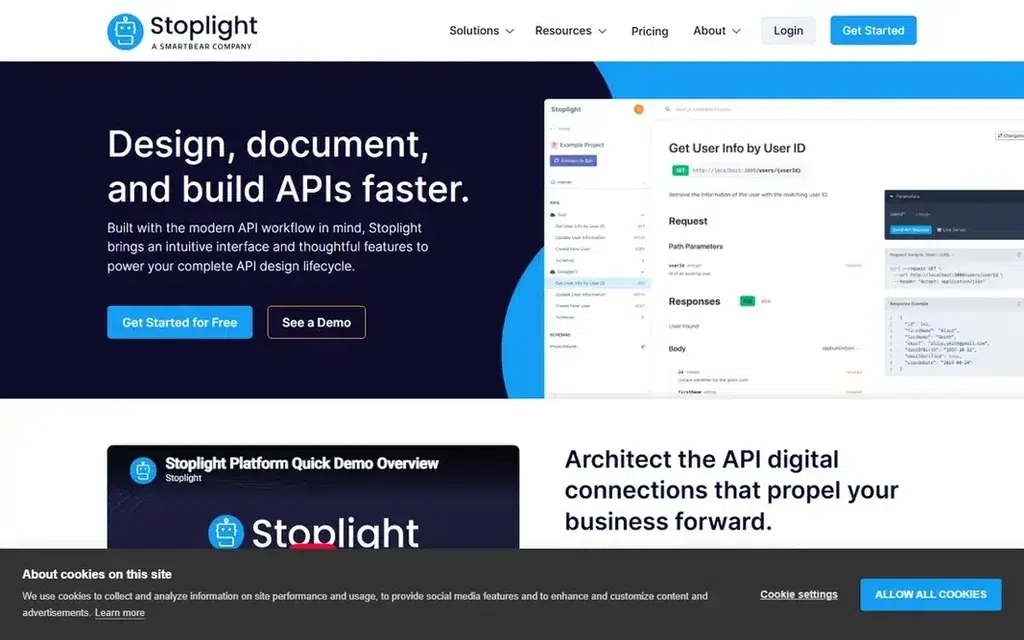
Stoplight serves OpenAPI design and documentation. It lets teams produce OpenAPI descriptions, documentation and mock servers in one centralized product. Its homepage notes this can be done quicker without specialized knowledge.
For everyday use, the design-first, OpenAPI-centric model is feature-rich but may be heavier than teams that only have to render existing specs. Also, if you already have specs and just want reference output, a lighter renderer could be more straightforward. Entry price for Stoplight: $44 per month. Free access: Free trial.
The main drawbacks: Tied to OpenAPI-centric workflow.
- Centralized product
- OpenAPI design and docs together
- Design-first approach may be more than some need
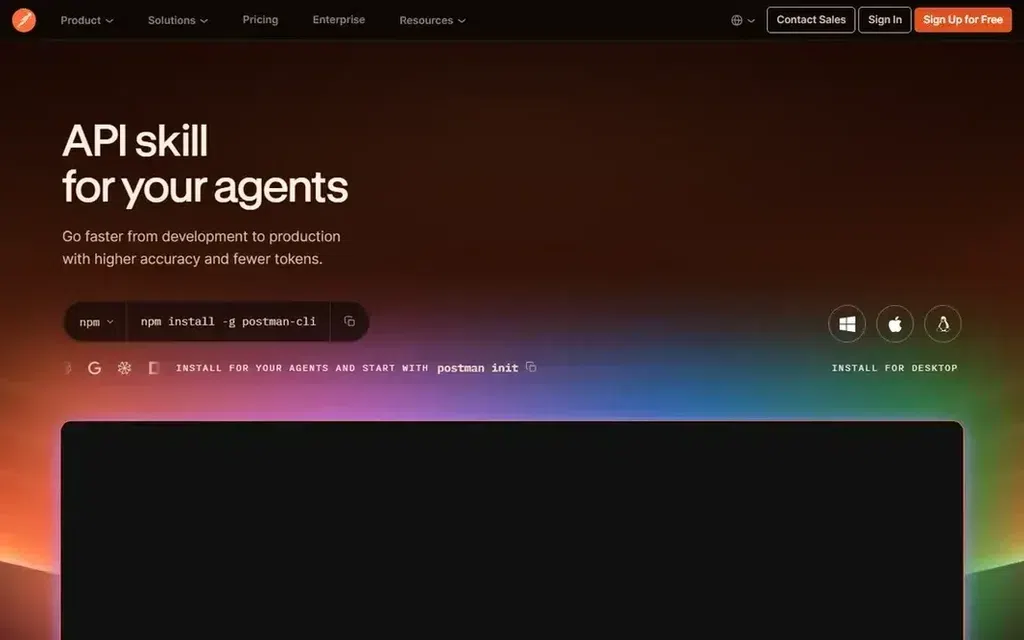
Postman is a good fit for API engineering and testing workflows. Plenty of teams already use it for building, testing and collaborating on APIs.
From a buyer's view, Postman is best known as an API engineering system. Its homepage frames it around moving from development to production with accuracy and efficiency. Starting cost for Postman: $9 per month. Free access exists with Postman.
Downsides: Documentation is one part of a broader tool.
- Widely used workflow
- Handy for testing and collaboration
- Public docs hosting is not its core focus
Redocly was built for reference docs from OpenAPI. Redocly leans on OpenAPI as the source of truth, so teams with hand-written or narrative-heavy documentation may find it less adaptable.
Limits to weigh: Less suited to hand-written content sites.
Redocly starts at: $249 per month. Trial and free access: Free trial.
- SDKs and tests
- Produces reference docs
- Centred on OpenAPI-driven output
GitBook was built for docs for humans and AI agents. GitBook describes itself as a documentation system aimed at humans and AI, with built-in MCP connecting docs to AI agents and a GitBook Agent that keeps them accurate.
Honest limits: API-specific features are secondary.
Choose GitBook when AI-connected, general documentation is the priority. Teams wanting deep spec-driven reference output may prefer a dedicated tool. GitBook pricing: $65 per site per month. GitBook has a free plan.
- Agent keeps docs accurate
- Built-in MCP for AI agents
- Less concentrated on OpenAPI rendering
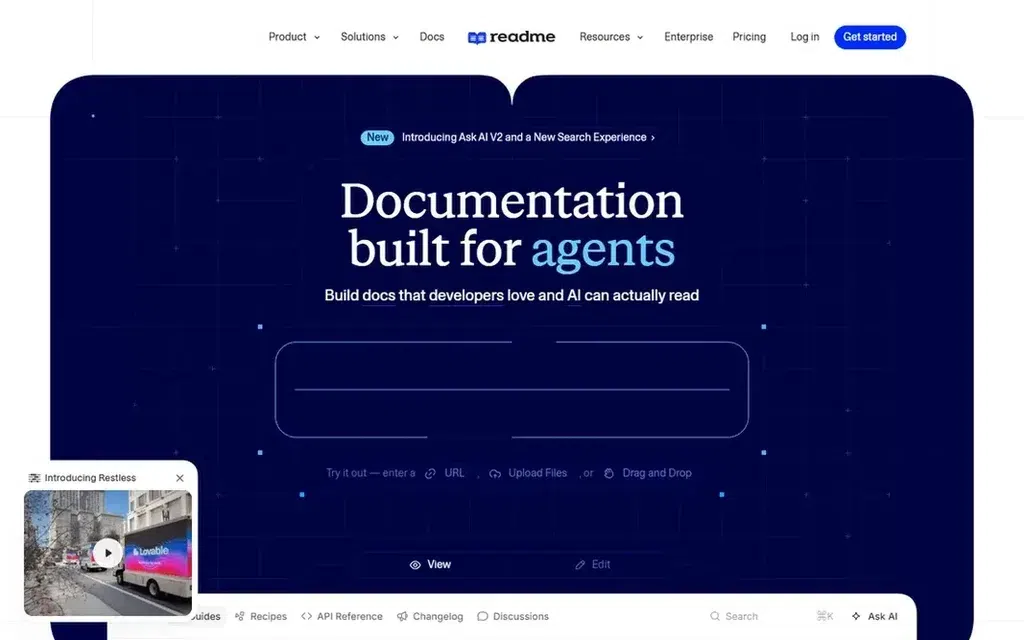
Think of ReadMe for interactive public API documentation. ReadMe is a documentation platform built around creating interactive API documentation that developers find pleasant to use.
As for the details, if your priority is a clean reference that developers can explore and try, ReadMe is a natural starting point. On top of that, design-first workflows around OpenAPI are better served elsewhere. ReadMe does not show a starting price in this comparison, so check the vendor site for current pricing. Trial and free access: Not stated.
Drawbacks to consider: Less control over the underlying site. Where ReadMe stands out: developer-friendly docs.
- Refined hosted experience
- Interactive
- Design-first OpenAPI tooling is restricted
Docusaurus works best for custom documentation websites. Docusaurus is an optimized site generator built in React that helps teams move quick and write content. From a buyer's view, Docusaurus is a site generator, not a dedicated API documentation product, so OpenAPI rendering and interactive API features need additional setup.
Upsides: Full control over site and content.
Trade-offs to know: Needs development effort.
It also assumes some development effort. Also, choose Docusaurus when customization and control matter more than out-of-the-box API docs features. Docusaurus does not show a starting price in this comparison, so check the vendor site for current pricing. Free access: Not stated.
- Supports docs
- Blogs and marketing pages
- No built-in OpenAPI rendering focus
How the list was put together
Selection started from tools commonly considered for API documentation tools for public APIs, then narrowed to 6 that have clear pricing information or a clear quote process. Figures are shown as the vendors publish them. Billing terms, seat minimums and add-ons can change the real cost. Tools are placed by general fit for API documentation tools for public APIs, with price clarity and free access as tie-breakers. A different team can reasonably rank them differently.
Pre-purchase checklist
- Ask ReadMe and Docusaurus for a written quote, since no starting price is shown.
- Check what the free option really includes: Postman and GitBook offer a free plan, and usage caps differ.
- Take the trial from Stoplight and Redocly and push a live task through it before you pay.
- Before choosing Stoplight, weigh its main limit: design-first approach may be more than some need.
- Confirm the exact Stoplight plan that includes your must-have features.
- Make sure Docusaurus lets you export your data in a format another tool can read.
FAQ
Is Postman a documentation tool?
It suits teams already using it for building and testing APIs. For a dedicated public docs site, pairing it with a focused documentation tool commonly works better.
Do these tools publish their prices?
Not all of them. ReadMe and Docusaurus publish no starting price, so expect a quote request for those. The rest, Stoplight included, show a starting price, though seats and billing terms still change the final cost.
How are the tools for API documentation tools for public APIs ordered?
Stoplight sits first and Docusaurus last because the order follows typical fit for API documentation tools for public APIs, then price clarity and free access. It is a judgement call, so read each profile for fit and limits.
What is the cheapest option for API documentation tools for public APIs in this list?
On published monthly entry prices, Postman is the lowest here at $9 per month. Entry price is only part of the cost, because seats, add-ons and billing terms can change the total. For the full picture, the cards above cover all 6 entries of this API documentation tools for public APIs list, including price, free plan and limits.
Is Stoplight the right pick for everyone comparing API documentation tools for public APIs?
No single tool suits every team. Stoplight comes first because it fits OpenAPI design and documentation, while Postman suits API engineering and testing workflows and Redocly suits reference docs from OpenAPI. Match the tool to your own size, budget and workflow before deciding.
Sources
- https://stoplight.io
- https://www.postman.com
- https://redocly.com
- https://www.gitbook.com
- https://readme.com
- https://docusaurus.io