Best API Documentation Tools in 2026: 8 Tools Compared
We compared the best api documentation tools for teams that need clear, tested, and current API docs, from free open source options to full hosted portals.
- Editor's choice
 Postman
API teams that test and document together
Starts atSee websiteVisit postman.comFull review - Great alternative
 SwaggerHub
OpenAPI teams that need a standard workflow
Starts atSee websiteVisit swagger.ioFull review - Also consider
 ReadMe
Branded developer portals with guides
Starts atSee websiteVisit readme.comFull review
TL;DR:
- Postman and SwaggerHub suit teams that already build and test APIs in one place, while Mintlify and ReadMe suit public developer portals.
- Open source options such as Scalar and Redocly keep costs low when your spec already lives in Git.
- Design-first teams get more from Stoplight, and SDK generation is the main reason to look at Fern.
- Prices vary widely, so check seat counts and hosted portal limits before you commit.
Quick comparison
| Tool | Best for | Starts at | Free plan? | |
|---|---|---|---|---|
| Postman | API teams that test and document together | See website | Yes | Visit |
| SwaggerHub | OpenAPI teams that need a standard workflow | See website | Free trial | Visit |
| ReadMe | Branded developer portals with guides | See website | Free trial | Visit |
 Mintlify | Docs that look modern with little design work | See website | Free trial | Visit |
 Redocly | Docs-as-code teams using Git | See website | Yes | Visit |
 Stoplight | Design-first API teams | See website | Free trial | Visit |
 Scalar | Light open source OpenAPI docs | Free | Yes | Visit |
 Fern | APIs that need SDKs and docs together | See website | Yes | Visit |
The best API documentation tools
Good API docs answer the first question a developer asks, which is usually how to make a first call that works. The tools below cover that job in different ways, from a simple spec viewer to a branded portal with guides, changelogs, and SDKs.
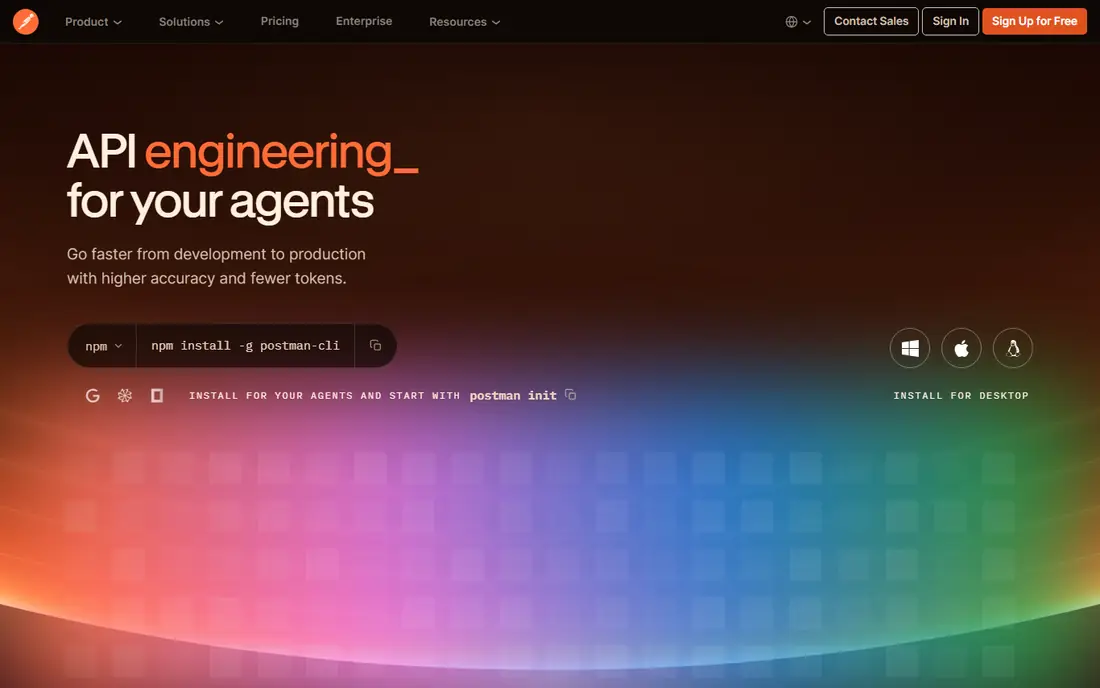
Our pick for most teams that already use Postman is to publish docs from the same workspace where requests are tested, because that keeps examples close to real behavior. Collections, variables, and environments carry over into published docs, and readers can run requests without copying code by hand. That closeness helps when an endpoint changes, since the doc and the test tend to change in the same place.
The catch is scope. Postman is a testing platform first, so teams that want long guides, versioned portals, and deep branding often outgrow its public pages. If your docs need to read like a product site, pair it with a dedicated portal tool or plan to accept simpler pages.
- Docs live beside collections and tests
- Large community
- Strong collaboration
- Public docs can feel basic next to a dedicated portal
- Paid seats add up
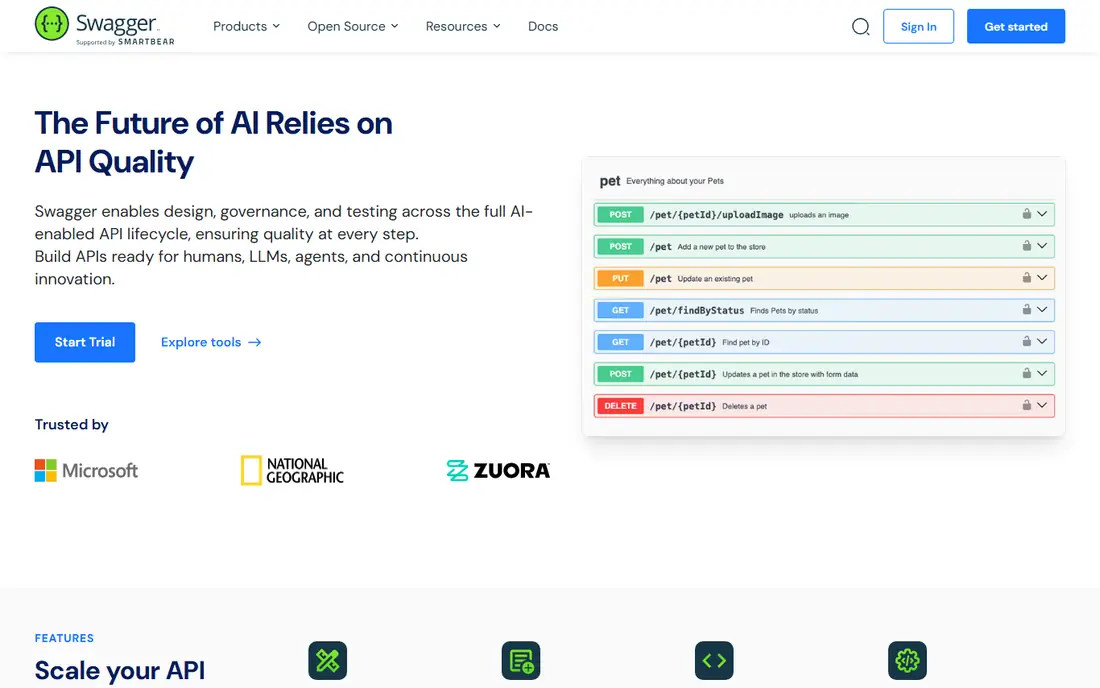
SwaggerHub fits teams that treat OpenAPI as the contract, not an afterthought. The editor, validation, and versioning support a spec-first habit, and the rendered reference is familiar to most developers. That familiarity matters, because new hires often already know how to read a Swagger page before they read your guides.
The downside is the learning curve for non-developers. Writers and product managers may find the spec editor less inviting than a Markdown editor, and costs can rise once you need advanced collaboration. It is best when engineers own the docs.
- Industry standard OpenAPI support
- Strong editor and validation
- Good team controls
- Hosted pricing is quote based for larger teams
- Design tools can feel dense for writers

ReadMe is the choice when docs need to sell the API as well as explain it. Guides, recipes, and reference pages sit in one branded hub, and the try-it console lets readers test calls without leaving the page. Analytics show which pages get read and where readers stall, which gives docs teams a clear list of pages to fix first.
The trade-off is price and setup time. Smaller teams may find the entry cost hard to justify for one API, and custom themes take work to get right. It earns its place when developer adoption is a business goal, not just a nice extra.
- Polished portals
- Interactive try-it console
- Usage analytics
- Higher starting cost than simple viewers
- Some features sit on higher tiers
Mintlify appeals to teams that want beautiful docs without hiring a docs designer. You write in Markdown, preview changes quickly, and get a site that looks current on desktop and mobile. Search and navigation are strong out of the box, which helps readers find an endpoint by name or by task.
The catch is cost at scale and some limits on deep customization. Teams with unusual layouts or strict hosting rules may prefer an open source renderer. For most startups, though, the speed from first draft to live site is the main win.
- Clean modern design
- Fast setup from Markdown
- Good search
- Pricing can rise quickly with team size
- Less control than self-hosted tools
Redocly is built for teams that want docs reviewed like code. Specs and Markdown live in Git, changes go through pull requests, and lint rules catch breaking changes before they ship. The rendered reference is clear, with code samples and a steady layout that readers learn once and reuse.
The honest weakness is friendliness for non-technical editors. If your docs team includes writers who do not use Git daily, expect training time. It is a strong pick when engineering discipline matters more than a drag-and-drop editor.
- Strong OpenAPI linting
- Git-based workflow
- Clean three-panel reference
- Setup leans technical
- Hosted portal features are paid
Stoplight starts before code, with design and mocking in the same workspace. Teams can model an endpoint, share a mock, and gather feedback while the real service is still being built. Style guides keep naming and structure consistent across services, which pays off when an API grows past a handful of endpoints.
The weakness is breadth. If you only need a reference page, Stoplight can feel like more tool than the job needs, and some teams report a thinner plugin ecosystem than older OpenAPI tools. Choose it when design and governance are the main problems.
- Visual API designer
- Mock servers
- Style guides and linting
- Smaller community than Swagger tools
- Pricing needs a careful check
Scalar is the lightest way to turn an OpenAPI file into docs people enjoy reading. It renders quickly, looks modern, and can be embedded in an existing site without a large migration. For internal APIs or a single public spec, that simplicity is a real advantage, and the open source license keeps costs at zero.
The catch is what it does not try to do. There is no full portal, no guides system, and no hosted analytics in the core viewer. Teams that need those features will add another tool. Use Scalar when the spec is ready and the page just needs to be clear.
- Free and open source
- Fast modern viewer
- Easy to embed
- No hosted portal or guides out of the box
- Smaller support team
Fern stands out when SDKs matter as much as docs. From one API definition, it can produce docs and client libraries in several languages, which cuts the manual work of keeping samples in sync. The explorer and navigation feel polished, and the result reads like a major platform site rather than a generated page.
The downside is effort and cost clarity. Large or messy specs need cleanup before generation works well, and teams should confirm pricing before they commit. It is best for product APIs where developers will judge you by SDK quality.
- Generates SDKs from the spec
- Polished docs
- Good API explorer
- Setup takes care with larger specs
- Pricing is less transparent
How we picked these
We compared official feature pages, pricing pages, and public documentation for each tool, and we favored tools that still support current OpenAPI workflows in October 2026. We looked at how docs are written, previewed, versioned, and published, and at what happens when a team grows from one API to several.
How to choose API docs that stay current
The most common failure in API docs is not bad writing. It is drift, where the page describes an older version than the live API. Pick a workflow that makes updates easy, whether that means generating docs from the spec, reviewing docs in Git, or publishing from the same workspace where tests run. If updates take a week, they will not happen.
Start with the spec, not the theme
A pretty portal built on a stale spec still misleads developers. Confirm how the tool reads OpenAPI or AsyncAPI, how it handles versioning, and how it shows breaking changes. A tool that flags a removed field before release saves more support time than any theme.
Match the editor to the writer
Engineers like Git and specs. Writers like Markdown and previews. Product managers like a simple page editor. If only one group can edit, docs will lag. Test the editor with the person who will actually update pages each week.
Check try-it, search, and samples
Readers judge docs by three things: can they try a call, can they find the endpoint, and can they copy a working sample. Test all three on a real endpoint before you buy, and check whether samples cover the languages your users actually use.
FAQ
What is the best api documentation tool for a small team?
For a small team, Scalar or Postman often makes sense, because both start free and stay close to the spec and tests you already have. ReadMe or Mintlify become worth the cost when the API is public and adoption matters. Start simple, and move to a portal when guides and analytics become real needs.
Do I need a hosted portal or an open source viewer?
A hosted portal suits public APIs with guides, search, and branding needs. An open source viewer suits internal APIs and teams that already host their own sites. The deciding factor is who reads the docs and how much hand-holding they need.
How do I keep docs in sync with the API?
Generate reference pages from the spec, review doc changes in the same pull request as code changes, and treat breaking changes as release notes. Tools with linting and versioning help, but the habit matters more than the tool.
Can API docs include code samples and SDKs?
Yes. Most tools on this list generate samples from the spec, and Fern goes further by generating SDKs. Check sample quality for your main languages, since generated samples can still contain errors if the spec is vague.
Is Swagger still a good choice in 2026?
Yes, for OpenAPI workflows. Swagger tooling remains widely known, and SwaggerHub adds collaboration and versioning around it. It is less of a full portal than ReadMe or Mintlify, so pair it with guides when needed.
Sources
https://www.postman.com https://swagger.io https://readme.com https://mintlify.com https://redocly.com https://stoplight.io https://scalar.com https://www.fern.ai