Best Documentation Software in 2026: 8 Tools Compared
Compare the best documentation software, from GitBook and Confluence to Notion and ReadMe, and pick the right tool for your team docs and API guides today.
- Editor's choice
 GitBook
Developer docs with Git sync
Starts atFreeVisit gitbook.comFull review - Great alternative
 Confluence
Enterprise team wikis
Starts atFreeVisit atlassian.comFull review - Also consider
 Notion
Flexible internal wikis
Starts atFreeVisit notion.soFull review
TL;DR:
- GitBook is our pick for developer docs that live beside code, thanks to Git sync and clean public sites.
- Confluence suits larger teams already using Jira, while Notion suits small teams that want one flexible workspace.
- ReadMe leads for API documentation with interactive try-it features, while Mintlify and Docusaurus suit Markdown-first teams.
- Document360 and Slite fill the gap for customer help centres and simple internal knowledge bases.
Quick comparison
| Tool | Best for | Starts at | Free plan? | |
|---|---|---|---|---|
| GitBook | Developer docs with Git sync | Free | Yes | Visit |
| Confluence | Enterprise team wikis | Free | Yes | Visit |
| Notion | Flexible internal wikis | Free | Yes | Visit |
 ReadMe | API docs with playgrounds | See website | Free trial | Visit |
 Document360 | Customer knowledge bases | See website | Free trial | Visit |
 Mintlify | Beautiful docs from Markdown | Free | Yes | Visit |
 Docusaurus | Open source doc sites | Free | Yes | Visit |
 Slite | Simple team knowledge | See website | Free trial | Visit |
The best documentation software
Good documentation software makes writing, finding, and updating docs part of daily work instead of a chore nobody owns. We compared official pricing pages, feature lists, and workflow designs for tools that serve developers, support teams, and whole companies.
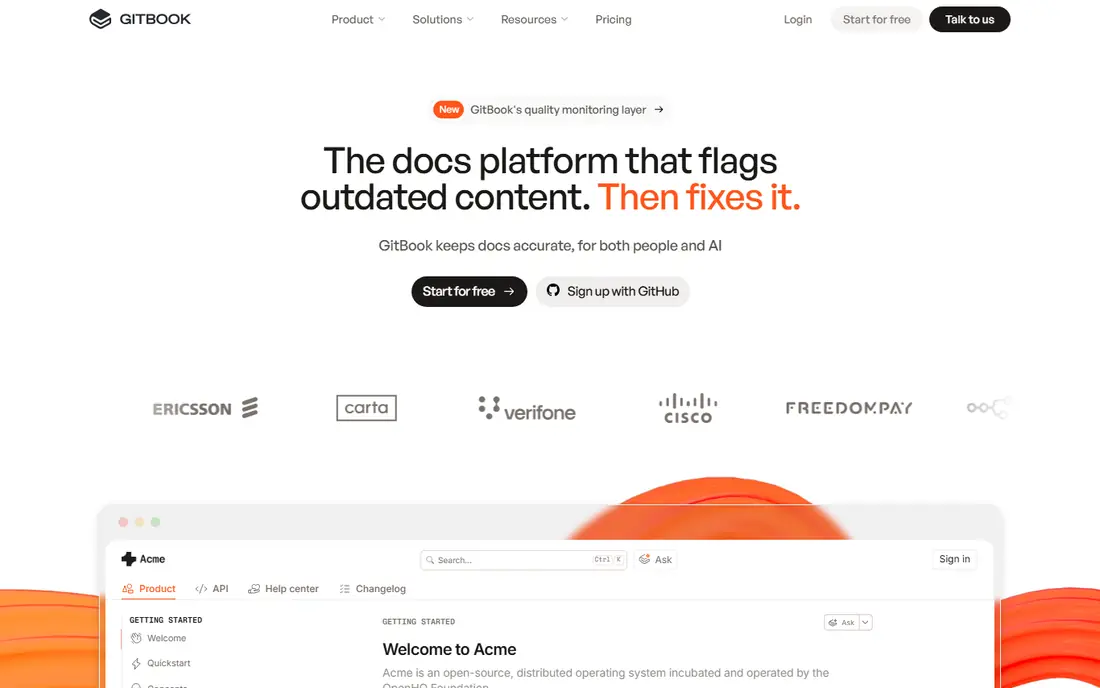
GitBook is built around the way developer teams already work. Docs live in Markdown, sync with Git, and publish to clean, searchable sites that customers can actually use. Versioning follows product releases, so a reader can pick the docs for the version they run instead of guessing. Collaboration tools let reviewers comment and approve changes, which keeps docs current without endless email threads.
The pricing model needs attention. Costs scale with sites and users, so a company with many products should model the total before committing. Non-technical writers may also prefer a simpler editor. For developer-facing docs, though, GitBook remains our pick, because it treats documentation as part of the product rather than an afterthought.
- Git sync keeps docs beside code
- Clean public sites with search
- Collaborative editing and versioning
- Per-site pricing can grow with many products
- Less suited to non-technical writers
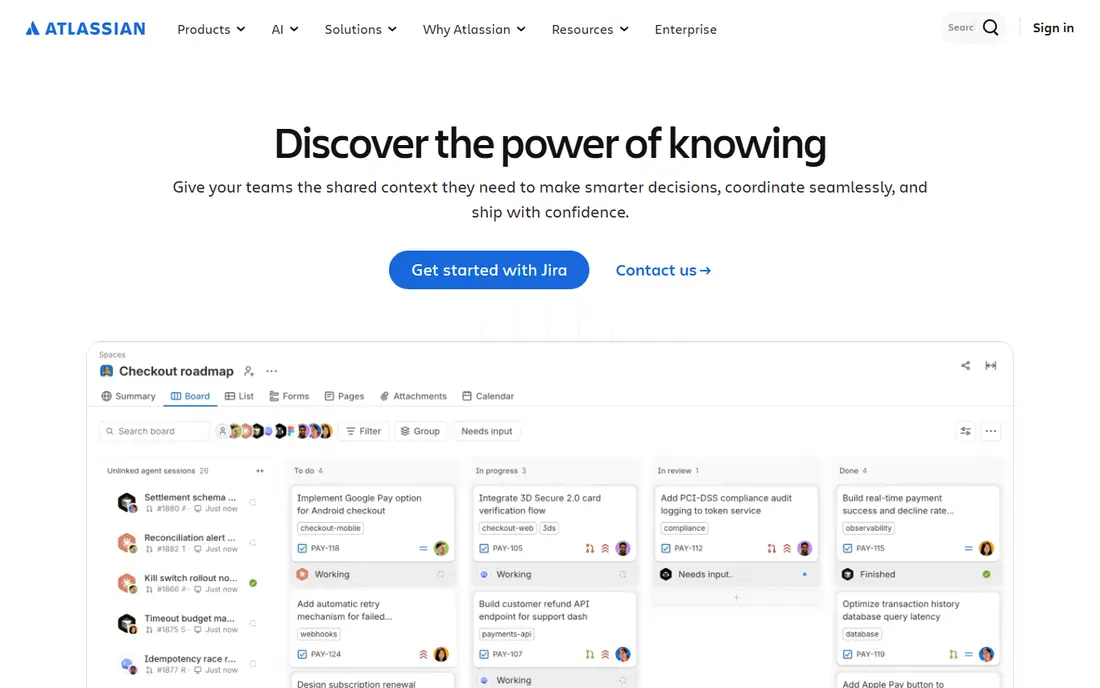
Confluence is the default internal wiki for many large teams, and its strength is breadth. Templates cover meeting notes, project plans, how-to guides, and decision records, while Jira links tie docs directly to the work they describe. Permissions, page history, and search help larger organisations keep knowledge organised across departments. The free plan for up to ten users makes it easy for a small team to try it properly.
The interface can feel slow and crowded compared with newer tools, and Confluence is weaker for polished public documentation sites. Teams that mainly need customer-facing API docs should look at GitBook or ReadMe instead. For internal knowledge across a growing company, especially one already using Atlassian tools, Confluence is hard to beat.
- Deep Jira integration
- Templates for many doc types
- Free plan for up to ten users
- Interface can feel heavy
- Public-facing docs are not its strength

Notion suits teams that want docs, notes, and project tracking in one place. The block editor lets anyone build a readable page quickly, and databases connect guides to tasks, owners, and deadlines. That flexibility is why small teams and startups adopt it so fast: one tool covers the wiki, the roadmap, and the meeting notes. The free plan also makes it a low-risk trial for a whole team.
Large documentation sets expose its limits. Search and load times can suffer in huge workspaces, and building a polished public help centre takes more work than in a dedicated docs tool. Version control for code-linked docs is also weaker than Git-based tools. For internal team knowledge, especially in smaller organisations, Notion is an excellent and friendly choice.
- Block editor is easy to learn
- Databases link docs to tasks
- Free plan covers personal use
- Search can slow on very large workspaces
- Public docs need extra setup
ReadMe is designed for companies whose API is the product. Developers can try endpoints from inside the docs, see real responses, and follow guided recipes that walk them through common integrations. That try-it-now experience shortens the time from first visit to first successful API call, which is exactly what developer relations teams want. Usage metrics also show which endpoints and guides confuse readers, so teams can fix the right pages first.
The price reflects that focus, and general internal wikis are not ReadMe's job. A team that needs both API docs and a broad company wiki will likely pair ReadMe with another tool. If your main goal is helping developers adopt an API quickly, ReadMe is the strongest specialist on this list.
- Interactive API playgrounds
- Guided onboarding for developers
- Metrics on doc usage
- Higher starting price
- Focused on APIs rather than general wikis
Document360 targets customer-facing help centres and internal knowledge bases that need structure. Editors move articles through draft, review, and publish stages, while versioning keeps older product docs available. Search is built for customers who arrive with a problem, not for developers browsing code, and analytics reveal failed searches and weak articles. That combination suits support teams measured on deflection and customer satisfaction.
Pricing is less transparent than simpler tools, and a large migration needs careful planning around categories and permissions. Smaller teams may find Notion or Slite enough. For support-led organisations with hundreds of articles and multiple products, Document360 gives the control and reporting that simpler wikis lack.
- Structured knowledge base workflows
- Versioning and analytics
- Strong search for customers
- Quote-based pricing for larger use
- Setup takes planning for big content sets
Mintlify turns Markdown files into attractive documentation sites with little setup. Developers write docs beside their code, push changes, and get a modern site with search, navigation, and API reference support. The result looks polished without a designer, which helps small developer teams present a professional front. A free starter tier lets teams test the workflow before paying.
The paid tiers cost more than some rivals once a team grows, so budget planning matters. Deep customisation also assumes comfort with code and configuration files. For engineering teams that already live in Markdown and Git, Mintlify offers one of the fastest routes from draft docs to a site worth sharing.
- Polished docs from Markdown files
- Fast setup for developer teams
- Free starter option
- Paid tiers rise steeply for larger teams
- Customisation needs code comfort
Docusaurus, maintained by Meta, is a static site generator built for documentation. Teams write in Markdown, build a site with React components where needed, and host it anywhere they choose. Versioning, search, and internationalisation support come built in, and the open source licence means no per-seat fees ever. Large open source projects use it precisely because it scales without a growing bill.
The cost is developer time. Someone must set up, theme, and maintain the site, and non-technical writers cannot edit as freely as in a hosted tool. If your team has engineering capacity and wants full control, Docusaurus is an excellent free foundation. If writers need a simple hosted editor, a paid tool will suit them better.
- Completely free and open source
- Full control over design
- Versioning and search built in
- Needs developer time to set up and host
- No hosted editor for non-technical writers
Slite keeps team knowledge simple on purpose. The editor is clean, pages organise into channels, and remote teams can share decisions, guides, and onboarding notes without learning a complex system. That simplicity helps adoption, since the best wiki is the one people actually update. Search and templates cover everyday needs well, and the interface stays fast for typical team sizes.
It lacks some advanced features of GitBook, Document360, or Confluence, such as deep API tooling or large-scale permission schemes. Teams with complex public docs or strict compliance needs should look elsewhere. For a small or remote team that wants a tidy internal knowledge base without overhead, Slite is a calm and practical pick.
- Clean, fast editor
- Simple organisation for team notes
- Good for remote teams
- Fewer advanced docs features than larger tools
- Pricing is per member
How we picked these
We compared official pricing pages, feature lists, and workflow designs, keeping tools that are actively maintained and used for real documentation in 2026. We covered developer docs, API docs, internal wikis, and customer knowledge bases, since one tool rarely serves all four well. We excluded plain word processors, since they lack versioning, search, and structure that documentation work needs. Prices marked as See website reflect tiered or quote-based pricing.
How to choose the right tool
Start with the audience. Developer docs need Git workflows, versioning, and API support, which points to GitBook, Mintlify, or Docusaurus. Internal team knowledge needs an easy editor and good search, which points to Notion, Confluence, or Slite. Customer help centres need structured publishing and analytics, which points to Document360. API adoption needs interactive playgrounds, which points to ReadMe.
Then test the writing experience with real content. Import ten existing docs, check how search handles them, and ask a non-technical colleague to edit a page. Also check ownership: who approves changes, how outdated pages get flagged, and how docs stay in step with product releases. A tool that makes updating easy will stay current, while a tool that makes it hard will slowly go stale no matter how good it looks on day one.
FAQ
What is the best documentation tool for developers?
GitBook is our pick for most developer teams, thanks to Git sync, versioning, and clean public sites. Mintlify and Docusaurus suit teams that prefer Markdown-first workflows, with Docusaurus offering full control at the cost of setup time. Pick based on how much hosting and customisation your team wants to own.
What is the best tool for documentation for a small team?
Notion suits most small teams, because it combines docs, notes, and tasks in one flexible workspace with a free plan. Slite is a simpler alternative if your team only needs a tidy knowledge base. Both let non-technical staff write and update pages without developer help.
How is Confluence different from GitBook?
Confluence is an internal wiki built for broad company knowledge and Jira integration, while GitBook is built for developer docs that sync with Git and publish as public sites. Many companies use both: Confluence inside the company, and GitBook for customer-facing developer docs. The right split depends on your audiences.
Can documentation software help with API docs?
Yes, and ReadMe is the specialist here, with interactive playgrounds that let developers test endpoints inside the docs. GitBook and Mintlify also support API references from Markdown and OpenAPI files. For a public API, interactive examples and clear getting-started guides matter more than page count.
Is free documentation software good enough?
Often, yes. GitBook, Notion, Mintlify, and Docusaurus all offer free tiers or open source versions that cover small teams well. Paid plans mainly add advanced permissions, analytics, support, and scale. Start free, and upgrade when a missing feature blocks real work rather than paying in advance.
How do we keep documentation from going out of date?
Assign an owner to each section, review docs with each product release, and track failed searches and support questions to find stale pages. Tools with versioning and review workflows help, but the habit matters more than the tool. A short monthly review beats a large annual rewrite every time.